

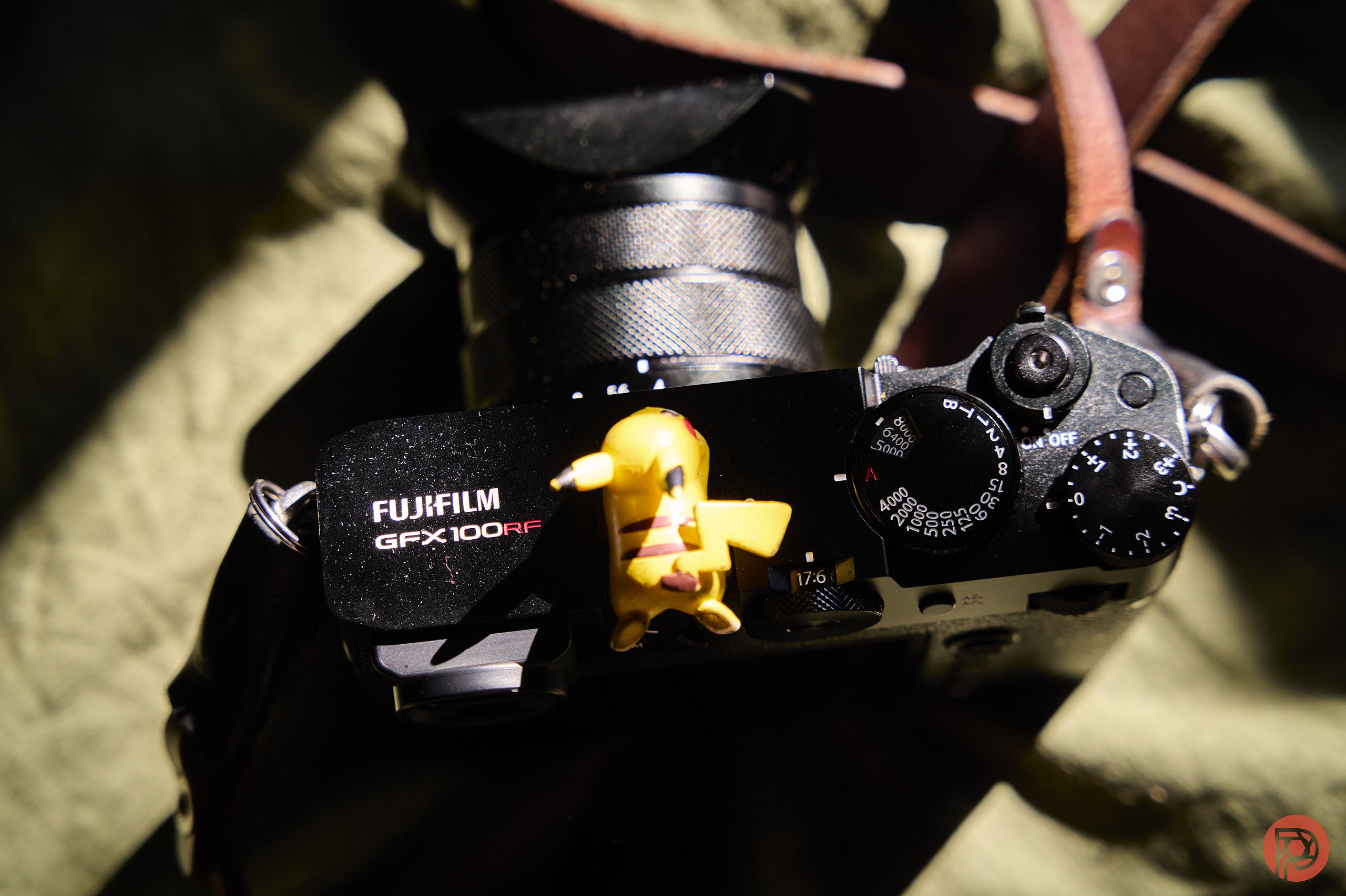
A while back, I moved away from Fujifilm cameras and gear after being a pretty die-hard Fuji lover for over a decade. Their treatment of the X Pro 3 and their newfound fascination with content creators made me feel like they’ve been leaving photographers in the dust. It’s part of why I even created the 5 Boro Foto Fest coming later this year. And with the Fujifilm GFX100RF, I still feel that to be the case.
The following text is an update to our full Fujifilm GFX100RF review. You can view the full review here at this link if you wish.
Did Fuji Forget About The Fujifilm GFX100RF?
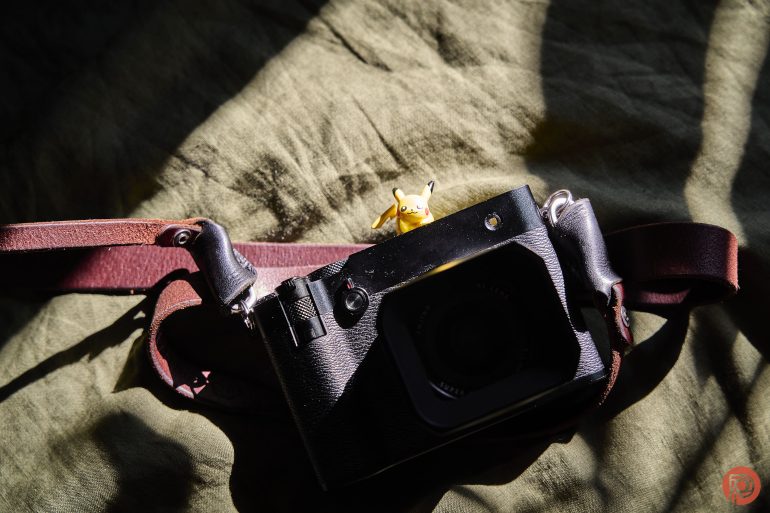
Since my original review of this camera, Fujifilm gave two firmware updates. Here are the details.
Ver.1.12
The firmware update Ver.1.12 from Ver.1.10/Ver.1.11 incorporates the following issue:
- A firmware bug is fixed that the eye sensor fails to activate in rare cases when viewing through the EVF at preview mode.
Ver.1.10
The firmware update Ver.1.10 from Ver.1.00 incorporates the following issues:
< Important notice after firmware update >
- After the firmware update, you cannot connect the camera to the iOS version of FUJIFILM Camera Remote. Be sure to upgrade your smartphone or tablet to iOS13 or later and use FUJIFILM XApp instead of Camera Remote.
- After the firmware update, you cannot use the FUJIFILM Camera Remote (Android version) to connect with the camera through Bluetooth: Ver.4.1 and earlier. To pair via Bluetooth, smartphone/tablet must be Bluetooth Ver. 4.2 and latter.
Regarding the details of No.1 download the “GFX100RF New Features Guide[Ver.1.10]” from our website.
GFX 100RF New Features Guide: English, Français, Deutsch, Español, Italiano, Nederland, Polski, Svenska, Norsk, Dansk, Pусский, Suomi, 中文简, 中文繁體, 한국어, ภาษาไทย, Arabic
- The wireless communication security is enhanced while camera is connecting with a smartphone application or external device wirelessly.
After updating the firmware, security will be enhanced, so the connection procedure with the smartphone application will be changed, or the “WIRELESS COMMUNICATION” setting menu on the camera will be deleted (see section,below for details).
< Changes after firmware update >- The procedure for pairing the camera with a smartphone is changed.
- “WIRELESS COMMUNICATION” option in the “SHOOTING SETTING”, “MOVIE SETTING”, and “PLAY BACK MENU” are removed.
- “WIRELESS COMMUNICATION” option is removed from the functions assigned by the following operation flow in the “Setup Menu”.
・Operation flow: “BUTTON/DIAL SETTING” ➔ “FUNCTION (Fn) SETTING” - “WIRELESS COMMUNICATION” option is removed from the “Fn1 BUTTON SETTING” menu in the “BUTTON/DIAL SETTING” of the “Setup menu”.
- “instax PRINTER CONNECTION SETTING” menu is removed from the “NETWORK/USB SETTING” of the “Setup menu” .
- “instax PRINTER PRINT” option is removed from the “PLAY BACK MENU”.
< Precautions After Firmware Update > - Network security level is improved by updating to the latest versions for both the smartphone applications (FUJIFILM XApp / FUJIFILM Camera Remote) and connected cameras, since the latest versions change the network setting menus and connecting procedures to enhance the wireless communication security.
Be aware that the security level remains unchanged in the following case.
・In case that the camera’s firmware is the current version, and the smartphone application (FUJIFILM XApp / FUJIFILM Camera Remote) is the latest version. - After updating the camera firmware, if the smartphone application (FUJIFILM XApp / FUJIFILM Camera Remote) is not updated to the latest version, you cannot connect to the camera. Be sure to upgrade your smartphone application software to the latest version.
- After updating the firmware, the “WIRELESS COMMUNICATION” setting menu of the camera will be removed, so if the “CONNECTION MODE” setting in the “NETWORK/USB SETTING” menu is set to “USB TETHER SHOOTING FIXED”, the setting is reset to the default value.
- After updating the firmware, you will no longer be able to print images taken with a digital camera directly from the instax™ SHARE SP-1/2/3. When printing images using instax™ SHARE SP-1/2/3, please use the smartphone application
(FUJIFLM XApp or FUJIFILM Camera Remote) to import images and print from the dedicated instax™ printer application.

Fujifilm hasn’t really done a lot to this camera. Autofocus on people of color in low light has dramatically increased, but otherwise I found that Fujifilm actually took away features. Compared to my X Pro 3, I can go into the drive menu and then choose a set of options that give me stuff like a toy camera look. That’s all missing from this camera.
To further clarify my previous statement about autofocus on people of color in low light, it doesn’t work all that well when people are moving and backlit. But when they’re still, it does a good job. Nikon and Leica are still at the top when it comes to this parameter.

It’s nice that Fujifilm gave us all this wireless sharing stuff though. Admittedly, I didn’t bother to use it because if I bought this camera, I wouldn’t use it while asking people for portraits and then offering them an image. For that, I’d use more serious cameras. The GFX 100RF is more for documentary work where you’re purposely not trying to intrude on what’s happening so that you document history as it is happening without changing the future. Otherwise, everyone I photograph would’ve been fine with the digital photo sent to them.
Let me be clear here: this is now twice that Fuji charges an arm, leg, and a bit of your liver for a camera and doesn’t do much to improve on it.
While using this camera, a gentleman who works at B&H Photo came up to me in the Roosevelt Ave train stop. He (or they) started chatting with me. He works in the Used Dept and talked about how he uses his GFX100S II as his hobby camera. It was cool. He said that he never ended up getting the GFX 100RF because he wanted more versatility. And honestly, I don’t blame him. I wish that Fuji had given us a realy GFX 50R replacement and not just this. Granted, this is one heck of a camera.

Ultimately, I didn’t get his gentleman’s name and I didn’t even tell him mine. There’s a chance he knew who I was because while I positively adore the company’s employees, I will condemn the management endlessly. But I usually don’t tell people in camera groups who I am because as a journalist, I’ve had death threats come my way from people who are way too deep into their echo chambers and the marketing mindsets created by the people who do marketing for the Japanese brands.
To me, it’s as ridiculous as an Apple fanboy coming up to you if you said that Apple’s entire ecosystem is flawed because of the design changes that don’t ultimately fully integrate with one another. Just imagine stating a fact like that and then getting a death threat from some Apple fanboy. It’s ridiculous; but I do indeed get this from camera fanboys and some of them I’ve even reported to authorities.
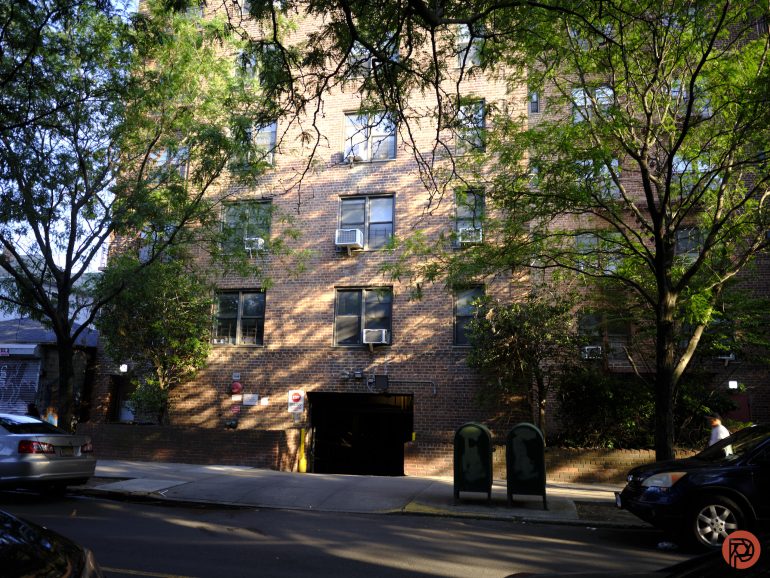
Returning to the conversation I had with this fellow, I ultimately agree with them. The GFX 100RF is a fantastic camera and point and shoot. And Fujifilm very much so did a first of its kind. But like almost any rangefinder style camera Fuji makes except for the 100VI, they just didn’t do much to it after the launch. This, ultimately, makes me feel like I was used. I guess I can say that about any corporation; but I remember when you’d buy a Fujifilm camera and towards the end of the life of the camera, you still felt like you had a brand new camera due to the firmware updates.
Despite my great time with the Fujifilm GFX100RF, I really wish that Fujifilm did more.
What am I talking about?
- Halation control: give us a look like digital Cinestill
- More experimental looks: a disposable camera? Cross processing with various chemicals? Natura? Double exposures with preset overlays? Tungsten film?
Honestly, I shouldn’t be sitting here saying all the different ways that they can pack more features into these cameras for photographers. They can literally just look around the web. I’d be happier giving them more ideas when the Kaizen philosophy returns in full effect.


Get rid of the ads!
Did you enjoy reading this article as much as we enjoyed writing it? There's a way to support us and our reporting, getting ad-free navigation and more as a bonus. Subscribe to us for less than a coffee per month —just $3.99— or take advantage of our yearly subscription with a hefty discount for only $25.- An ad-free experience
- A free mystery box for Lightroom or Capture One
- All the books in our store
- 20% discount on Capture One
- 30% discount on Imalume Photo Theft Protection
- 20% off Herbs and Kettle Tea Company.
- 20% off your order from MPIX printing services.
- 5% off Viltrox Products via their eCommerce store.
- 10% off all film developing, printing and scanning services from Blue Moon Camera and Machine