

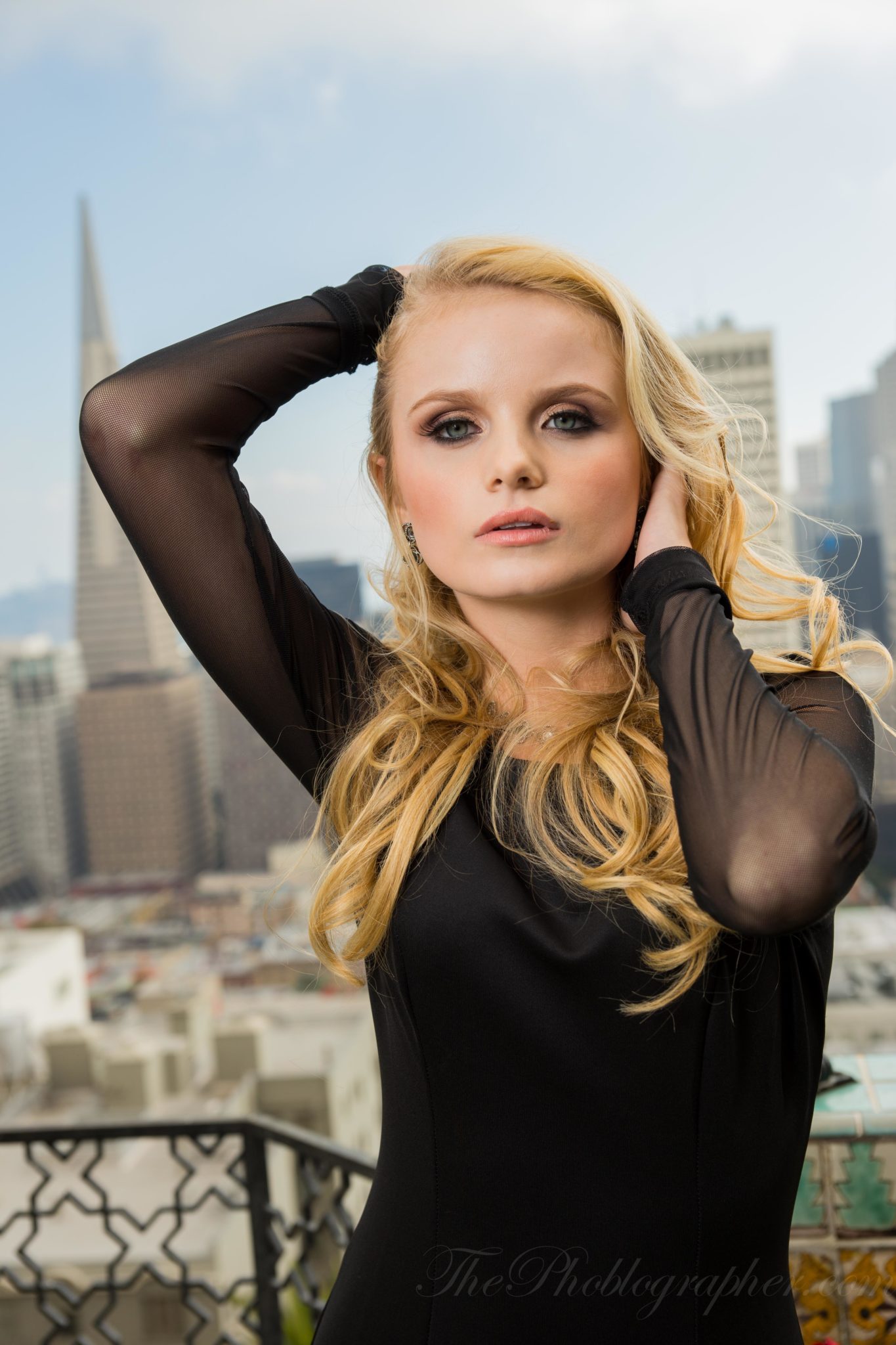
After posting my first studio sample image from the Sony A99, I was able to edit a couple more images. This morning, I spent a good portion of the time shooting studio photos on-location with the camera, 24-70mm f2.8, Sony HVL-F60M, the latest version of the RoundFlash, and an Impact 60 Inch White Interior Umbrella.
So how did they perform?
Gear Used
Ergonomics
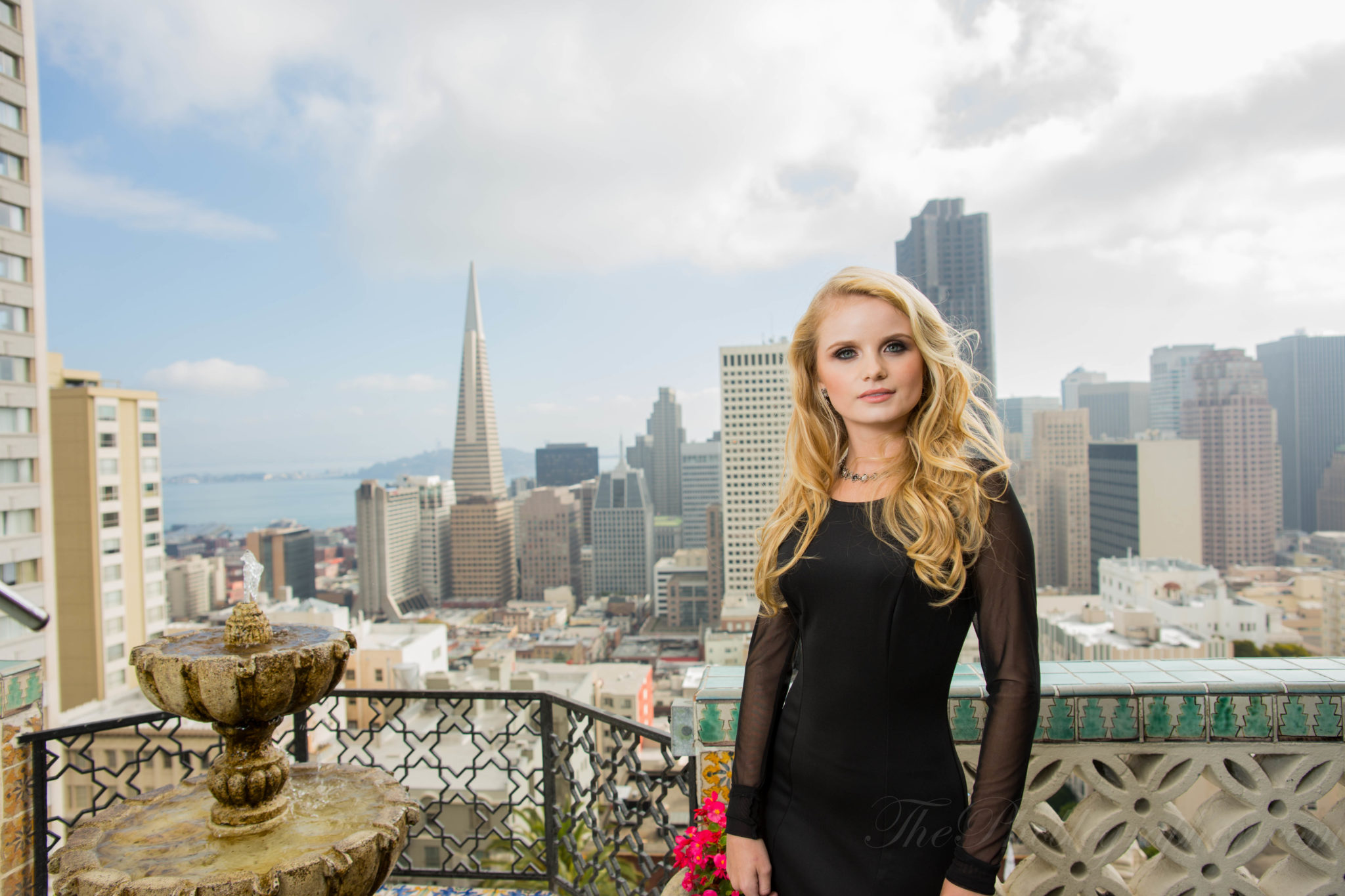
The Sony A99’s ergonomics are honestly really quite astounding. After spending a half hour to memorize the camera and explore the menus, it is really quite a joy to use. It wasn’t heavy; but the 24-70mm wasn’t exactly what I was used to and I should have asked for an 85mm f1.4 instead since I digg prime lenses much more.
The camera feels very beefy and like the perfect fusion between a Nikon and Canon DSLR. For this reason, I feel like it will appeal to so many people. Indeed, I’m considering purchasing one and the trip isn’t even over yet.
For studio shooting the camera has two critical modes that you’ll want to remember: Live View Preview and Wireless Flash Control. Live View Preview will either give you a preview of what you’ll see in the viewfinder or it will automatically compensate itself to let you see your subject. That is key for when you’re using Pocket Wizards, for example. The Wireless Flash Control setting is accessed after using the Fn button and then setting the flash to wireless. This is easier for me than going through Canon’s menu and then submenu followed by confirmations.
Focusing
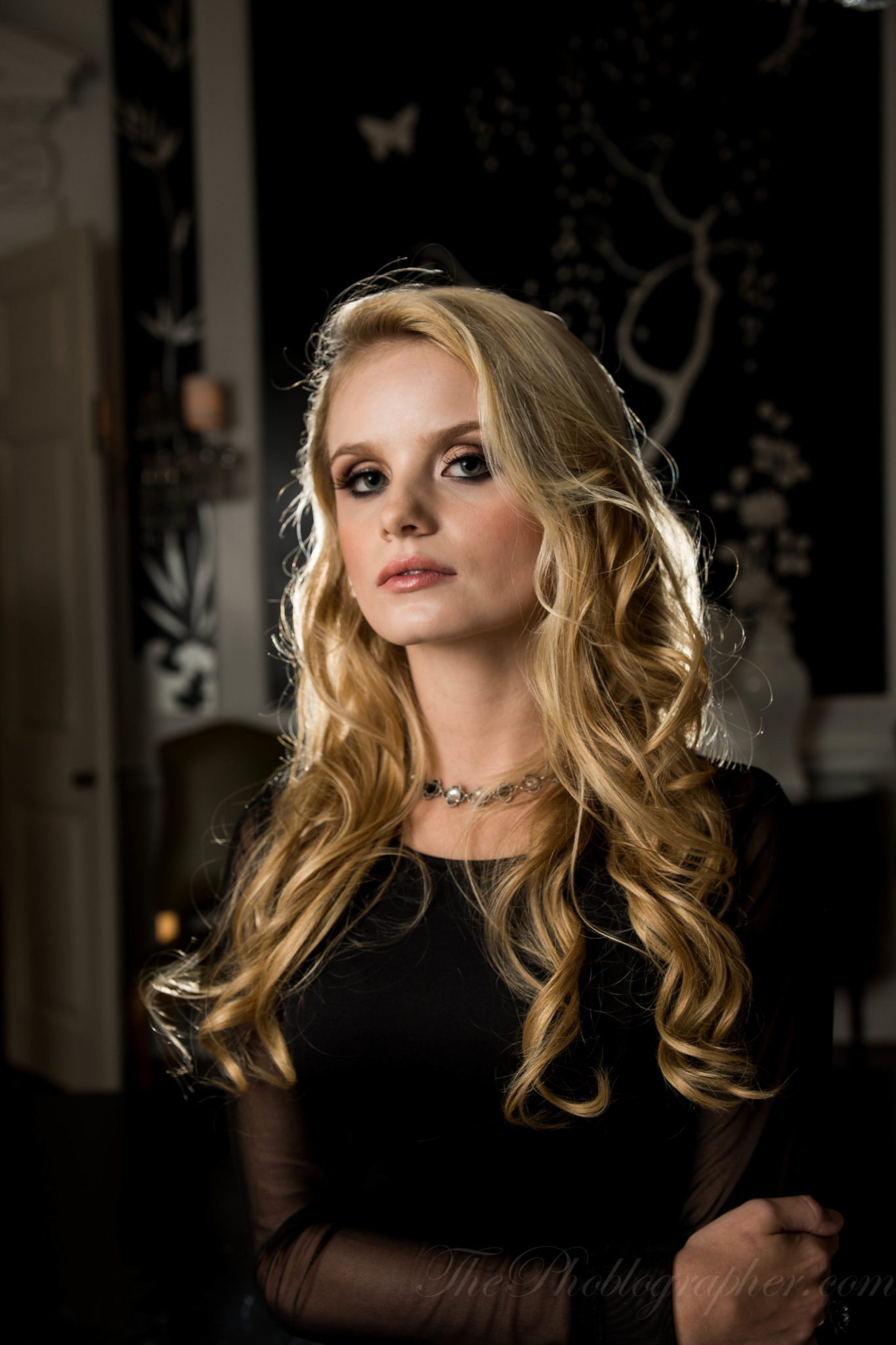
The A99 can focus relatively quickly, but then can also sometimes take its time in low light situations. It is best to place your focusing point on a contrasting area and use an exact focusing point as well.
The photo above was one that I absolutely fell in love with after having two flashes fire into the Umbrella camera left and one flash behind Kayla.
The problem: the photo is out of focus. But that’s only for the major tech nerds. It’s an otherwise great shot in my opinion.
Using the HVL-F60M
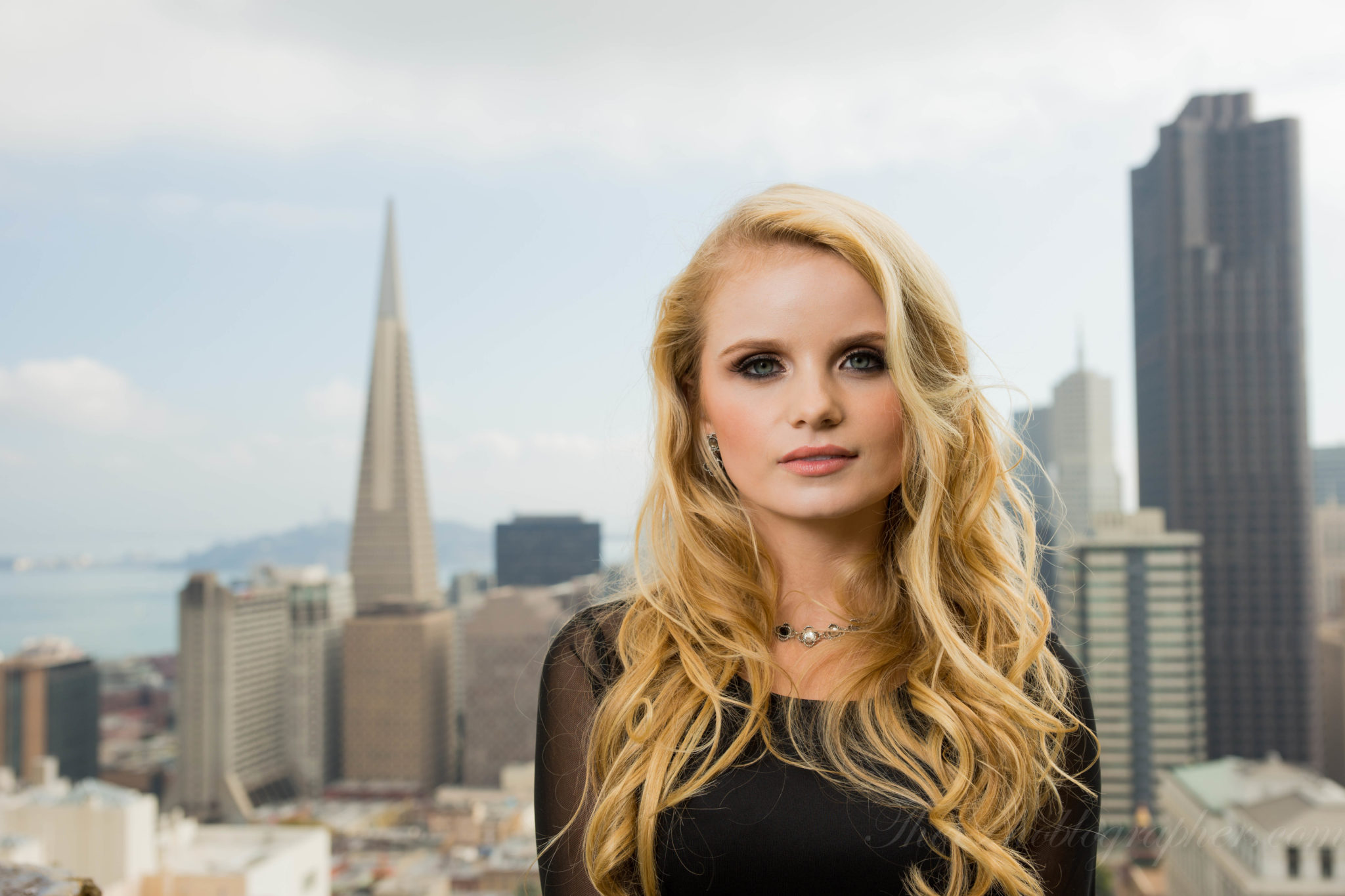
Many photos I shot outside were done with high speed sync though others were done without it. To accomplish HSS mode, the flash needs to aimed directly forward. It’s a good idea to set the flash to Pre-Flash TTL to ensure that it doesn’t also become part of the exposure but instead just triggers other flashes via Infrared transmission. Additionally, the flashes cannot accommodate my Pocket Wizard Plus IIIs due to the lack of an appropriate port.
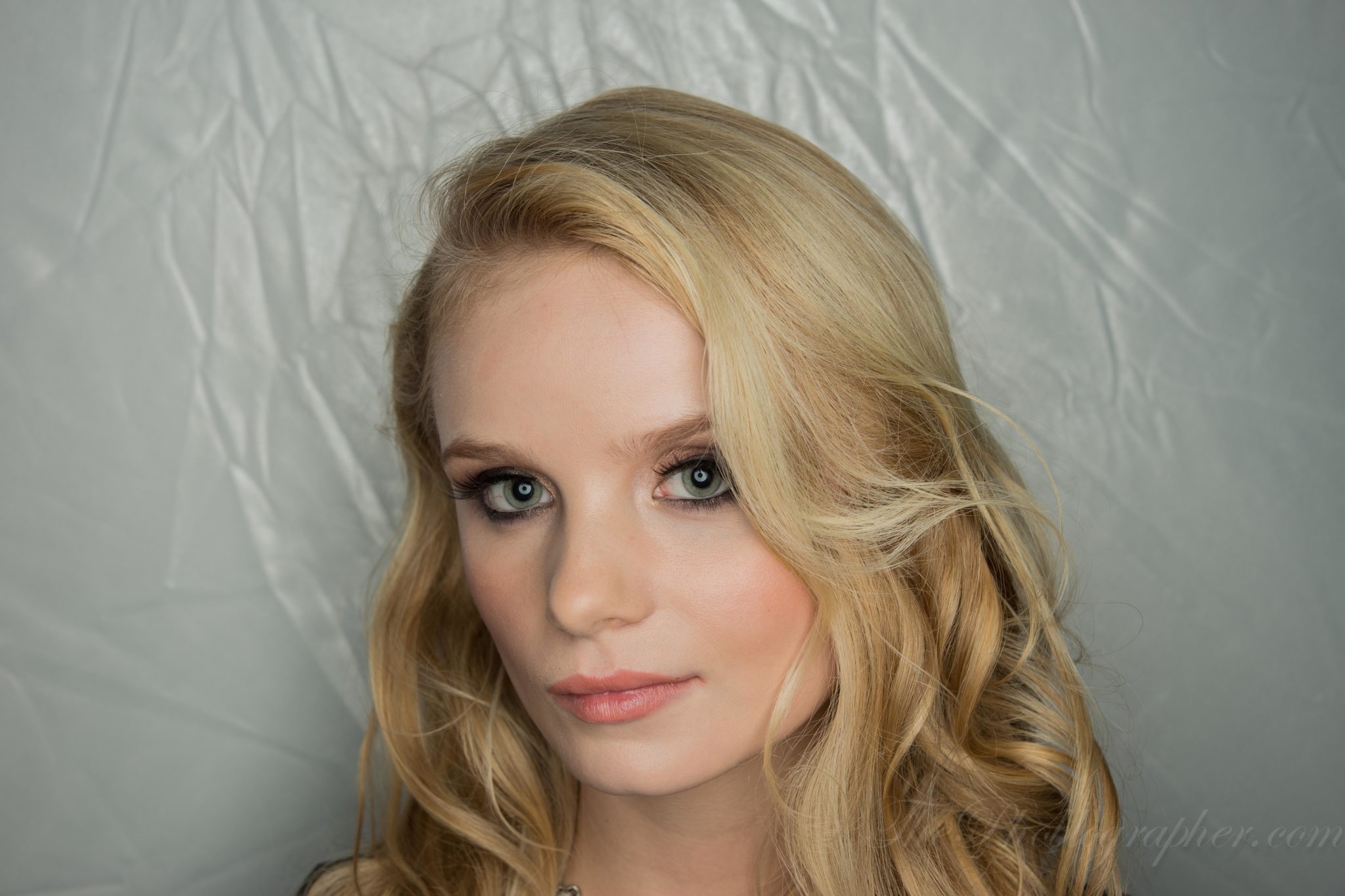
Remember the RoundFlash? Well, if you’ve kept up with the news, they produced a new version based off our initial results. The new version is excellent and had both Sony reps, photographers and journalists all mesmerized. For my images, I set the flash to 1/4 output because TTL didn’t work well enough for me. The results looked great.

But the HVL-F60M flash is also extremely powerful and the Sony reps said that it can output around 120 Watt seconds of power.
First Impressions
Besides the fact that the HSS setup annoyed me a bit, the flash and camera worked seemlessly and the HVL-F60M was also extremely simple to use once you navigated and played with the menus. Another small quirk of mine though is that I really wish that the head could also tilt backward; but instead it can only go left, right, up and down. It is versatile and pretty nice; but I did encounter some issues when trying to use it with a Softbox because sometimes the infrared sensor would need to be covered when the flash was being held in place by a Speedring.
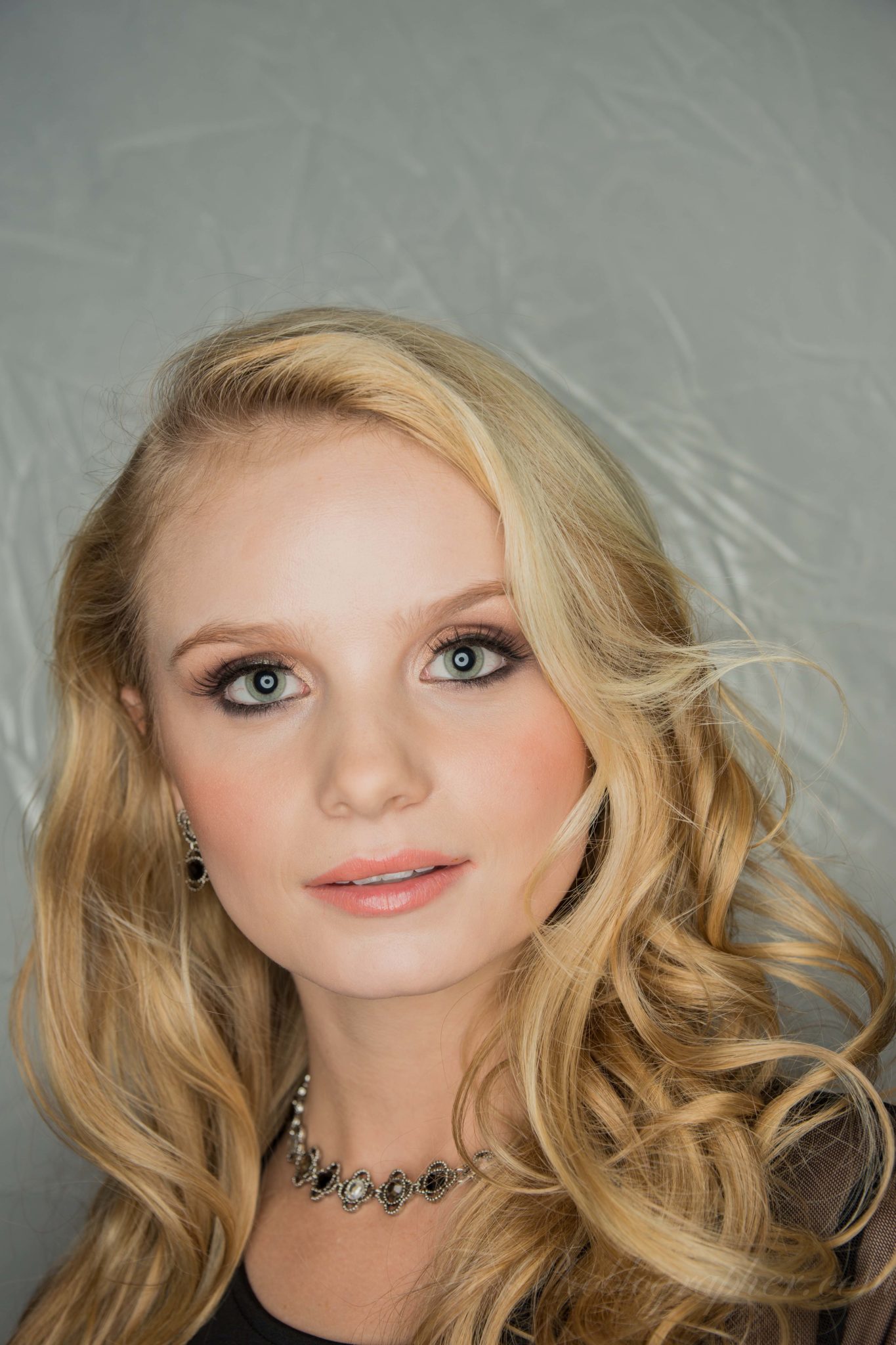
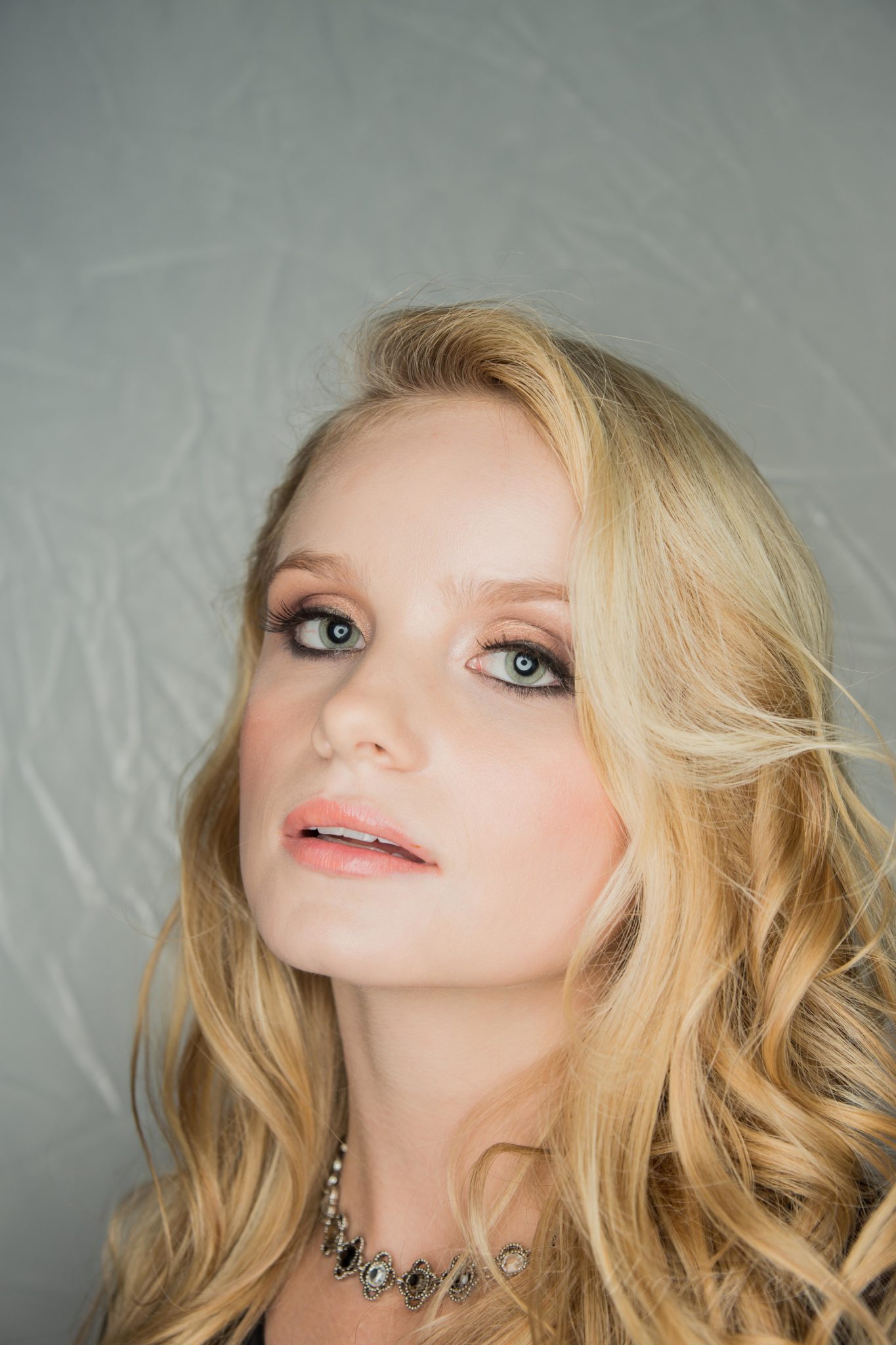
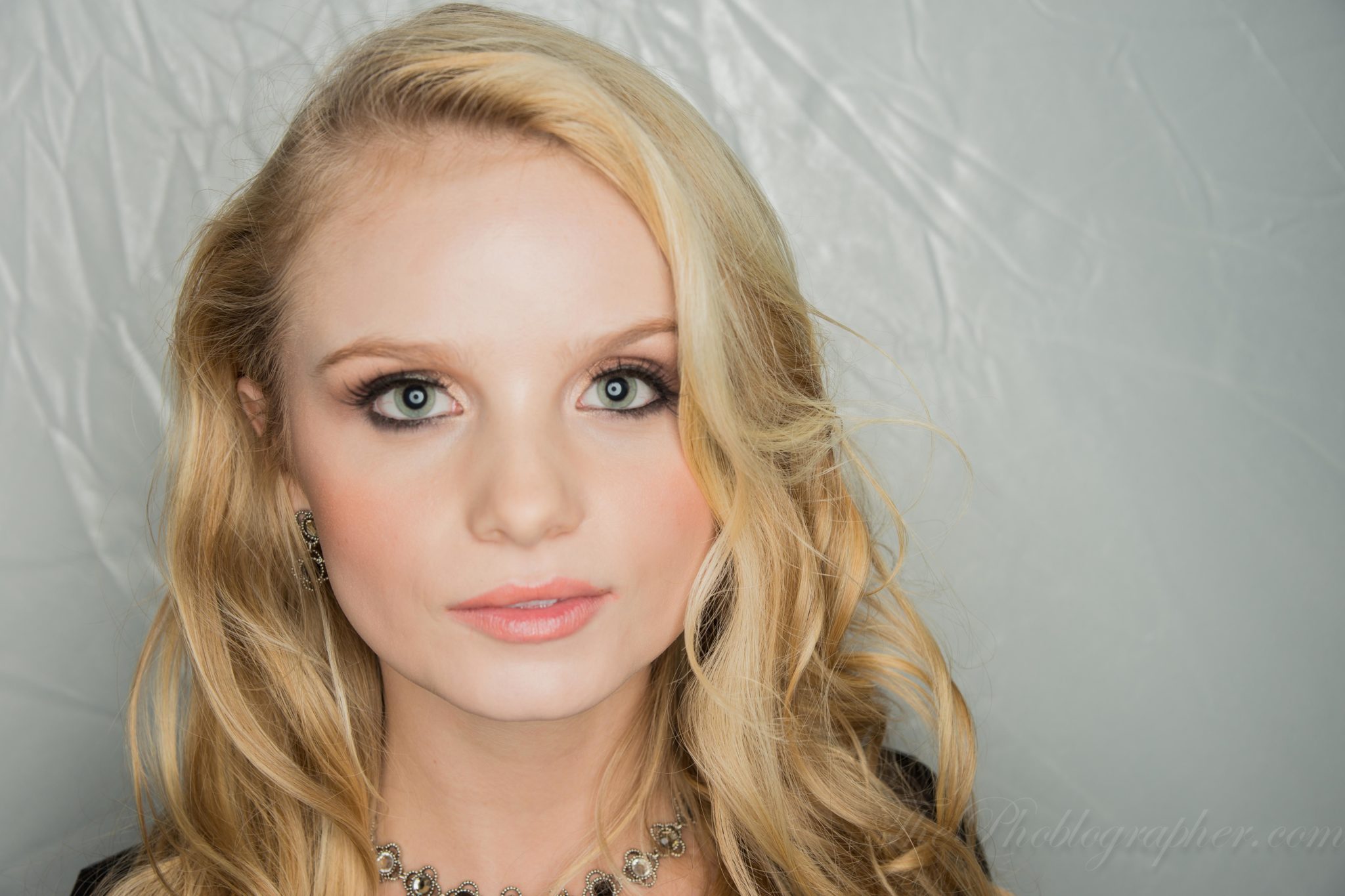
Here are some more photos: there’s more to come soon.
Please Support The Phoblographer
We love to bring you guys the latest and greatest news and gear related stuff. However, we can’t keep doing that unless we have your continued support. If you would like to purchase any of the items mentioned, please do so by clicking our links first and then purchasing the items as we then get a small portion of the sale to help run the website.
Also, please follow us on Facebook, Flickr and Twitter.
Get rid of the ads!
Did you enjoy reading this article as much as we enjoyed writing it? There's a way to support us and our reporting, getting ad-free navigation and more as a bonus. Subscribe to us for less than a coffee per month —just $3.99— or take advantage of our yearly subscription with a hefty discount for only $25.- An ad-free experience
- A free mystery box for Lightroom or Capture One
- All the books in our store
- 20% discount on Capture One
- 30% discount on Imalume Photo Theft Protection
- 20% off Herbs and Kettle Tea Company.
- 20% off your order from MPIX printing services.
- 5% off Viltrox Products via their eCommerce store.
- 10% off all film developing, printing and scanning services from Blue Moon Camera and Machine
- 15% off 7Artisans products: The lens and accessory maker is offering a sweet discount for Phoblographer's readers.