

Last Updated on 01/20/2015 by Chris Gampat
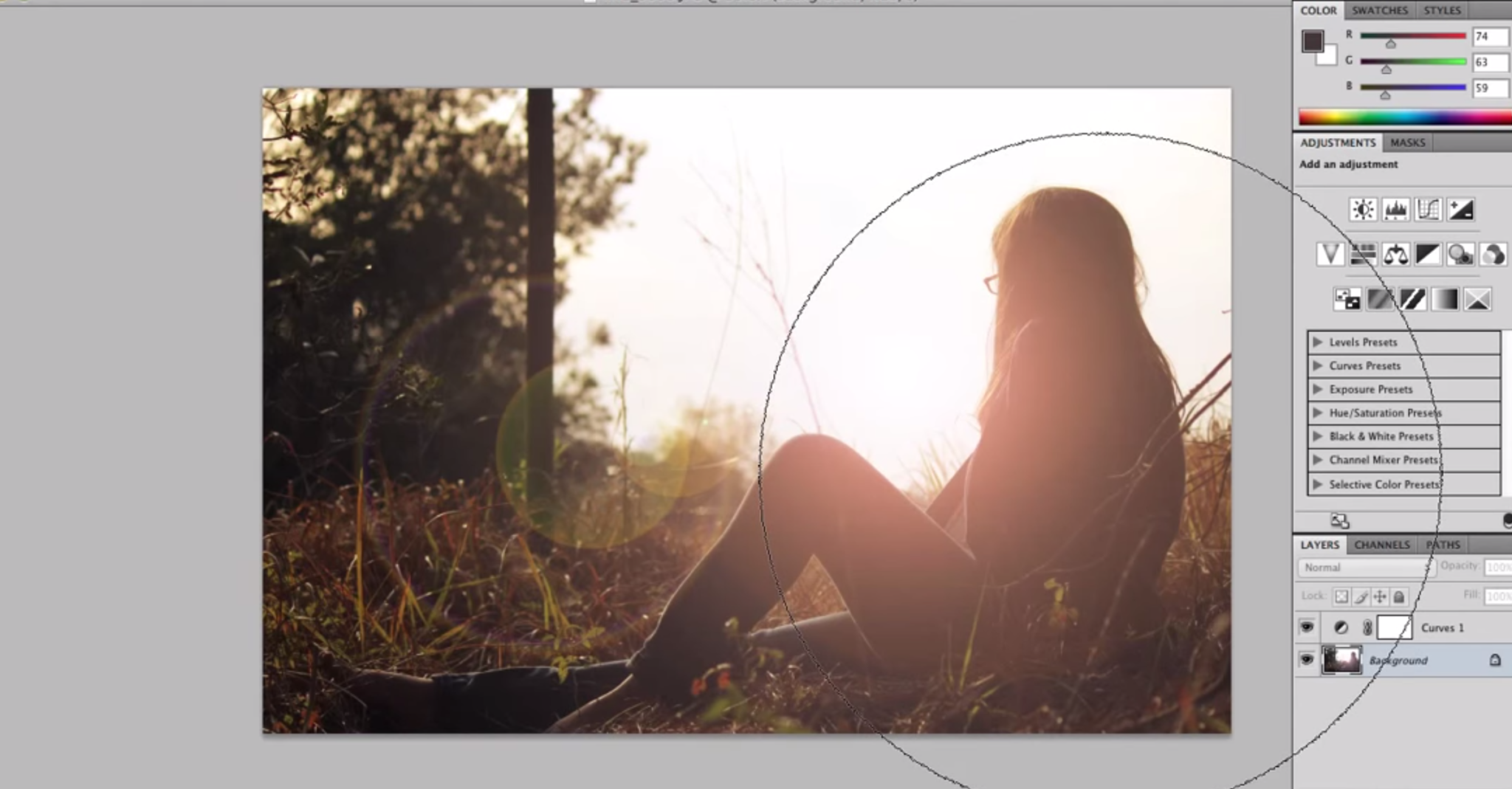
The Golden Hour is one of the most popular times to go shooting photos because of the beautiful natural glow that the sun gives off. But sometimes you and your portrait subject don’t always have the time to shoot in that time slot. Don’t worry though, photographer Emilie Whitcher has a tutorial on how you can create the look of the golden hour (specifically sunset) in Photoshop.
Now before you continue, we’re going to call it: there are bound to be commenters and smart asses saying “Or you can just shoot during the Golden Hour.” Sure, but again, you don’t always have the available time to do so due to scheduling conflicts.
Emilie shows us how using white balancing tools and a bright spot, layering, opacity, and all the works.
The video on getting the golden hour effect in Photoshop is after the jump. But also be sure to check out our tips and project ideas for golden hour photography.
Get rid of the ads!
Did you enjoy reading this article as much as we enjoyed writing it? There's a way to support us and our reporting, getting ad-free navigation and more as a bonus. Subscribe to us for less than a coffee per month —just $3.99— or take advantage of our yearly subscription with a hefty discount for only $25.- An ad-free experience
- A free mystery box for Lightroom or Capture One
- All the books in our store
- 20% discount on Capture One
- 30% discount on Imalume Photo Theft Protection
- 20% off Herbs and Kettle Tea Company.
- 20% off your order from MPIX printing services.
- 5% off Viltrox Products via their eCommerce store.
- 10% off all film developing, printing and scanning services from Blue Moon Camera and Machine