Back in the analog era, film was about character and expression of your feelings. In today’s digital world, everything coming from modern mirrorless cameras can seem clinically the same. Not all cameras made today and from the last decade or so have the ability to apply in-camera retro looking effects to your photos. That’s where software like DxO FilmPack 8 can really help bring your creative vision to life at your desk.
You can find loads of post processing software these days that support presets. But what if you’re a purist of sorts who wants to just give an aging look to your SOOC photos? Or if you don’t want to try and tweak the preset’s impact and feel and instead want a dedicated tool to help making your photos look like they were shot on film. DxO FilmPack 8, the latest version of the longstanding successful series of software, has added a handful of new tools to help make this process easier for you. It isn’t a complete reinvention of the earlier edition; they’ve thoughtfully expanded their impressive library of film stock, improved workflows for photographers, and introduced several genuinely useful features for new and existing users.


At the time of reviewing DxO FilmPack 8, there were a whopping 332 different film stock options available to use on your photos.
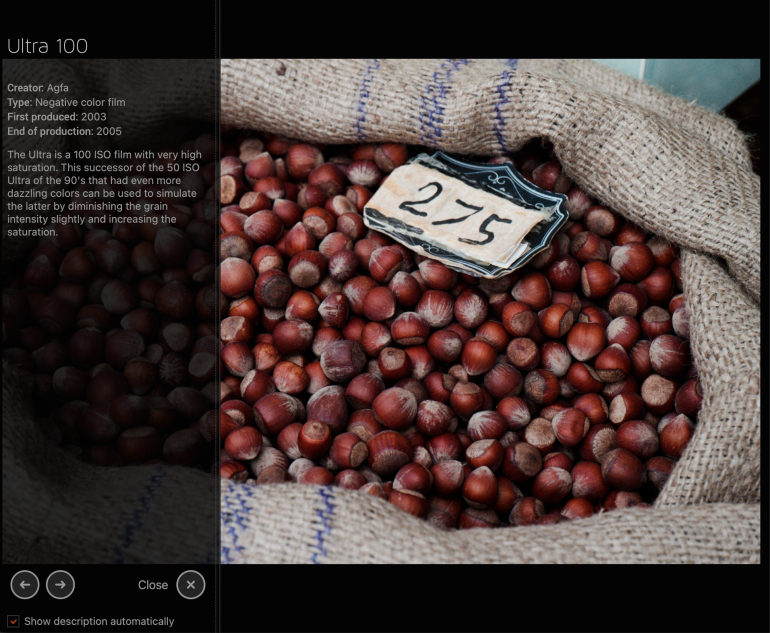
One thing I really enjoyed is that alongside every film stock preset option, DxO FilmPack 8 also can give you some information about the particular stock and its characteristics. What could have been better here though, is the preview. You can’t see what your image might look like (in the main window) if you hover your mouse over the various thumbnails.
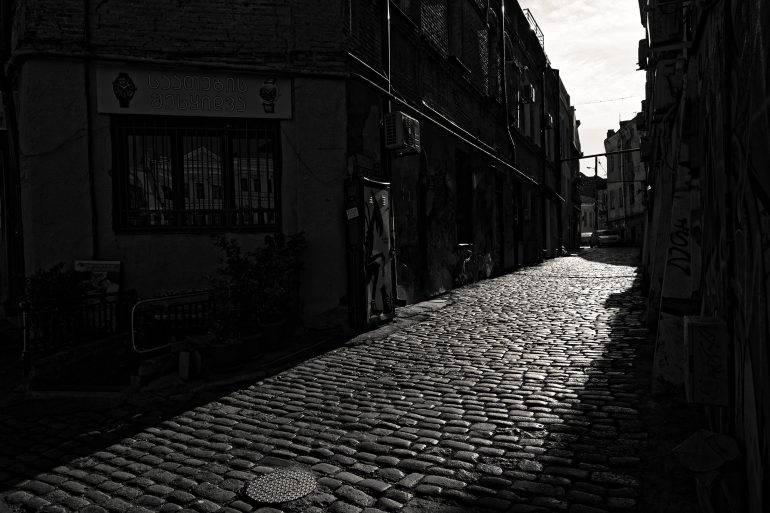
As is standard with such software these days, you can star your favorite presets and filter them by categories for easier selection
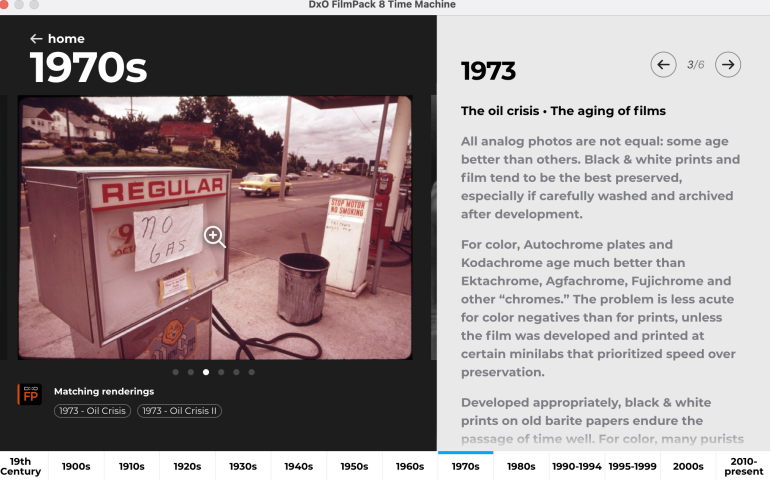
There’s a new feature called time machine and time warp; which is a literal historical timeline showcasing various photos from history that were shot with period appropriate film stock. You can pick an era that you like the feel of and click on the ‘Matching Renderings’ tag below the photo. This automatically scrolls the main window down to this exact preset and applies it to your photo. I did find a bug here – you can’t apply the selected preset from the tag if you had added a preset filter prior to clicking the Time Machine button. You need to go back and clear it for this tag select option to effectively work.
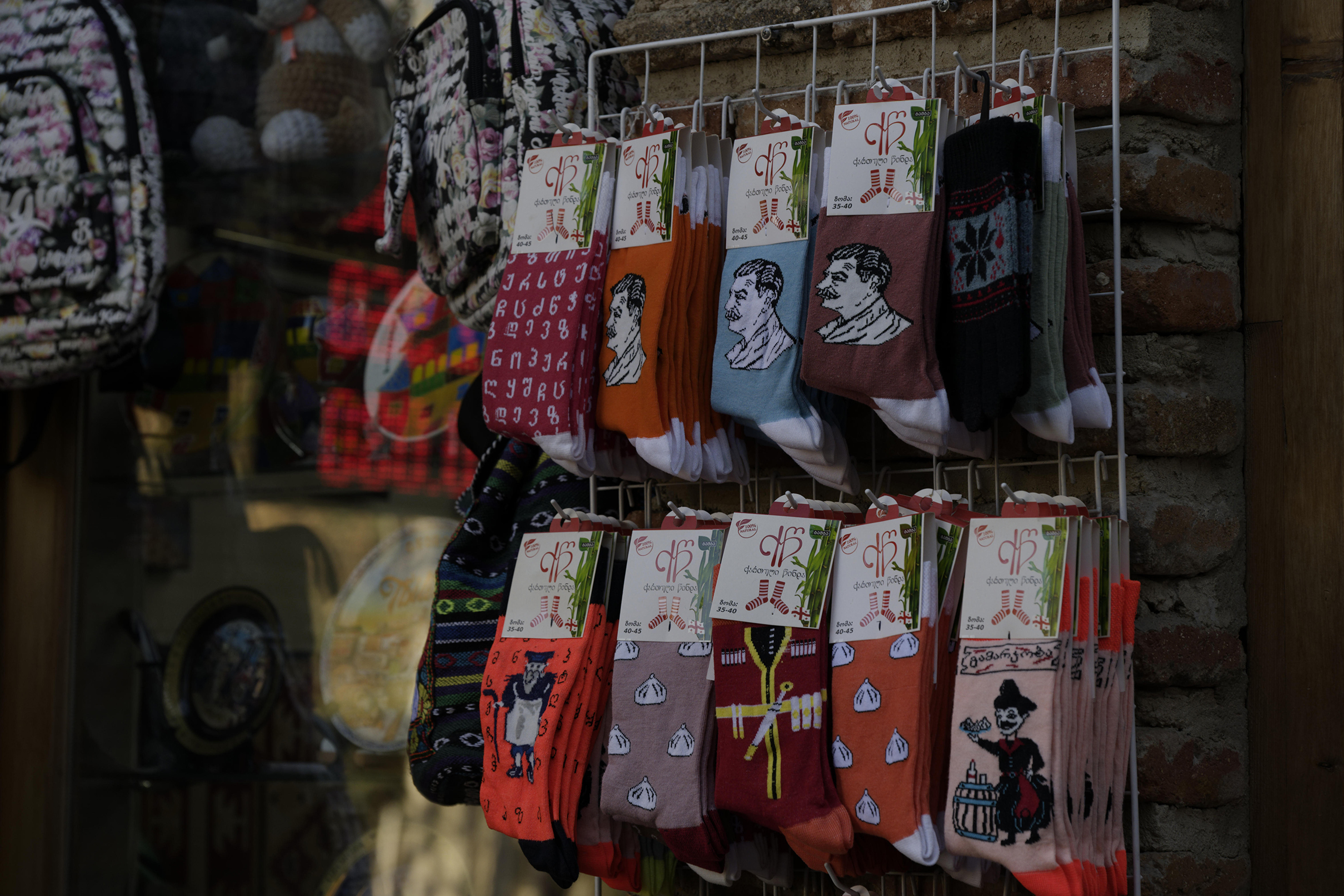

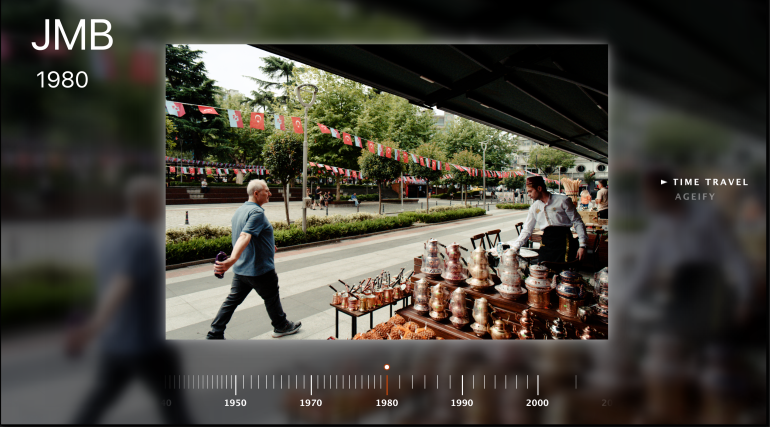
Time Warp looks like an idea gone awry. There’s a timeline of sorts again, but aside from the year, you can’t really see what the film stock is and have to pretty much scroll slowly and patiently before a preset that appears nice to you comes up.
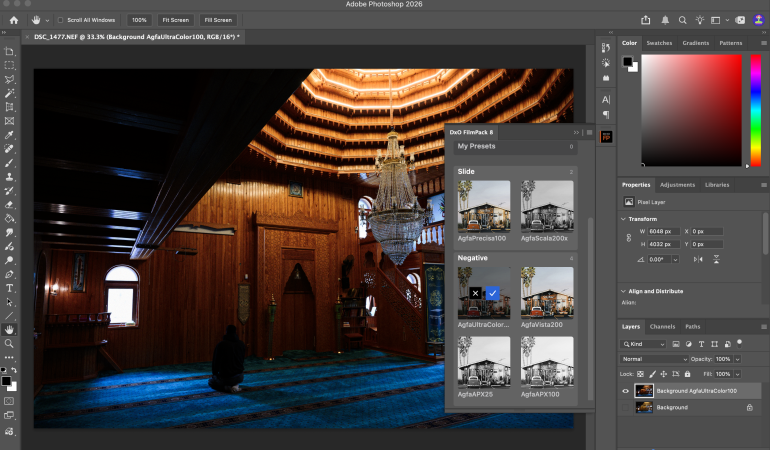
For those who enjoy working with layers in Photoshop, DxO FilmPack 8 now allows you to search for presets directly in PS, without you having to export your image to the standalone software and reopen again in PS. A few minutes here and a few minutes there that get eaten up every time you. move files to and fro Adobe PS add up to a lot over a day. Save all that time now with this much needed integration.
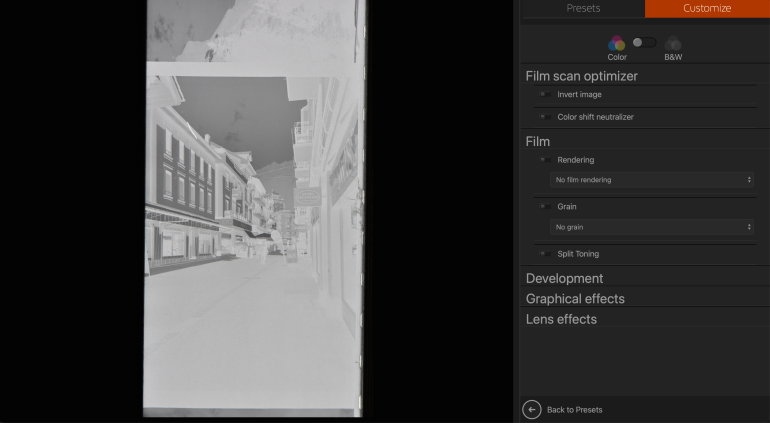
A bonus addition for those who have a lot of digitized negatives on their drives, is the new Scanned Film Optimization tool. Convert your scanned 35mm or 120 scans into digital positives with just a single click. It includes more than ten dedicated tone curve presets; these help fix common color casts, and scanning inconsistencies.
Everything isn’t just about analog looks. The new version introduces four new renderings inspired by popular Fujifilm and Sony digital cameras. It’s not something I toyed around with much, but you might find something interesting using it.


I quite like the user experience that DxO FilmPack 8 gives you. There’s quite a bit to explore and play with when you want to try something besides scrolling through or searching for a particular film look to apply. But at the same time, the seemingly infinite combinations of accurate film emulations and creative tools available might lead you down a deep rabbit hole. It’s important to stay focused on what your end goal is when starting to use DxO FilmPack 8. While it won’t turn a mediocre digital photo into a retro masterpiece, it can certainly help with improving the mood of an ordinary shot. Of course, the best way to capture emotion these days, is to shoot film, but given the prices of film stock now I wouldn’t blame you for diving deep into this software.


We received a free license key for testing out DxO FilmPack 8 for our article.
Get rid of the ads!
Did you enjoy reading this article as much as we enjoyed writing it? There's a way to support us and our reporting, getting ad-free navigation and more as a bonus. Subscribe to us for less than a coffee per month —just $3.99— or take advantage of our yearly subscription with a hefty discount for only $25.- An ad-free experience
- A free mystery box for Lightroom or Capture One
- All the books in our store
- 20% discount on Capture One
- 30% discount on Imalume Photo Theft Protection
- 20% off Herbs and Kettle Tea Company.
- 20% off your order from MPIX printing services.
- 5% off Viltrox Products via their eCommerce store.
- 10% off all film developing, printing and scanning services from Blue Moon Camera and Machine
- 15% off 7Artisans products: The lens and accessory maker is offering a sweet discount for Phoblographer's readers.
- 15% off a VSCO One subscription: Get a bunch of great tools with their all-in-one package.