

Last Updated on 07/17/2011 by Chris Gampat
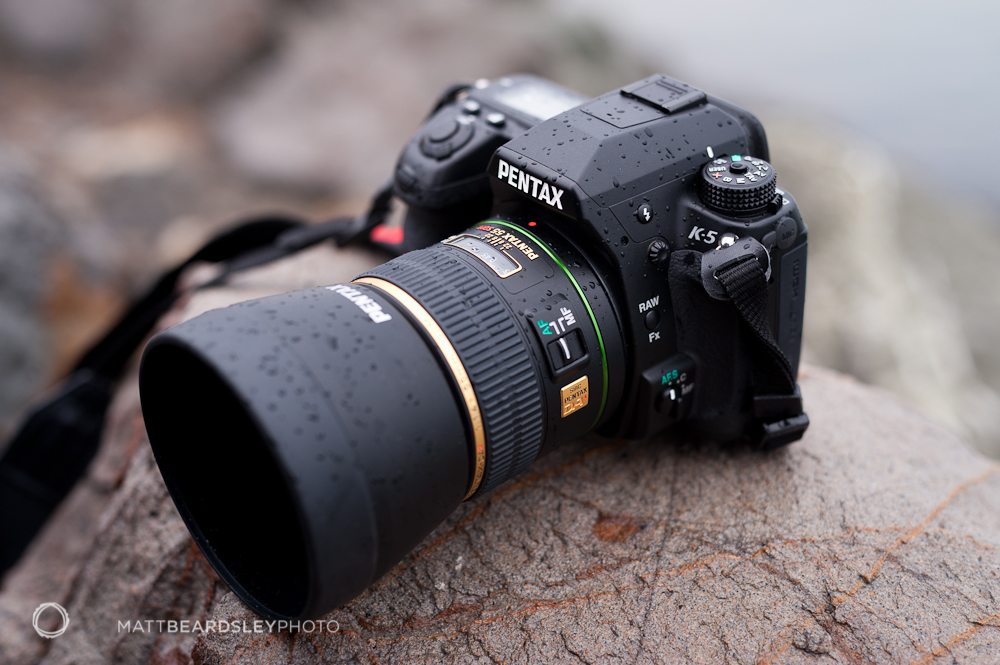
The Pentax K-5 is a compact and sturdy camera, capable of creating images with excellent detail, color, and contrast. I’ve had a couple weeks with it, including shooting in a wide range of conditions and it’s been a joy to use. The camera’s unique degree of customization and range of novel exposure and JPG processing controls demand a little experimenting, but add flexibility, entertainment, and a few surprises to the process of getting to know this well-regarded little camera. Read on for Day 2 of our in-depth field review of the Pentax K-5
Editor’s Note: Day 1 can be read here.
Ergonomics and Controls
Being somewhat used to larger cameras, I had to adjust to the K-5‘s trim dimensions. It is comfortable to use, with nicely rubberized and deeply-contoured grips. Robust, unobtrusive, and smaller than similarly-equipped rivals from Nikon or Canon, it is an excellent camera for slinging around on family outings. The button layout, which – for me – was a bit daunting at first, has become familiar and easy to use, with only a couple of minor exceptions.
For one, the camera’s method for moving the autofocus point has not grown easier with time. A sturdy little rotating switch on the camera’s back selects between automatic selection, center point only, and a setting that allows a photographer to select one of the camera’s 11 points manually. Once the select mode is set, a photographer must hold down the “OK” button for a second or so to enable the 4-way buttons to chose a point, hold down the “OK” button again to return the 4-way buttons to their usual functions. Several times, I’ve had my eye to the viewfinder, trying to move the point, and ended up with some camera menu shining in my eye instead (while trying to move the point, for example, to place it over an off-center subject during a studio shoot when the camera was tripod-mounted). All electronics have their control quirks, and it is likely the type of routine that will eventually become second nature, but other manufacturers have integrated multi-point autofocus control with more finesse. Aside from the the minor issue with control, the autofocus has proved to be very accurate and quick, and all other elements of its control are quite easy.
The Strap
My second quibble is an easy fix. I’ve left the camera’s included strap attached, which is very nicely made with embroidered red lettering and suede-like traction on the back. Like the camera, it’s well made and small. For me, though, the strap is too small, apparently designed for the camera to ride around a photographer’s neck, not over a shoulder. These are only very minor complaints with the K-5‘s ergonomics and controls. For the most part, it is a comfortable and easy-to use camera with key controls well placed for enjoyable and efficient shooting.
Flexibility and Customization
In the previous entry, I explained the camera’s customizable control wheels and buttons. In the field, the Pentax K-5 can easily be set up to be comfortable and intuitive to use. It’s uniquely flexible. Besides buttons and knobs, though, it’s interesting to explore the K-5‘s imaging customization too, which is just as personalize-able.
The four-way buttons on the camera back are direct shortcuts to four menus: White Balance, Drive Mode, Flash Settings, and JPG Development Settings. The fourth is useful for tailoring JPG output to both personal taste and subject matter. A range of presets allows subtle (and a couple of not so subtle) adjustments to the look of recorded photos. They are Bright (the default), Natural, Portrait, Landscape, Vibrant, Muted, Bleach Bypass, Reversal Film, and Monochrome (Black and White). While flipping through the options, the camera shows the settings change on the five sliders below: Saturation, Hue, High/Low Key Adjust (midrange brightness?), Contrast, and Sharpness. The five parameters can be extended to 7 by turning the control dials, allowing fine tuning of sharpness and both shadow and highlight contrast. Needless to say, the K-5 offers a huge degree of adjustment for JPG processing, and a range of settings can be quickly called up. Photographers are certain to enjoy experimenting to find ideal settings, and the defaults are a great place to start (I’ve especially enjoyed “Vibrant” and “Bright”).
Besides these, the camera includes Digital Filters, Cross Processing, and in-camera HDR, which are really quite fun to play with from time to time, and can be nicely tucked away in the menus when it’s time for actual photography. Certain more technical processing parameters can also be set, like Highlight and Shadow Correction, Distortion Correction, and Chromatic Aberration Correction.
More meaningfully, JPG file size and compression can also be tailored to output and storage space. The K-5 offers options of 2 MP, 6 MP, 10 MP, and 16 MP capture. 16 MP is darn respectable, though 10 MP and even 6 MP will work well for most applications short of large prints, especially online. Overall, the customization, to both control and processing, make for a camera that feels both fun and capable. All the right stuff is there, without excessive entry-level gimmickry like “scene modes” on the exposure dial. When the K-5 first arrived at the studio, I took a quick peek to see if the smiley face mode from my old Pentax *ist DS had survived the test of time and upscale redesign. It hadn’t.
Image Quality
Nothing to do with JPG or obscure imaging modes matters, however, if a photographer is shooting RAW files (which bypass all in-camera processing). The camera will shoot both a proprietary PEF file and Adobe’s DNG file. Adobe’s latest Camera Raw/Lightroom update added K-5 PEF support a few days ago. The images included in this post were all shot as DNG and processed in Adobe Lightroom (I’d have shot PEF if it were an option last week). While the camera JPG processing is nice, Lightroom’s JPG processing is better, including perfect lens correction for the 55mm f/1.4 DA* used here. The tonal range of both RAW formats is impressive. In Lightroom, the files have usable image data multiple stops in both directions with many files, opening the possibility for compelling HDR images from a single frame and many other forms of drastic post processing. The files are flexible and clean and respond well to sharpness and saturation adjustments.
To my eye, RAW files emerge from the camera as more neutral and perhaps a bit flat compared to other 35mm digital cameras. They’re like blank canvases, ready for processing (to which they respond very nicely). In this respect, the RAW files remind me of those from modern Hasselblad cameras: clean and neutral, ready for processing. By contrast, the Nikon RAW files I use regularly have an already-boosted look, with contrast and saturation amped from the beginning. Files can be easily made to look the same from either starting place, but it’s interesting to admire Pentax’s bias towards especially clean and true-looking RAW files.
Gallery
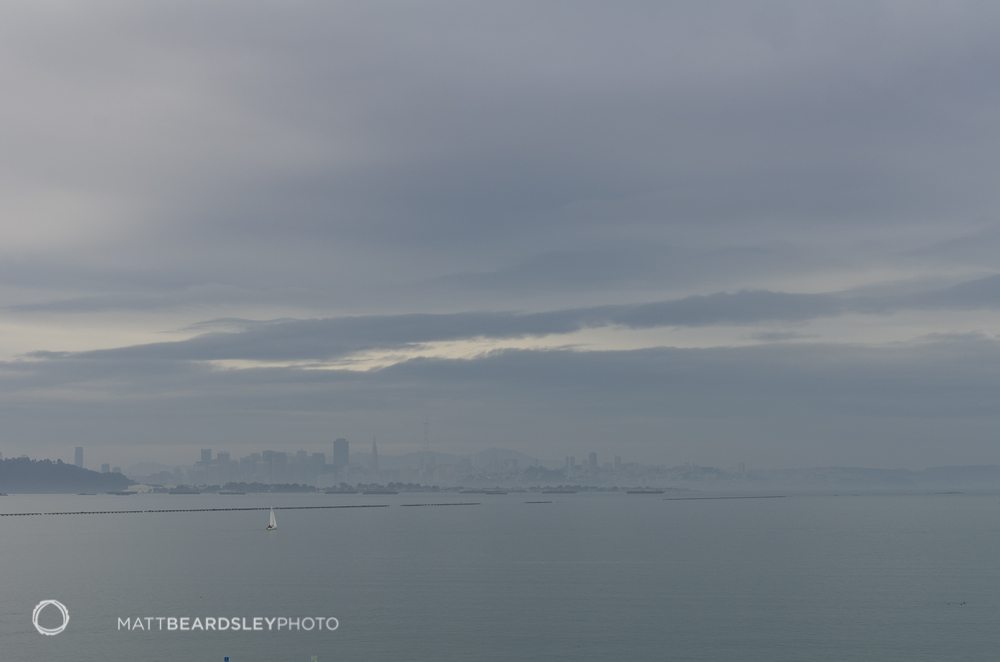
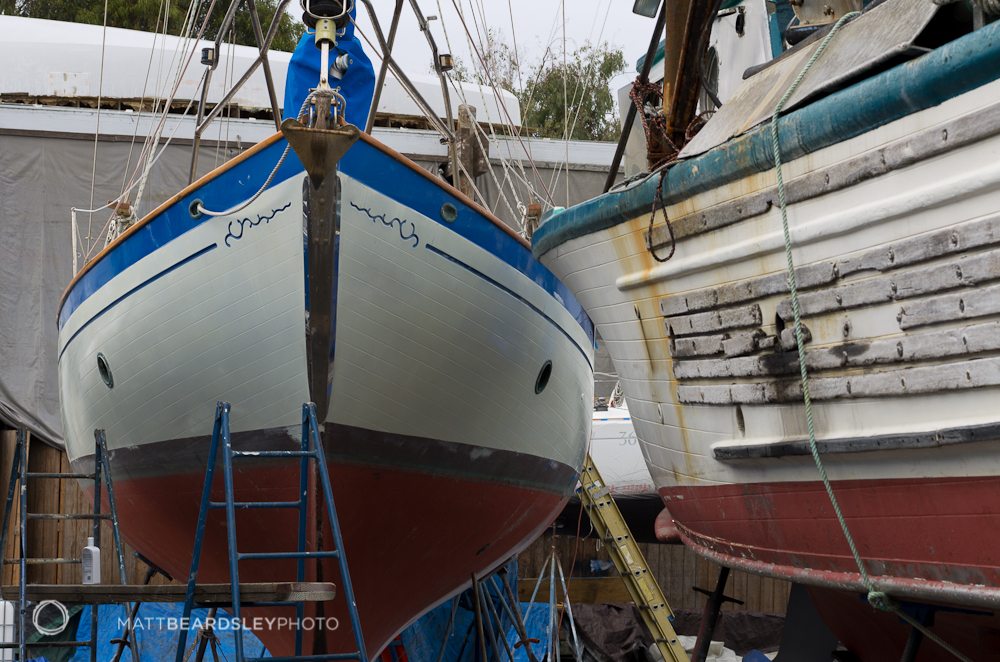
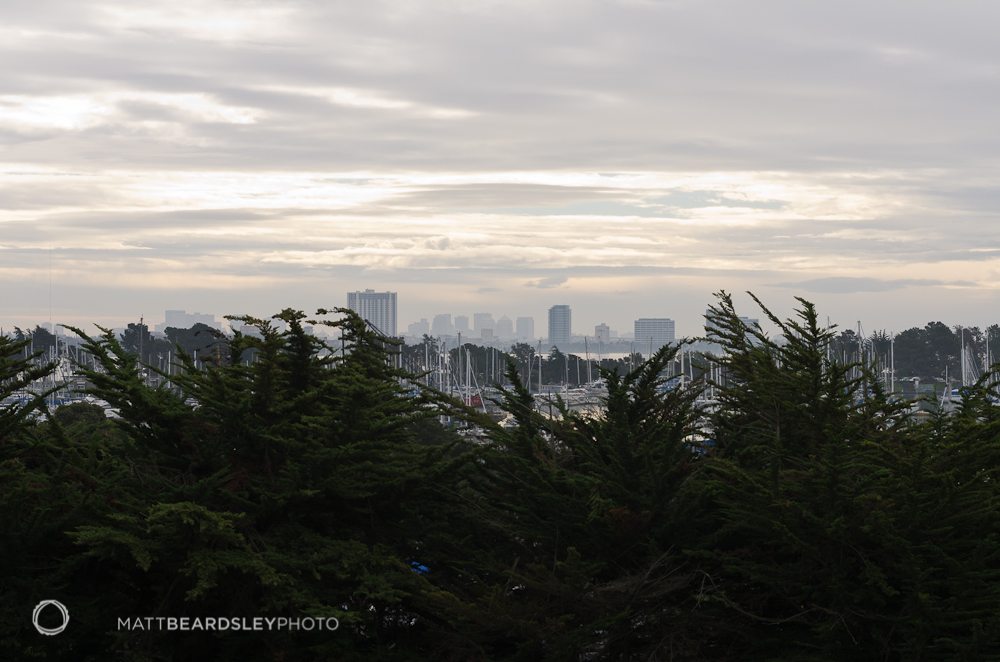
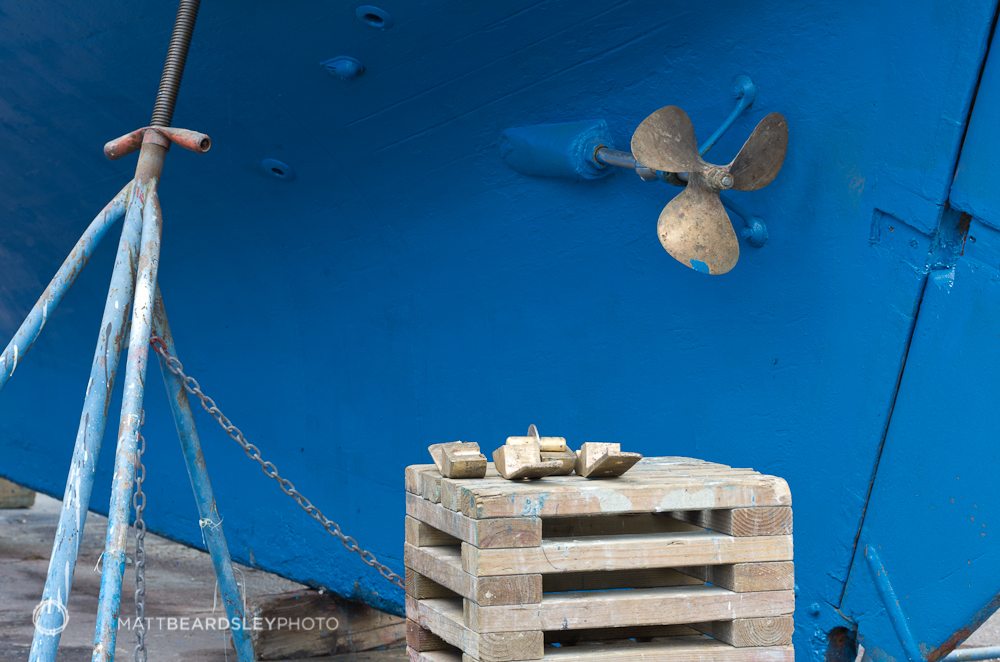
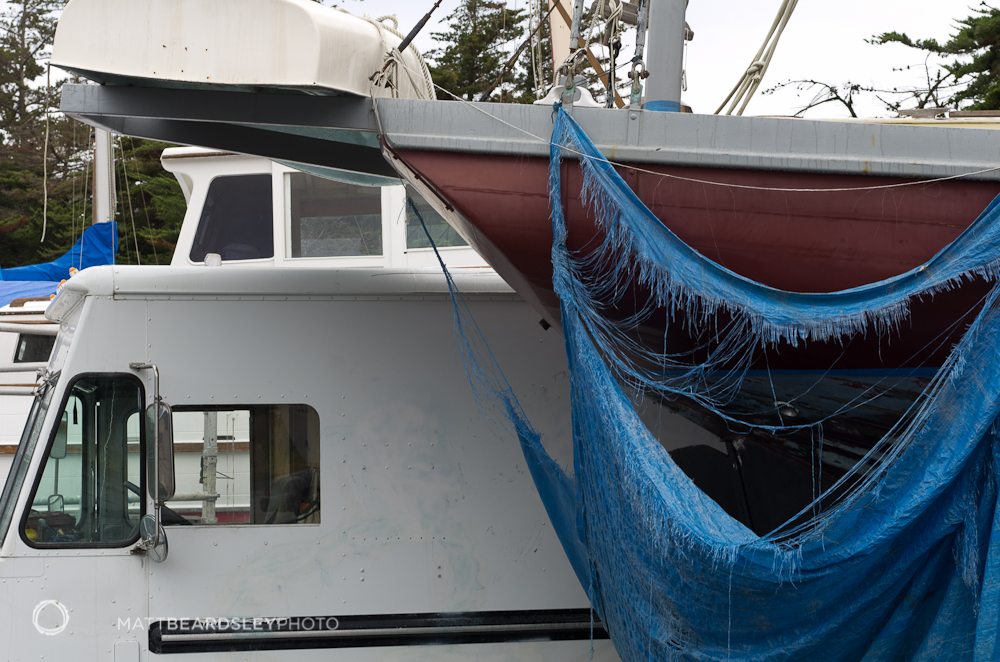
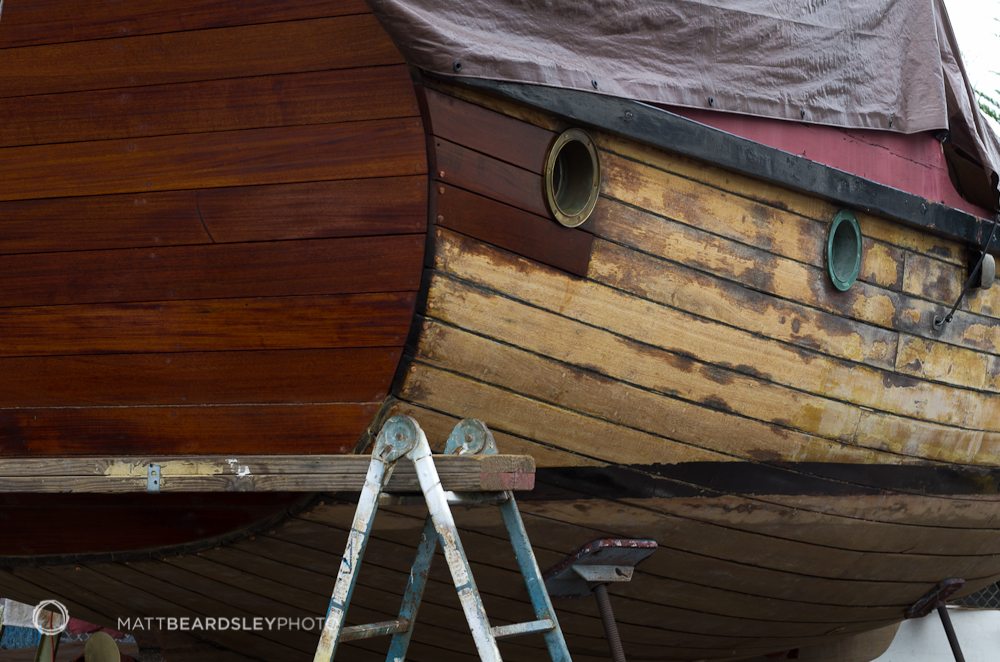
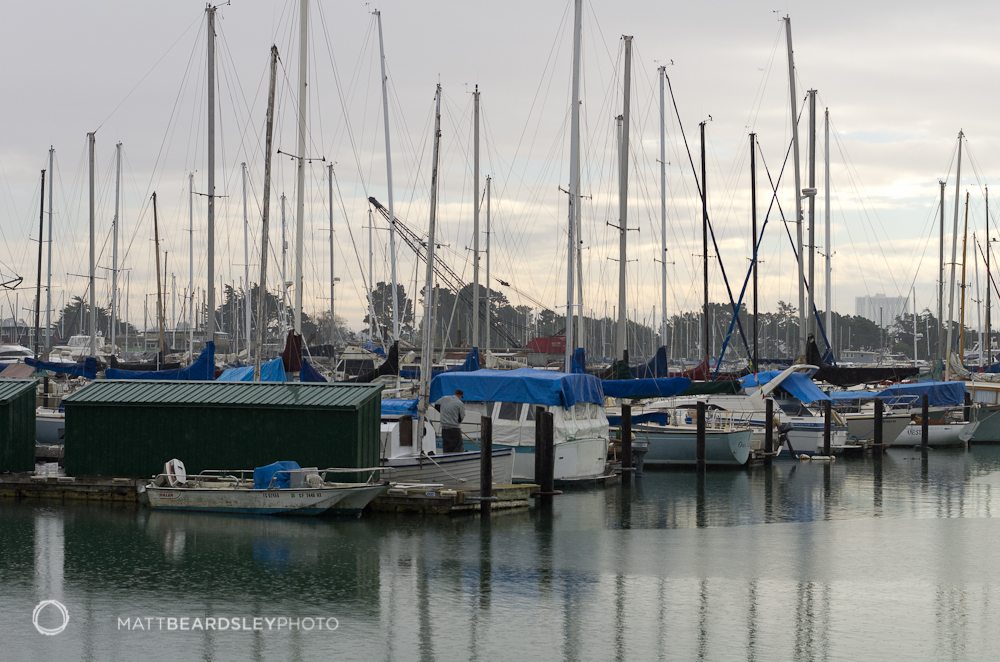
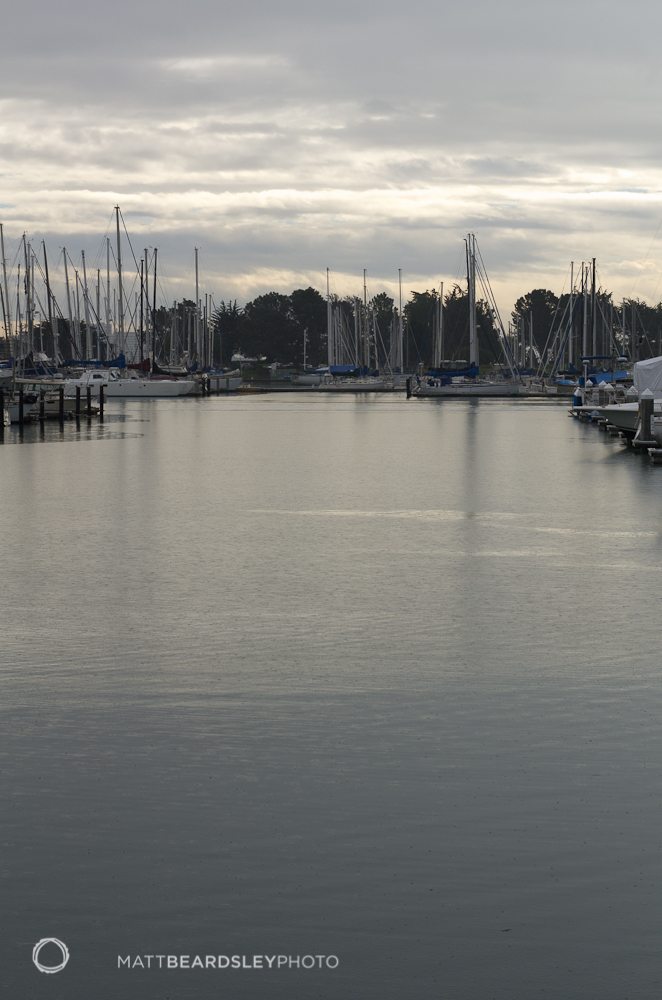
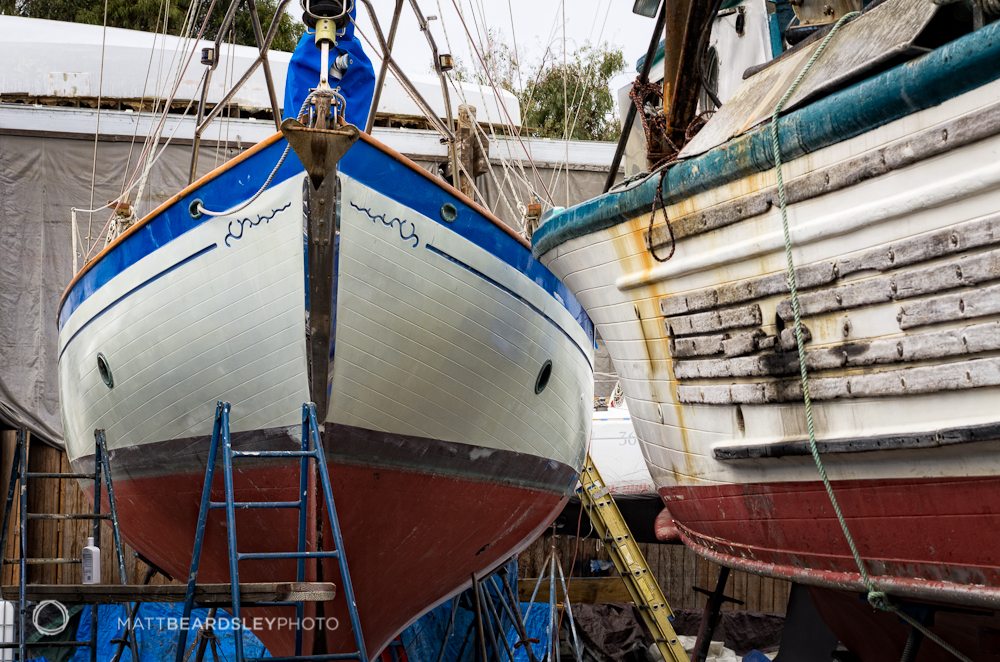
These images were made during a drizzly outing to the Berkeley Marina, just across the bay from San Francisco, CA. All are DNG capture with Pentax’s 55mm f/1.4 DA* lens and processed in Adobe Lightroom 3.3. The last photo, however, is an alternate version of the third image in the post, with additional processing in Adobe Photoshop.


Please Support The Phoblographer
We love to bring you guys the latest and greatest news and gear related stuff. However, we can’t keep doing that unless we have your continued support. If you would like to purchase any of the items mentioned, please do so by clicking our links first and then purchasing the items as we then get a small portion of the sale to help run the website.