

Last Updated on 10/18/2014 by Kevin Lee
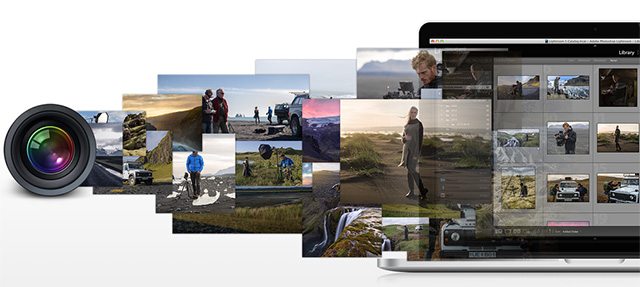
With the announcement of OS X Yosemite yesterday, Aperture has officially fallen off to the wayside as Apple focuses all its energies on improving iPhoto. While it’s been confirmed Apple was officially killing off Aperture since late June, Adobe just put out a new, free plugin allowing you to easily import your photo library to Lightroom.
The recently released Aperture importer tool can import both your Aperture and iPhoto library. The importer will transfer your images while keeping the metadata intact along with your star rating, GPS data, and even keywords. The only thing the free tool can’t transfer is edits made to photos, so the plugin will simply import copies of both the original and adjusted images.
Adobe explains you’ll find the importer in the Lighroom menus under “File -> Plug-In Extras -> Import from Aperture Library (or iPhoto Library).” Once selected, the tool will prompt you to point it to the folder holding your old image library. After that you can customize what data the plugin transfers including: Flags, Star Ratings, Keywords, GPS Data, Rejects, Hidden Files, Color Labels, Stacks, and Face Tags.
The plugin requires the latest version of Lightroom 5.6 to work. You can download the Aperture importer tool here.
Via PetaPixel
Get rid of the ads!
Did you enjoy reading this article as much as we enjoyed writing it? There's a way to support us and our reporting, getting ad-free navigation and more as a bonus. Subscribe to us for less than a coffee per month —just $3.99— or take advantage of our yearly subscription with a hefty discount for only $25.- An ad-free experience
- A free mystery box for Lightroom or Capture One
- All the books in our store
- 20% discount on Capture One
- 30% discount on Imalume Photo Theft Protection
- 20% off Herbs and Kettle Tea Company.
- 20% off your order from MPIX printing services.
- 5% off Viltrox Products via their eCommerce store.
- 10% off all film developing, printing and scanning services from Blue Moon Camera and Machine
- 15% off 7Artisans products: The lens and accessory maker is offering a sweet discount for Phoblographer's readers.