

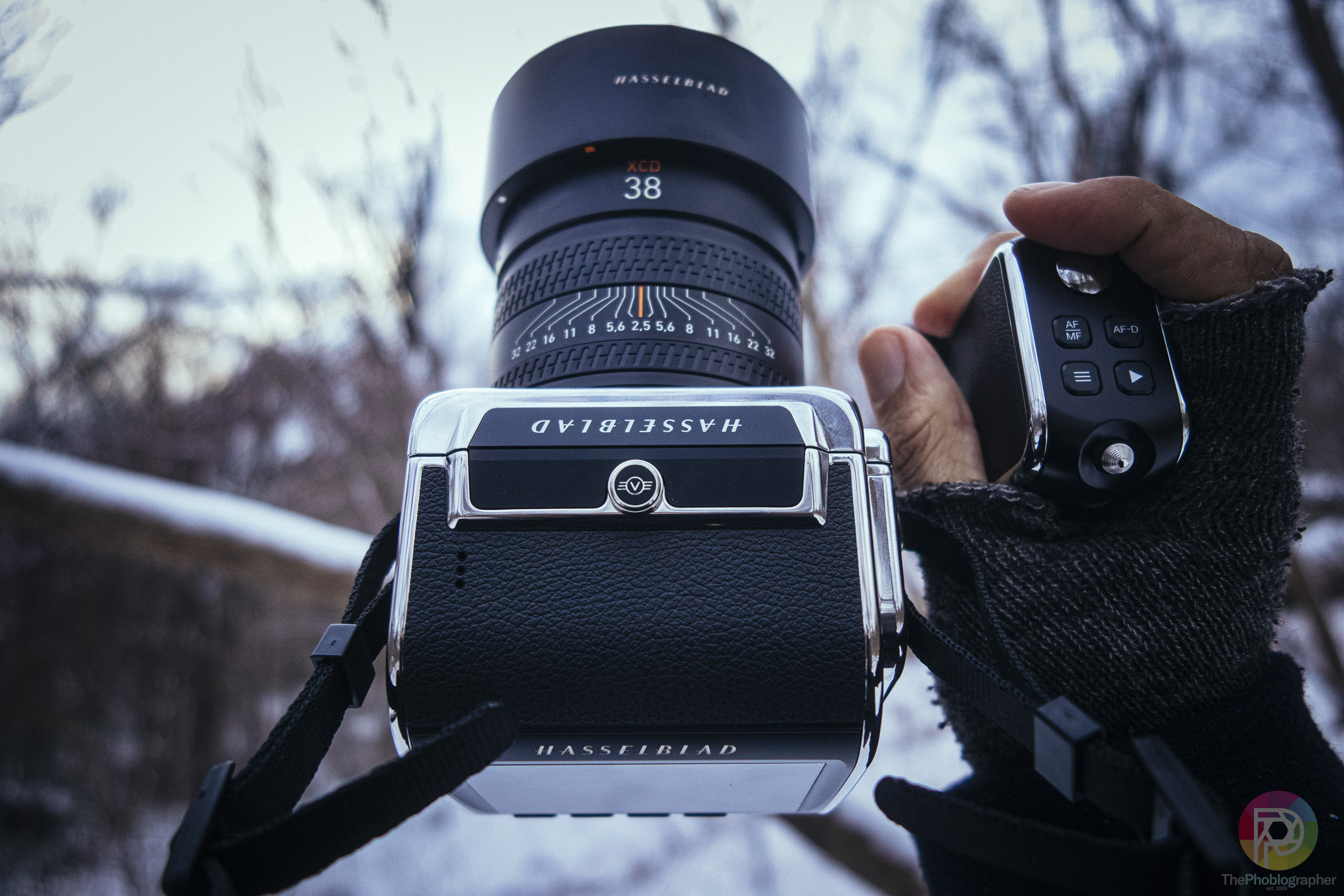
Earlier this month, Capture One and Hasselblad finally put aside their feud that had been going on for way too long. Part of this was because Capture One and Phase One were so closely tied together. But since the companies split apart years ago and went into different directions, Capture One could finally make friends with whomever they chose. So that means that their cameras finally got RAW support in Capture One. It’s pretty universally accepted that photographers know that Capture One is the better photo editor than Lightroom. So how are Hasselblad’s RAW files in it?
Hasselblad 907X CFV 100C Image Quality Review Update July 2026
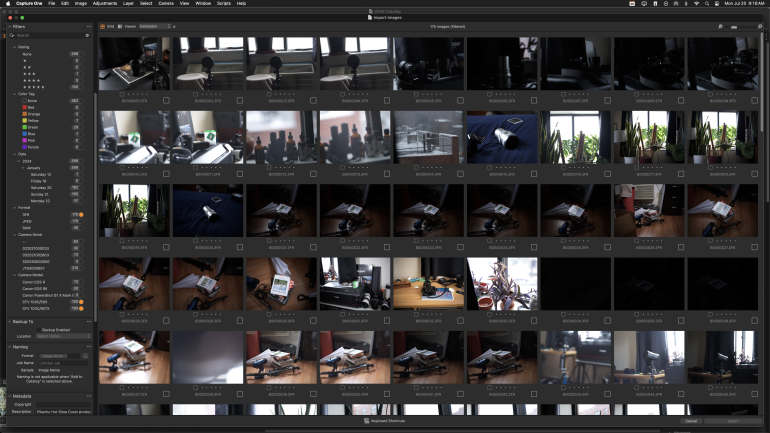
In Capture One, there’s this weird thing that happens with Hasselblad RAW files. Typically, you can select the RAW file option on the sidebar of the import window and then the camera for it to filter accordingly. But RAW doesn’t work if you’ve got mixed RAW files. So instead, you have to select 3FR, which is Hasselblad’s RAW file type. Fascinating for sure — especially if you use Nikon cameras.
Why Nikon specifically? Well, Hasselblad and Nikon use the same hot shoe. So if you’re a real photographer using real flash, then you can swap out without any problems. It works. But now, you can have an extra layer of sorting through files and cataloging them. That’s if you use catalogs. If you use sessions, then that’s a different story.


During my review, I remember that I really enjoyed using this camera. And every now and again, I want to buy just the back and hook it up to my 501C, like I did when I originally tested it.
I’ve got two computers: one is a 2019 27 inch iMac and the other is my Macbook Pro that I think is from 2023 or so. After a while, the M-series chips kind of don’t matter to photographers anymore. But with my iMac and when pulling images off my Synology RAID, the import process can surely take a bit longer — as well as the rendering of the images. I mean, they’re big RAW files.

Luckily, I also star-rate my images in-camera. And that makes the entire culling process so much faster because I did the work beforehand. So currently as I write this, Capture One is importing and rendering the previews of 176 images. And instead of needing to go through the images one by one, I can just select the star rating.
The way that works is I look at the images in the camera on the back LCD screen, then I simply just rate the ones I like. Then I import all of them just to have them, sort by the star rated photos, make initial edits, cull more if needed (and I rarely need to) and then I do the metadata and export. It’s super simple and super fast and I don’t know why photographers choose to do it all later.


Hasselblad’s RAW files are much more akin to being a blank slate: kind of Sony is. And it’s converse from Fujifilm that can give you film simulations. I like Fujifilm film simulations. But when it comes to post-production, I overall find Hasselblad RAW files much easier for me to edit and work with.
I stand by the belief that if you’re shooting Fujifilm and not using the film simulations, you’re throwing away a major purpose of using the camera. And in that case, you may as well just go get a Nikon Zf instead. Though even there, you should be using Nikon’s Picture Control profiles. Hasselblad doesn’t have quite the same level of in-camera editing though. So if you really just want a blank slate to work from and you’re good at using lighting, then the Hasselblad 907x CFV 100C is a great option to use with Capture One.
Get rid of the ads!
Did you enjoy reading this article as much as we enjoyed writing it? There's a way to support us and our reporting, getting ad-free navigation and more as a bonus. Subscribe to us for less than a coffee per month —just $3.99— or take advantage of our yearly subscription with a hefty discount for only $25.- An ad-free experience
- A free mystery box for Lightroom or Capture One
- All the books in our store
- 20% discount on Capture One
- 30% discount on Imalume Photo Theft Protection
- 20% off Herbs and Kettle Tea Company.
- 20% off your order from MPIX printing services.
- 5% off Viltrox Products via their eCommerce store.
- 10% off all film developing, printing and scanning services from Blue Moon Camera and Machine
- 15% off 7Artisans products: The lens and accessory maker is offering a sweet discount for Phoblographer's readers.