When it comes to photography, one’s gear is quite significant for the kind of images one wishes to make. If one is a professional photographer, then they need the best equipment to meet their demands. But when it comes down to making a decision, one has to battle between letting some features go for the kind of price that is being demanded. Some photographers, on the other hand, would not mind paying a little more. In this tango between price and features, one often wonders, is it all worth it? So, today, we ask you which camera brand is giving it their all in 2025.
The Best Camera Brands Options
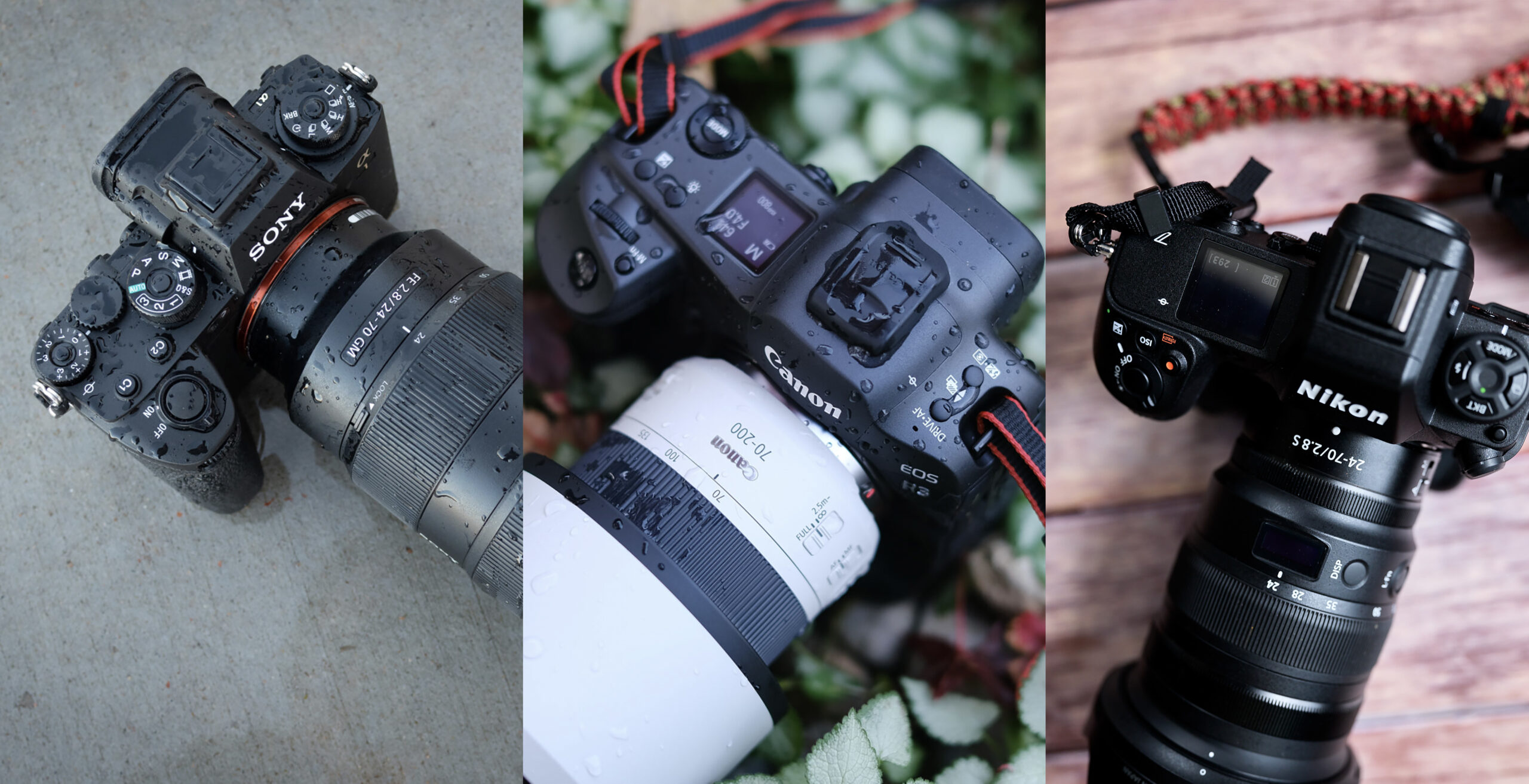
We looked at several brands and narrowed down the list based on the frequency, price, features, aesthetics, and image quality that each provides. Of course, there are some luxury players like Hasselblad and Leica, the top three go-to options like Sony, Canon, and Nikon, and some other niche ones like OM System, Fujifilm, Ricoh, and Pentax. With each of the brands, you also get to see their vast portfolio, from medium formats to full frames, as well as smaller sensors such as APS-C and Micro Four Thirds. Some may argue that a professional will only look at a full frame, but there are some genres, such as street photography, where an APS-C camera like the Ricoh GR IIIx would be more useful. So, when you make your decision, consider these points as well.
 Loading ...
Your Camera is As Good as Your Vision
While we let the brands battle it out, we must not forget that your vision is the real winner here. Sure, any camera, launched in the past five years, can give you presitine image quality, but what you try to say with it that matters the most. We wanted to keep this out here for people as it continues to a valid point in a time where people continue to obsesses over equipment over knowledge and creativity. Perhaps, getting a bit of both is where you truly will shine.
Get rid of the ads!
Did you enjoy reading this article as much as we enjoyed writing it? There's a way to support us and our reporting, getting ad-free navigation and more as a bonus. Subscribe to us for less than a coffee per month —just $3.99— or take advantage of our yearly subscription with a hefty discount for only $25.- An ad-free experience
- A free mystery box for Lightroom or Capture One
- All the books in our store
- 20% discount on Capture One
- 30% discount on Imalume Photo Theft Protection
- 20% off Herbs and Kettle Tea Company.
- 20% off your order from MPIX printing services.
- 5% off Viltrox Products via their eCommerce store.
- 10% off all film developing, printing and scanning services from Blue Moon Camera and Machine
- 15% off 7Artisans products: The lens and accessory maker is offering a sweet discount for Phoblographer's readers.