

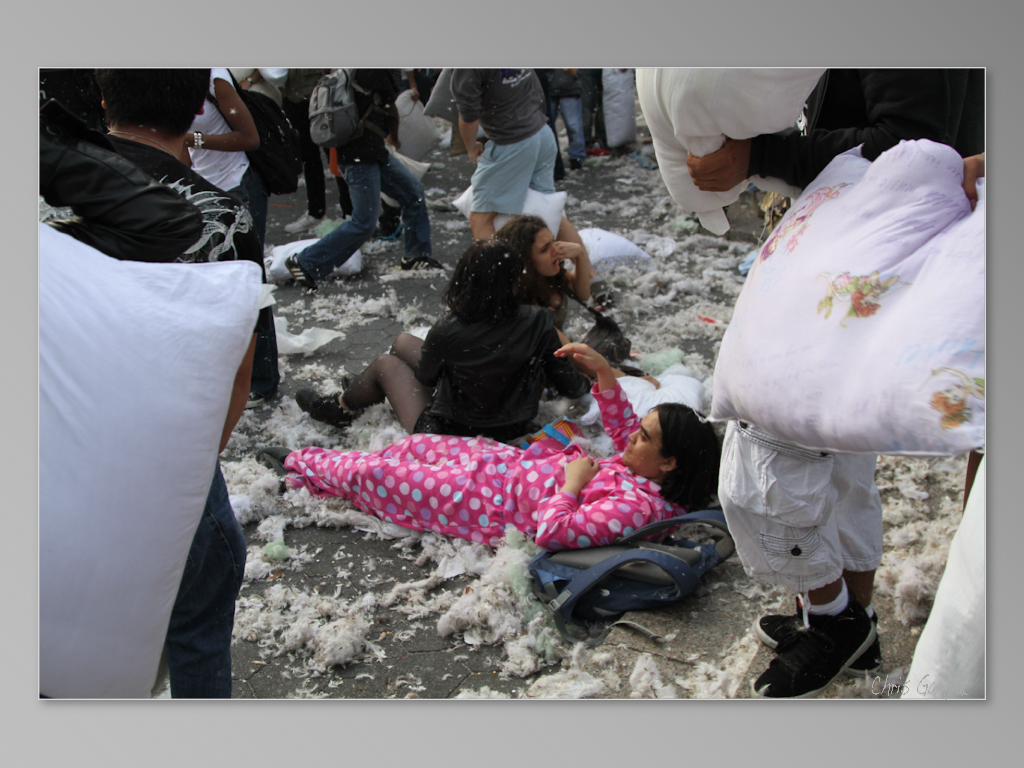
If you’ve looked around on the web, you’ll find that there are lots of photographs with borders on them. Specifically, you’ll see this on social media, social sharing sites like Reddit, and in videos. Some of them mimic the look of a Polaroid while others are simply just a border. It’s a trend that was present, disappeared and came back. In the early2010s, photographers put photo borders on the images at times to help them adapt to Instagram — which only wanted photographers to use square images. But apparently, that the whole photo borders trend is back and for good reason.
So what’s the point of putting photo borders on your images? Well, they ultimately make the file a square render without requiring you to crop the image at all. In a square, you can post the images anywhere online and have it work on various platforms. Overall, it’s a workflow thing that just makes life so much easier. This means that you, as a photographer, can shoot in any format you want. Shoot portrait format with the image being vertical — it won’t matter because it’s getting a border to make it a square. You can do the same with a landscape format image too.
Overall, it can also make your photographs appear more artsy and professional. Think of it as a bit of an evolution on that trend that takes images and puts the fake photo borders on the photos that look like the edges of film.


A great tip is to make your image stand out more using your border. It’s a great place to put your watermark and the color of the border can also be a big thing. We’ve made the background of this website become a shade of gray (on the desktop and mobile web) to have it function better across various devices and put it squarely (pun intended) between dark and light modes.
A few other tips: export your images to no more than 3000 pixels on the long side. In this case, you’re making a square image using the border as best as you can. Have whatever program you’re using optomize the export with that in mind. This feature used to be available in Lightroom Classic, but as of April 2024, it doesn’t seem to be anymore. In fact, I can’t find the setting in Adobe Bridge either. For sure, it’s not in Capture One from what I’ve seen.
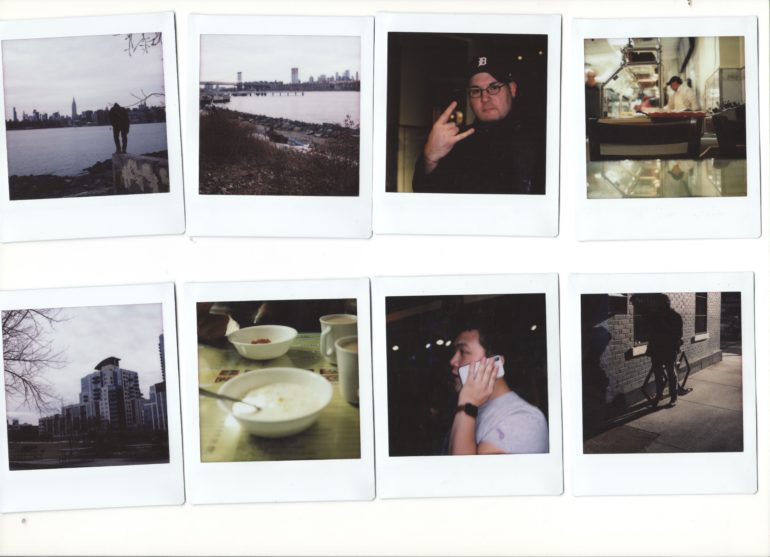
Do these make your images look better? Yes, and it gives you more uniform control over how your images look on various platforms. This way you don’t need to make multiple exports. However, still the best thing to do is to just make prints and show them to people. Is it more costly? Yes. But it also is an investment in yourself where people have to do more than just look at your images. They have to hold them, and therefore that activates more than just the sense of vision. When they’re looking at your images on your phone, they’re ultimately interacting with your phone — not your image.
If you really want to wow people, consider just printing your images with a border of some sort. Edge to edge prints aren’t often the best options even when it comes to wanting to frame your images to display them on a wall.
Get rid of the ads!
Did you enjoy reading this article as much as we enjoyed writing it? There's a way to support us and our reporting, getting ad-free navigation and more as a bonus. Subscribe to us for less than a coffee per month —just $3.99— or take advantage of our yearly subscription with a hefty discount for only $25.- An ad-free experience
- A free mystery box for Lightroom or Capture One
- All the books in our store
- 20% discount on Capture One
- 30% discount on Imalume Photo Theft Protection
- 20% off Herbs and Kettle Tea Company.
- 20% off your order from MPIX printing services.
- 5% off Viltrox Products via their eCommerce store.
- 10% off all film developing, printing and scanning services from Blue Moon Camera and Machine
- 15% off 7Artisans products: The lens and accessory maker is offering a sweet discount for Phoblographer's readers.