

Last Updated on 07/11/2024 by Hillary Grigonis
Budding photographers need more than just an affordable entry-level camera — they need a camera that, should they fall deeply in love with photography, they can continue to grow with. The best cameras for beginners offer a navigable learning curve, yet have enough features to grow with.
We remember what it was like to fall in love with the picture-taking process. We also know it’s very useful to be able to shoot quick videos for social media. With that in mind, we’ve gone through our Reviews Index to find the best cameras for beginners. We encourage you to look at everything this list can offer and carefully make the right purchase for you.
Table of Contents
How We Test and Choose the Best Cameras for Beginners
Here’s what to keep in mind when exploring this list of the best cameras for beginners:
- Our staff won’t recommend anything we haven’t reviewed. With that said, we’ve done full reviews of each of these products. We can confidently say they’re the best cameras for beginners.
- The best cameras for beginners have different price ranges. Some are under $1,000, some are just above it. But they’re all capable of making great images and the video you need.
- Some of these cameras don’t have weather-resistance. Please be a bit more careful when using them because of this.
- Fujifilm, Olympus, and Panasonic can give looks you’ll love right out of the camera and won’t need to edit. Sony and Nikon are a bit more different.
Our Choice Among the Best Cameras for Beginners: Sony a7c II
Pros
- The body is lightweight, but fairly durable
- Lots of control wheels
- The touchscreen menu is a nice improvement
- Beginner-friendly design
- Excellent stabilization
- Great balance between detailed images and low noise
- Decent autofocus speed for the price point
- Animal and human eye detection is pretty fast
- Affordable price point
Cons
- 1/160 flash sync speed and maximum 1/8000 shutter speed
- No AF joystick
- Single SD card slot
- Low light causes some subject detection struggles







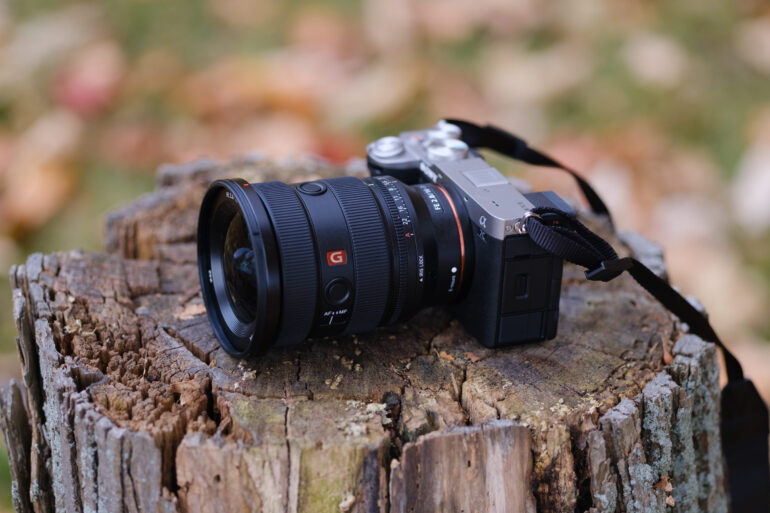
The Sony a7c II may be an entry into the brand’s full-frame mirrorless cameras, but the photos its capable of capturing don’t feel entry-level. The Sony a7c has an auto mode for beginners, but it also has a slew of advanced features and manual options to grow with. We adore the compact rangefinder-style body, the excellent image quality, and the decent autofocus system. While the full-frame sensor means the a7C II is pricier than some other beginner-friendly cameras, if you do want to upgrade down the road, the lenses will work on any of Sony’s higher-end full-frame models as well.
In our review, we state:
Any entry-level camera is bound to make a few sacrifices. But, sitting pretty at $2,200 for the body, the Sony a7c II delivers images that don’t look like they were shot on an entry-level camera. The image quality and ease of use are high points with this camera, as well as the rangefinder design and weather-sealing. And while the a7c II doesn’t deliver the near-perfect hit rate of Sony’s priciest sports models, it’s a pretty versatile camera to go from stationary portraits to action.
For some photographers, these are the best cameras for beginners
While the Sony a7c II is an excellent camera, if you are looking for a beginner-friendly camera for wildlife or something more affordable, the a7c II may not be your best bet. Here are some other options that are great for beginners, from full-frame hybrids to budget options.
Panasonic S5 II
Pros
- Beautiful image quality
- This camera feels really great in the hands.
- Lots of buttons to do whatever you need.
- Built well
- Incredible battery life
- Panasonic’s menu system is such a great thing to use
- CineLike V2 is god-tier for image quality
- Real Time LUTS are very fun to play with
- Beautiful JPEG output
- Weather resistance
- L Classic Neo is so gorgeous
- The little detail on the ISO button to find it in the dark is awesome
- Animal detection works with even horses!
- Autofocus is very reliable overall when shooting events outdoors
- When underexposed with the constant preview on, the autofocus is very good at under 3 stops. This is because the lens opens up to get focus. But it’s better without it.
- Constant preview can work well for events in low light.
- My favorite style of LCD screen.
- This is one of the few cameras on the market where you really don’t need to do post-production.
Cons
- Phase detection only in AF-C mode
- Focus consistency and speed is noticeably better without constant preview.
- Low ISO is only 200 unless you use the extended ISO range when using the CineLike profiles. But in others, you can do ISO 100.
- No shutter protection when the camera is powered off.
- At times, I wish it had a top LCD screen.
- Continuous autofocus on a moving subject isn’t all that great. It almost feels like there’s a brief, momentary delay. So you really have to use tracking instead. This can be frustrating when shooting an event because you’ll need to switch the focusing mode entirely.
- The Leica SL2s, without phase detection, is still a faster-focusing camera. It’s also much older.
- No option to add Clarity adjustments to your RAW files. After doing it with Canon, Sony, and Fujifilm, this big change is missing here.
- In human detection with continuous autofocus, it can be difficult to select and keep locked onto the person you want in focus.
- Human face tracking in continuous AF can be slow at times.
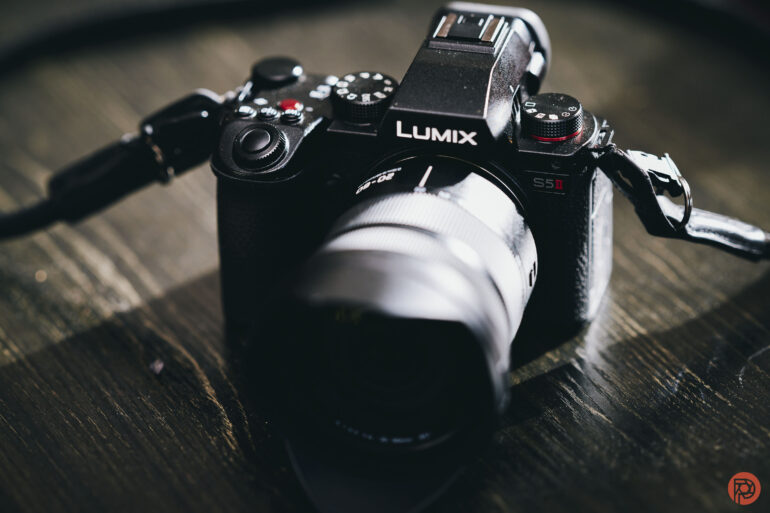
If you want the best possible image and video quality without a huge learning curve, consider the Panasonic S5 II. The full-frame camera delivers excellent images as well as video, plus lots of customization options including in-camera LUTs. There are lots of buttons, but an easy-to-find auto mode, a well-organized menu and a comfortable design. Another big plus for beginners is the excellent image stabilization, plus the ability to do Live Composite in-camera without Photoshop.









In our review, we state:
“Panasonic’s menu system is one of the simplest to use. Despite this, it’s also quite deep. However, each menu has a picture and icon-based sub-menu that makes touchscreen navigation pretty simple. Additionally, Panasonic puts textures on buttons to find them easily in the dark. Overall, it’s a great camera to use, but where it gets more complicated is with working with the Real-Time Luts in the photo mode. That’s perhaps the only annoying thing.“
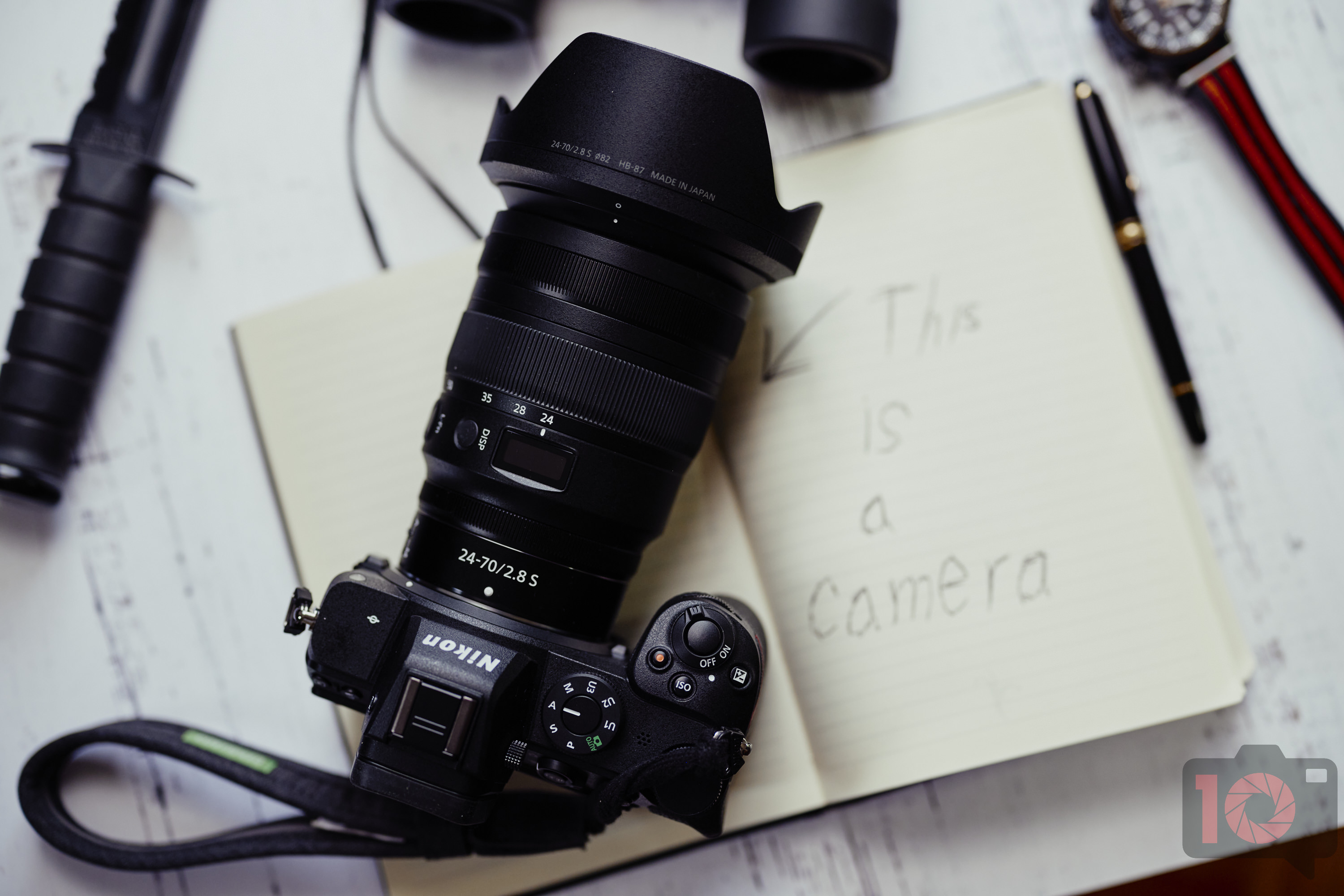
Nikon Z5
Pros
- Dual card slots
- The Single most reliable Nikon mirrorless camera I’ve used in terms of autofocus, battery life, and performance
- Weather sealing
- This is what the Nikon z6 should’ve been at the start
- Beautiful image quality
- I like the shutter sound
- Charges while shooting video if hooked up via USB C
- This is a finally proper camera for a working photographer
- AF-F mode tracks beautifully in the video modes.
- I’ve never played with the various more lively color modes. They’re very fun and great for webcam use!
- A fantastic webcam. This and the Panasonic S1 have arguably been the best at tracking my face.
- I really wish that Nikon pushed their creative presets a lot more. Their Sunday preset is so gorgeous.
- It’s only around $1,400 at the Nikon Store on Amazon.
Cons
- No-textured ISO button to look for in the dark. Really Nikon? When we pressed them on this, they didn’t answer us. Which makes us believe that they think our question isn’t important. We finally got an answer and were able to clarify that no Nikon cameras have the textured ISO button.
- Why can’t their creative presets be applied to the RAW files in Capture One?
- No buttons that light up in the dark
- 4K video mode crops the image when using it as a webcam
- I miss the top LCD screen of the higher end camera models








Nikon’s entry into its full-frame cameras is straightforward, yet leaves a lot of room for photographers to grow into. The camera is exceptionally reliable, with great autofocus tracking and battery life. Images are excellent, with access to Nikon’s excellent line of full-frame lenses.
In our review, we state:
“But the menu interface is still as straightforward as ever. Nikon makes most things involving muscle memory and button-dial combinations easy on this camera too. The Nikon Z5 isn’t targeted at the highest end of photographers. But you surely do need the experience to make the most of this camera. However, it’s also one you can grow with since there’s an Auto function.”

Fujifilm XE4
Pros
- The same sensor and processor as the pricier XT4
- Compact design
- Classic look and feel
- Addition of a P mode
Cons
- No in-body stabilization
- No ISO dial
- No weather-sealing
- Autofocus tracking is sub-par








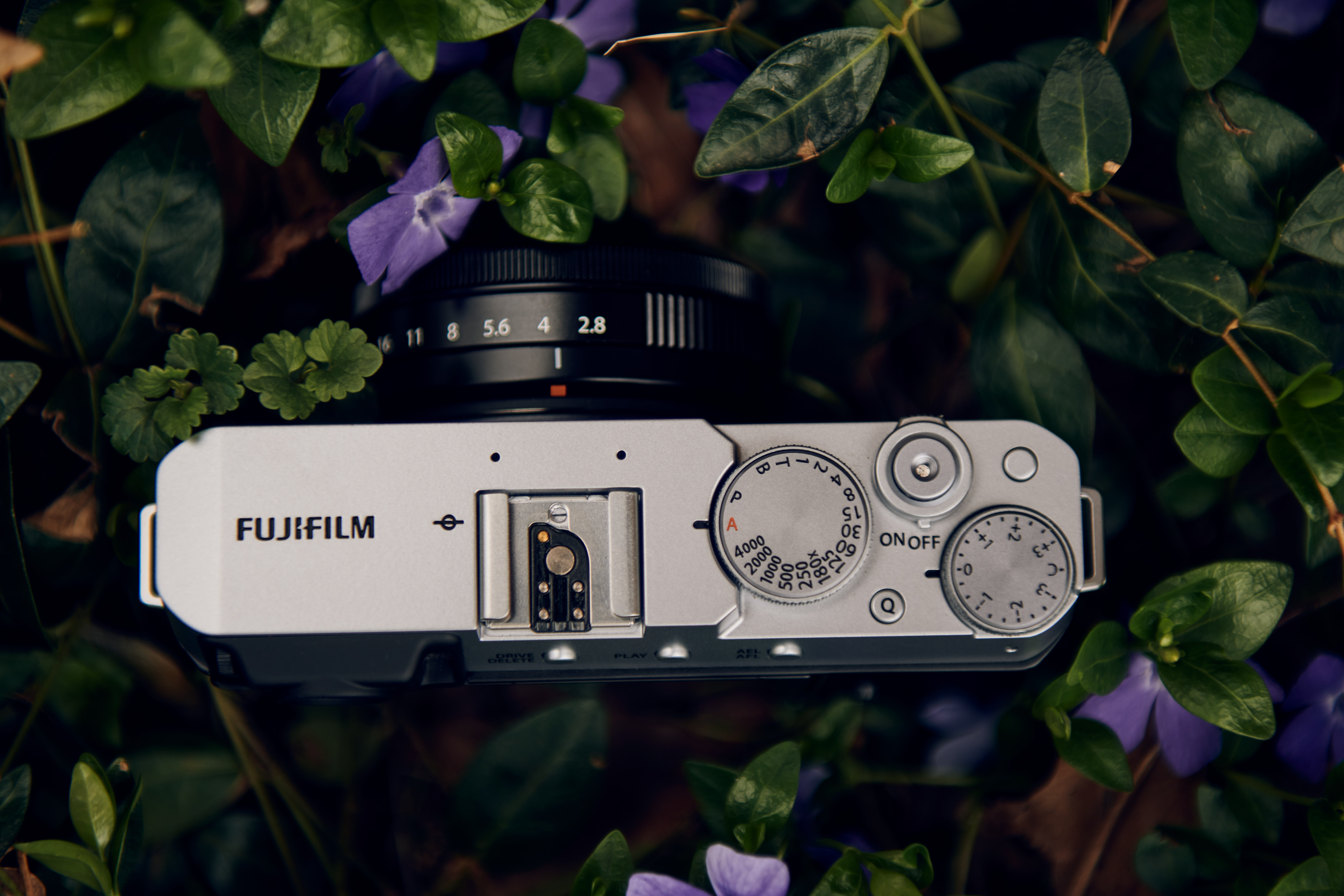
The Fujifilm X-E4 puts the same beautiful colors and image quality as the brand’s pricier cameras into a model that’s both more affordable and easier to learn. The X-E4 is a beautiful camera that’s a joy to use. The biggest caveat to beginners is that you need to turn the shutter, aperture, and ISO to the A position to enter into auto mode, where other cameras have just an easy green A mode on the dial.
In our review, we state:
“The Fujifilm XE4 sits at a bit of an odd spot — there are many controls for a beginner, but not enough for more serious users. To shoot on auto mode, you need to have the shutter dial to A, the aperture ring on the lens turned to A, and the ISO set to auto. That’s a lot of dials to remember when other cameras just have a nice green A or camera icon at the top. That’s not to say that beginners can’t use this camera, but the un-tech-savvy may be intimated by the process.”
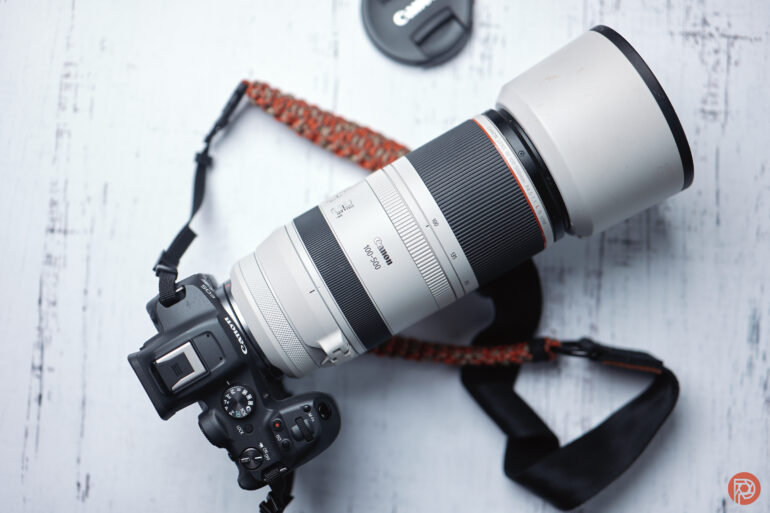
Canon EOS R7
Pros
- Compact
- Fantastic image quality
- Great autofocus
- Weather resistance
- Dual card slots
- Canon’s menus – deeper and pretty simple to navigate, and nowhere near the jungle Sony makes you venture into to find El Dorado
- Incredibly lightweight
- Insanely affordable
- Great high ISO output
- I like the dual back dial and joystick.
- Absolutely phenomenal autofocus when it comes to birds
- ISO 12,800 is incredibly usable.
- WITH A BIRD SHROUDED BY LEAVES, 4/19 PHOTOS WEREN’T IN FOCUS. That’s a great hit rate!
- 500mm at 1/160th still gave me usable results because the image stabilization is so good with this camera and the 100-500mm.
- Exposure preview enabled with focus tracking in low light is very accurate.
- Fastest mechanical shutter almost is like black out free viewfinder
- Canon lets you update the firmware via the app.
Cons
- IBIS doesn’t automatically detect that you’re on a tripod.
- Randomly finds an object and tries to constantly latch onto it at times
- I wish Canon offered more affordable lenses worthy of this camera.
- The ISO button is in an awkward spot.
- I had an odd issue using the Canon Control Ring Adapter and the Irix 150mm f2.8 macro lens. It wouldn’t recognize the lens’s aperture. When I tried to make a photograph, it kept the shutter open. I had to pull the battery to get it to stop.
- I wish it had a blackout-free viewfinder in mechanical shutter mode for all settings.
- Electronic shutter can really be affected by a rolling shutter issue.
- Canon Connect doesn’t let you see the star rating of images within the app.
- Exposure preview really slows down performance with scene recognition, especially in low light. Otherwise, it’s fine.
- Scene recognition isn’t as great for some wildlife in low light.
- Canon’s vehicle technology looks at the shape of a vehicle and whether or not it has wheels. Therefore it isn’t great at tracking trains.











If you’re a beginner and you want to photograph wildlife or sports, the most important feature to look for is a fast autofocus. The Canon EOS R7 takes the snappy autofocus of the pricey R3 and puts it into an entry-level camera with a cropped sensor. For beginners, that translates in incredibly easy bird photography, as the camera finds the eye of the bird for you. Speed is also a plus, making the R7 an excellent choice for beginners who want to photograph sports or wildlife.
In our review, we state:
“The Canon EOS R7 is an fantastic camera. Canon took the autofocus of the EOS R3 and packed it into a camera with an APS-C sensor. This is perhaps the thing worth talking about the most as it more or less outperforms the EOS R5 and EOS R6. With that said, the EOS R3 is a fantastic companion to those cameras as well as the original EOS R. As the spiritual successor to the Canon 7D series, the EOS R7 performs very well across the board. The changes to the ergonomics will be welcoming to new customers, and possibly divisive amongst the Canon loyalists. The build quality is outstanding when paired with equally weather-resistant lenses. And the image quality is a fascinating thing to talk about. The high ISO output is exceptionally clean for a camera like this. In some cases, it even outdoes the Canon EOS R, a full-frame sensor camera.“
Tips on choosing the best cameras for beginners
Choosing a camera for a beginner is a minefield of different options. Before you decide, here are a few tips.
- Consider what you want to photograph most. A landscape photographer may want something portable, while sports and wildlife photographers need a camera with excellent autofocus.
- Full frame sensors typically offer the best image quality, but can be harder to learn. Still, going with a more affordable full-frame camera means lots more room for future growth before you feel the need to upgrade.
- Look at each brand’s lens list before buying the camera body. While most mirrorless bodies now have a good selection to choose from, you’ll want to at least peruse the range of options and price points before investing in the body.
- Mirrorless cameras are much easier to learn on than DSLRs because they feature tech like eye-detection autofocus and the ability to preview the exposure settings right in the viewfinder. That — and the fact that few manufacturers are putting time into DSLRs — is the reason this list is entirely made up of mirrorless cameras.
Picking the right camera for beginners
- What’s your budget?
- How will you use the product?
- What lighting situations are you in, and how will that affect what you’re doing? Our reviews hyperlinked in this article can help with that.
- Are you traveling a lot with it?
- Will you be using it in a situation that’s a bit rougher?
- Who else uses this product? How are they using it?
- What’s so appealing about this product that I can’t get from what I have already or something else?
- When will I really have time to use this product?
- Where will I bring this product?
- How will this product help bring me joy and joy in my photography?
The Phoblographer’s various product round-up features are done in-house. Our philosophy is simple: you wouldn’t get a Wagyu beef steak review from a lifelong vegetarian. And you wouldn’t get photography advice from someone who doesn’t touch the product. We only recommend gear we’ve fully reviewed. If you’re wondering why your favorite product didn’t make the cut, there’s a chance it’s on another list. If we haven’t reviewed it, we won’t recommend it. This method keeps our lists packed with industry-leading knowledge. Some of our stories include affiliate links. If you buy something through one of these links, we may earn an affiliate commission.
Get rid of the ads!
Did you enjoy reading this article as much as we enjoyed writing it? There's a way to support us and our reporting, getting ad-free navigation and more as a bonus. Subscribe to us for less than a coffee per month —just $3.99— or take advantage of our yearly subscription with a hefty discount for only $25.- An ad-free experience
- A free mystery box for Lightroom or Capture One
- All the books in our store
- 20% discount on Capture One
- 30% discount on Imalume Photo Theft Protection
- 20% off Herbs and Kettle Tea Company.
- 20% off your order from MPIX printing services.
- 5% off Viltrox Products via their eCommerce store.
- 10% off all film developing, printing and scanning services from Blue Moon Camera and Machine
- 15% off 7Artisans products: The lens and accessory maker is offering a sweet discount for Phoblographer's readers.