

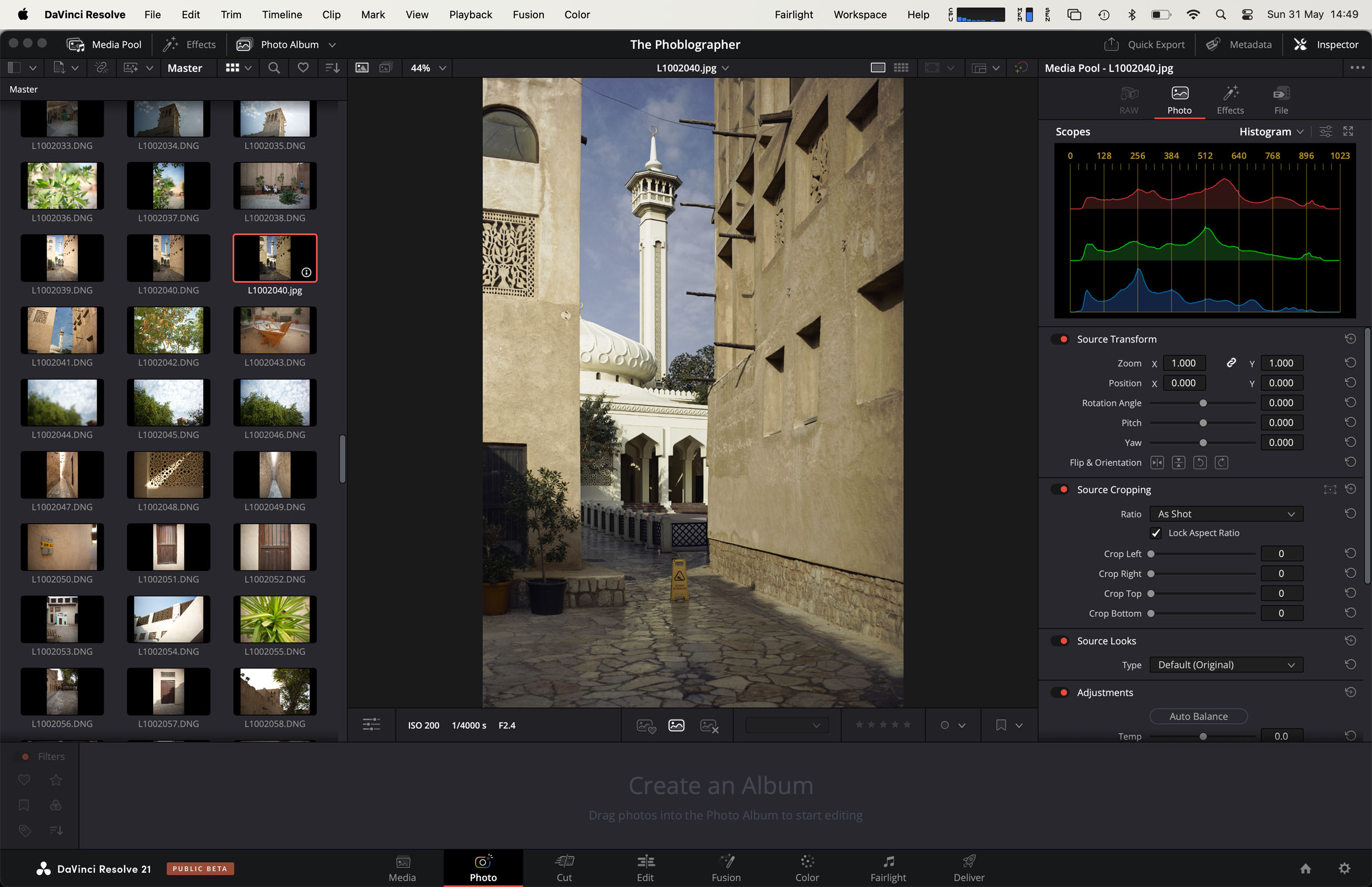
For nearly a decade now Da Vinci Resolve has stood out as the editing software of choice for Hollywood (and content creators wanting to feel like they belong there). What always astonished me was the amount of pro-grade features they provided with their entirely free software. Granted, the Studio version was a lot more premium, but when you look at the fact that the now clearly aging Final Cut Pro by Apple is still a paid software, you have to applaud DVR for still keeping up a very capable free edition of their world class editing tool. With their upcoming version 21, Da Vinci Resolve now brings a dedicated photo editing tab as well. We dive into the beta software to see who it’s really for and if it’s going to give Adobe a run for its money.
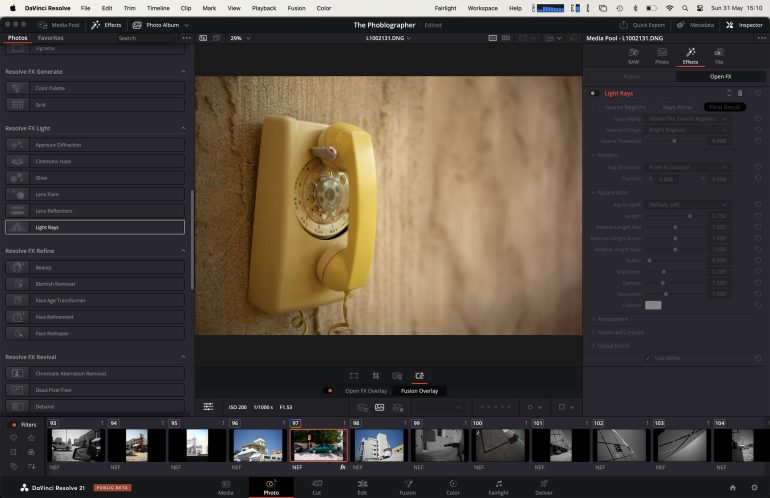
Table of Contents
Da Vinci Resolve – What’s In It For Photographers?
I could probably write a handful of articles on how impactful Da Vinci Resolve is for video editing, primarily because it came in very handy for me some years ago when I needed to add this skill to my resume. But for someone like me, who’s a professional photographer above anything else on any day, it was quite a surprise to hear that Da Vinci Resolve was adding a photo editing tab to the quite established, yet complex video editing tool that’s been around for some years now. It didn’t quite make sense to see this added almost like an afterthought, because why have this as just another tab instead of as a separate standalone software? Are video editors now going to just grab a still off their editing timeline and start making it look good for Insta posts or Facebook cover shots?
Photo Features That Might Appeal To Hybrid Editors

One thing to applaud Da Vinci Resolve for, is the fact that they haven’t tossed in random features to make it seem like they just wanted a foot in the door. Instead, they’ve carefully thought out a list of tools that editors would need, and for a first attempt, it’s actually quite well done. But then again, they have loads of contemporary post-processing tools on the market to study from. And also, their own powerful video editing tools kind of make their way into the Photo tab, for a sense of familiarity. What’s not very nice though, is that many of the interesting tools are under the paid Studio version. And I’m not sure many people would want to jump ship to Da Vinci Resolve for this.
A Familiar Layout For Existing DVR Users
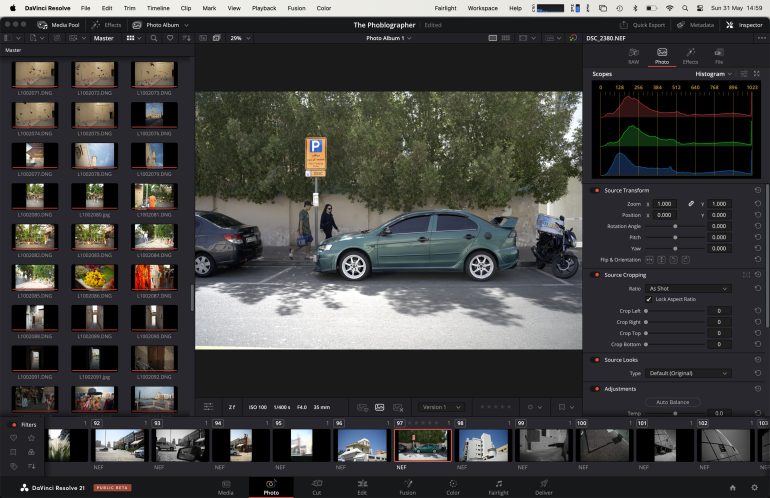
Everything is node based, much like the video editing tool. Think of a node as a virtual, non destructive layer. You can add as many nodes as you want to an image, and each of them can hold multiple edits, similar to what layers can do in Photoshop or Capture One. It does take a bit of getting used to, and you’ll start to see how video editors go about their day once you understand how this really works. To my knowledge, this is probably the first node-based photo editor to be widely available for photographers.
Non Destructive Editing & Photo Management…?
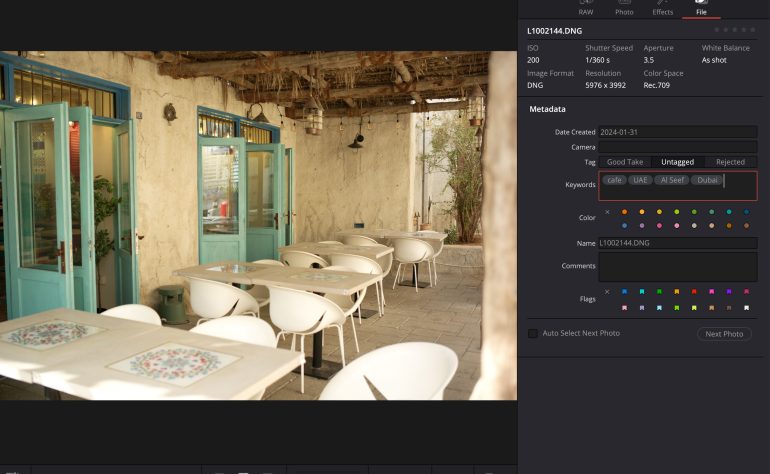
Your edits never affect the original file, much like Adobe Lightroom and Capture One. You can always go back to retouch, re crop or reset any image in your archive. However when it comes to the claimed Photo Management aspect, what Da Vinci Resolve offers is far less compared to the two bigwigs in the industry today. I can’t let this pass just because it’s a beta, because this feature is marked in bold on the DVR page for Photo editing.
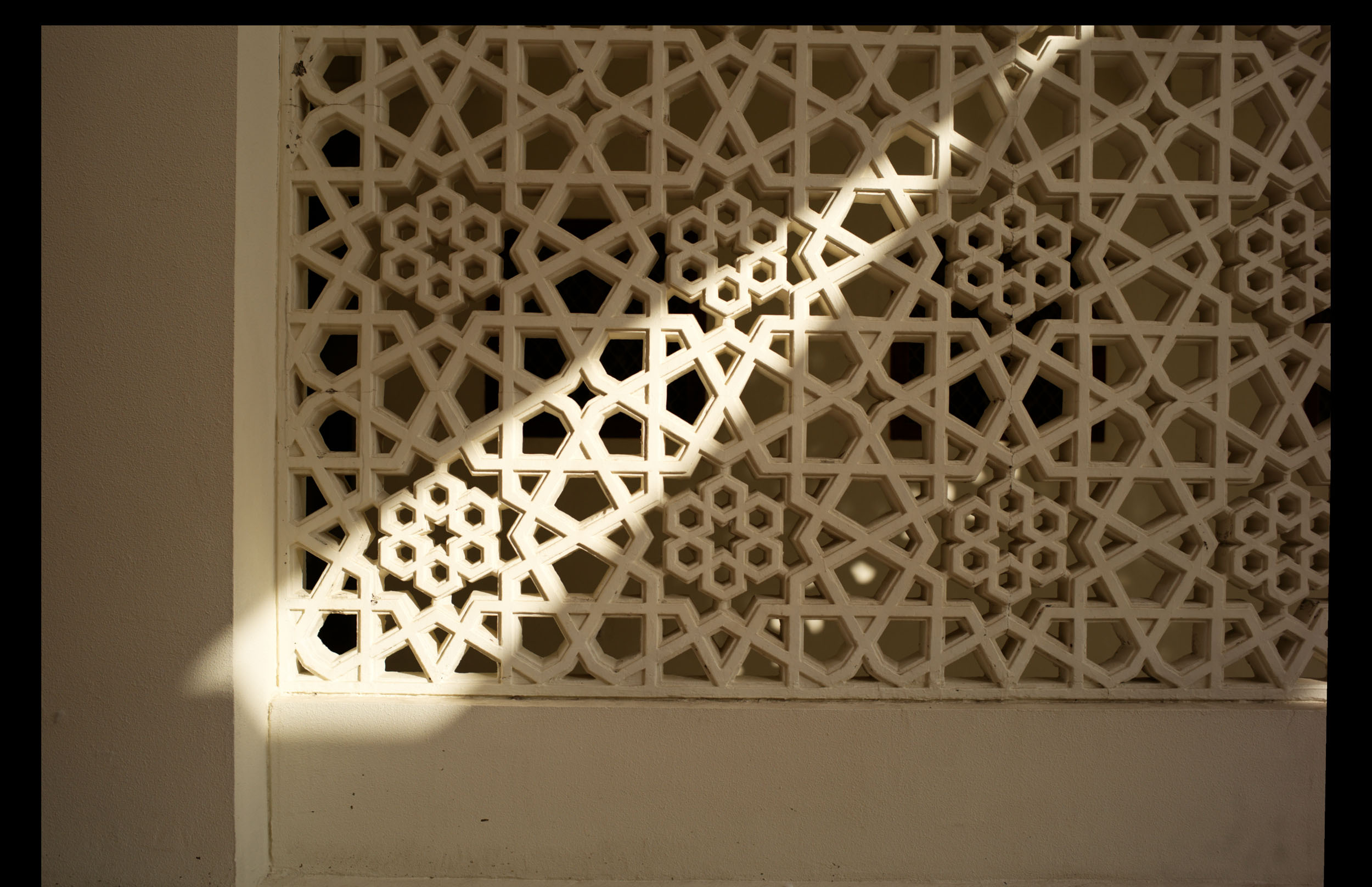
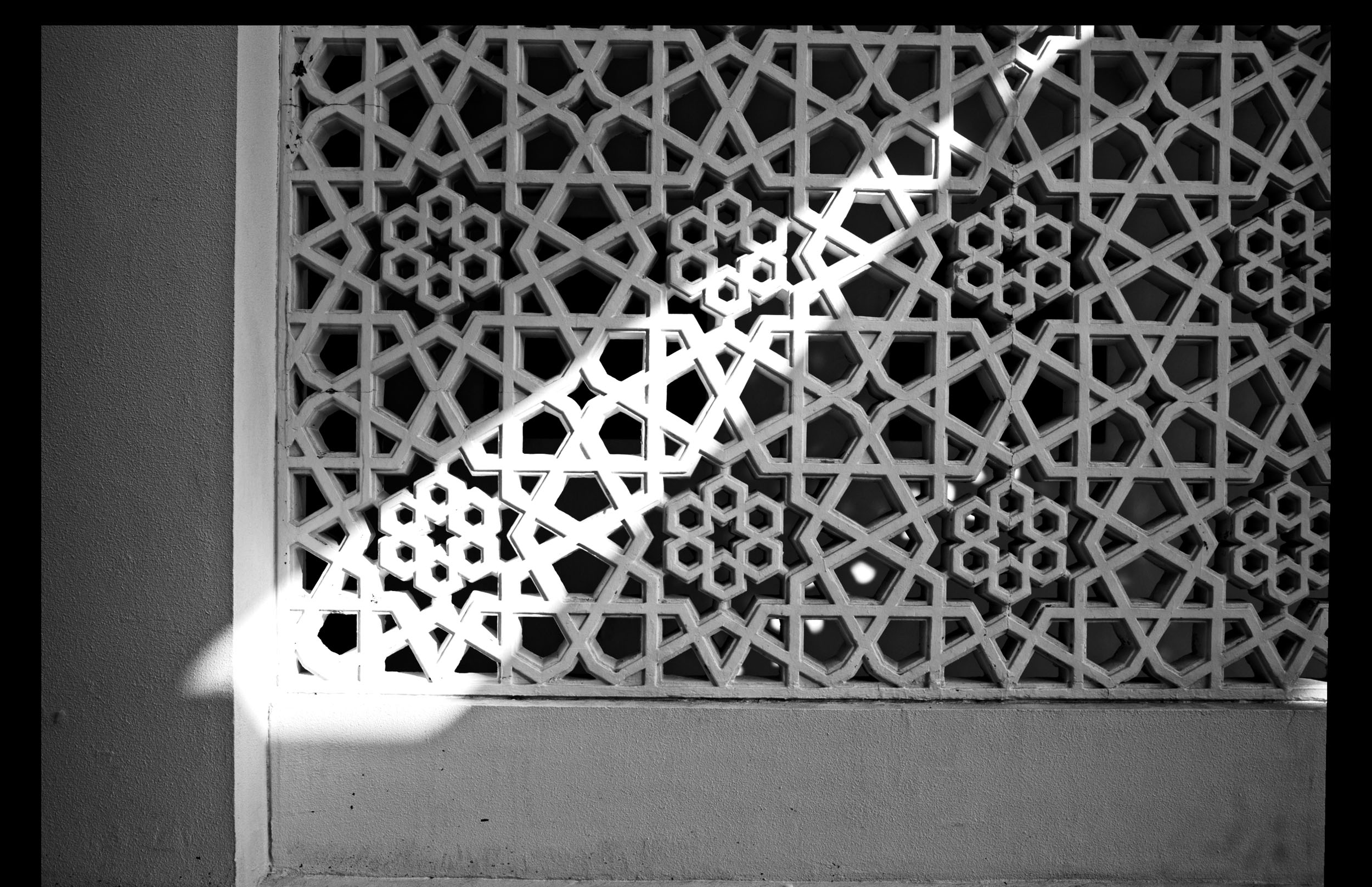
I’d say it’s more image classification and sortation rather than management. Lightroom and Capture One have catalogs, collections and more. These two have a workflow that’s more streamlined and refined many times over the years. Da Vinci Resolve really needs to separate their video editing process from the photo one in order to really succeed in this section. And I’ll say it again – that is best done with photo editing being packaged as a separate tool. At the moment though, DVR makes it easy for you to import your large photo collections from Apple Photos or Lightroom (I don’t know any pros who would really do this now) and then tag, keyword or rate them.
Intelligent Searching
What I will give DVR credit for, is their AI Intellisearch feature, which can scan your collection and come back with usable search results. What’s not great, is that this is only available for the Studio version. I didn’t see any documentation on whether this AI feature is local or server-based though. It’s possibly local though, since it takes quite some time to first analyze all your images, then the search results come back fairly quickly after that.
ReLight
Remember the Lighting Effects tool that used to be in Photoshop? Where you could simulate adding a directional light source into a still photo, such as an overhead bulb from a lamppost, to give some drama to your photos? Missing in Photoshop for some years, you now have the option to try this in Da Vinci Resolve. Relight claims to analyze faces and objects to distribute light naturally across the image. As you can see in the samples below, it’s done a somewhat good job. No more needing additional apps to add light flares or sun rays to your photo, if that’s your thing. A subtle enhancement using this could dramatically improve the mood and atmosphere. Just remember to not overdo it to avoid making the image feel artificial.




Color Grading Excellence


If you were tempted to use DVR as a video editing tool, because of the plethora of color grading options available to you, then you’ll really enjoy seeing that extended to photo editing now. Vintage, modern, or cyberpunk styles can all be applied to your photos if you get the hang of the grading workflow that has been available in DVR to video editors for a very long time. But it’s important to realize that this is going to really transform your photos into looking quite different from what they were to start with. It’s quite the opposite of what Fujifilm is trying to do by allowing photographers to get the same results entirely in-camera. Here you can start trying to make flat RAW photos look cinematic, and if that is something you thrive on, then Da Vinci Resolve can take you down a rabbit hole at times.
Tethered Shooting – Not For All
As of today, tethered shooting is available only for Canon and Sony shooters. Everyone else will have to wait a bit. Photos can be graded in real-time as they are shot and transferred to your computer.
Da Vinci Resolve – The Primary Choice For Photo Editors In The Future?
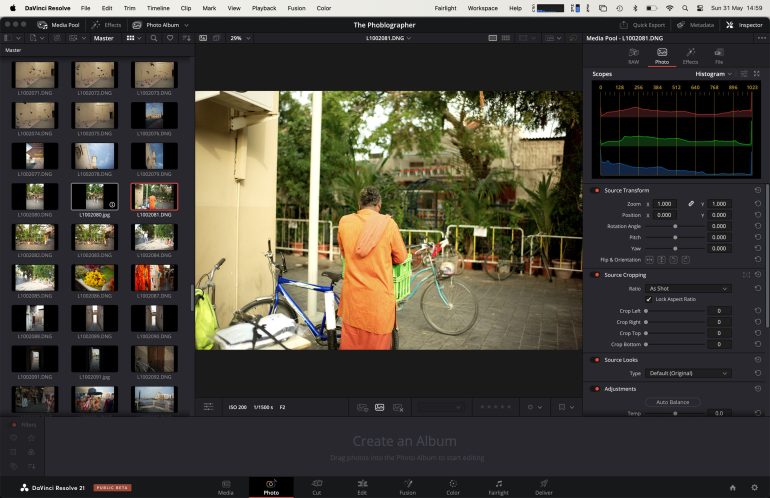
There’s a super long way to go before Da Vinci Resolve becomes a replacement or even a strong competitor for something like Lightroom or Capture One. At this point it’s more like Photoshop Express. Some Hollywood directors are excellent photographers too, but they practice both those crafts separately and very distinctly. You hardly ever see a director who’s also an on-set photographer. No, their photos, while they might be dramatic and visually stunning, are always of widely different topics and subjects. There’s no reason for anyone to have photo and video editing tools in the same software. If there was, you’d have seen Adobe do it already. So for DVR to add Photo editing as part of it’s video editing software is quite a perplexing update to see in this day and age. While I’m not here to cross examine the reasons for them doing so, I strongly believe they’d have much more success in this if they release this as a separate tool, one that’s also available for iOS and Android smartphones. That might give them a bit more of an edge in this saturated market.
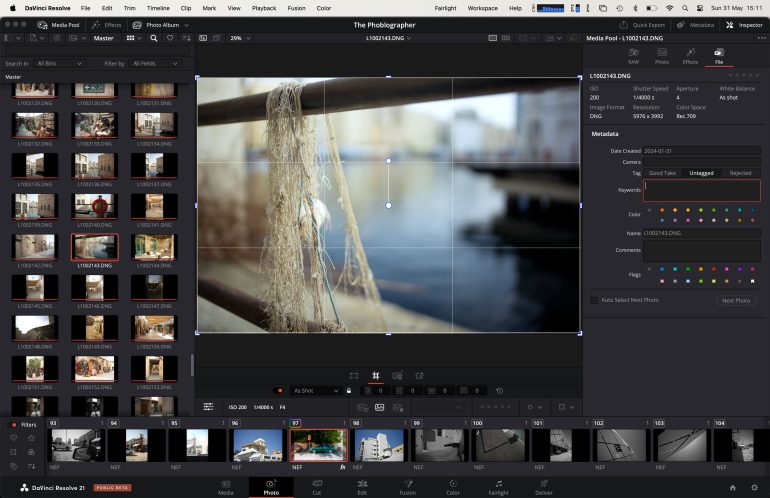
What does work heavily for them right now is the fact that this is being added for free, in a software that’s already free – with limitations though. But is it enough to expect photographers to download a videographer’s tool just to use a small portion of it to edit photos? That feels a bit like asking a radio jockey to sit inside the new Ferrari Luce but only allowing them to use the infotainment screen to play tunes. For a while they’d probably enjoy the new interface, but after some time they’ll start wondering why they’re surrounded by controls they have absolutely no intention of using.
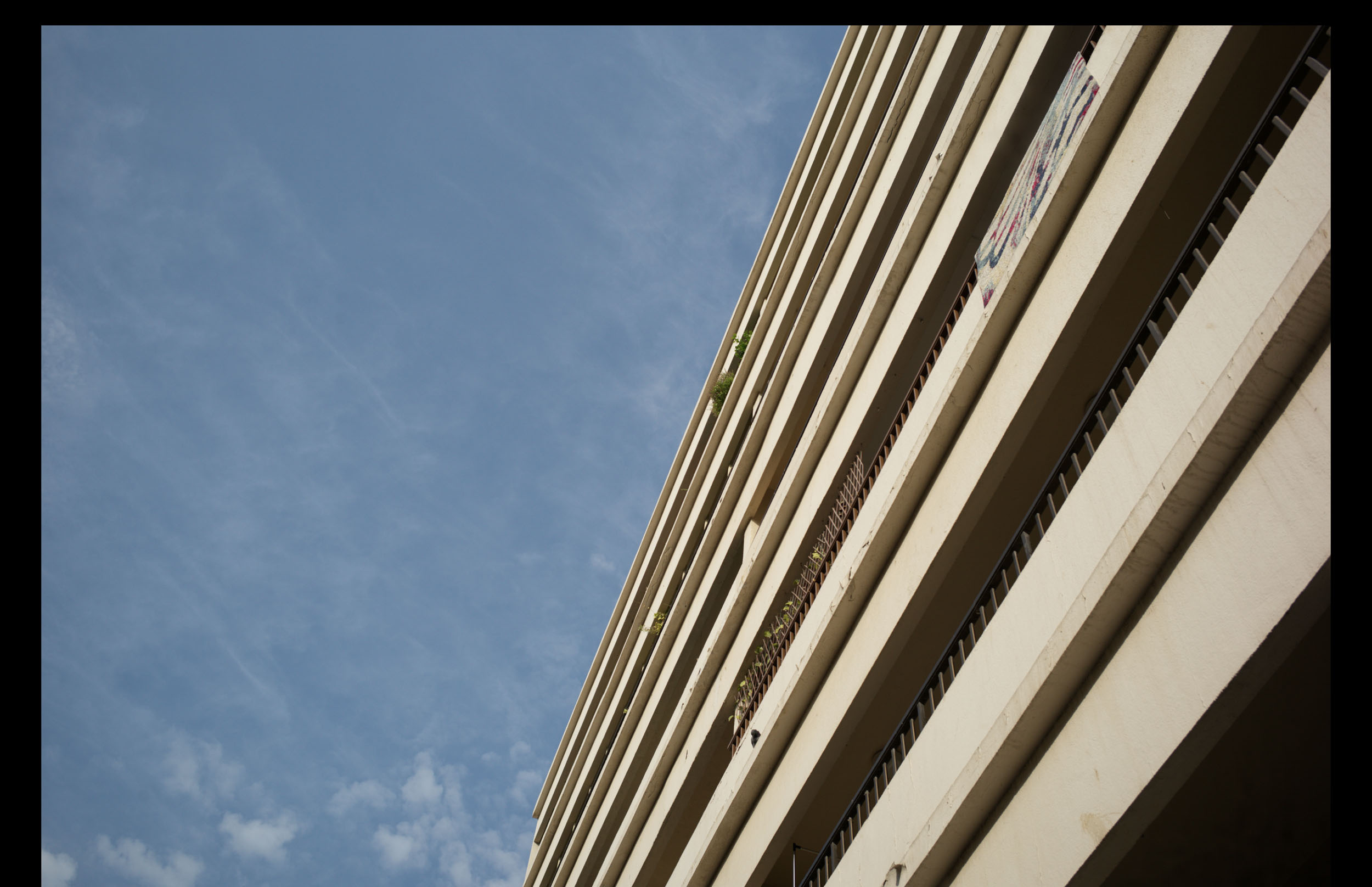
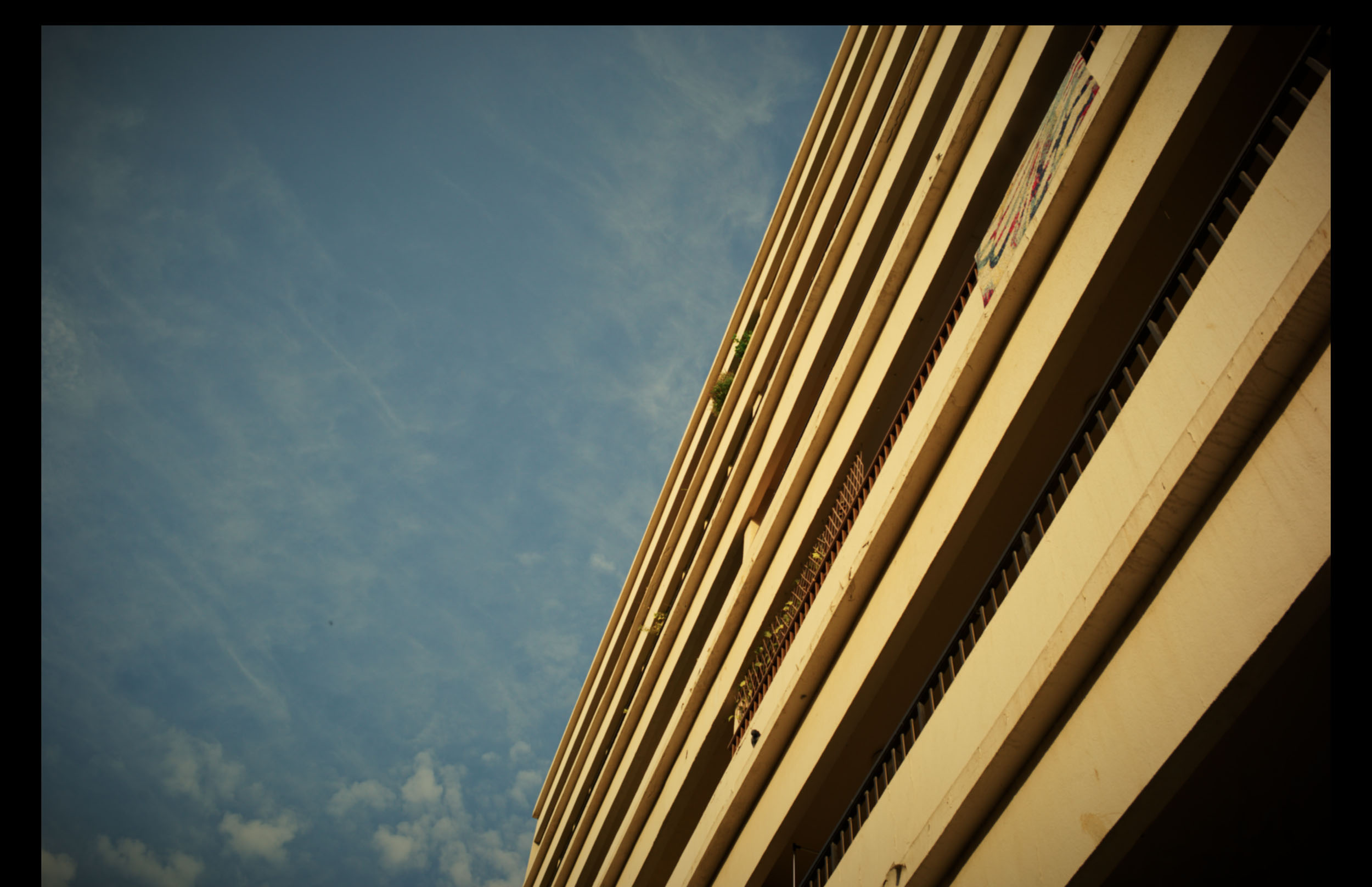
Da Vinci Resolve can help edit your photos effectively, but there are far more established dedicated options for the same. I most enjoyed using it to make some photos look a bit retro. However, I would still pick Dehancer Film for this over DVR any day. And I can’t think of a single photographer who wants access to timelines, audio tools, visual effects environments, and professional video finishing tools. If Apple introduced this in Final Cut Pro or Adobe did in Premiere Pro, we’d probably chuckle. Photographers who are still starting out and want to try out this new tool in DVR, will struggle to embrace a workflow that requires them to immerse themselves inside a software built primarily for an entirely different profession. But if you’re a mixed-medium kind of person, and at least for the next decade or so it appears the industry expects a lot of such people working in social media-related fields to be a jack-of-all-trades, you’ll feel that the lines between photography and video continue to blur. The Photo page in Da Vinci Resolve may be the company’s way of inviting purist photographers to join this journey. I doubt many of them would accept this though.
Get rid of the ads!
Did you enjoy reading this article as much as we enjoyed writing it? There's a way to support us and our reporting, getting ad-free navigation and more as a bonus. Subscribe to us for less than a coffee per month —just $3.99— or take advantage of our yearly subscription with a hefty discount for only $25.- An ad-free experience
- A free mystery box for Lightroom or Capture One
- All the books in our store
- 20% discount on Capture One
- 30% discount on Imalume Photo Theft Protection
- 20% off Herbs and Kettle Tea Company.
- 20% off your order from MPIX printing services.
- 5% off Viltrox Products via their eCommerce store.
- 10% off all film developing, printing and scanning services from Blue Moon Camera and Machine
- 15% off 7Artisans products: The lens and accessory maker is offering a sweet discount for Phoblographer's readers.