

Today, Adobe is announcing…well…some stuff I’m not honestly sure that anyone really asked for. All of it seems to be using AI of some sort to add to what it already capable of being done in Photoshop and Lightroom. But photographers have been asking more and more for a version of these pieces of software just without AI being forcefully poured down our throats. All the details you need are below.
The following information is from Adobe’s communications with us.
In Photoshop
- Rotate Object, now generally available, turns what was once a tedious, multi-step process into an instant, non-destructive workflow. Creative professionals can tilt, spin, and recomposite objects from virtually any angle in real time, making it easy to visualize different perspectives, refine compositions, and iterate quickly without rebuilding or losing original work.
- Firefly Boards integration with Photoshop helps creatives move more seamlessly from early concept to final execution. By reducing friction between ideation and production and minimizing time spent switching between tools, Firefly Boards supports the full arc of creative work, from brainstorming to finished projects.
- Layer Cleanup automatically streamlines and declutters your files by intelligently renaming layers and automatically removing empty ones.
In Lightroom
- Improved Search lets you find photos simply by describing what you’re looking for in your own words.
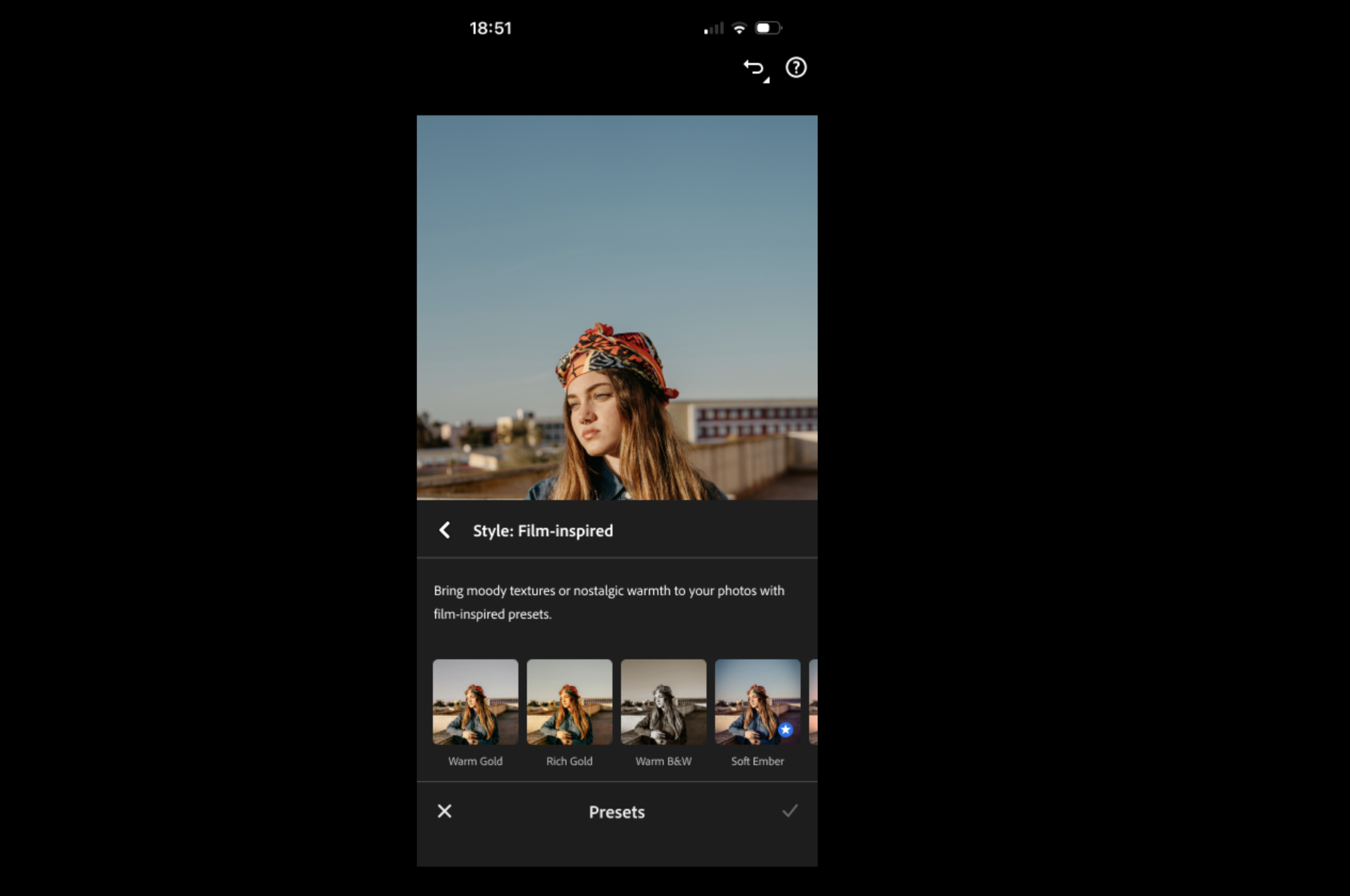
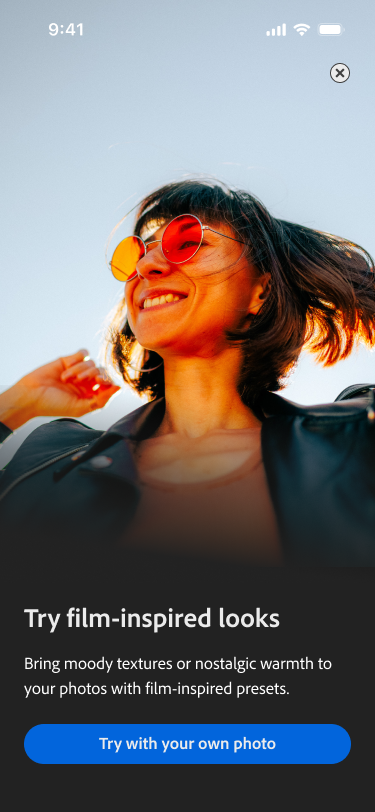
- ️New Film-Inspired Presets give you more creative control to deliver a nostalgic vibe,
- And other performance improvements like faster Assisted Culling and 5x faster interactive slider performance, and support for all Sony A7V formats, to help you deliver large shoots with greater speed and precision.
All of these are quite odd. Sure, improved search is nice if you’re one of those photographers who has a massive catalog and who never starts a new one. But at the same time, I also wonder how you’re organizing your files. I typically organize by year, month, and then the name of the job with final exports being nested within those folders too. And usually, I can find anything that I need just from my own memory — because I made the photographs in the first place.
Here at the Phoblographer, we’ve got similar technology built into our backend where AI assists us with descriptions of images and also helps us find what we’re looking for if needed. On top of that, we often do very specific naming conventions too.
Then here’s the film-inspired presets. Moving on.
Lastly, there’s assisted culling — another thing that I truly don’t understand because I still believe that photographers should just star-rate their images in-camera.
Call me old-school at 39 years old and with 20 years in this industry, but I think that too many photographers rely on post-production software to be their ultimate savior instead of realizing everything that their camera can do for them. If you just shoot fewer frames, go through them and star rate them in-camera, you won’t need to sit there and spend so many hours culling. What’s more, if you embraced manual tuning of your looks and better exposure making processes in-camera, you probably also wouldn’t need to rely so heavily on all the technology.
Let this sink in: so many photographers would fail tomorrow if they left Adobe for something else. And if we are nothing without a tool, we shouldn’t be using it.
Get rid of the ads!
Did you enjoy reading this article as much as we enjoyed writing it? There's a way to support us and our reporting, getting ad-free navigation and more as a bonus. Subscribe to us for less than a coffee per month —just $3.99— or take advantage of our yearly subscription with a hefty discount for only $25.- An ad-free experience
- A free mystery box for Lightroom or Capture One
- All the books in our store
- 20% discount on Capture One
- 30% discount on Imalume Photo Theft Protection
- 20% off Herbs and Kettle Tea Company.
- 20% off your order from MPIX printing services.
- 5% off Viltrox Products via their eCommerce store.
- 10% off all film developing, printing and scanning services from Blue Moon Camera and Machine
- 15% off 7Artisans products: The lens and accessory maker is offering a sweet discount for Phoblographer's readers.