


When Fujifilm launched its instant printing devices, little did they know the creation would become so popular. While it met most of the needs of its users, there was a catch. Link printers can only be connected via the customer’s smartphone in order to procure a print of the image of their choice. After customer feedback, it seems Fujifilm has found the perfect solution to this issue. The company has now announced that users can print photographs stored on their computers through the Printer Driver software, which is exclusively available for the Instax Link Wide.
First launched in 2019, the Link series has been used by multiple individuals—photographers, enthusiasts, college-going students, senior folks, and more—who are keen on immortalizing their digital pictures on Fujifilm’s Instax film. The prints are high quality and offer rich colors, a feature that has propelled this product line to such stardom. In addition, its ease of use—where one can print an image at the click of a button—and the pocket size dimension are also what sets the series apart. You can carry your trust Link anywhere with you.
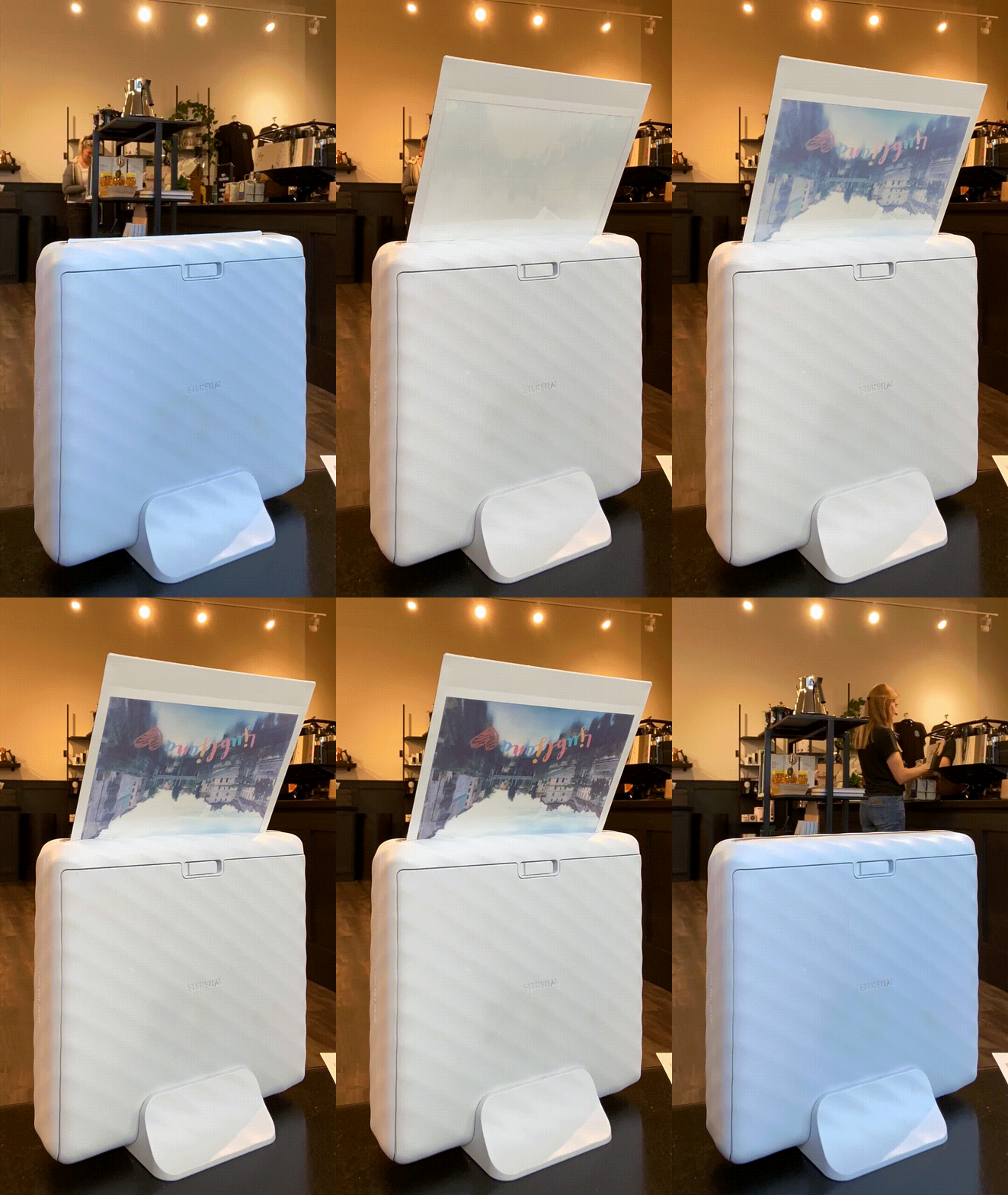
Before Link’s Mini series, Fujifilm announced Instax Link Wide, which offers a bigger film. In our review of the device, Brittany Smith wrote about how promising the creation is. “I was pretty pleased overall with the prints. That’s an understatement. I had so much fun that I wound up buying another two packs of Instax Wide film!” she exclaimed, highlighting her joy. She also comments on how the compact printer is great for those dabbling with commercial and event photography. “The Instax Wide Link will provide photographers an extra personal touch during their sessions and their marketing. The QR code is a great bonus and works well. The instant film printer gives a sense of nostalgia that people of all ages are bound to enjoy,” she adds.
However, today, you no longer have to limit yourself. As per the press release sent to Fujifilm Rumors, with the new printer driver software, users of Instax Link Wide can view and edit their photographs stored on their computers. In fact, Fujifilm wants to broaden its horizon and hopes that illustrators and those who love gaming can use the printer driver to engrave their favorite artworks or scenes onto the film.
How to Use Instax Link Wide Printer Driver
The steps are fairly simple.
- Download and install the printer driver onto the computer.
- Connect the Instanx Link Wide with your PC’s Bluetooth.
- When you go to the printer, ensure you are connected to the Fujifilm Instax printer.
- Before you hit print, the computer will give you options to choose the color mode. For instance, the “Instax-Rich” mode is for vibrancy, and the “Instax-Natural” mode is for soft images. Once everything is set, choose the number of copies you wish to create and preview them.
- Ensure you have locked the settings. Now, hit “print.”
The printer driver also offers an adjustment option. Users can choose between six parameters, including color (cyan/magenta/yellow), brightness, contrast, and saturation, to achieve the picture of their vision. Users can also save the adjustment for the next print.
The Instax Link Wide Printer Driver is available to download for Windows, but the iOS version for Mac will be released in the “fall of 2024.” It remains to be seen when this technology will trickle down to other Link products, such as the Link Mini series.
For more details, please visit Fujifilm Instax’s website.
Get rid of the ads!
Did you enjoy reading this article as much as we enjoyed writing it? There's a way to support us and our reporting, getting ad-free navigation and more as a bonus. Subscribe to us for less than a coffee per month —just $3.99— or take advantage of our yearly subscription with a hefty discount for only $25.- An ad-free experience
- A free mystery box for Lightroom or Capture One
- All the books in our store
- 20% discount on Capture One
- 30% discount on Imalume Photo Theft Protection
- 20% off Herbs and Kettle Tea Company.