

Last Updated on 05/08/2015 by Chris Gampat
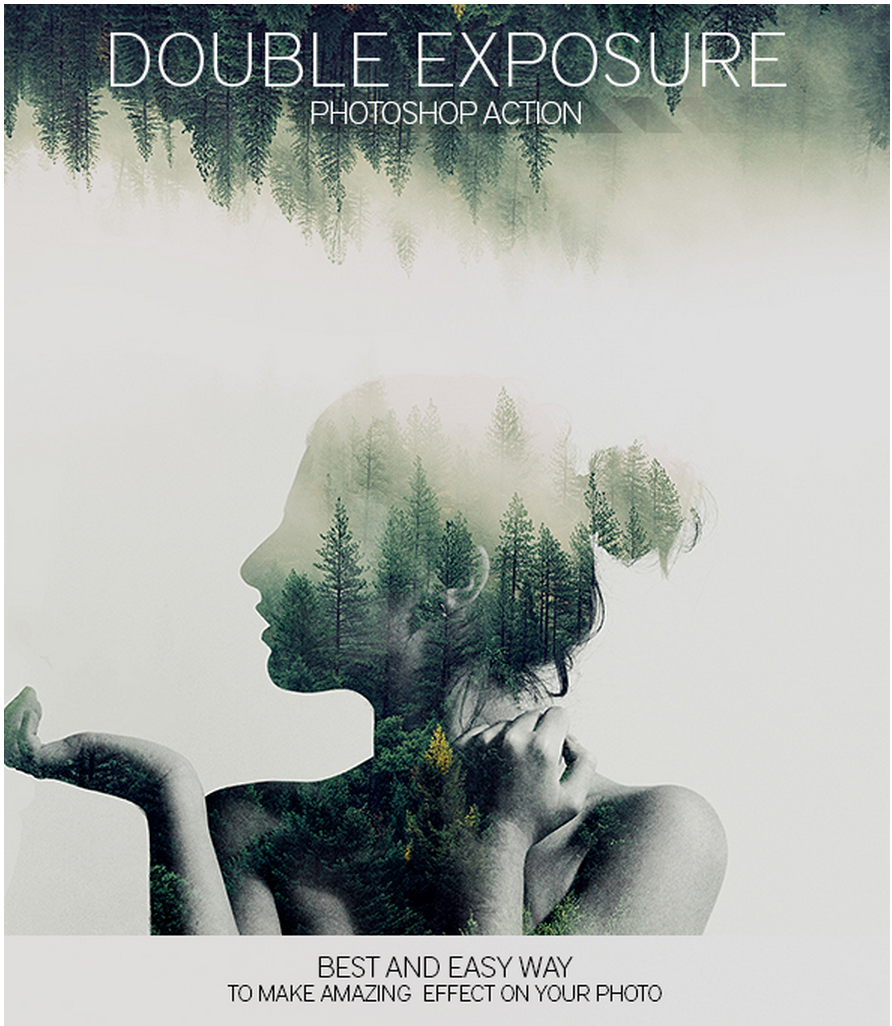
Images used with permission from Eugene Smith
Double exposure images are fun and super creative once you get the right hang of it, but a new Photoshop action is looking to make double exposure work really simple. Photographer Eugene Smith has created this simple action, and for $4, you can create better double exposures and then fine tune them accordingly in Photoshop.
Of course, you won’t be the photographers who do double exposures in their camera and doing this within digital cameras is also possible if your camera allows it, Now, if you’re a Photoshop user, you can create awesome double exposures with ease.
More details are after the jump.

Get rid of the ads!
Did you enjoy reading this article as much as we enjoyed writing it? There's a way to support us and our reporting, getting ad-free navigation and more as a bonus. Subscribe to us for less than a coffee per month —just $3.99— or take advantage of our yearly subscription with a hefty discount for only $25.- An ad-free experience
- A free mystery box for Lightroom or Capture One
- All the books in our store
- 20% discount on Capture One
- 30% discount on Imalume Photo Theft Protection
- 20% off Herbs and Kettle Tea Company.
- 20% off your order from MPIX printing services.
- 5% off Viltrox Products via their eCommerce store.
- 10% off all film developing, printing and scanning services from Blue Moon Camera and Machine
- 15% off 7Artisans products: The lens and accessory maker is offering a sweet discount for Phoblographer's readers.
- 15% off a VSCO One subscription: Get a bunch of great tools with their all-in-one package.