First Impressions: Canon 6D (and Wi-Fi Demo)

by Chris Gampat on 10/27/2012

Upon the announcement of the Canon 6D; we weren’t so impressed. Admittedly, it features some awesome technology such as the new meter, built-in Wi-Fi, and more. At Photo Plus Expo, I finally was able to get some personal fondling time with the Canon 6D: the company’s latest full frame DSLR targeted at enthusiasts.


Tech Specs

Specifications taken from the B&H Photo Video listing

Imaging
Camera Type Digital SLR with Interchangeable lenses
Lens Mount Canon EF
Camera Format Full-Frame
Pixels Actual: 20.6 Megapixel
Effective: 20.2 Megapixel
Max Resolution 20MP: 5472 x 3648 @ 3:2
Other Resolutions 11MP: 4104 x 2736 @ 3:2
8.9MP: 3648 x 2432 @ 3:2
5MP: 2736 x 1824 @ 3:2
2.5MP: 1920 x 1280 @ 3:2
0.35MP: 720 x 480 @ 3:2
Aspect Ratio 3:2
Sensor Type / Size CMOS, 35.8 x 23.9 mm
File Formats Still Images: JPEG, RAW
Movies: MPEG-4 AVC/H.264, MOV
Audio: Linear PCM
Bit Depth 14-bit
Noise Reduction Yes
Memory Card Type SD
SDHC
SDXC
Focus Control
Focus Type Auto & Manual
Focus Mode Single-servo AF (S), Continuous-servo AF (C), Manual Focus (M)
Autofocus Points 11
Viewfinder/Display
Viewfinder Type Pentaprism
Viewfinder Coverage 97%
Viewfinder Magnification Approx. 0.71x
Diopter Adjustment - 3.0 to +1.0 m
Display Screen 3″ Rear Screen   LCD (1040000)
Screen Coverage 100%
Live View Yes
Exposure Control
ISO Sensitivity 100-25600 (Extended Mode: 50-102400)
Shutter Type: Electronic & Mechanical
Speed: 30 – 1/4000 sec
Metering Method Spot metering, Center-weighted average metering, Average metering
Exposure Modes Modes: Aperture Priority, Manual, Program, Program Shift, Programmed Auto, Shutter Priority
Compensation: -5 EV to +5 EV
White Balance Modes Auto, Cloudy, Custom, Daylight, Flash, Fluorescent (White), Manual, Shade, Tungsten
Flash
Max Sync Speed 1 / 180 sec
Flash Compensation -3 EV to +3 EV (in 1/3 or 1/2 EV steps)
Continuous Shooting Up to 4.5 fps
Dedicated Flash System eTTL
External Flash Connection Hot Shoe, PC Terminal
AV Recording
Video Recording Yes, NTSC/PAL
File Size 1920 x 1080p (Full HD)
1280 x 720p (HD)
640 x 480p (SD)
Frame Rate @ 1920 x 1080: 30 fps, 24 fps, 25 fps
@ 1280 x 720: 60 fps, 50 fps
@ 640 x 480: 30 fps, 25 fps
Exposure Control Manual: Shutter Speed, Aperture, ISO
Auto
ISO Sensitivity 100 – 12800, Expandable to 25600
Exposure Compensation -3 EV to +3 EV (in 1/3 EV steps)
Focus Auto
Manual
Continuous Auto
Continuous Shooting Time 1920 x 1080
@ 30 fps IPB: 32 min. (235 MB / min.) / ALL-I: 11 min. (685 MB / min.)
1280 x 720
@ 60 fps IPB: 37 min. (205 MB / min.) / ALL-I: 12 min. (610 MB / min.)
640 x 480
@ 30 fps ALL-I: 97 min. (78 MB / min.)
Audio Recording With Video, Stereo, Via Optional External Mic
Performance
Start-up Time 0.1 Seconds
Self Timer 2 sec, 10 sec
Connectivity AV Output, HDMI C (Mini), USB 2.0
Wi-Fi Capable (With Optional Transmitter) Yes 1
Power
Battery 1x LP-E6  Rechargeable Lithium-Ion Battery Pack, 7.2VDC, 1800mAh
Operating/Storage Temperature Operating
32 to 104 °F (0 to 40 °C)
Humidity: 0 – 85%
Physical
Dimensions (WxHxD) 5.7 x 4.4 x 2.8″ / 14.5 x 11.2 x 7.1 cm
Weight 27.16 oz / 770 g

Ergonomics

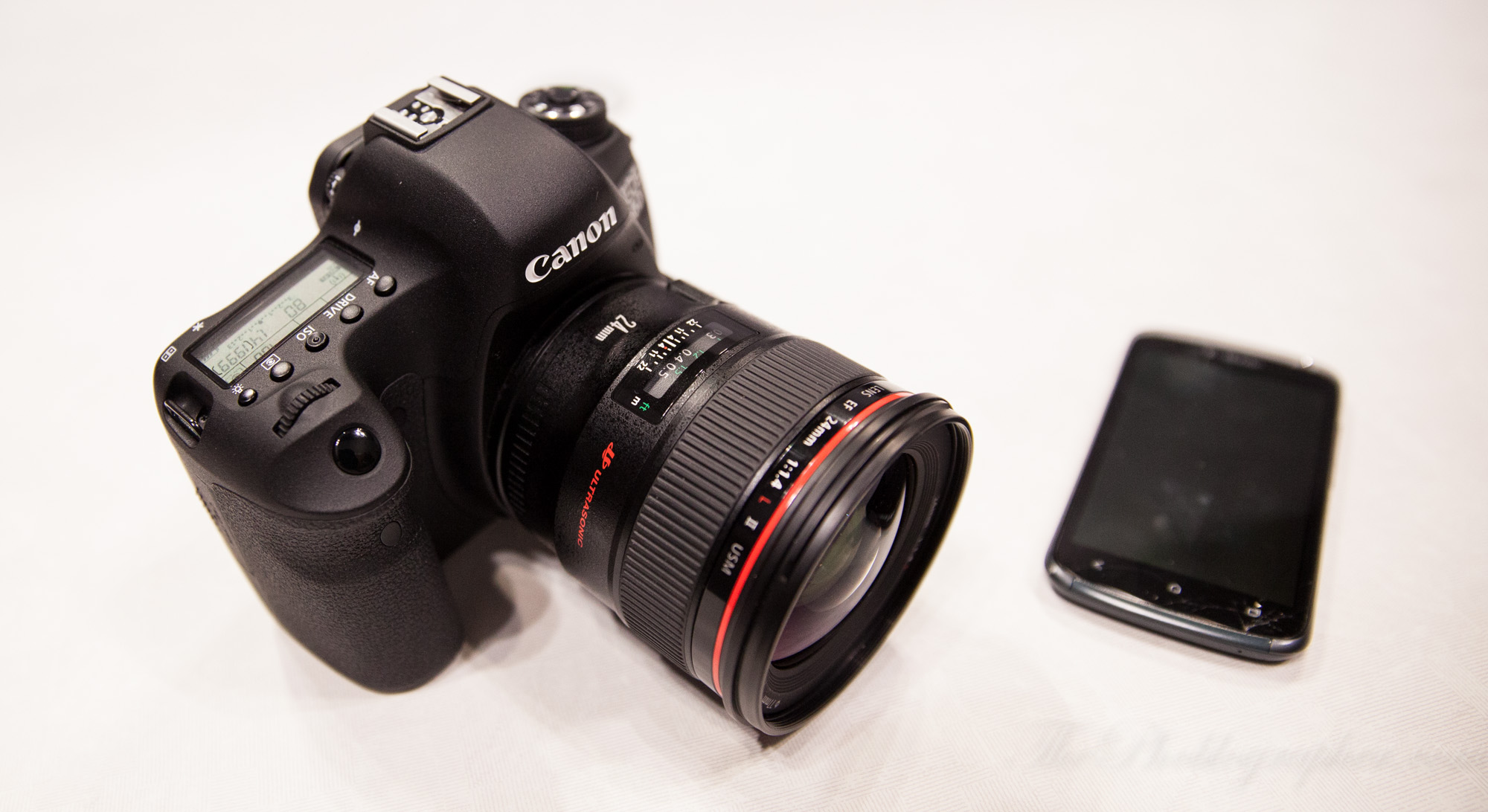
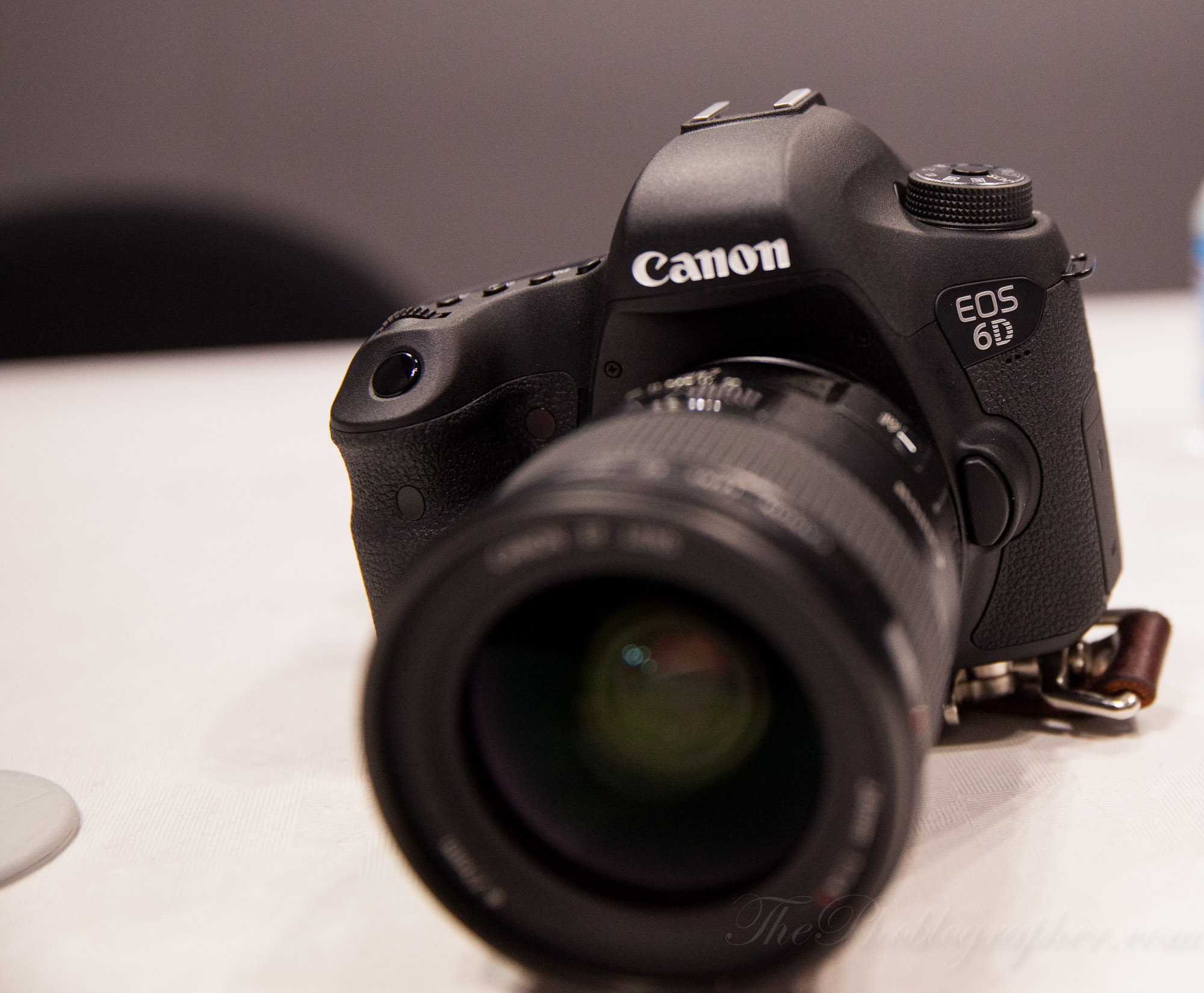
The Canon 6D, first off, is really quite small. If I had to think characterize it, I would think of a 60D with a full frame sensor stuffed inside. It feels nowhere as beefy as my 5D Mk II or the 5D MK III.
In fact, the camera reminds me a bit of a short, chubby kid; or a plump puppy for some odd reason…but complete with a big imaging sensor and all that jazz.
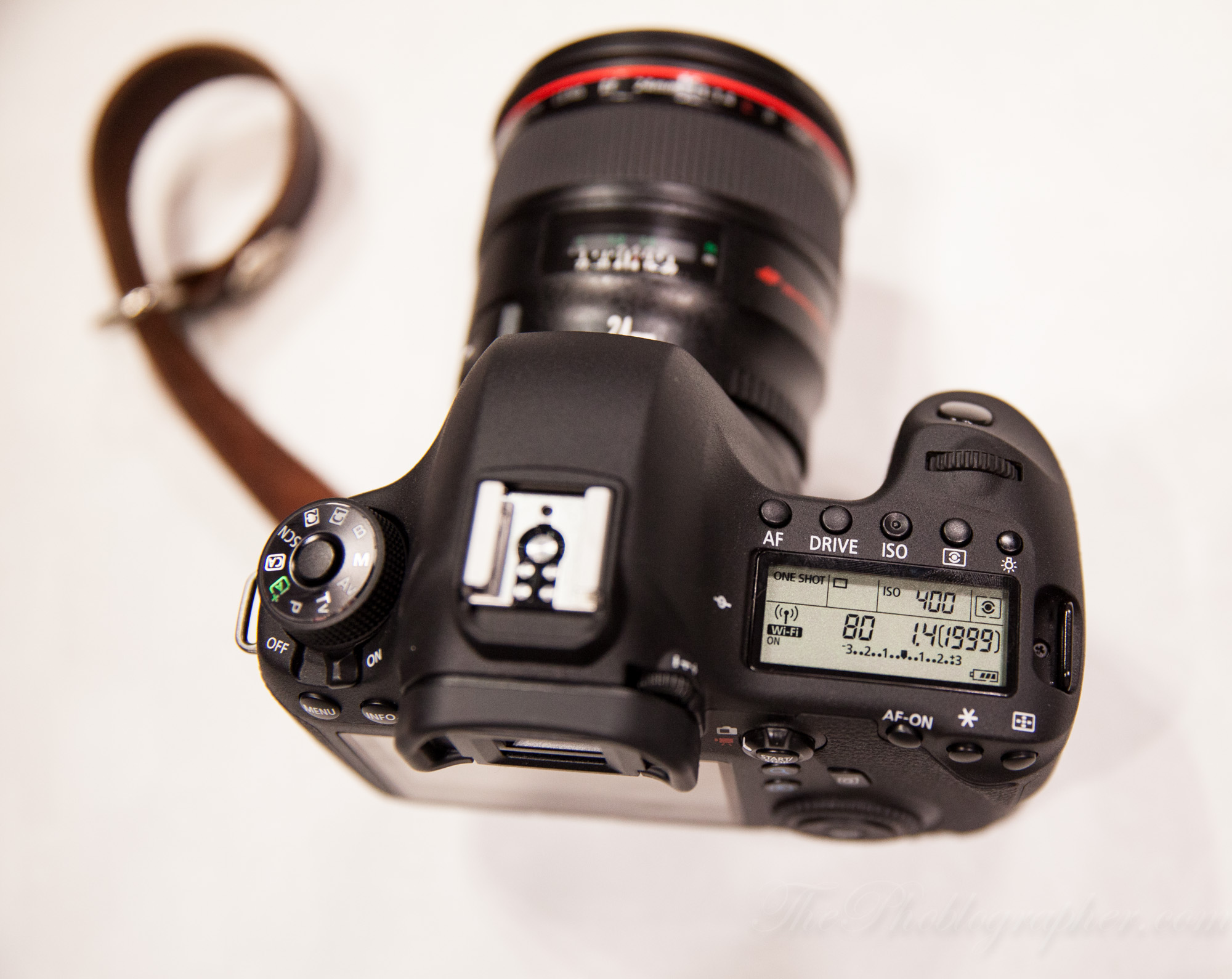
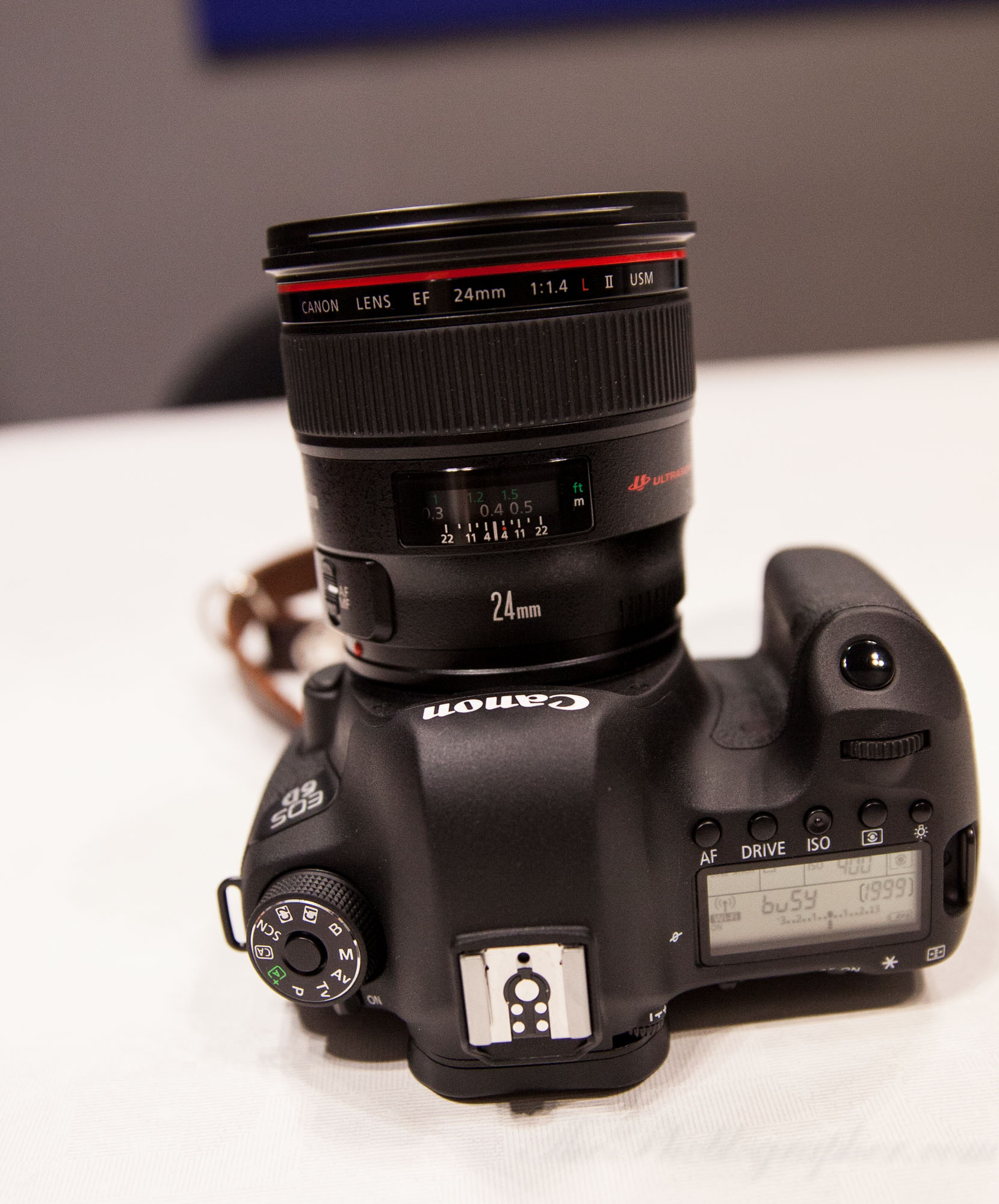
The top of the camera much very retains higher end EOS traditions with the LCD panel for quicker access to your settings.

Canon continues to add this special mode dial to their DSLRs with the locking button in the middle to keep your camera settings the same.
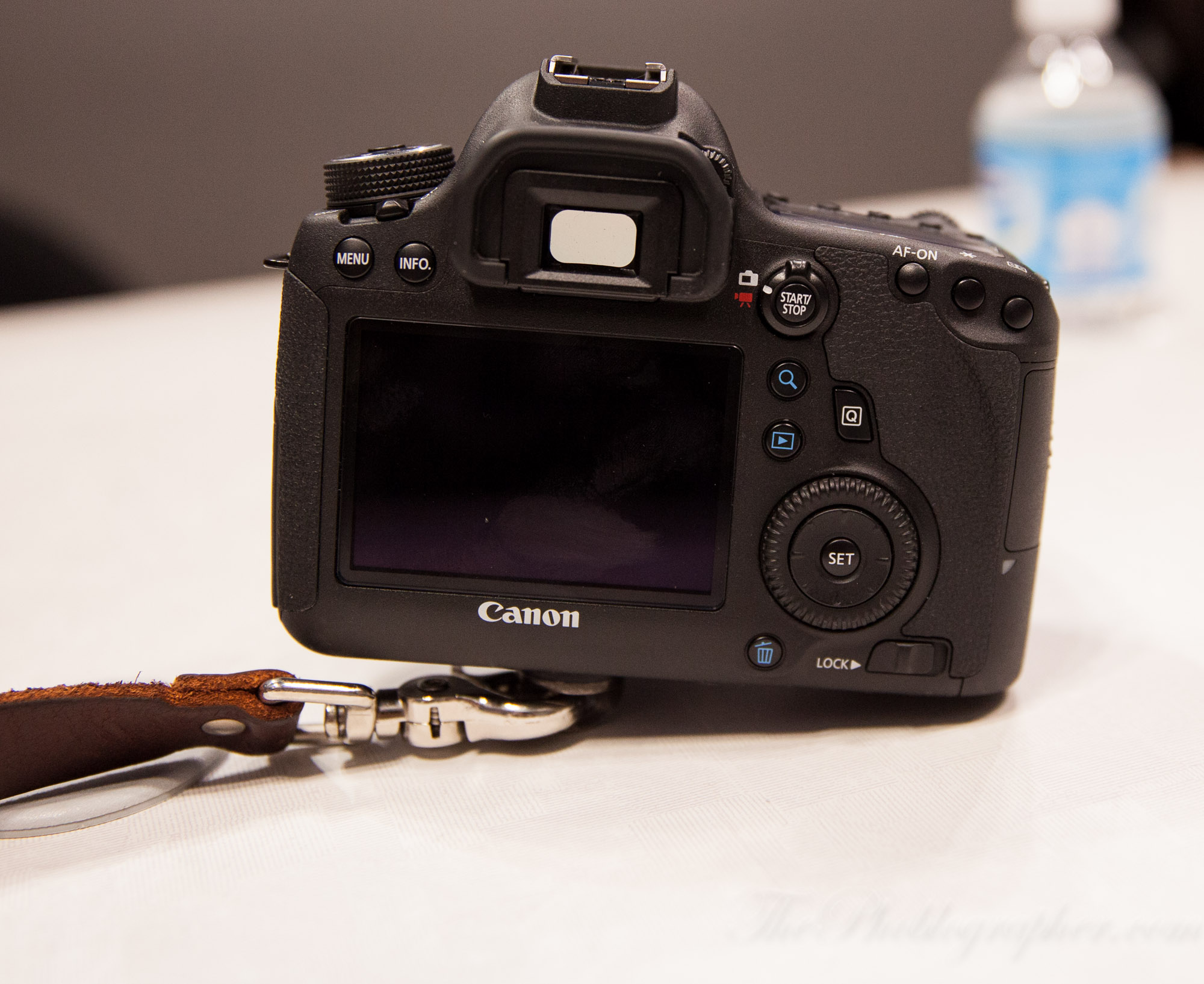
The back of the camera reminds me of not only the 60D, but also the 5D Mk II. The joystick control is gone; which makes me a sad panda. Instead, the camera borrows from the 60D and puts that control in the middle of the back aperture dial/multi-control dial. The user also has access to the quick menu, magnification, playback, delete, info, menu, and the video/still mode. Additionally, the AF-on back control, and other traditional Canon buttons are on the top right of the back end.

Ease of Use

The camera felt very simple to use; the menus indeed didn’t feel anywhere as biblical in length as the Canon 5D Mk III’s. For most photographers that will just want to shoot, review, and upload, you surely won’t have a problem at all. The key to using the 6D is that for the  majority of the time, the users that this camera is targeted at won’t have to really be in the menu system to adjust various parameters like color profiles, micro-adjustment, Speedlite control, etc.

Again though, these are often settings that you control once and forget about later on. With that said, potential owners of the camera should expect to go through the menus quite a bit for the first two or three weeks just to get all their settings in place and to their liking.

Autofocus

The Canon 6D’s autofocus was not only smart, but also pretty fairly quick. If you’ve felt the 5D Mk III’s or the 7D’s, you’ll be happy to work with the 6D.

If you’re going to choose the center focusing point for most of your shooting because you prefer the focus and recompose method, I strongly urge that you spring for the 5D Mk II instead because Canon is giving you an excellent autofocusing option and you won’t be utilizing the potential that this camera really has.

Wi-Fi Demo
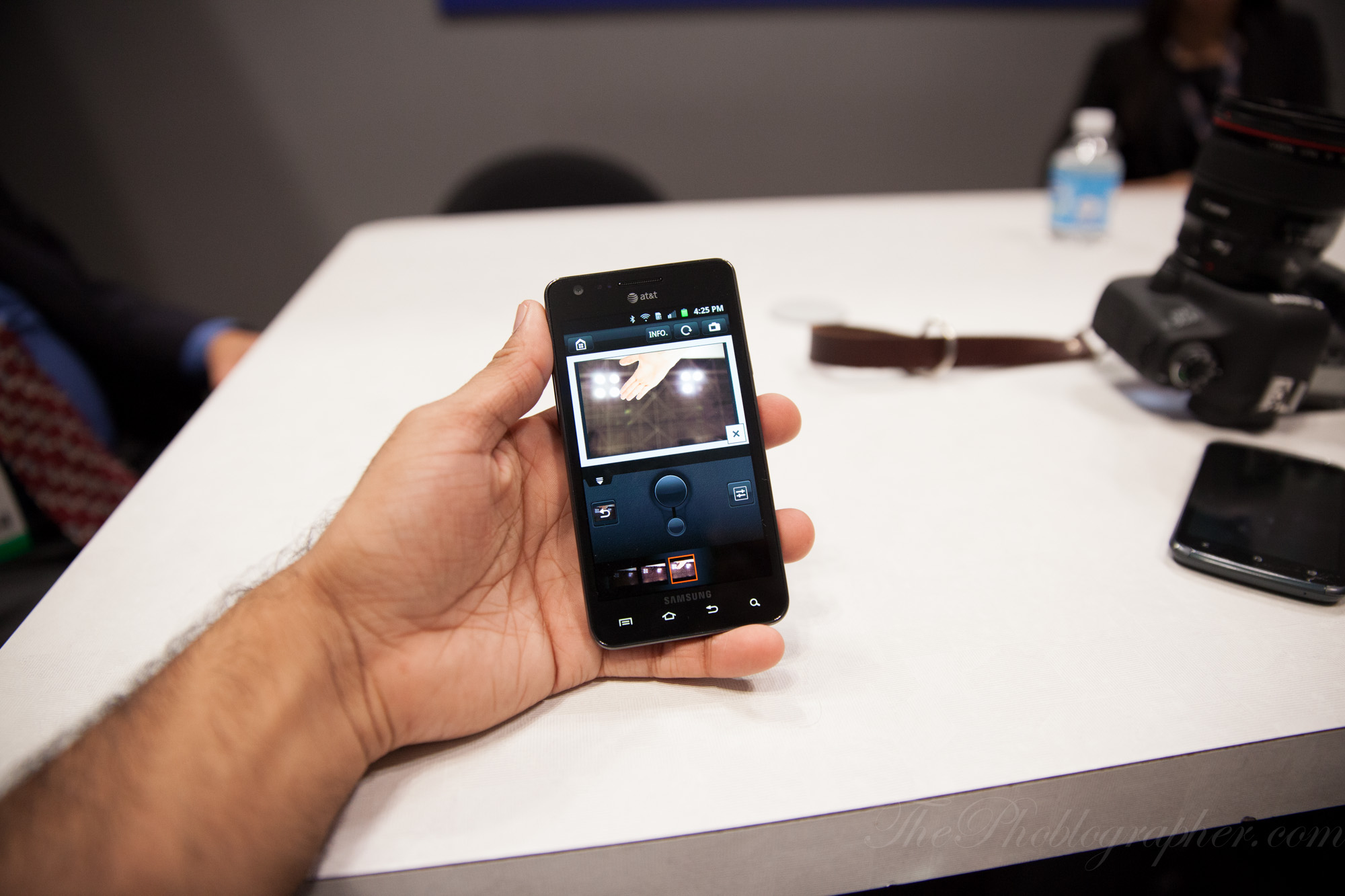
One of the really cool things about the Canon 6D is the Wi-Fi remote shooting and image review function. Not only is it very useful and can be a load of fun, but it’s also pretty darn quick.
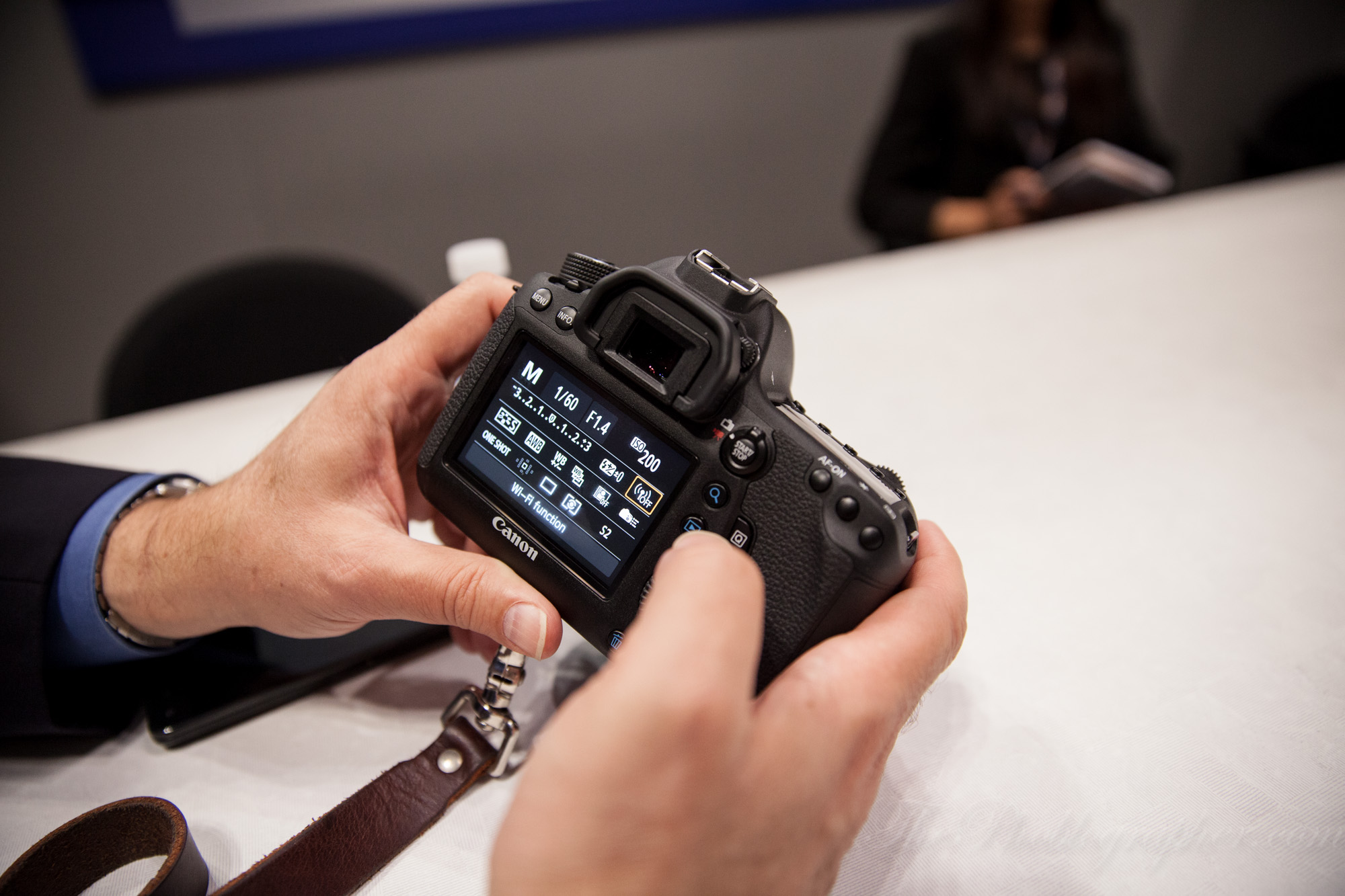
To set it up, the user accesses the quick menu and goes over to the Wi-Fi function.
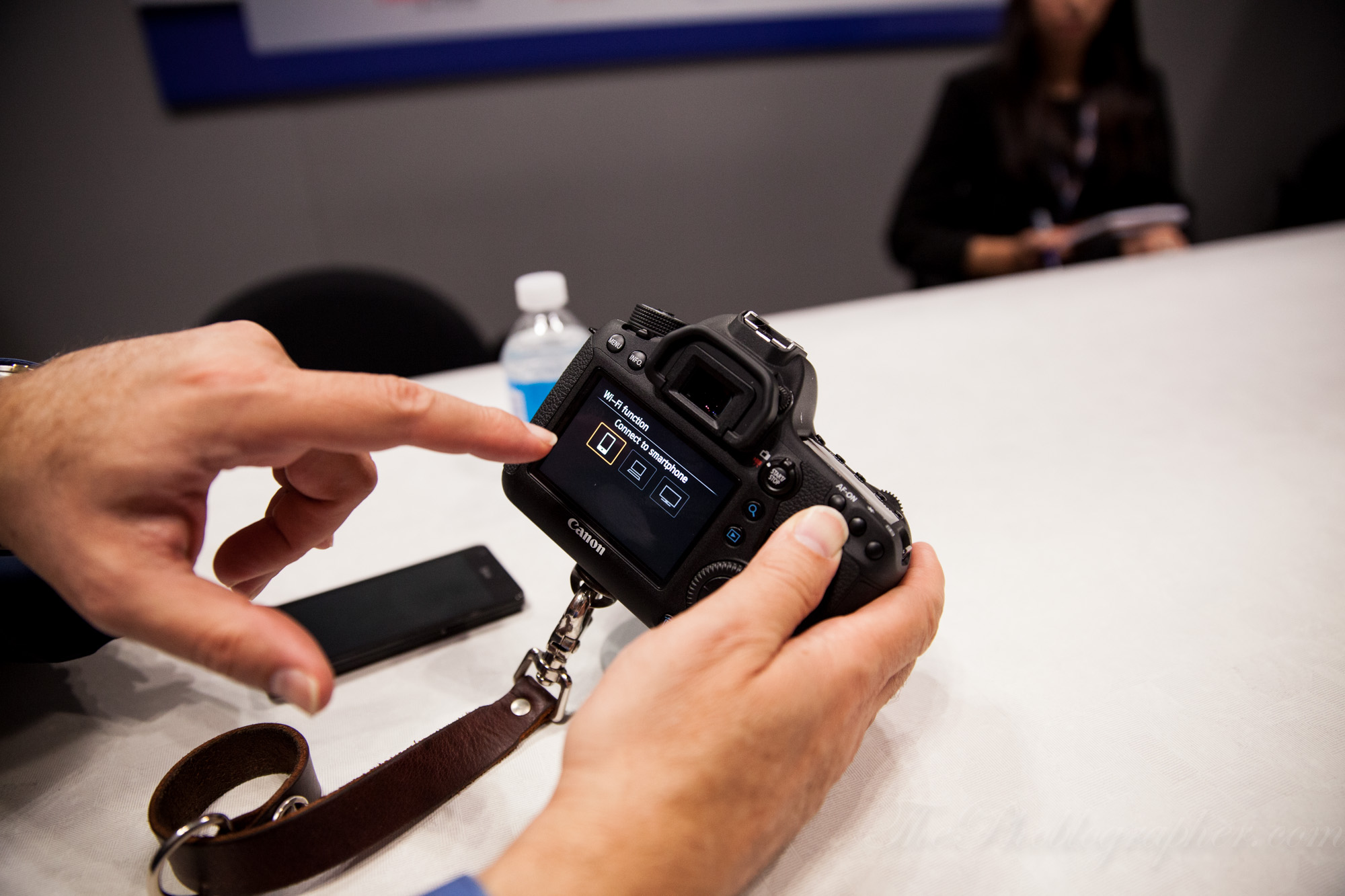
After this, the user then chooses to connect to a smartphone, a laptop, or a DLNA device depending on their needs at the moment.
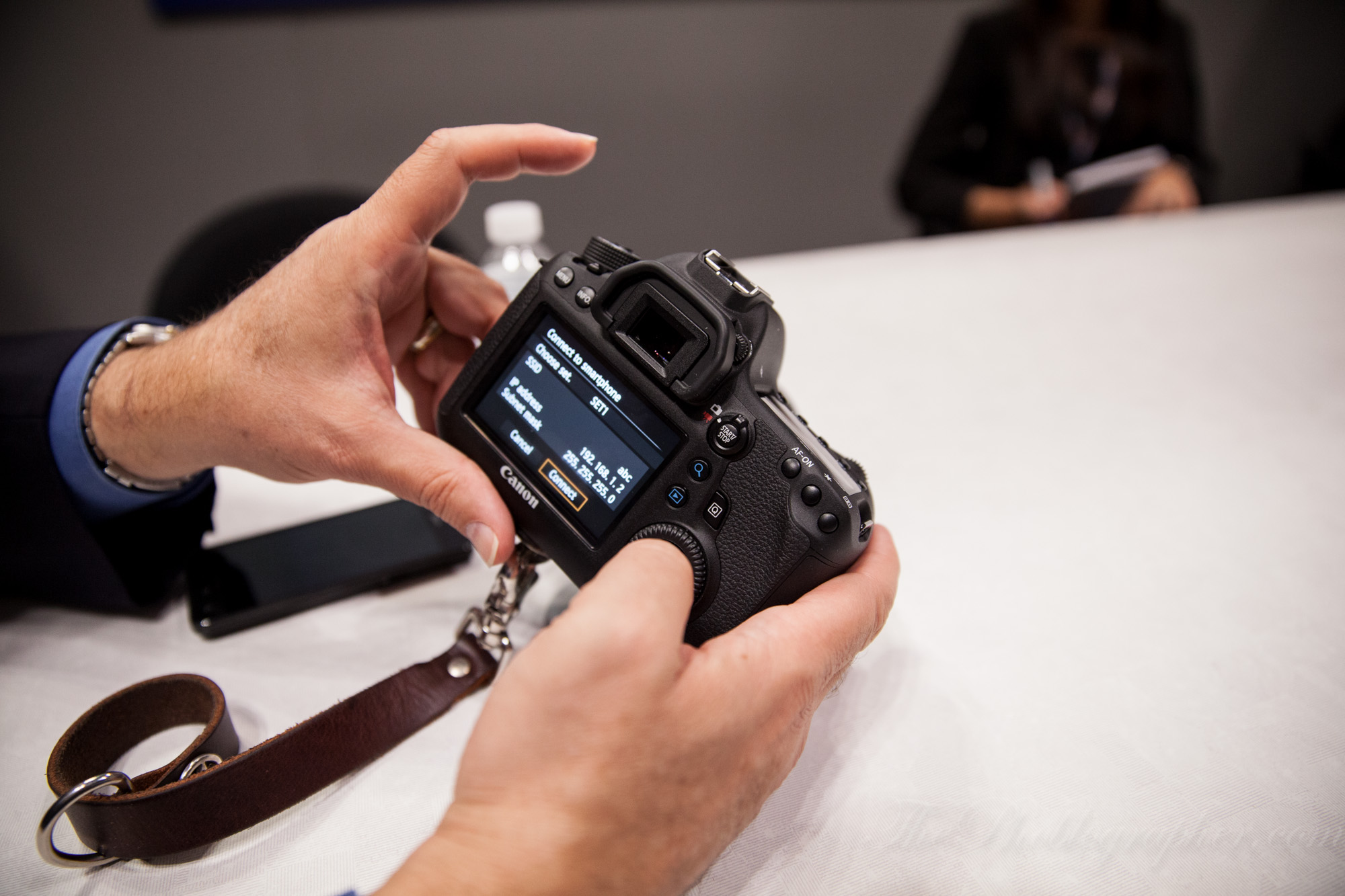
Once you choose the setting you want (in this situation we connected to Chuck Westfall’s cellphone), you can confirm the connection.
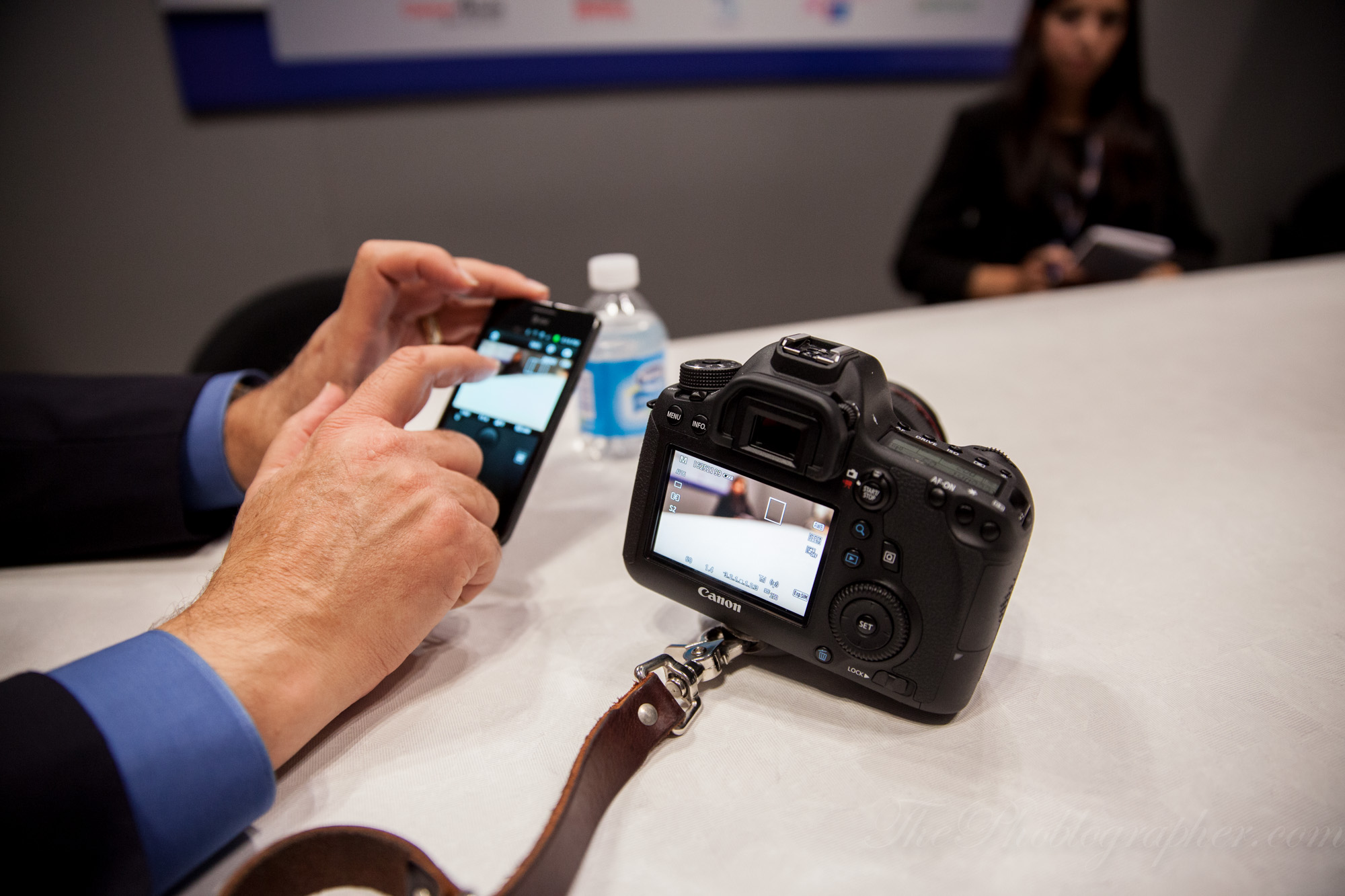
After this, you’ll need to select the Canon EOS remote app available for free on the iPhone and Android devices. When you open the app up, it will give you the choice of either importing the images in or remotely shooting.

As a clarification, the 6D will send images to your phone at a 1920 x 1080 size, but they will only be previewed unless the user chooses to download the images.

In the remote shooting setting, the user can choose to either sync view screens or just control the camera. Even if you turn off Live View mode in the 6D, the app can still see what the camera does.
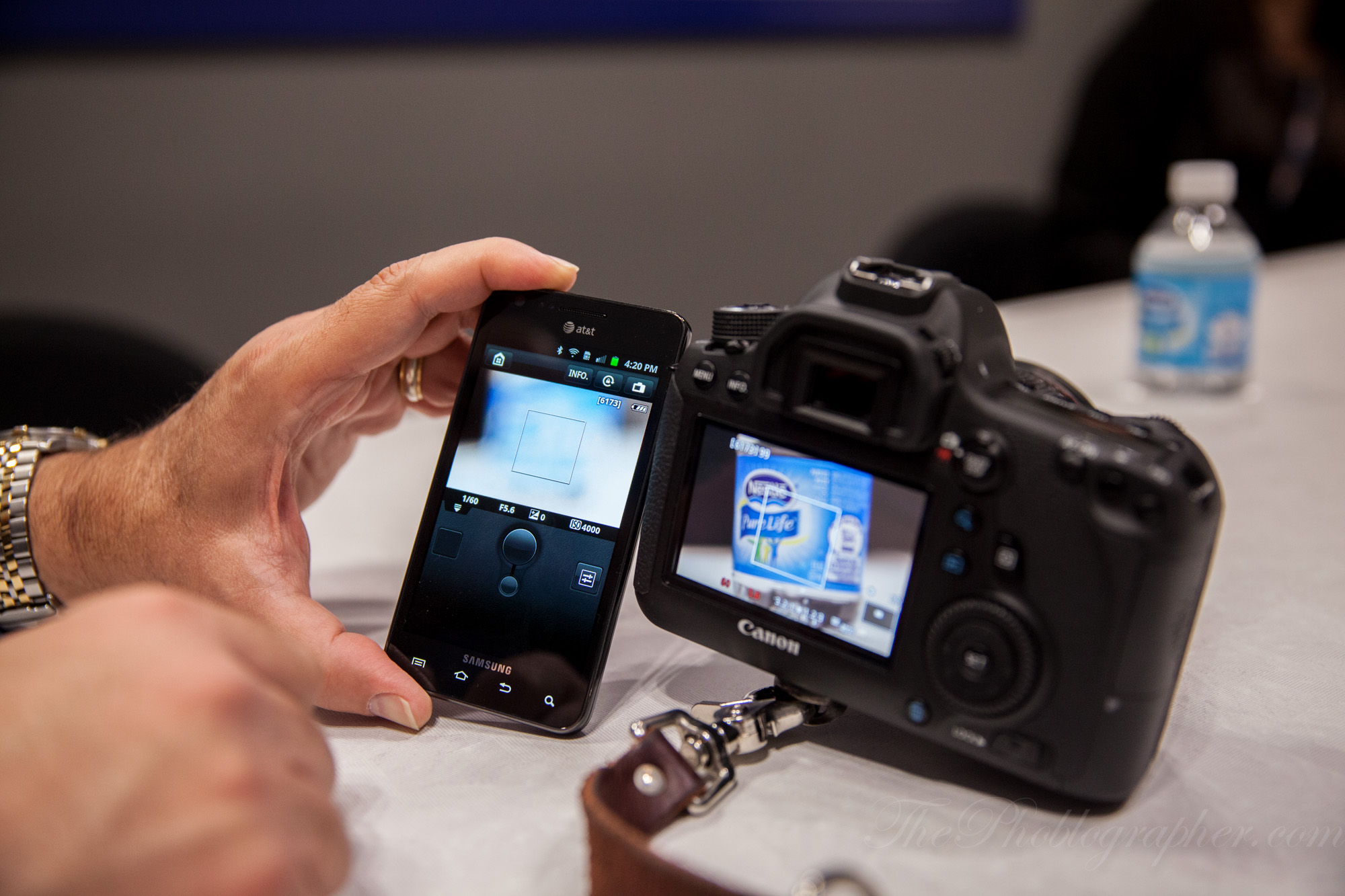
Using the touchscreen on the phone, the user can choose an area of the frame and then double tap to magnify it.
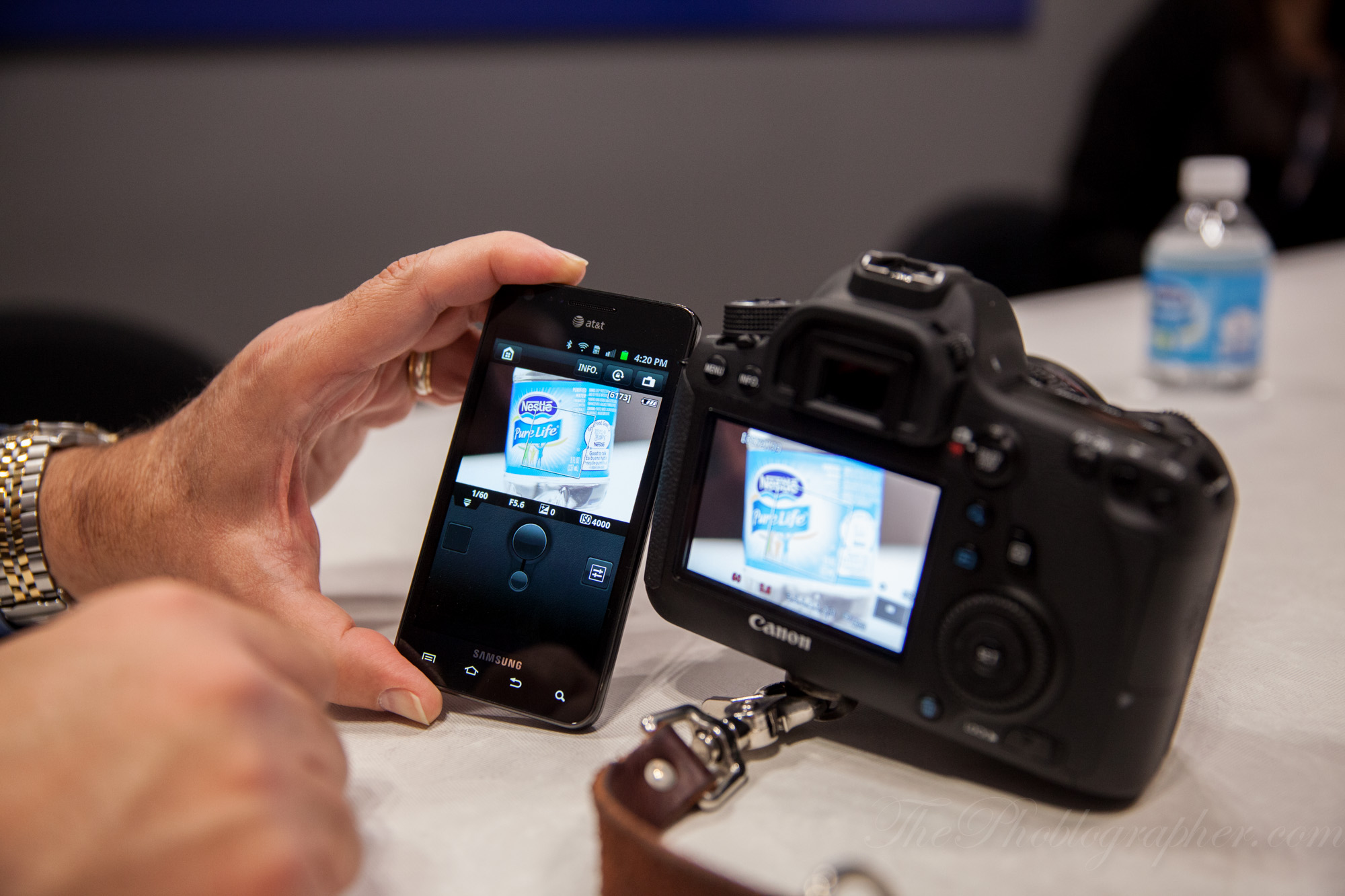
Then the small circular button on the screen can be used to autofocus; and like the actual camera, you’ll need to hold it down. To get out of the magnification view, the user just double taps the screen again. To take the picture, they press the big circular button. Upon writing to the card, the image then comes up in a small section of the bottom of the app’s screen.
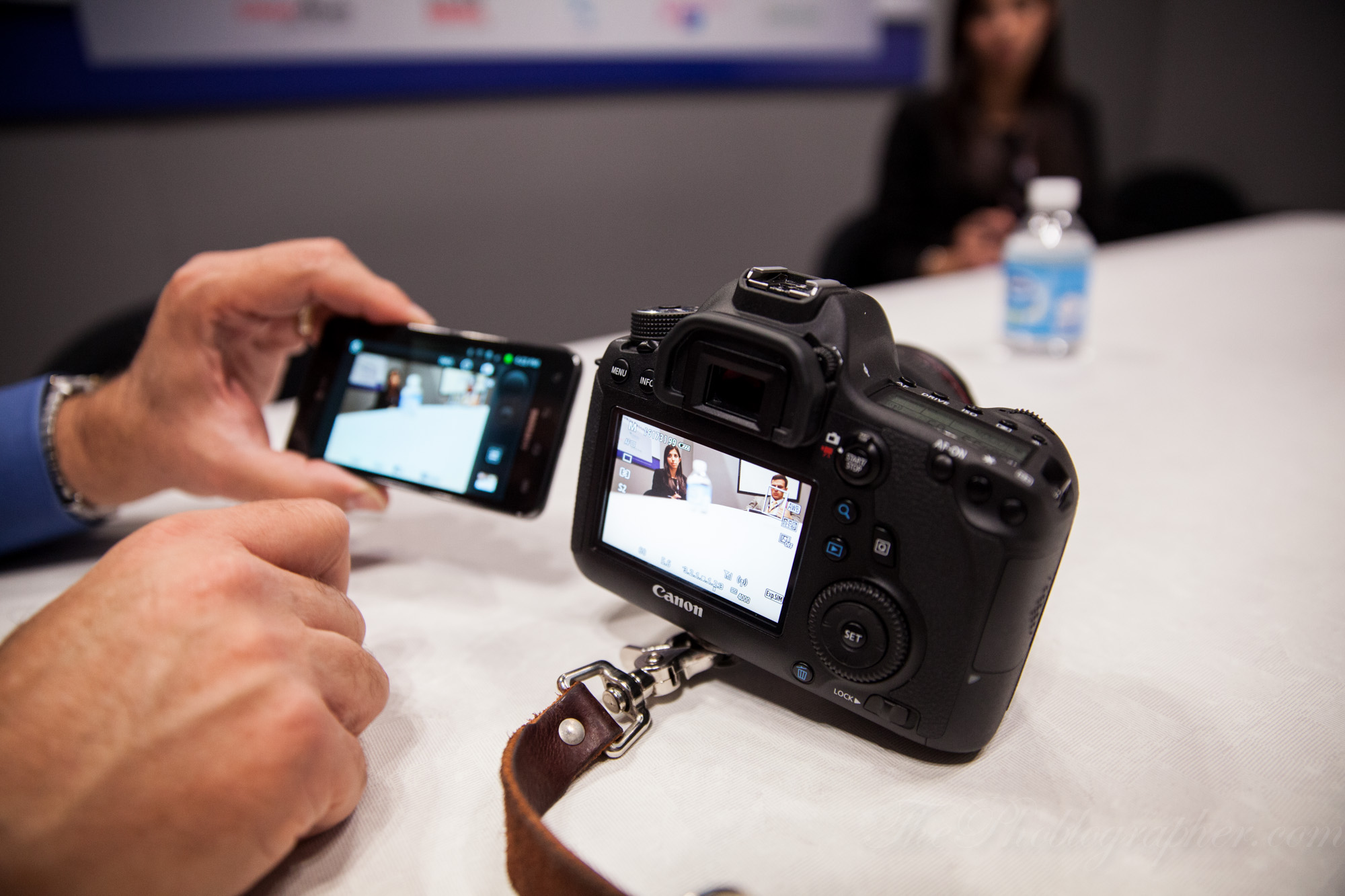
We tested the focusing over and over again in different situations and it didn’t fail. It was quite impressive at just how much the 6D’s autofocus is in contrast AF mode over previous camera models.
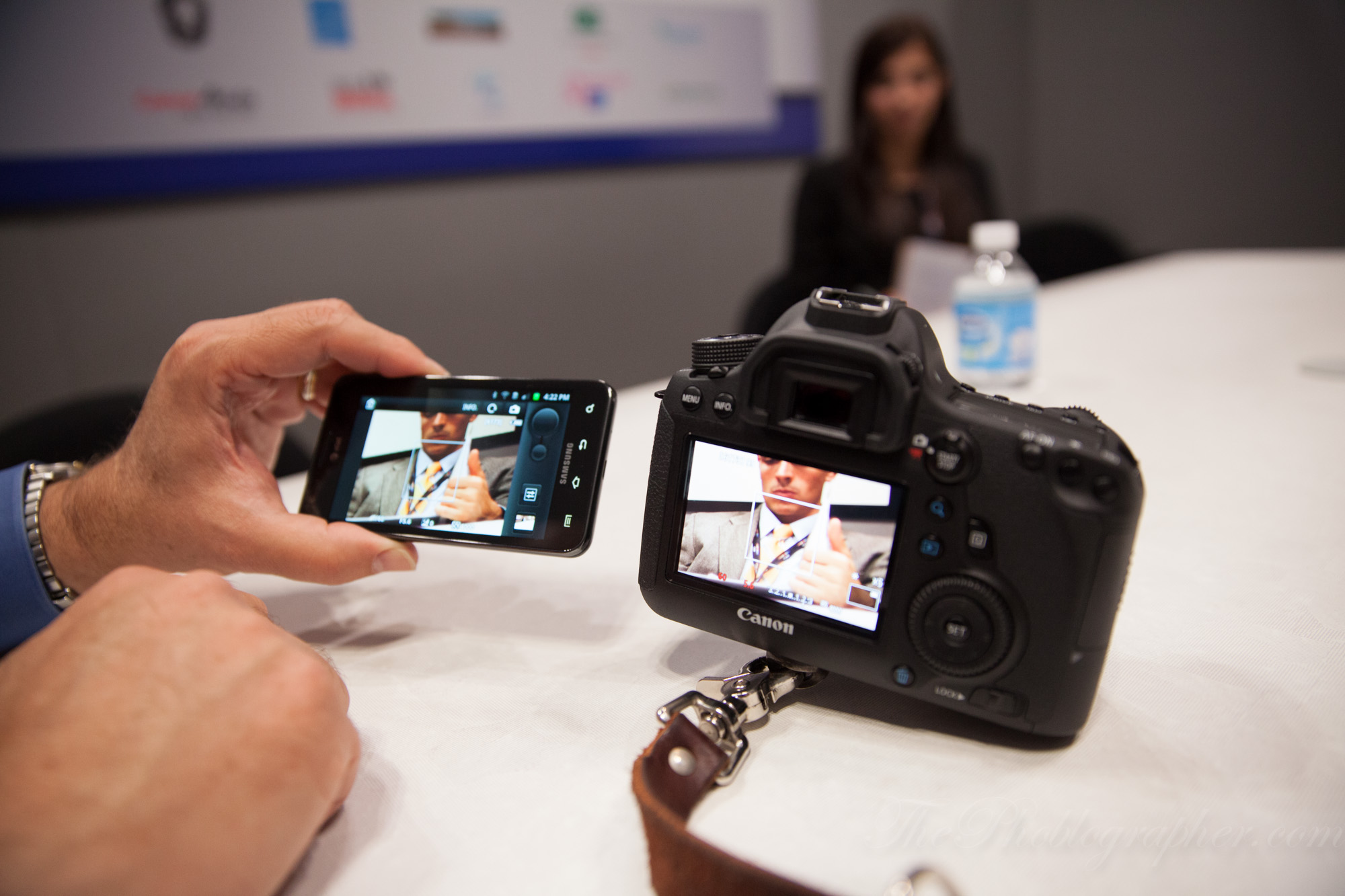
As a sidenote: it can sometimes take a second or two to sync the screens. Also, exposure controls like shutter speed, aperture, and ISO are available.

Image Quality

This was a pre-production model of the Canon 6D, so I wasn’t allowed to put a card in the camera.

First Impressions

There are quite a bit of use features for potential buyers of the Canon 6D to be excited about. Not only the Wi-fi abilities, but the awesome camera meter (which is much improved over previous versions which tended to underexpose images and therefore created nightmares in the studio) as well as the new white balancing system. The autofocus system is also quite good.

But that’s the thing: all that goodness is on the inside. The outside of the camera feels a bit pre-mature in that it should have a few more buttons perhaps and also the multi-directional joystick. To be fair though, I spent around an hour with the camera and not long enough to give it a full assessment. We will be calling in a unit soon though.

The Canon 6D is available at Amazon for those interested.

Please Support The Phoblographer

We love to bring you guys the latest and greatest news and gear related stuff. However, we can’t keep doing that unless we have your continued support. If you would like to purchase any of the items mentioned, please do so by clicking our links first and then purchasing the items as we then get a small portion of the sale to help run the website.

Also, please follow us on FacebookFlickr and Twitter.

  • Pingback: The Complete, Continuously Updated Canon EOS 6D Review File | THEME

  • Gabriel Canova

    “The top of the camera much very retains higher end EOS traditions with the LCD panel for quicker access to your settings, the button placement for your key controls, and the M-Fn button that has been added to the camera lineup since the 7D.”

    The Canon 6D does not have an M-Fn button. Look at the photos you have posted in this first impressions. There is nothing next to the shutter button and front wheel.

  • yojp

    Nice summary! So does the 6D join an existing WiFi network ( client) or must it create and host a network? Or either?

    Can you use the iOS app to access all deep menu settings, or only the easy shooting parameters? Since it doesn’t have Canon’s new touch interface, it sure would be nice to control all settings from an iPhone!

    Jim

    • ChrisGampat

      It’s own, or your phones. No deep menus.

      - Chris Gampat
      Editor in Chief
      The Phoblographer

  • Pingback: تغطية معرض PhotoPlus Expo 2012 | حكاية صورة ،

  • Chaz Rough

    So when you’re using the iPhone, Android, etc to connect with the 6D are you able to use it for monitoring when in Video mode. This would be a great addition then I could have the ability to film wihtout having to worry about looking at the screen all the time, it would be very helpful when filming low or hi shots. Also, what about monitoring audio through the App… any news on that as well.

    • ChrisGampat

      We asked about that one…it’s not possible. The app was designed for still use.

      I totally see where one would want that though. It would change the external LCD market too because then they would have to put wifi into their devices to connect.

      *-Chris Gampat*
      Editor in Chief, ThePhoBlographer.com
      Twitter.com/Phoblographer
      Facebook.com/ThePhoblographer

      • Chaz Rough

        Thanks Chris, that would’ve made the Canon 6D a real game changer… they have the ability to do it with video, but they chose not to… classic Canon. The iPhone Retina Display would make an incredible monitor… oh well, I can still dream, maybe in another update. Did you ask if they would ever update the software to include video?

        • ChrisGampat

          They don’t know at this point.

          *-Chris Gampat*
          Editor in Chief, ThePhoBlographer.com
          Twitter.com/Phoblographer
          Facebook.com/ThePhoblographer

          • Chaz Rough

            That’s a shame, they could sell a boat load of cameras with that option.

            • ChrisGampat

              Agreed, but they would surely argue that that’s not what this camera was designed to do. We actually asked if we could set the app up to just be a viewer of images as they were shot so that clients could see the images live as they came up.

              Unfortunately, it can’t. They’ll still see what the sensor sees and they’ll have to click on the images in the app instead.

              I’ve got a feeling that they’ll do it for a future camera though. As it is, I have no real reason to upgrade to the 5D Mk III, but the 6D’s wifi feature is a bit useful to me as I’m a Social Media Content Developer as well. So embracing social media and mobile technology even more vs fighting it is the only logical thing.

              *Chris Gampat*
              Editor in Chief
              The Phoblographer
              Check us out on Twitter and Facebook

              • Chaz Rough

                I currently use the Canon 7D and now that is has manual audio I’m happier, but the headphone jack and the full sensor of the 5D3 has me thinking about upgrading. The 6D as well, but I wish it had vari angle monitor. I would have bought if for sure if that was included. That’s why I was excited about using the iPhone as a monitor.

  • http://profiles.google.com/chinchilliott Elliott Burton

    Please do explain the AF, and what you mean by “If you’re going to choose the center focusing point for most of your shooting because you prefer the focus and recompose method, I strongly urge that you spring for the 5D Mk II”. So the outer points are accurate, the tracking is reliable? All I know is the center point is especially accurate, but no word on the rest of the system, so many assume it’s the same deal at the Mark II or old rebels with only one point that’s accurate and reliable.

    • ChrisGampat

      The af system is far better than the mkiis

      - Chris Gampat
      Editor in Chief
      The Phoblographer

      • kaja12

        can you please be more vague!

  • kaja12

    so you have tested the AF how… a none moving glas on a table and a sitting person?

    how can you be so bold and say something about the AF then.. and how good or bad it is?
    you even mention it in the same sentence as the 5D MK3 and 7D AF… thats ridiculous.

    i guess you have not tested AF tracking at all?

    so when you say something about the AF then at least write how you have tested … or it is just useless blahblah…..

  • Pingback: Canon 6D Wi-Fi Feature Sounds Pretty Groovy | Prosumer World

Previous post:

Next post: