

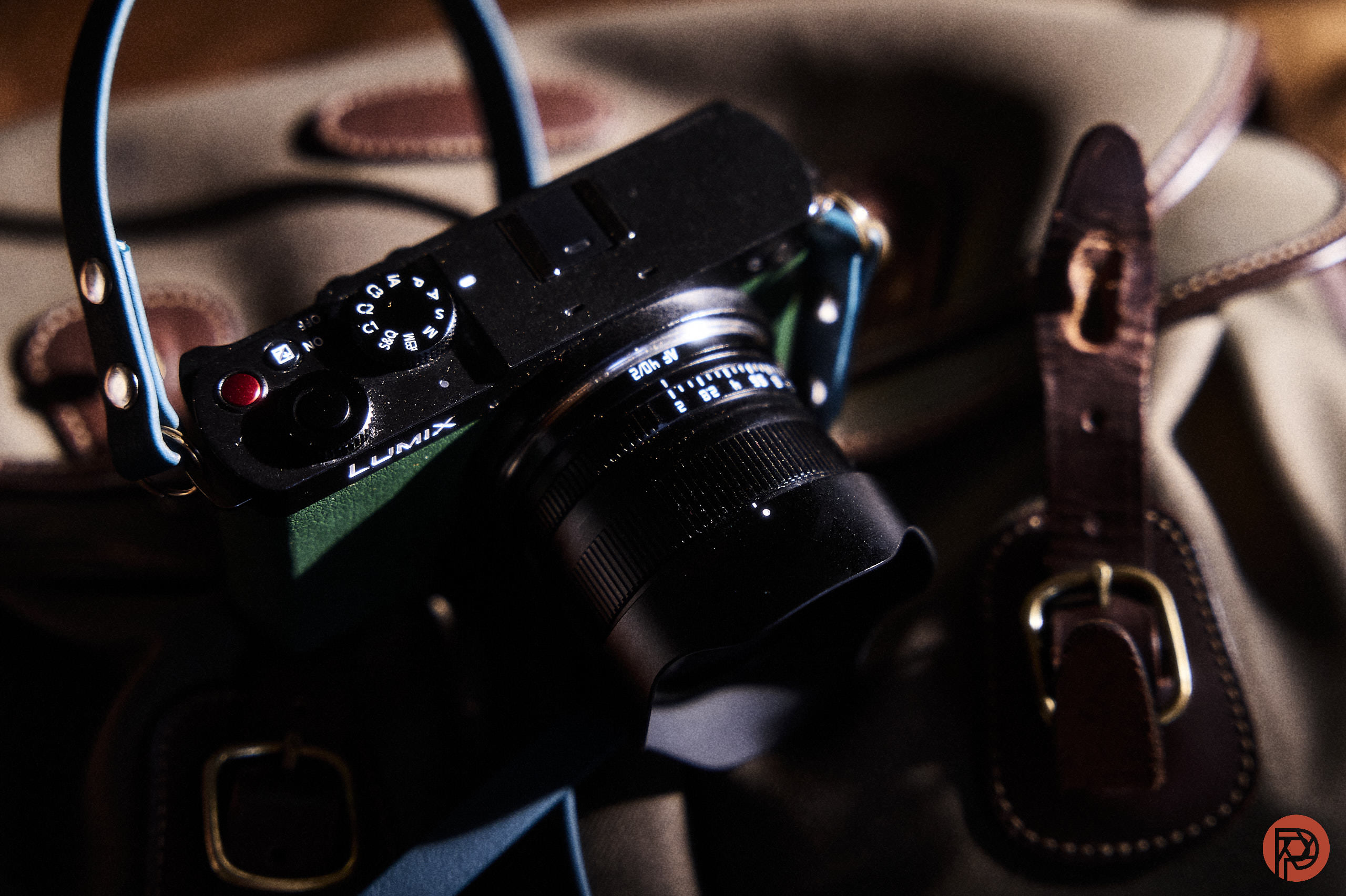
As a longtime Leica camera user, something that I’ve always wanted was a way to make the images from my Leica SL2s look a lot more like something else. Specifically, I would’ve loved some sort of Leica Look support for the camera. Thankfully, Leica kind of gave it to us by uploading images to the Leica Fotos app and then applying the looks there. It’s really not the same thing as doing it in-camera or even in Capture One. But I’ll admit that they did it. However, I stumbled on the work of one internet sleuth who apparently found a way to bring Leica looks to LUTS. And those luts can be loaded onto LUMIX cameras like the Panasonic S9.
Not long ago, I was cutting down the sub-reddits that I’m subscribed to and the algorithms served me this incredible post. In it, a camera tinkerer found a way to hack into Ricoh’s looks. Admittedly, I was intrigued because I’ve always loved their positive film look. In 2017, I reviewed the Ricoh GR II and in 2019, I reviewed the Ricoh GR III. And I remember with great fondness just how beautiful the colors were in just the right light. In this way, it was very similar to what my predecessors probably experienced with Kodachrome before the processing in the darkroom. Instead, the camera just gifted me this beautiful thing that I could stare at for years. Like a Toreador Vampire enamored with something, I have to be quick about scrolling past those photographs lest I let myself get sucked into them. There are indeed times that I’ve sat there, looked at images of people I’ve put in front of my lens before, and commented to myself silently on how AI couldn’t make a more beautiful human and scene than what we made together.
That’s the same love I sometimes get with Leica looks. So when this camera tinkerer also shared Leica’s looks in the same post as LUTs, I was very hyped. After all my other work was done, I loaded some of those LUTs onto my LUMIX s9. Then I customized them a bit: I added some grain, set the ISO profile to low because I look to make photographs like I’m using film, and the white balance was set to auto with warmth. Panasonic’s processing engine has to be one of the best at this along with Nikon. Seriously, when I use this setting, everything comes out looking like a dream and I sometimes don’t even need to manually set the white balance.
Since I’m a traumatic intelligence type, I can feel you through the screen wondering why I didn’t just do this in post-production. And the reason why is because I want to stop sitting in front of my computer to edit photos. Even after two eye surgeries to make my vision better, I don’t enjoy the post-production process though I understand that it’s necessary. If I could have my life back instead, I’d take my life back. And this idea came to me during the pandemic and it stuck with me. Throughout my 20s and for most of my 30s, I embraced the idea that I needed to slave away in the fields that post-production software shackle us down to under the blistering heat of the fans of my iMac. But through in-camera hackery, lens filters, and very manual adjustments, I found the underground railroad to freedom.
So did this camera genius really find a way to make Panasonic files look like Leica Looks? Take a look at the gallery below and you tell me. I’m using the Panasonic S9 with the TTArtisan 40mm f2 and a vintage filter with all of these really look cells on it that look like rain drops.


As a guy that has used the Leica Fotos app to get the Leica look, I have to say that these indeed satisfy the craving. The closest thing to the feeling is very personal: every other day or so, I reopen some of my favorite poetry audiobooks just to hear the delivery of some poetry that reaches deep down into my soul to help pull me out of my own darkness at times. And these LUTs based on Leica looks absolutely resemble a light that I want to run towards at least for now.
Though at the same time, they’re not quite the same look — but they’re very close.
Let me put it this way: they’re far more satisfying than the work he did to recreate the Ricoh Positive Film Look.
Get rid of the ads!
Did you enjoy reading this article as much as we enjoyed writing it? There's a way to support us and our reporting, getting ad-free navigation and more as a bonus. Subscribe to us for less than a coffee per month —just $3.99— or take advantage of our yearly subscription with a hefty discount for only $25.- An ad-free experience
- A free mystery box for Lightroom or Capture One
- All the books in our store
- 20% discount on Capture One
- 30% discount on Imalume Photo Theft Protection
- 20% off Herbs and Kettle Tea Company.
- 20% off your order from MPIX printing services.
- 5% off Viltrox Products via their eCommerce store.
- 10% off all film developing, printing and scanning services from Blue Moon Camera and Machine
- 15% off 7Artisans products: The lens and accessory maker is offering a sweet discount for Phoblographer's readers.