

Taking images is one thing, and editing them is another altogether, but getting the images across to your client for selection is another level of painstaking. This is multiplied manifold when you’re an event photographer and have scores of guests wanting to download their pics from a fancy night out or a wedding. No one really wants to sift through hundreds of photos from an online album to find the ones they’re in, so what’s a solution for this? Honcho has started in the right direction to solving this, but my tests showed that a fair bit of bug fixing is needed for pros to totally have confidence in it.
Do You Shoot Hundreds Or Thousands Of Photos At Events?
If the answer to this question is yes, then you’re a professional photographer who’s well aware of the pain points I mentioned. You’re probably able to cull images quickly by now, but you still end up with countless images of people smiling into your lens when you’re entrusted with capturing the happenings at a large event. Oftentimes you hear from the client asking if you can create an online link for their attendees to peruse in order to find their photos to download. Big clients pay good money of course, and keeping a client happy is necessary for repeat business. And simplifying the frustration point for their guests is a must-do here.
Honcho looks to help pro photographers in this situation come out of this rut easily. It aims to make the delivery of photos to the client a faster process, and the selection of photos by the client or their acquaintances even quicker. Are these valid concerns? Undoubtedly. I’ve been on both sides often to know how important it is to quickly send over a selection to your clients, and also (as an attendee) balked at how many photos I have to look through in order to find mine.
Honcho To The Rescue?
I have to applaud Honcho for trying to solve these issues with a clear strategy. I just wish their execution was a little bit less buggy. Those bugs can be showstoppers and I hope that Honcho looks into them soon and irons them out. But before I come to those, let’s discuss what Honcho does.
Getting Your Images Out There In Real Time
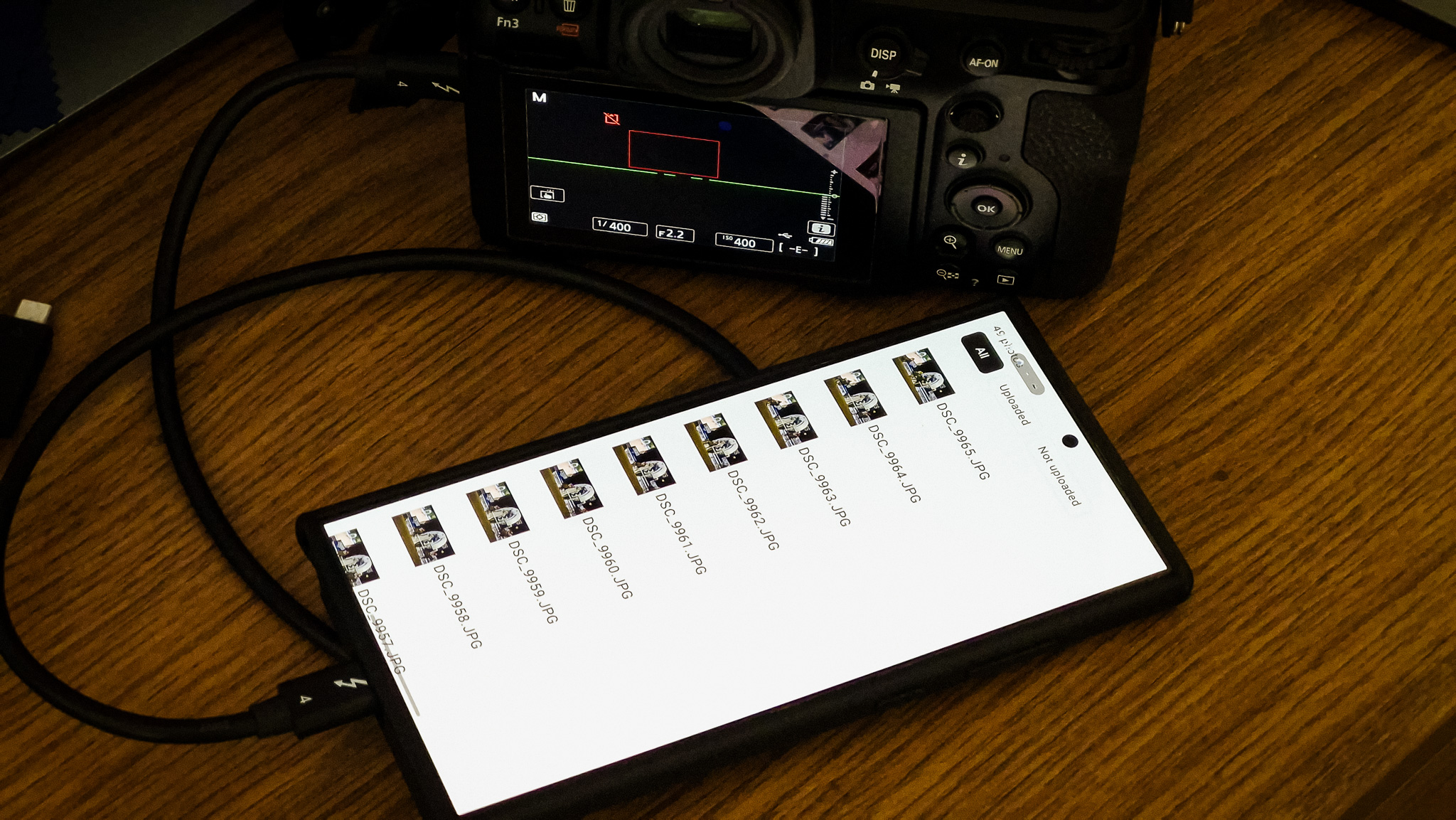
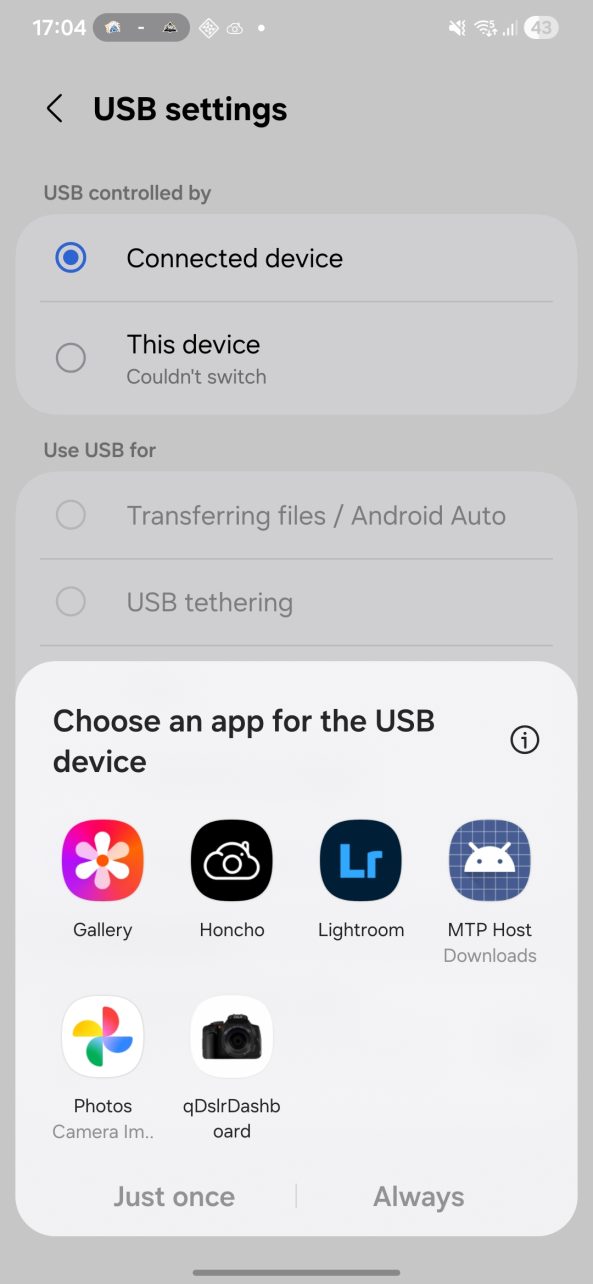
Honcho allows you to create albums specific to events or photo sessions, then lets you upload to those albums as you shoot. You can do this by tethering your camera with a cable to your smartphone; the Honcho app then uploads each photo to that album as long as your phone is connected to a WiFi or data network (don’t do the latter unless you have an unlimited data plan). Yes, this isn’t new, and Capture One supports this on their All In One and Studio subscription plans.
If you’re already subscribed to those, then you might find the Honcho pricing plans, from a tethering and upload perspective at least, a little unnecessary. Adobe Lightroom has something called Collaborative Editing, but it’s not exactly a client-facing solution, so maybe Lr users might find Honcho’s services a bit more appealing. But where I find Honcho really standing out, is in their facial recognition feature for clients, which helps them find their photos in a really quick way.
Take A Selfie; Locate Yourself Quickly
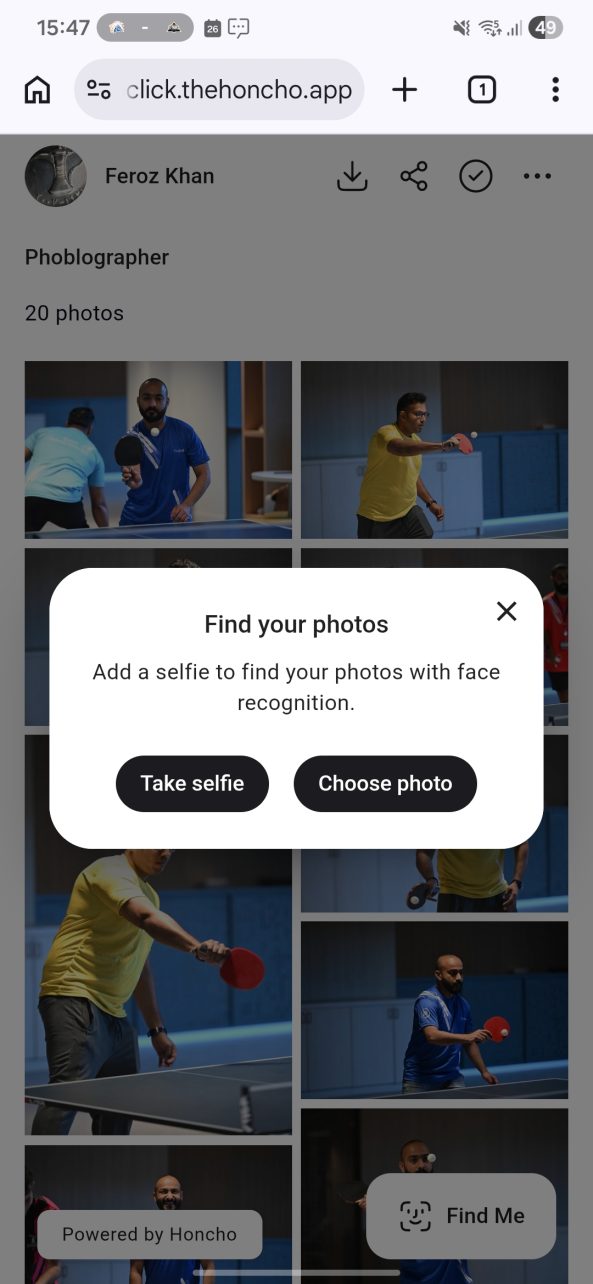
Let’s take the scenario of a photographer who’s paid for event coverage, but also has requests from attendees wanting their individual pictures from the day. If I was a guest and I wanted to buy my photo from the photographer, I could hardly be bothered to go through every single one of the images trying to find myself in there. After a few pages of album browsing I’d give up for sure. And anyone who gives up that way translates into lost business for the photographer.
Here’s where Honcho really does something fantastically different. It allows people who have received a link to the shared album (to be done by the photographer), to locate themselves from the sea of photos in the album. This can either be by taking a selfie uploading it right away there, or a uploading previously taken photo in better light. And it works really well; I did this myself and was thrilled to see how quick it was able to locate me.
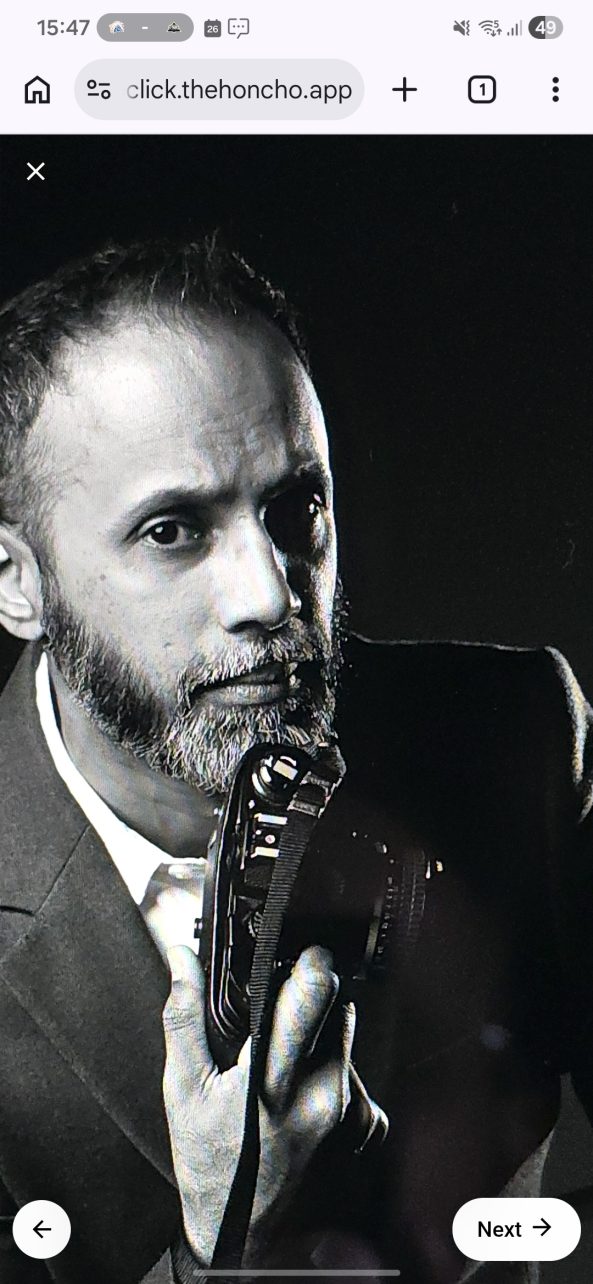
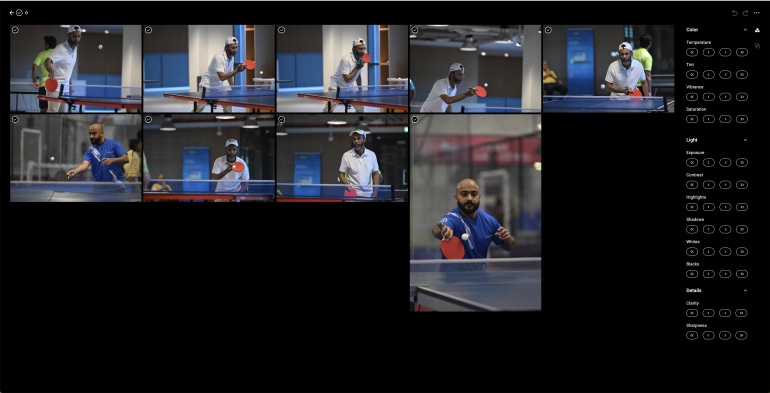
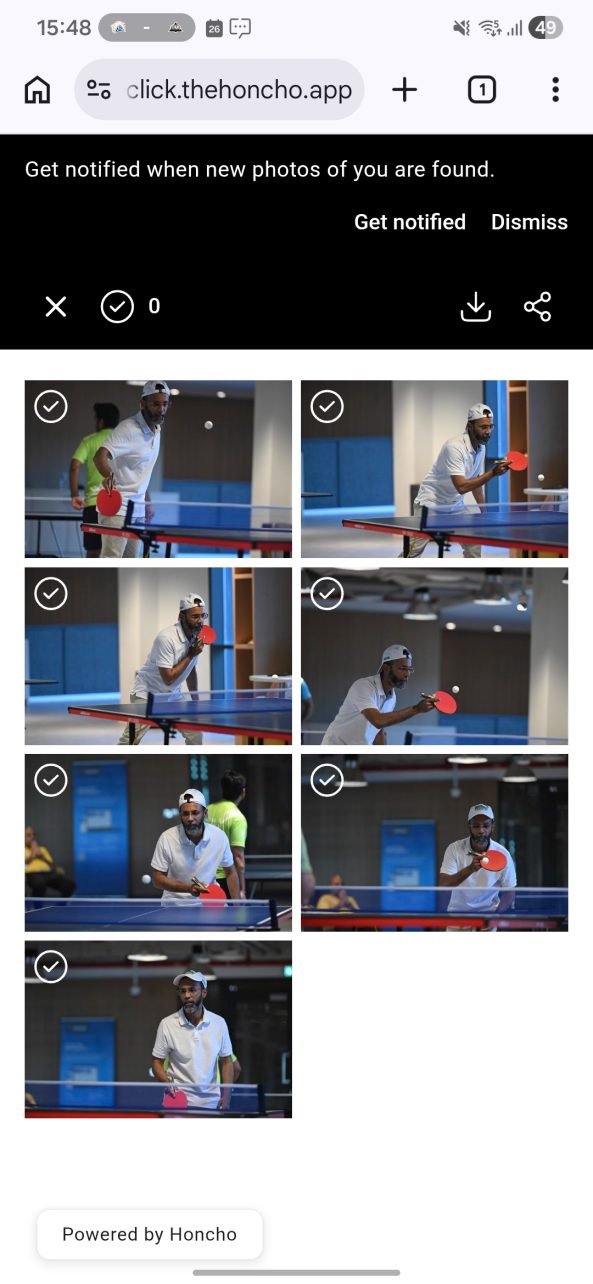
You can see the Honcho album photos below where I’m wearing a cap and having spectacles on while I was playing table tennis. To test how effective the facial match technology was, I uploaded a recent photo of mine (seen above)which I shot at a studio (no cap or glasses). To my surprise, Honcho was able to successfully locate all my photos in less than 30 seconds. I honestly didn’t think it would do it this well, and it took me by surprise. This is a fantastic tool for photographers who work on a business model where they sell photos to attendees. Honcho even has built-in a system where you can link your Stripe account to have attendees pay before they download photos.
Is Honcho For You?
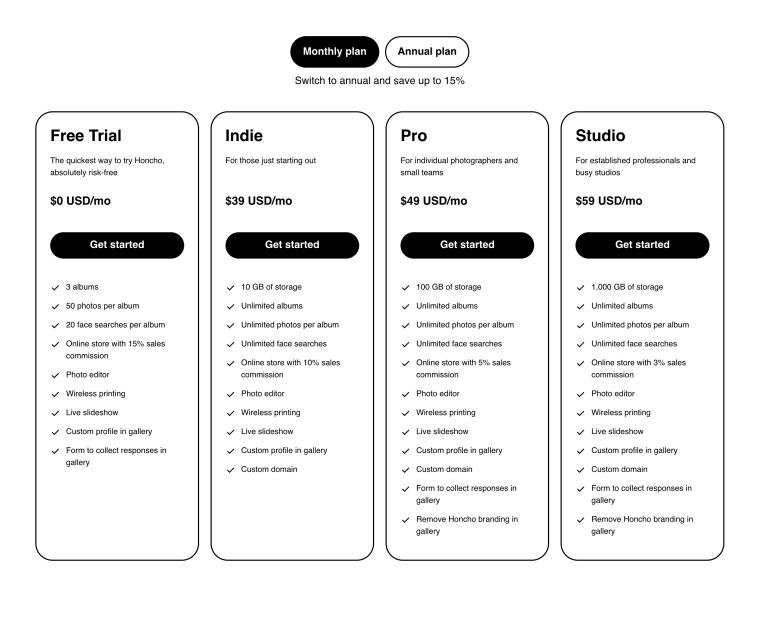
Of course, from a workflow perspective, you might already be tethering to your editing software of choice. It makes more sense for you to continue using that for post-processing, and maybe take advantage of Honcho’s face locator tech for clients to search for their own photos from a curated album of pics you choose to upload. In that respect, I would like to see Honcho make some additions in their upcoming versions:
- Have subscription tiers at a lower price point where photographers can skip the tethered app uploading feature, and create albums for clients to browse through and locate themselves. Yes, there are scenarios where it would be useful for photographers to upload every shot from an event onto an album, such as if they were operating a ‘photobooth’ style setup, or shooting at the finish line of a sporting race where hundreds of runners turn up. In such cases, you don’t really need to edit your photos much, if at all, and it’s just a question of having the photos reaching an online album almost as soon as you shoot them. But as a photographer who would still want a carefully curated selection of pictures reaching the client, I would probably not tether to Honcho this way. Having just a facial recognition album feature at a lower price point would appeal to many.
- Create a desktop version as well. Smartphone apps face a lot of interference from mobile operating systems balancing battery life and performance. Desktop apps are much more stable when it comes to tethering. Or even if you don’t directly tether to Honcho, a Honcho desktop app could periodically read from a folder where Capture One or Lightroom tethered photos are saved to, and upload them to the Honcho online album in real time.
- Sports photographers would love number recognition support for the albums. Unless the facial recognition tech used in Honcho is capable of successfully matching grimaced, exhausted, and wildly jubilant faces too, having a bib number recognition option would greatly appeal to photographers that shoot crowd sporting events like triathlons and bike races. I wish I had tech like that over 10 years ago when I used to do these events.
These Bugs Need Looking At
I used Honcho on my Samsung Galaxy S24 Ultra and on Firefox on my Mac Mini. It wasn’t as smooth as I expected the flow to be. Here are the bugs I observed.
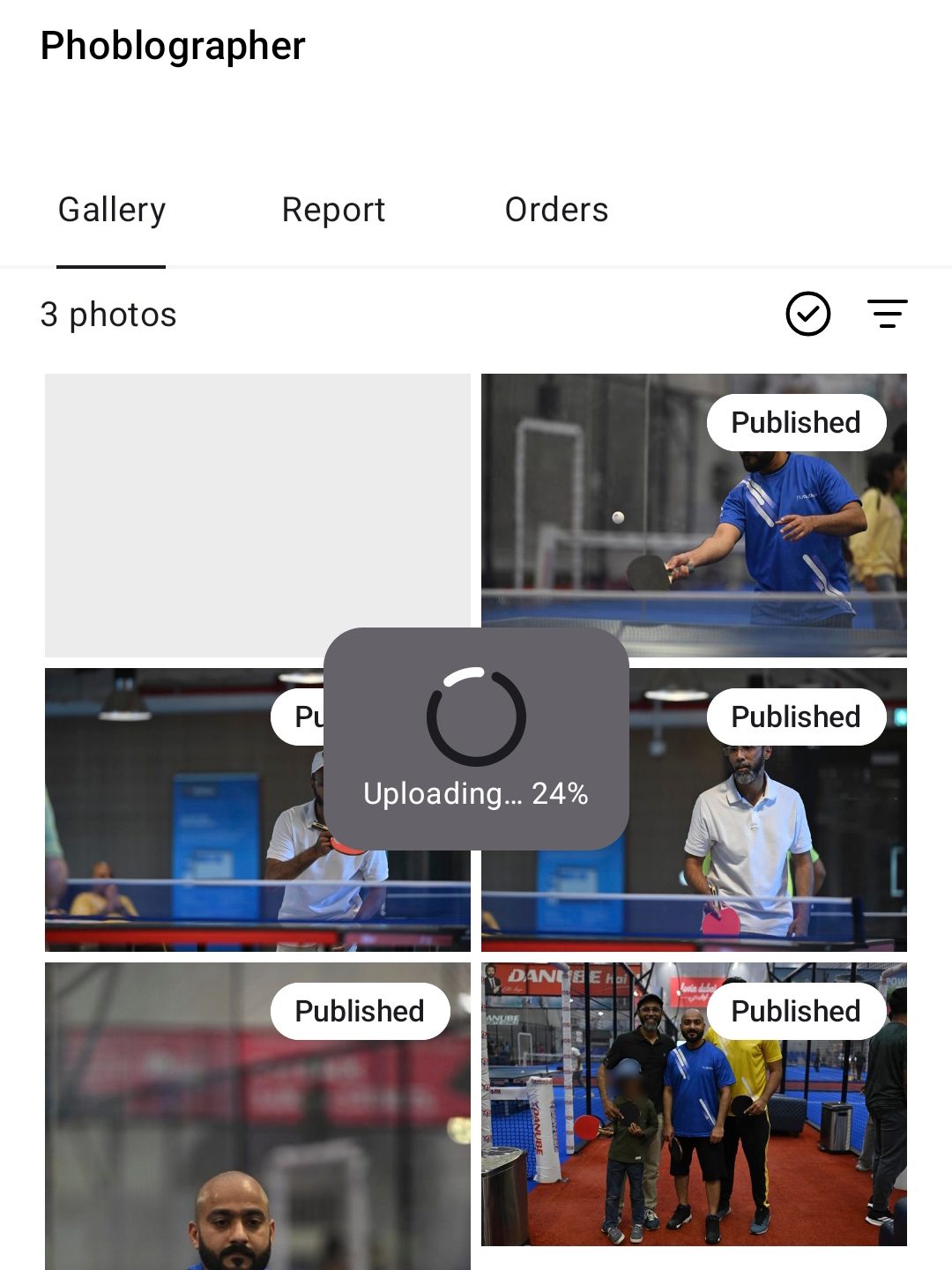
Images I uploaded to an album disappeared the next day. I had around 11 photos uploaded on the first day of testing and when I went in the next day to add more to the same album, a handful of them had disappeared. I know they were uploaded, because the screenshots below prove that.

I uploaded more images on the 2nd day, and suddenly the images began showing as duplicates online. In addition to this, the photo count was mismatched between the app and the web.
The slideshow feature, when browsed on Chrome, closes the tab when you press the cross on the top left. Honcho says you need to swipe down and press back to return to the album, but swiping down on my phone did nothing, so I had to press the cross. This ended up closing the browser’s tab every single time.

Somehow, when I opened the app to upload photos to an album, it also seemed to have access to my Google Photos. I did not choose this as an option when I installed Honcho on my phone.
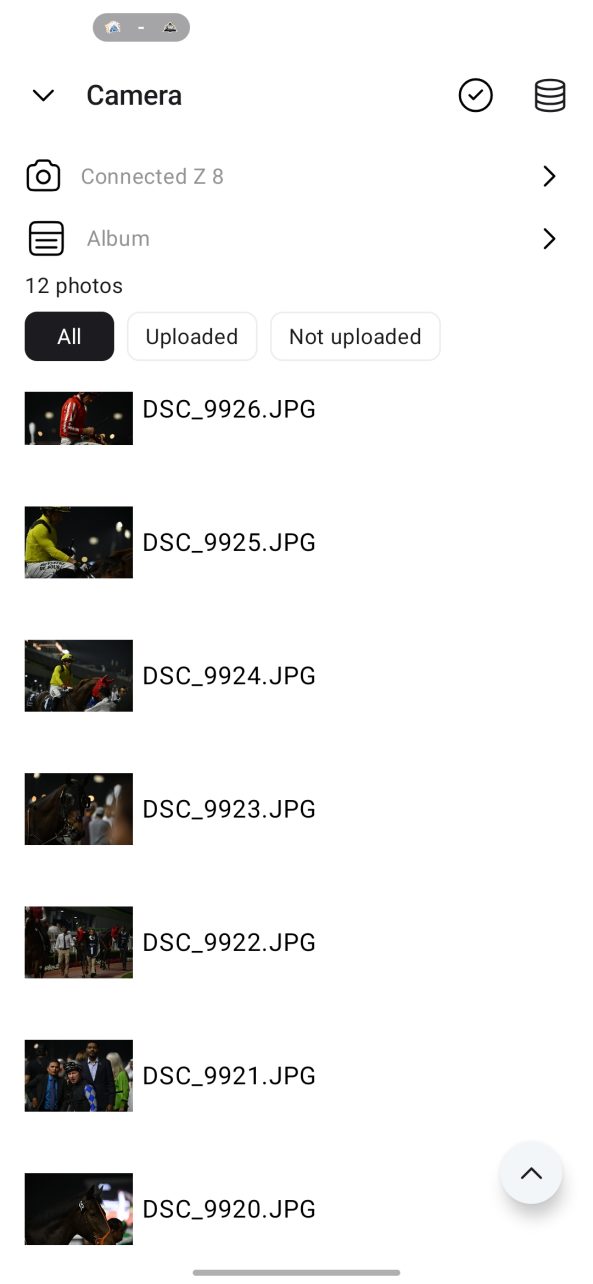
When I tethered my Z8 to the app, it began uploading photos from the cards, without me having any option to stop it, or to intervene and force it to select photos from a certain image number range or date. This means that I would have to use an empty card for any Honcho tethering.
Overall Thoughts
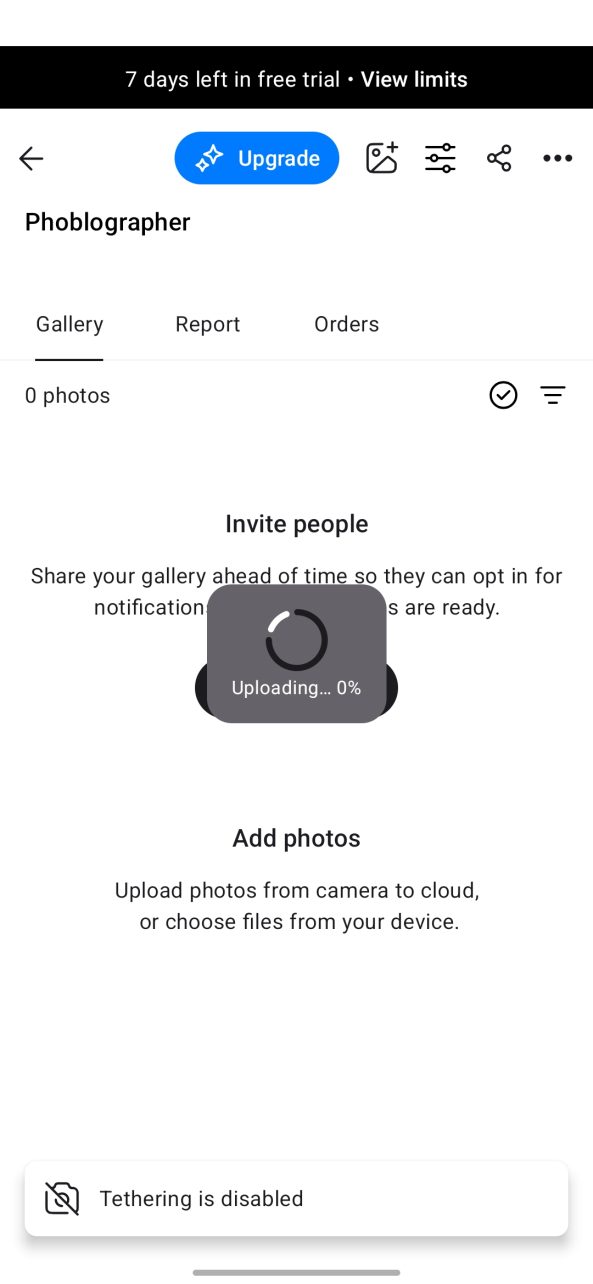
You get a 7 day free trial for Honcho when you sign up, which is a decent amount of time to play around with the various features there. I think Honcho has definitely started off in the right direction, but as a professional I’d be reluctant to use it more unless the bugs were ironed out. Especially when it comes to images going missing, I have a massive issue. And I think if they decided to come out with a non-tethering price plan, they might be able to attract a lot more customers too. From the perspective of quickly and accurately locating people in albums, it works great, but there’s definitely room for improvement in how it can get the images there first.
We received a one month usage code from Boon Chin Ng, the creator of Honcho.
Get rid of the ads!
Did you enjoy reading this article as much as we enjoyed writing it? There's a way to support us and our reporting, getting ad-free navigation and more as a bonus. Subscribe to us for less than a coffee per month —just $3.99— or take advantage of our yearly subscription with a hefty discount for only $25.- An ad-free experience
- A free mystery box for Lightroom or Capture One
- All the books in our store
- 20% discount on Capture One
- 30% discount on Imalume Photo Theft Protection
- 20% off Herbs and Kettle Tea Company.
- 20% off your order from MPIX printing services.
- 5% off Viltrox Products via their eCommerce store.
- 10% off all film developing, printing and scanning services from Blue Moon Camera and Machine
- 15% off 7Artisans products: The lens and accessory maker is offering a sweet discount for Phoblographer's readers.