

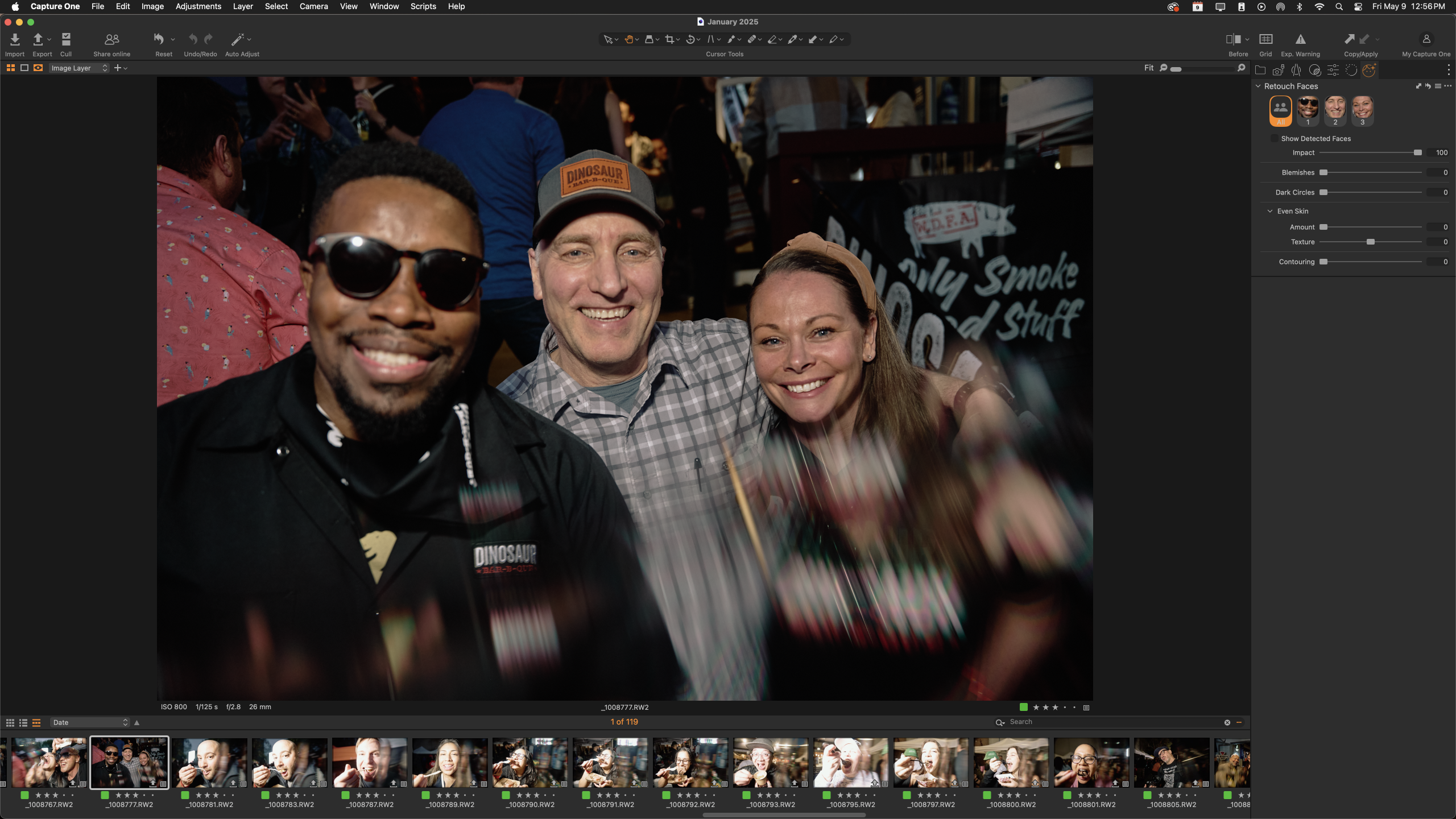
Last week, Capture One announced a few new important changes to their program. The company, which has always been a bit slower and more careful about making changes that photographers hope won’t replace their services, made a new update involving AI, retouching, and doing it in one of the most ethical ways that I’ve ever seen. While it’s still in Beta, I’m thoroughly surprised at just how good it makes retouching and at how nearly effortless it is. On top of that, Capture One does face detection even better than many of the camera manufacturers out there.
I’ve been a dedicated Capture One user for nearly a decade now. Here are my findings in brief.
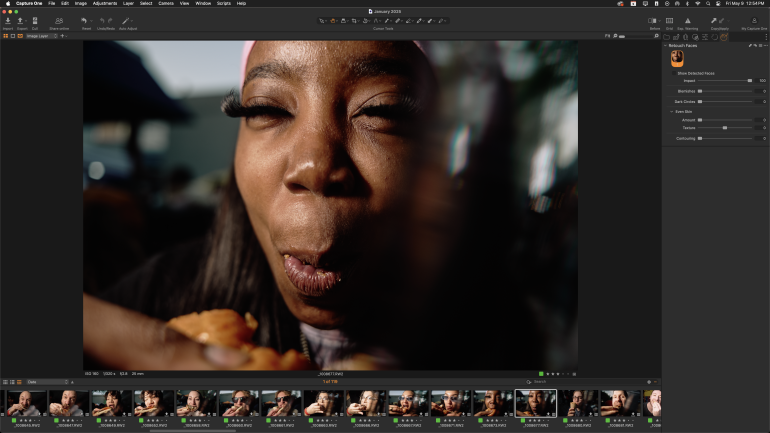
- At first, it didn’t seem like it was doing face detection. But then I started scrolling through various images and I realized that it just took a bit more time to load up than I wanted it to. For the record, I’m on a 2019 iMac — the last one before the M1 processor came out. After some time, Capture One found all the faces in the scenes, even ones that I didn’t even think it would find.
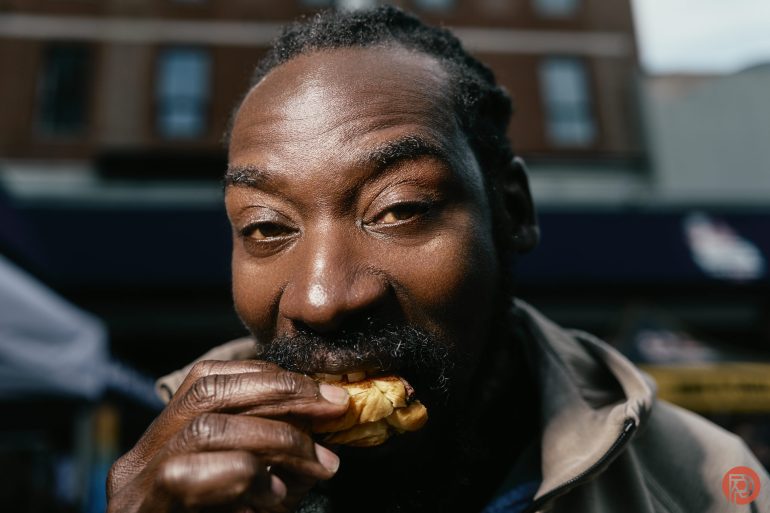
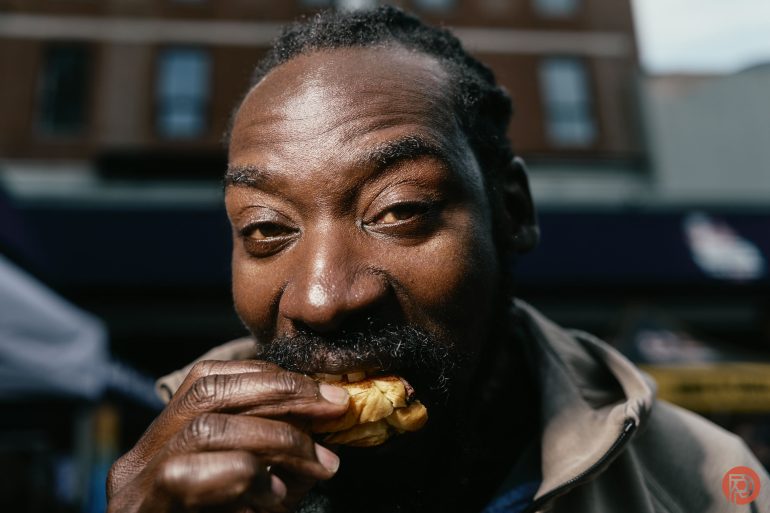
- Capture One is doing a better job with face detection than most camera companies. This is especially the case with people of color and in group settings. They could teach something to Canon, Nikon, Sony, Panasonic, Leica, and others. However, Nikon, Sony, Panasonic, and Leica are much better than Canon at this.
- It nailed the face detection even with special lens filters being used to throw off the camera. At times, I like shooting with prisms, and even then, Capture One was able to find faces in the scenes.
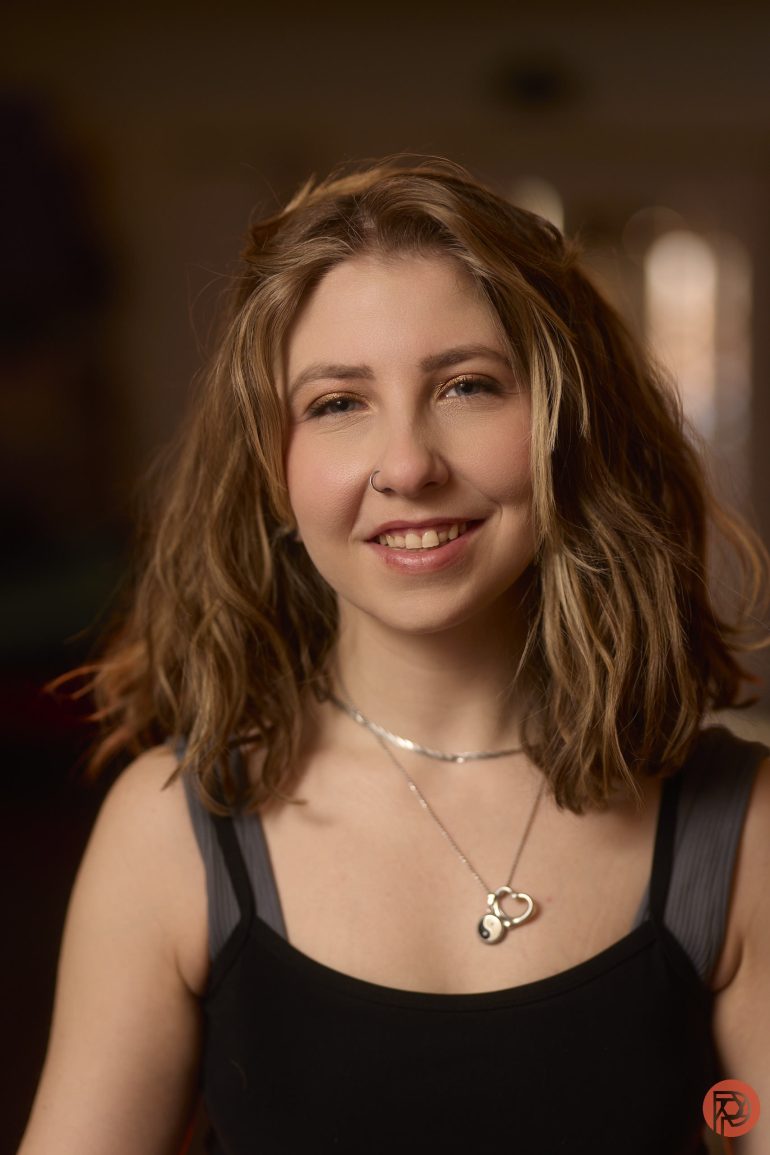
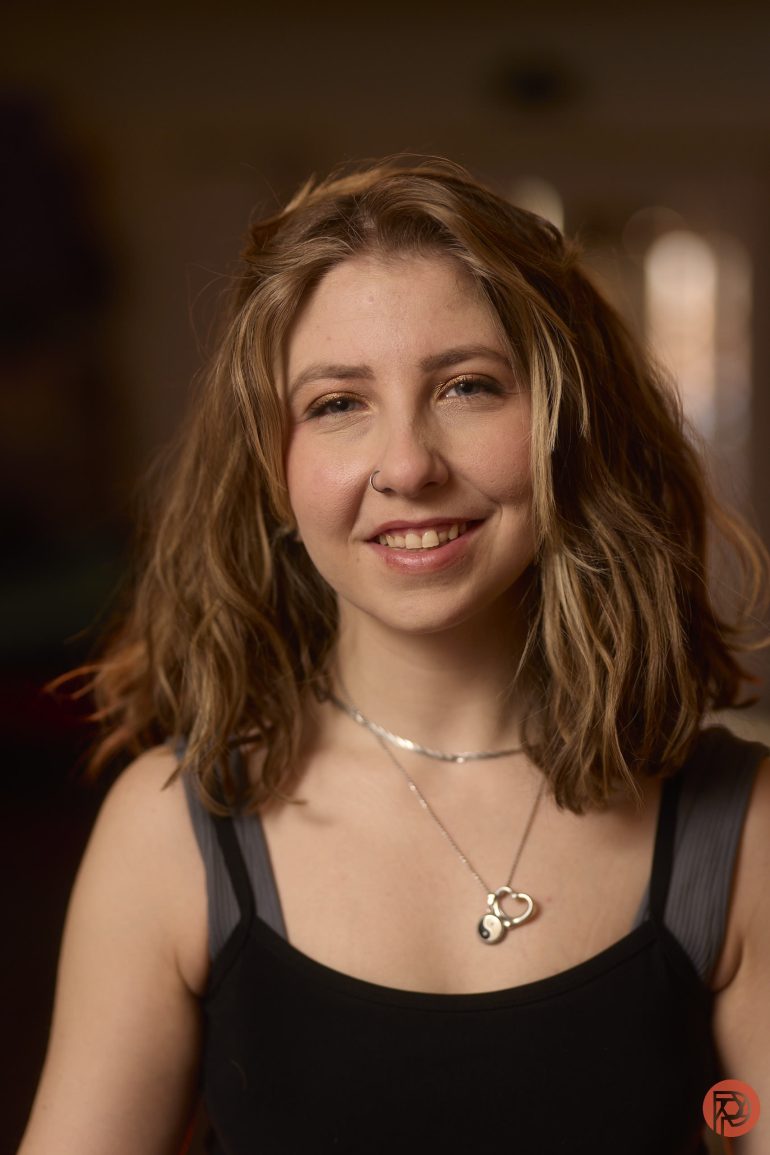
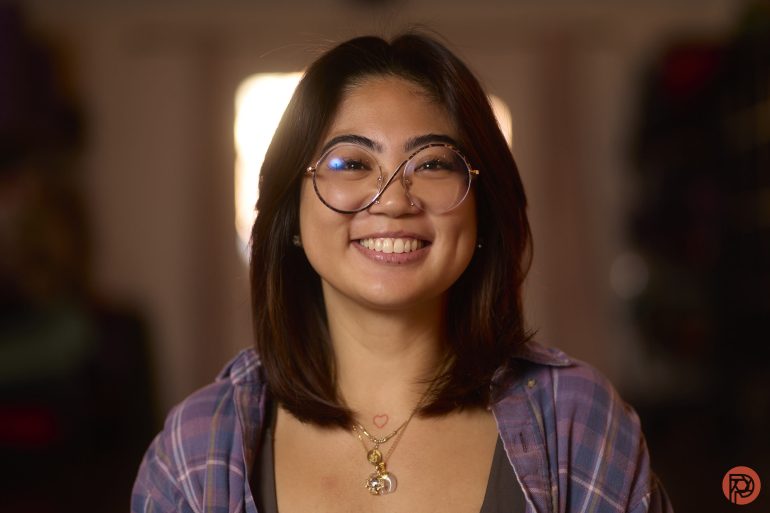
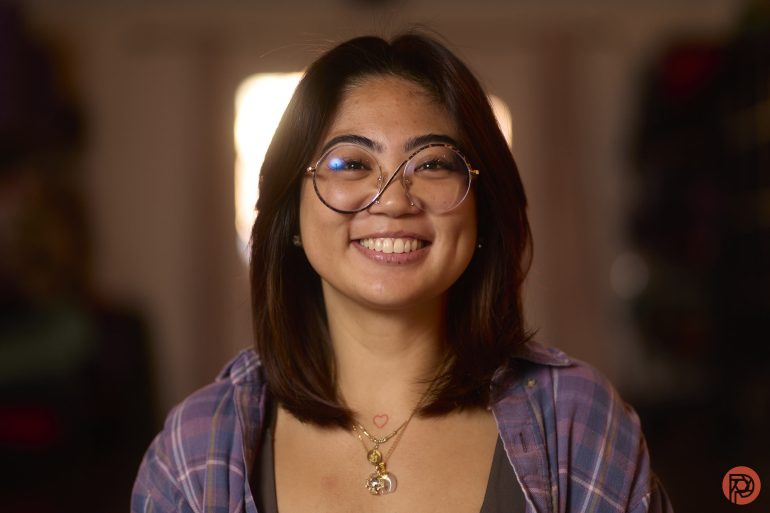
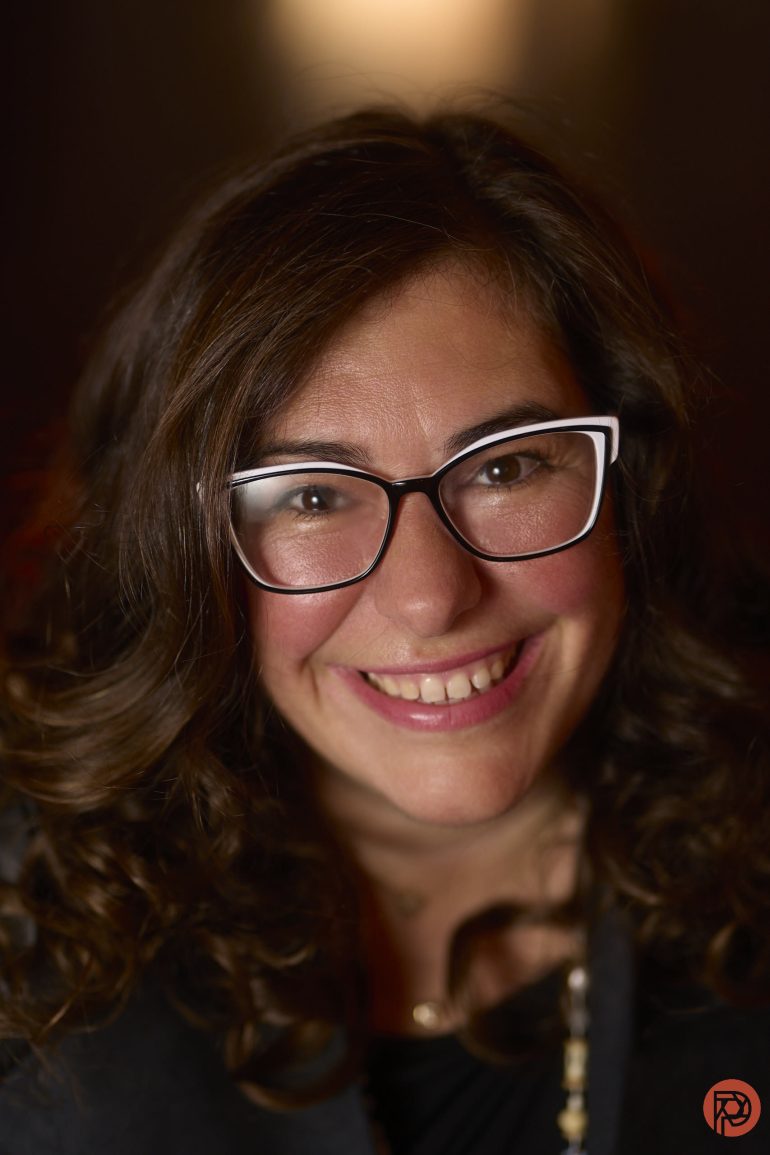
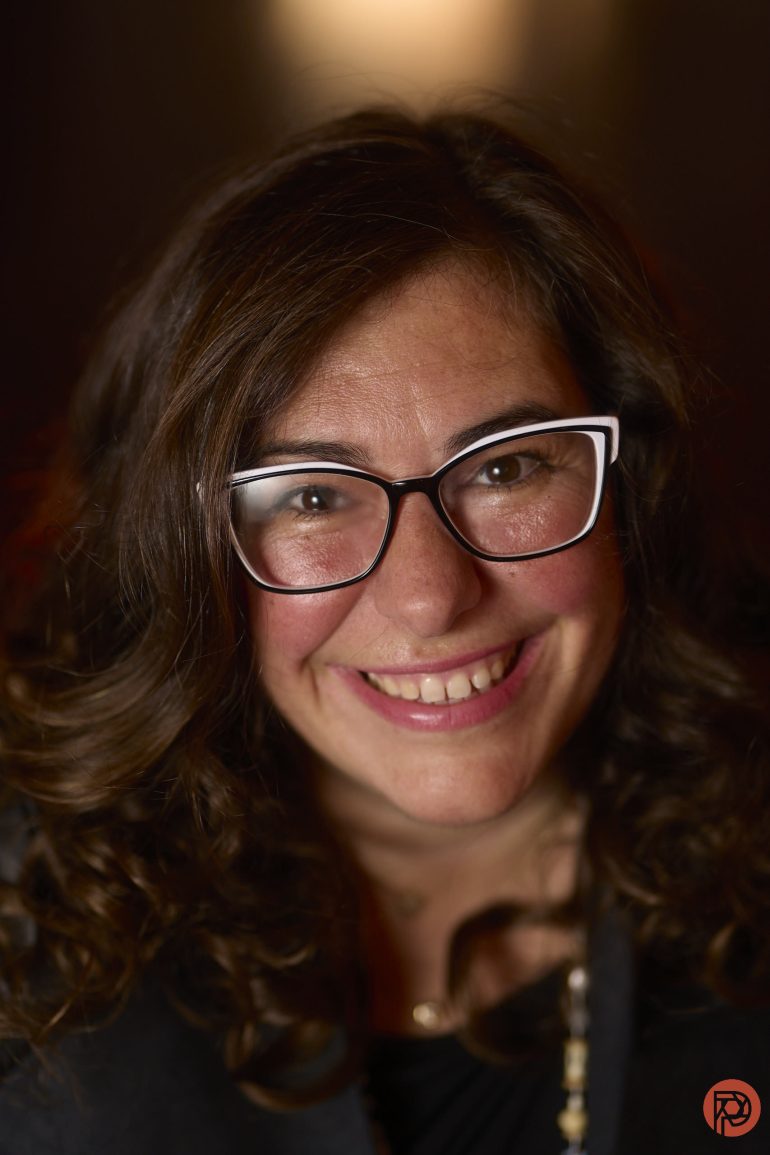
- The parameters that I used the most were fixing dark circles and blemishes and evening the skin out. After trying contouring on a single image, I didn’t bother with it.
- A while ago, a retoucher told me that to become a better retoucher, you basically just need to really hate your work. But it’s hard when you don’t hate your work. But Capture One’s new retouch tab is doing a really solid job of balancing the use of AI, traditional editing, and ethics. It’s truly assistive AI and not generative at all.
- It fixes dark circles, blemishes, and evens out skin incredibly well, much better than I would want to do. Retouching these images in Capture One would otherwise take me a while. Plus, I can sync the edits across various photos.
- It doesn’t look at beauty marks around the lips. So if someone has those, you’ll need to manually retouch them.
- I tested it with various skin colors. Honestly, Capture One did a fantastic job of making the skin look better while retaining texture.
- Even with Fujifilm’s skin smoothing — which is arguably some of the best in the industry — Capture One still finds a way to create a more aesthetically pleasing image.


For years, photographers have been using Capture One to edit and then finishing up the retouching in Photoshop. Granted, photographers who retouch jewelry and products will still need to do that. But if you’re shooting portraits, the new Capture One Beta is showing us that photographing people and then needing to do retouches is going to be really simple. Honestly, I’m very excited about this.
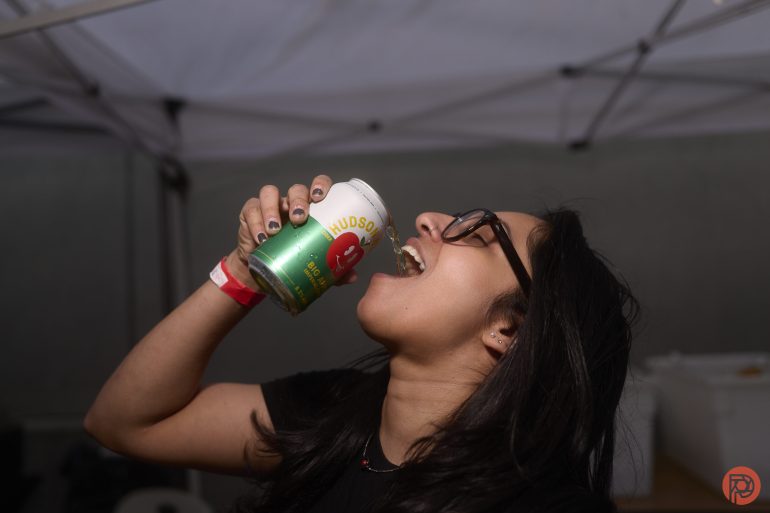
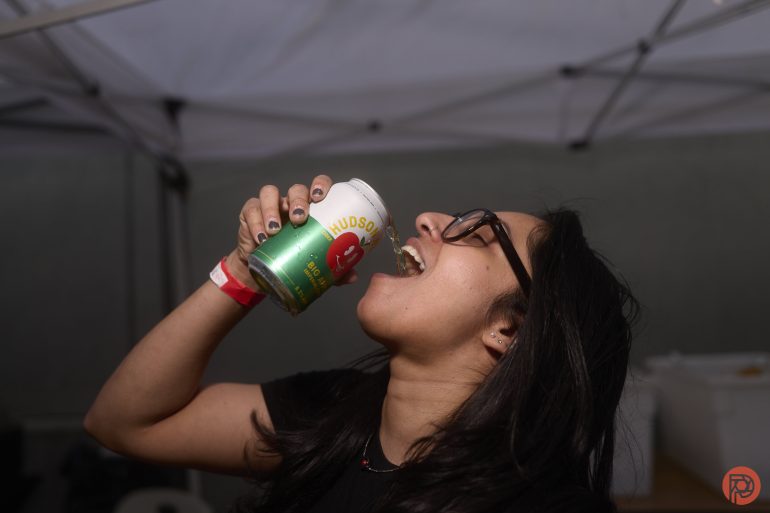
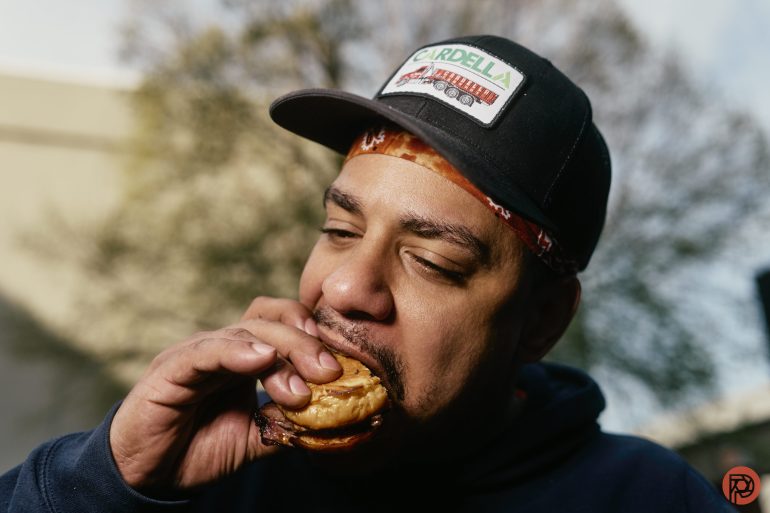
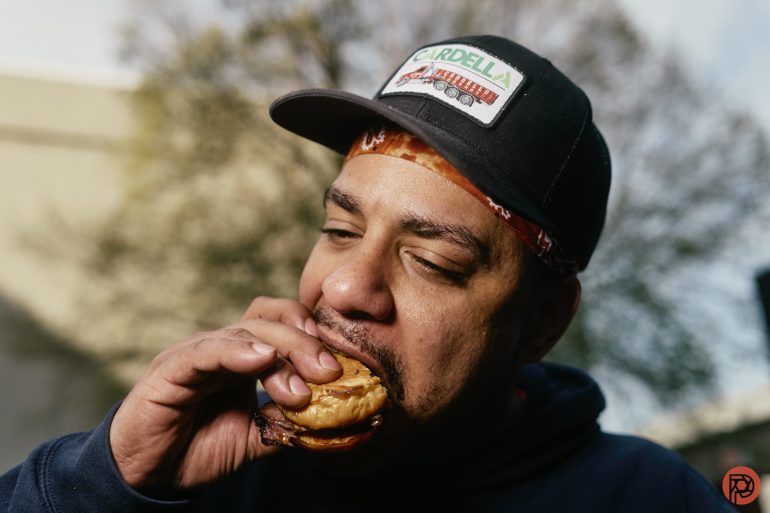
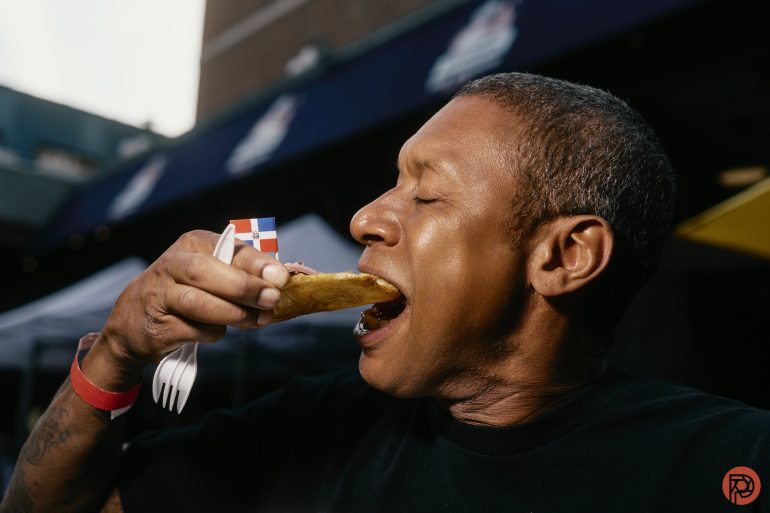
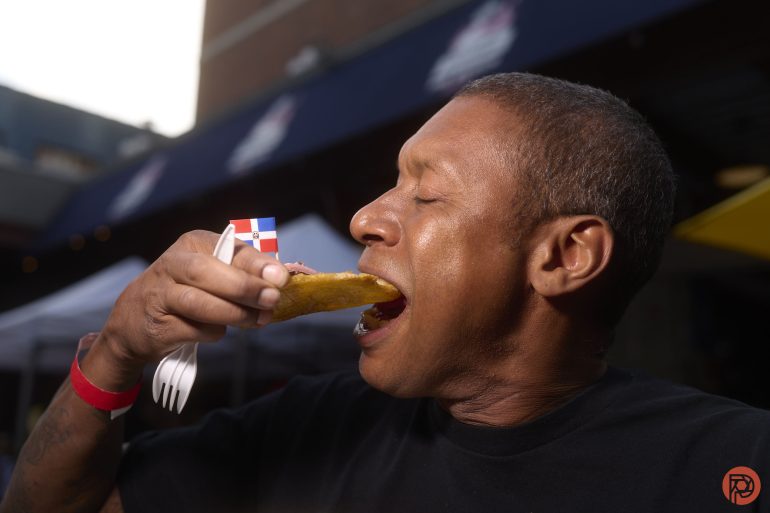
I often shoot events involving people eating, and have a very unique/specific way of making people look. Everyone enjoys the process and loves the images. But I never wanted to retouch. With these, I could apply a preset across the images, do minor retouches to a single photo, sync the edits to all of them, and then do final touch-ups to each photo if I even need to do so in the first place. Since I rate my images in-camera and not on the computer, my workflow is even faster.
I’m really, really hyped about this. And we encourage you to try the beta if you haven’t already. Phoblographer’s members get a 20% discount on Capture One. However, Capture One Beta is free. After conversations that I’ve had with a lot of camera reps recently, there’s really no good reason not to be editing with Capture One right now.
Get rid of the ads!
Did you enjoy reading this article as much as we enjoyed writing it? There's a way to support us and our reporting, getting ad-free navigation and more as a bonus. Subscribe to us for less than a coffee per month —just $3.99— or take advantage of our yearly subscription with a hefty discount for only $25.- An ad-free experience
- A free mystery box for Lightroom or Capture One
- All the books in our store
- 20% discount on Capture One
- 30% discount on Imalume Photo Theft Protection
- 20% off Herbs and Kettle Tea Company.
- 20% off your order from MPIX printing services.
- 5% off Viltrox Products via their eCommerce store.
- 10% off all film developing, printing and scanning services from Blue Moon Camera and Machine
- 15% off 7Artisans products: The lens and accessory maker is offering a sweet discount for Phoblographer's readers.