

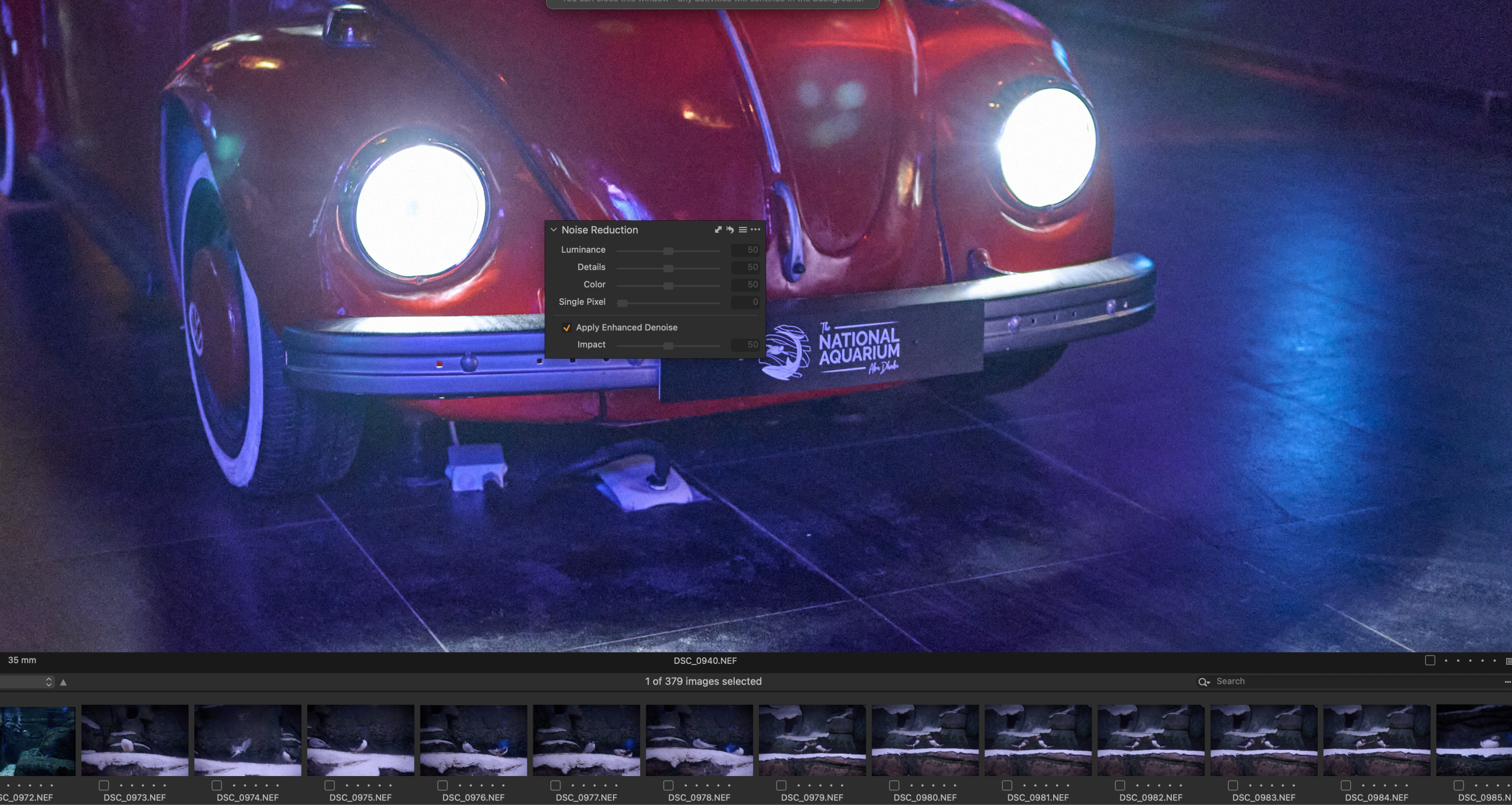
Noise removal is a tool that’s been in Capture One for some years now, and while it’s a fairly effective tool to use, it’s always been one that’s had to be manually done. That might change very soon as the latest beta version of Capture One is teasing a new tool called Enhanced Denoise. We played around with this for a few days; it’s definitely going to be a welcome addition for you all. There’s also Assisted Review to hopefully help improve the speed of your image culling.
Denoise Is Worth Shouting About
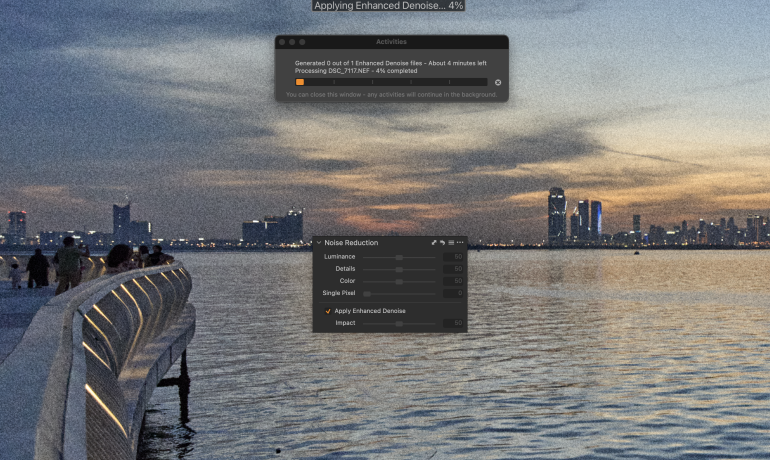
We tested the latest Capture One beta (version 16.8 Beta 1) to see whether the new Denoise tool was something to look forward to. Spoiler alert – if you’re someone who shoots a lot of high ISO work especially at night, then this is a tool you’ll find yourself using a lot. It’s able to clean out the shadows and midtones quite well, without making your photos look like they’ve been through the digital equivalent of Hollywood’s top plastic surgeons. It studies the overall image quite well to understand the origin of the grain, before applying the necessary corrections. Unlike the new Assisted Review tool, there’s no mention in the release notes of whether Denoise is an AI-enabled tool. It does take about 20 to 30 seconds per image to analyze and apply, and currently it’s possible to apply it only to one image at a time. You can even adjust the intensity of the results using a slider, so it’s not like you’re left to only choose or reject whatever the tool decides for you.
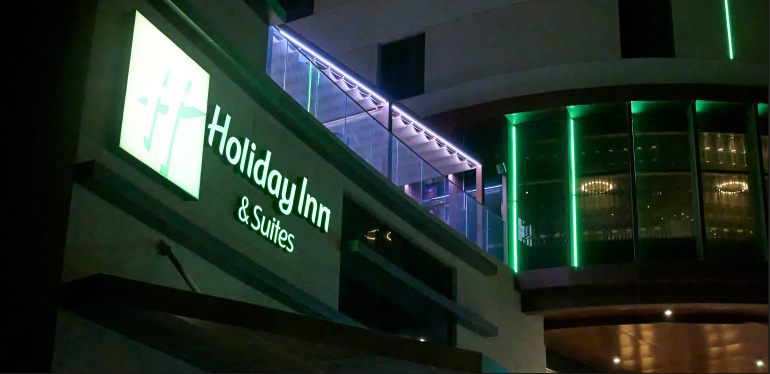
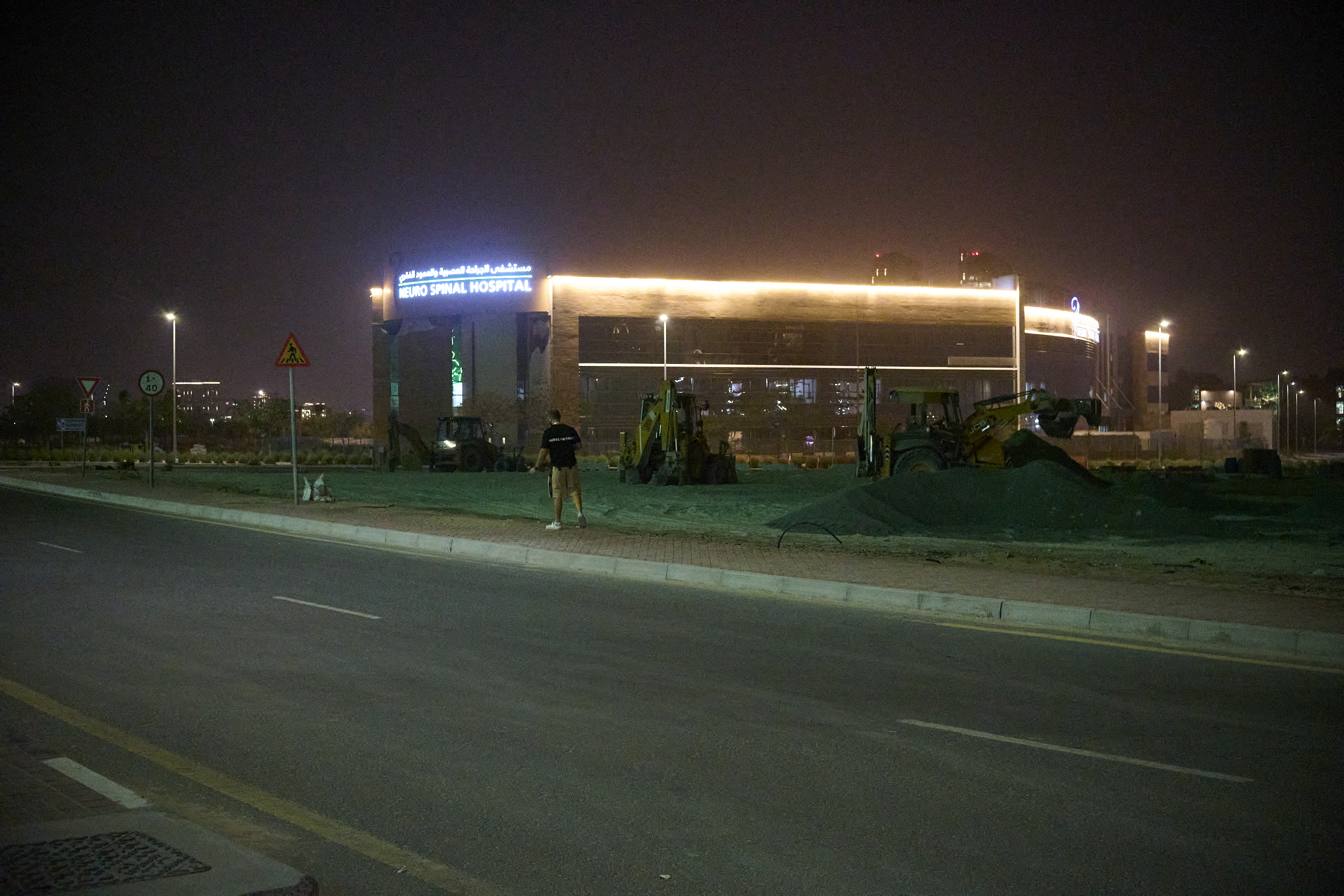
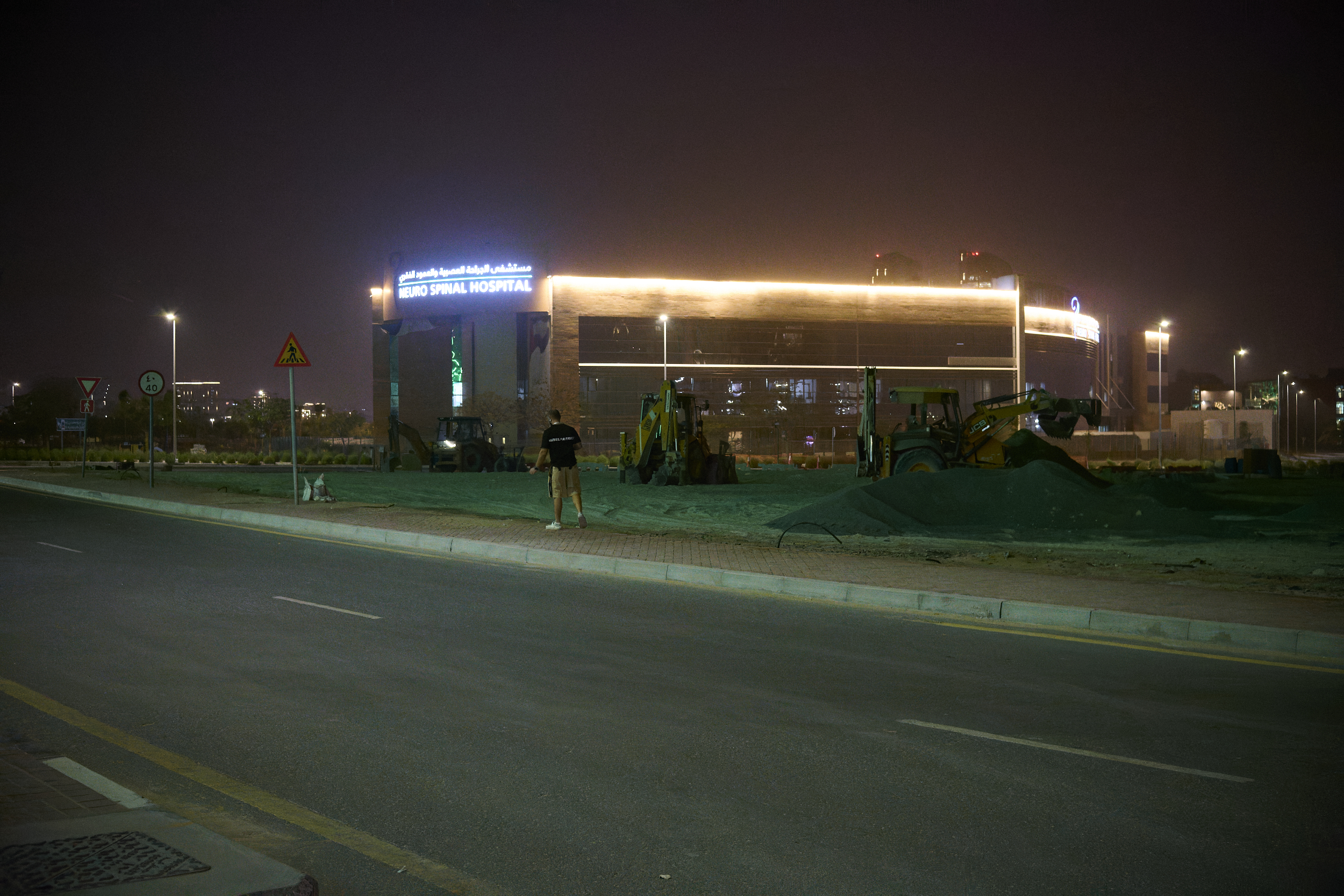
It works well, but it wasn’t a 100% success rate for me. On one image, the very first one I tried it on, it actually increased the amount of noise visibly in a photo I shot at night (see 100% crop of original above).
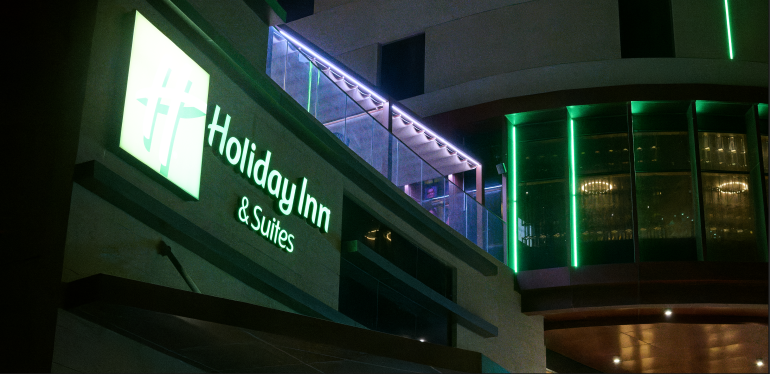
Okay, so the original image wasn’t atrociously noisy to begin with. But the whole point of software testing is also to see where it breaks, right? And in this image the noise got worse. I didn’t try to apply it again to see if anything would change; I just went to a portrait I shot at sunset to see what would happen there. Would it smoothen out the subject’s weathered skin too?
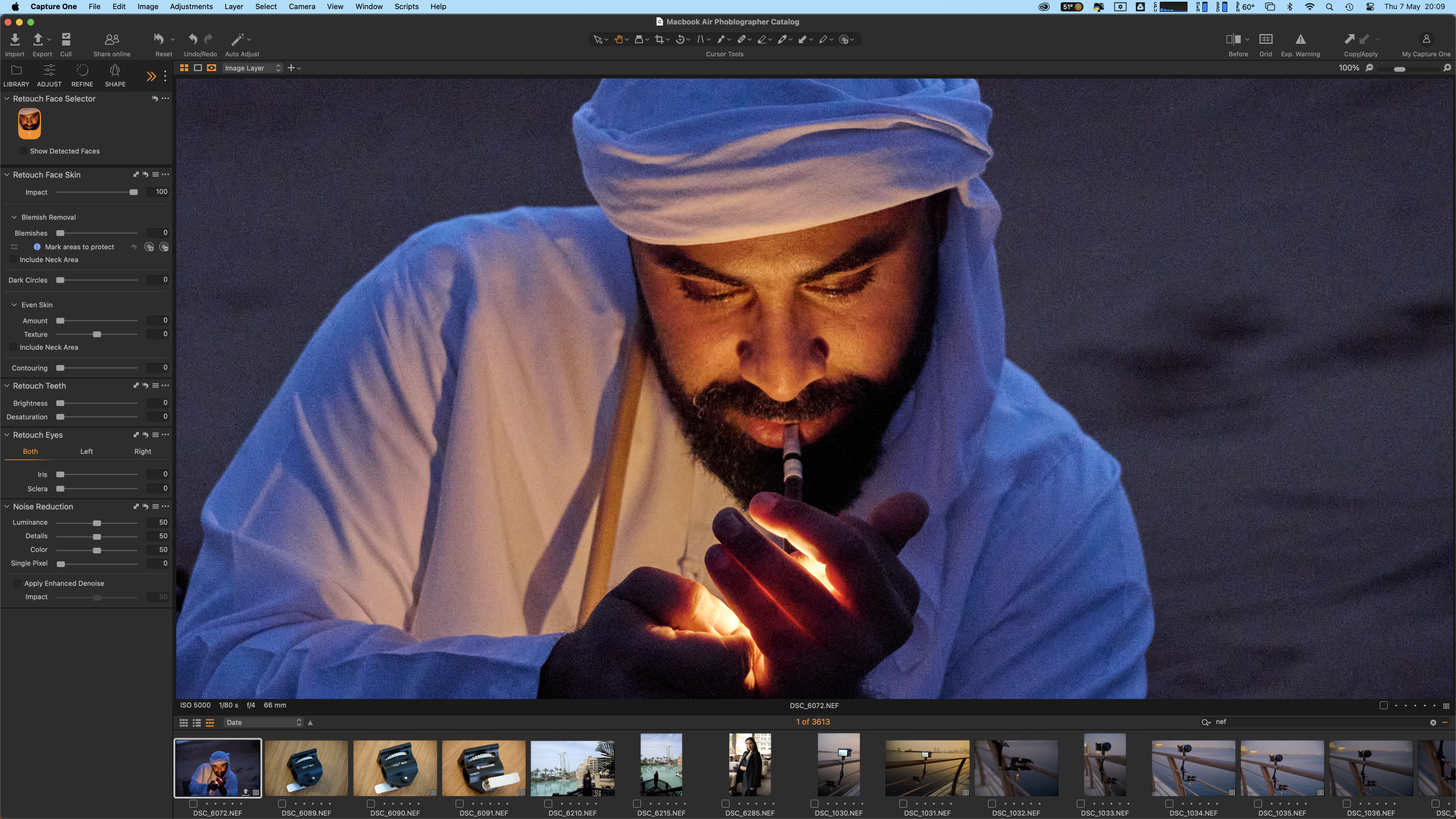
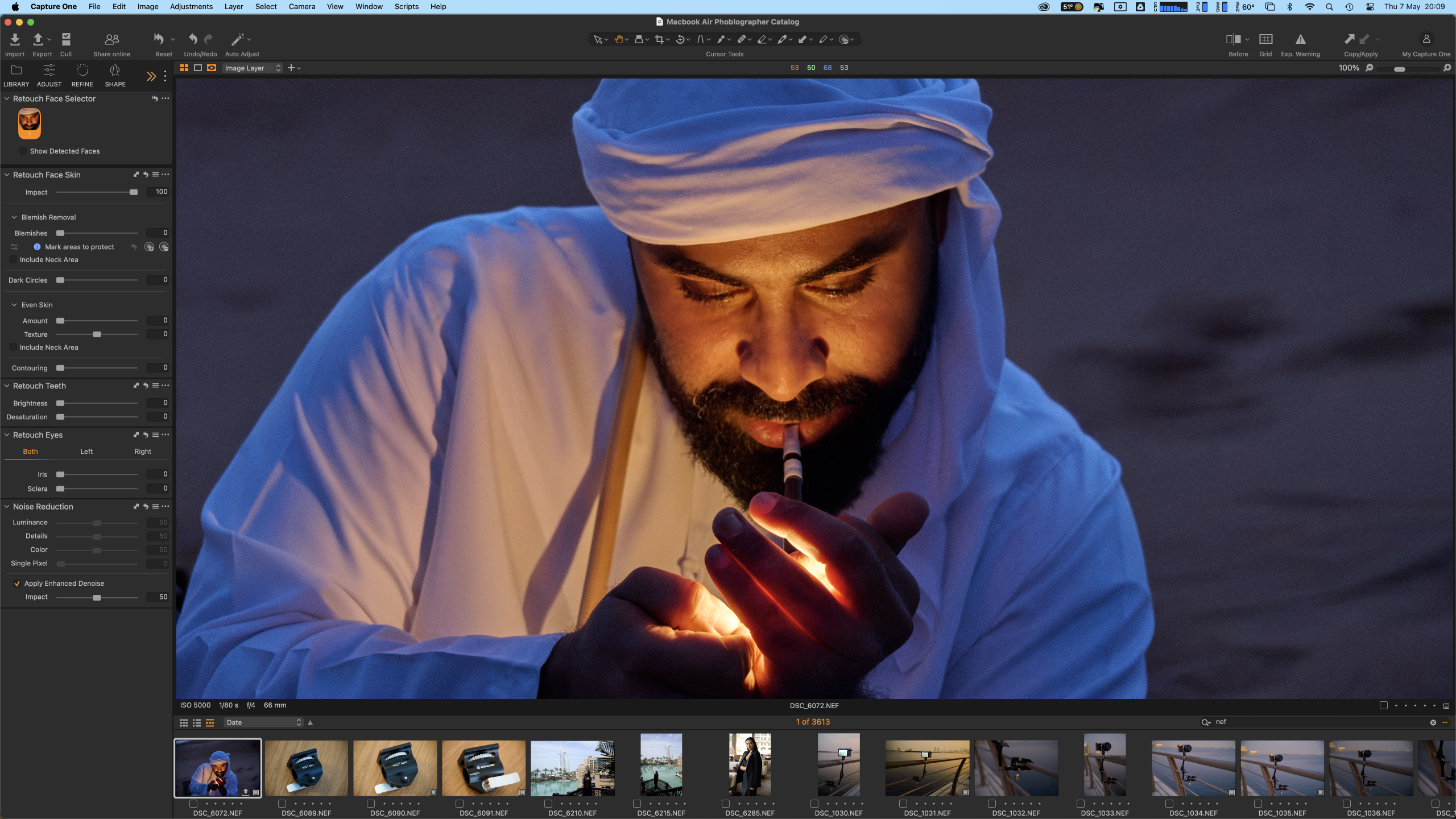
Not this time. Denoise perfectly got the smoothening right here, and even manages to retain texture in the person’s face – something I’ve seen Topaz failing to do at times. Clocking it at around half a minute, it was interesting to see how it evenly removed the low light noise from the subject and the background, and even cleared up some hot pixels. See the full sized before and after images below


Use the slider tool below on each of the images, to see the before and after results of Denoise applied on them


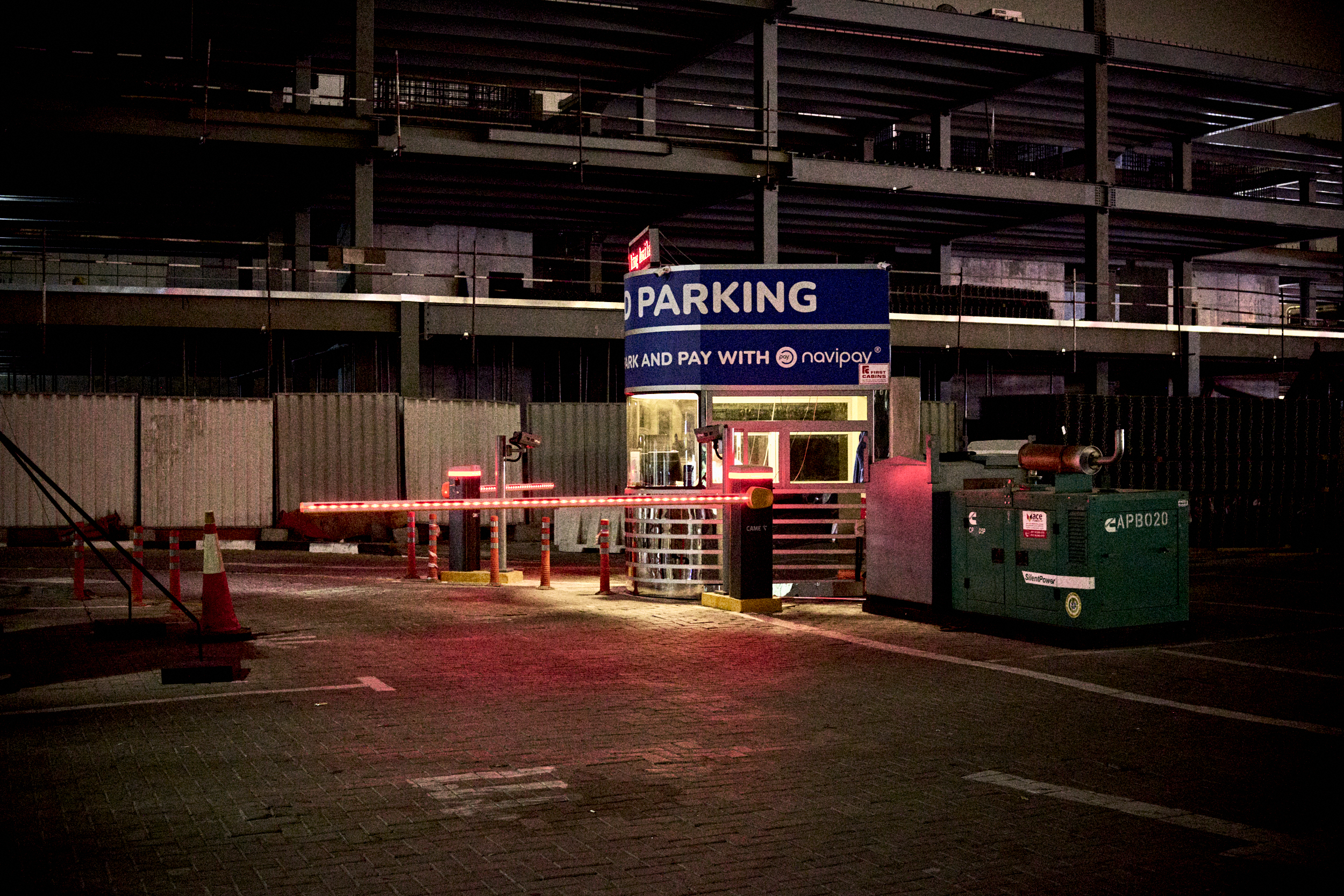
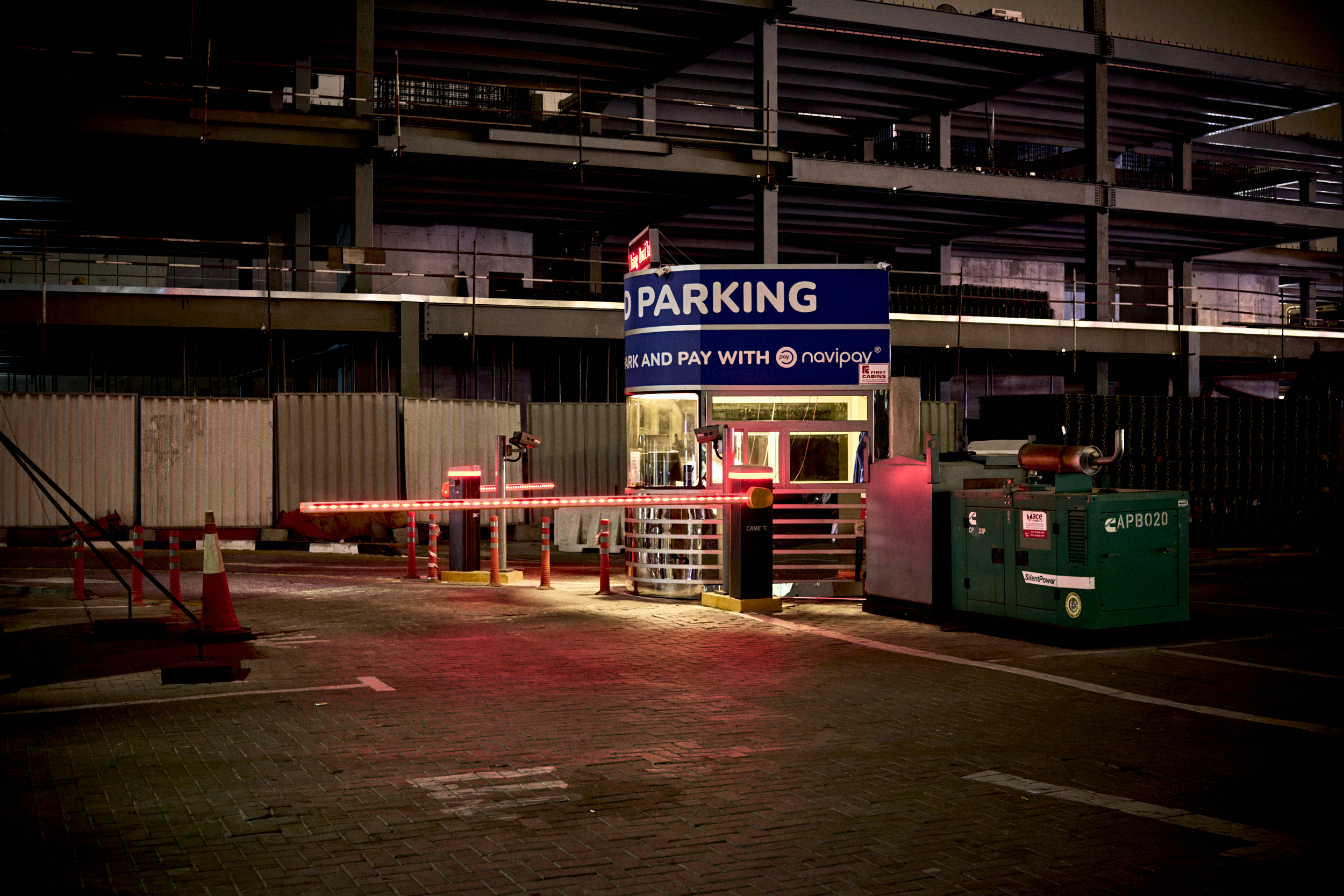
At the moment Capture One has enabled Denoise support only for Bayer-pattern RAW files only. X-Trans (Fujifilm), monochrome, linear RGB RAW files, and JPEGs are not supported currently. X-Trans RAW support will be seen in a future release so you Fujifilm fans will have to wait a while longer before you can test this out. Capture One also suggests using Denoise on images shot at ISO 3200 or higher; for other photos they recommend using the regular Noise Reduction tool sliders.
Folks who embrace grain in your photos – good on you – but even you have your days when you want a clean image I’m sure. If you’re a Capture One subscriber you can look forward to Denoise in an upcoming release. If you’re not already a user, sign up for a Phoblographer membership and get 20% off the price, plus loads of other perks and benefits.
Assisted Review (Beta) Is Great For Portrait Photographers
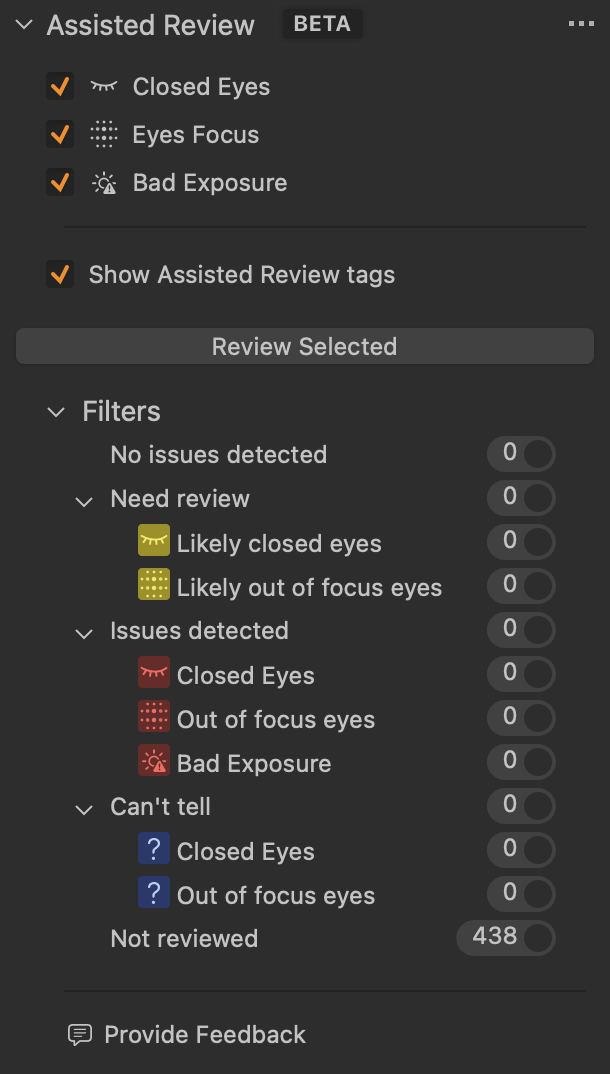
Another addition in the latest beta is aiming to help you cull your images a lot more easily. Assisted Review doesn’t automatically apply itself to your import. Instead, you can do so on a selection of imported images, and then filter the results accordingly. It is an AI tool and checks your images primarily for three factors – if the subject’s eyes are closed, if the eyes are out of focus, and if the overall exposure in the image is bad.
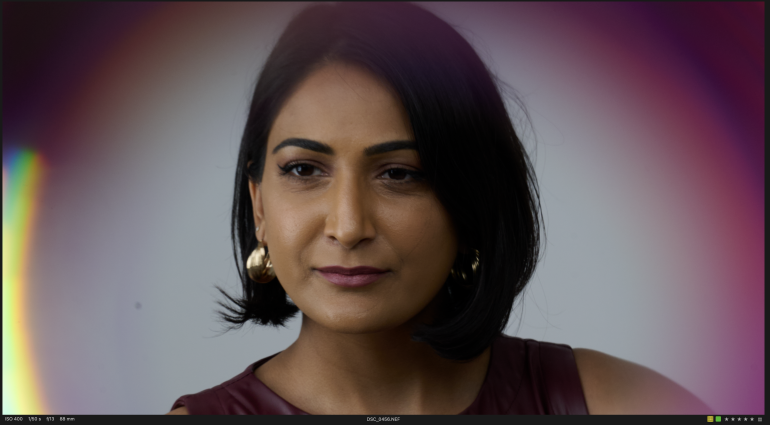
Tiny icons below the image (or over the image in thumbnail view) indicate what the Assisted Review has to say about the photo, if anything at all. You’ll have to remember what the icons are for though, as hovering your mouse over it doesn’t show any information. On the whole, this tool actually nailed it. It correctly picked out images where the subject had blinked, and also when the eyes weren’t the sharpest they could be. It’s blazing fast too; 50 images took just around a minute to be analyzed and rated. One thing that could be improved here, is if you could automatically assign color flags or star ratings to images, based on the review results. But what you can do for now, is to filter the image results using the radio buttons in the tool, and then apply the same.
Improved Wireless Tethering For Canon Cameras
The beta also allows Canon users to use supported cameras and send over images from camera to PC wirelessly. According to Capture One, when you connect your Canon camera and Capture One over a wireless network (technically cable-free tethering), each press of the shutter sends over a mini RAW file to your system “very quickly, and it is fully editable immediately” . In the background, the full-sized RAW file is sent over in chunks and doesn’t disturb your ongoing session. ReTether is also supported here so in case the connection drops completely, pending files are sent over as soon as it’s restored
Overall Thoughts
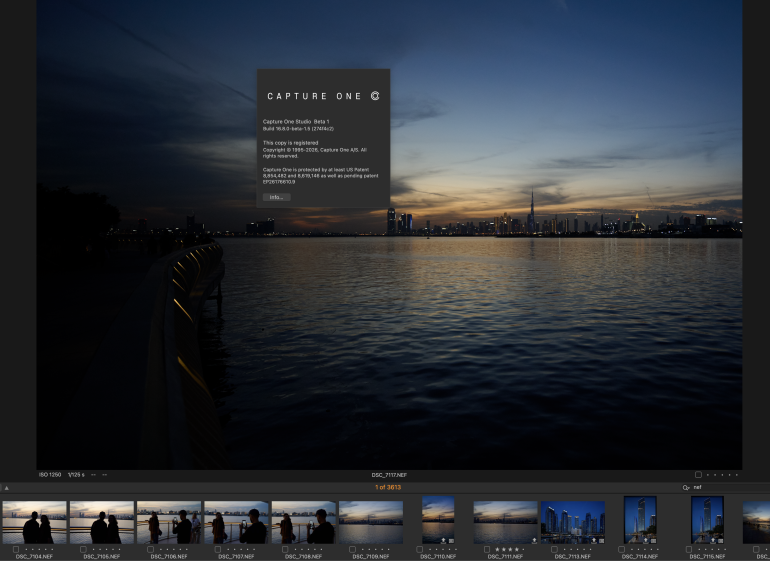
Both these tools are welcome additions for Capture One users. Noise reduction is something that can be time consuming to perfect, and given how Denoise worked very well on almost all the images I tested it on, it seems like it’s going to be a well received addition. Assisted Review also can help reduce editing time but making it easier for you to cull images. I just hope that they add an inbuilt rating system to this when they release it to the general public.
Get rid of the ads!
Did you enjoy reading this article as much as we enjoyed writing it? There's a way to support us and our reporting, getting ad-free navigation and more as a bonus. Subscribe to us for less than a coffee per month —just $3.99— or take advantage of our yearly subscription with a hefty discount for only $25.- An ad-free experience
- A free mystery box for Lightroom or Capture One
- All the books in our store
- 20% discount on Capture One
- 30% discount on Imalume Photo Theft Protection
- 20% off Herbs and Kettle Tea Company.