

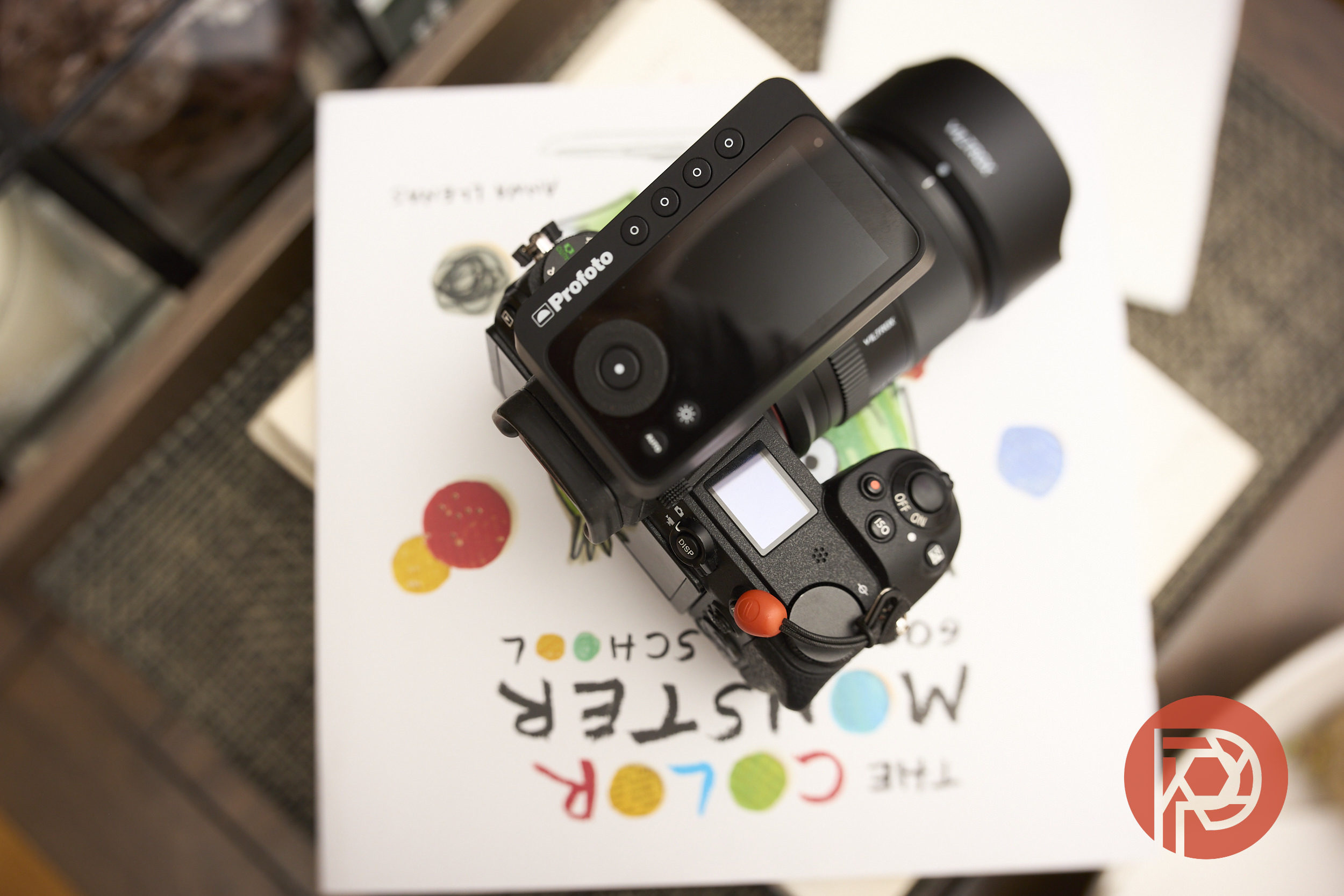
In March 2026, Profoto announced a firmware update to its Connect Pro series of triggers for Nikon users, aimed to fix a number of communication issues that photographers encountered. From issues with accurate/consistent TTL metering, to the outright inability to use these triggers with the Nikon Z8, Profoto’s latest update hopes to make things right with the Nikon photographer, here’s what we found.
The following text was added to our full Profoto Connect Pro review. To read the entire review, please check it out at this link.
The Nikon Z8 and Profoto Connect Pro
If you’re a Nikon Z8 photographer, you may have spent hours scrolling forums looking for a fix to the connectivity/sync issues between the Z8 and the Connect Pro. Last year when we reviewed the Profoto B20 and B30 we found the long recurring “power dump” issue when using the lights with the Profoto Connect (the “hockey puck”) and Canon cameras, we reached out to Profoto for clarification and the company simply acknowledged an issue with some cameras – including the Nikon Z8. The Connect Pro’s B4 firmware version does fix most of the issues using the trigger with the Nikon Z8 – including sync issues.
The Profoto Connect Pro and High-Speed Sync
At The Phoblographer, we don’t just stress test a product once and leave it lost to the passing of time. In fact, the entire Reviews Team spent the better part of April testing various cameras, triggers, and high-speed sync with Profoto’s lights. During my testing, we were able to consistently fire the B20 and the B30 when using the Z8 in one-stop increments up to the native 1/200 shutter speed. My initial high-speed sync test, I did neglect to switch the trigger into Auto mode for full TTL mode, which created shutter shadow, but a quick re-calibration of my settings fixed the issue. Once I corrected my settings, I was able to push those shutter speeds up to 1/8000 without issue.
The following images were used for various applications with the Z8:


Likewise, we put the Connect Pro through its paces with the Nikon Z7II – testing it with both in native and HSS modes. The Nikon Z7II didn’t have any sync issues during testing and more importantly, didn’t appear to suffer from the power dump issue that has been prevalent with older triggers. Again, during our testing, the Z7II and Profoto Connect Pro were able to communicate with the B20 and the B10 even using it in burst mode (though it needs to be said that you should not be using TTL mode and burst mode as you will get some dropped frames due to the trigger/light needing to process the correct exposure compensation).
Here are the results of our test:


Where things got a little iffy was with the Nikon Zf. We’ve previously reported issues with the Nikon Zf and how it works (or doesn’t at times) when using a flash. In our prior testing, Editor-in-Chief, Chris Gampat said:
In several of the Phoblographer’s camera tests, our entire reviews team often uses flash to get some of the images we shoot. We first really started to see how problematic flash can be when using the Nikon Zf. Try doing high speed sync (auto-fp) consistently with that camera at various shutter speeds and you’ll see that it doesn’t work.
The good news is that most of these issues with the Zf appear to be related to the camera and older triggers — something that any and every other Nikon camera going all the way back to the D850 doesn’t have. The latest update to the Profoto Connect Pro appears to have remedied any issues. For the Zf I tested the Connect Pro with the following settings:
- Camera was set to ISO 400, then set the shutter speed from 1/250 -1/8000 in full stop increments.
- Additional testing was done with the Zf in 1/3 Step and using the thumb dial to set shutter speed
- The camera’s Shooting settings were cycled through Auto, Mech, Elec, and Silent.
- Flash Sync settings were set to 1/200 (Auto-FP)
- The trigger was used in Auto, First Curtain Sync, and XSync
In each of our progressive tests, the camera and flash appeared to operate as expected. With the trigger in TTL HSS mode and the camera’s shutter set to Auto or Mechanical, we were able to not only get the shutter speed maxed at 1/8000, but also able to trigger the Profoto B20/B30 with the correct exposure. In Electronic Shutter, you can only get the camera to use TTL metering up to 1/200 second. This is expected behavior, as is no hot shoe communication while operating in Silent mode. Below are some images from this test:


It should be noted that my colleague, Feroz Khan, has also been testing another TTL trigger and light combo, but experienced issues with syncing beyond 1/250 second, but at least for the Connect Pro and my Zf loaner things went as well as they could. The more we test the Zf, the more we’re collectively convinced there’s something screwy going on with how the Zf communicates with the hot shoe and the peripheral that is attached at the time.
Is This a Worthy Update?
For pros that need to take advantage of the additional radio channels and groups, the latest update fixes many of the issues that came with the Connect Pro. For Nikon Zf photographers, the Connect Pro and its latest firmware update may very well mean the difference between a usable TTL trigger and having to work in manual mode exclusively.
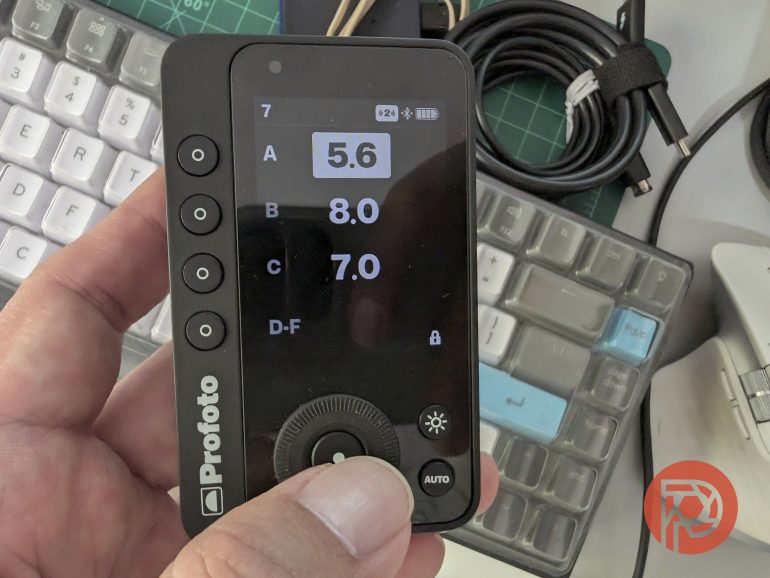
Beyond the core functionality and improved performance for Nikon photographers, the latest update has nifty creature comfort by giving users the ability to lock the touchscreen with a long press of the middle button. All in all, the latest update to the Profoto Connect Pro addresses many Nikon users’ concerns and even “gifts” us some workflow upgrades to boot. Still, if you must buy this trigger, buy it used if possible – $400 is still a bit steep for me.
Also consider that Profoto hasn’t really done a lot to address their use of AI promotion. A message written to us about this from the CEO sounded like subversive marketing jargon. As it is, our Editor in Chief has been trying to distance himself from relying on Profoto lights and their premium prices.
Get rid of the ads!
Did you enjoy reading this article as much as we enjoyed writing it? There's a way to support us and our reporting, getting ad-free navigation and more as a bonus. Subscribe to us for less than a coffee per month —just $3.99— or take advantage of our yearly subscription with a hefty discount for only $25.- An ad-free experience
- A free mystery box for Lightroom or Capture One
- All the books in our store
- 20% discount on Capture One
- 30% discount on Imalume Photo Theft Protection
- 20% off Herbs and Kettle Tea Company.