


The Camp Snap Pro has quickly become one of my favorite cameras. Unlike even my smallest camera bodies, the Camp Snap Pro feels like the perfect companion to moving around and photographing your adventures without overthinking the process. Best of all, Camp Snap as a company has fully embraced its users’ “hacking” of the base camera’s color profiles and presets. If you’ve been looking to go beyond Camp Snap’s STD, VTG1, VTG2, and B&W offerings and seeing what this tiny but mighty camera can do, read on.
The Camp Snap Pro and Presets
As I mentioned in our opening paragraph, the Camp Snap Pro (and all other Camp Snap cameras) fully embrace their community’s fervent enthusiasm for truly making the camera their own. Early in its launch, early adopters and tinkerers discovered that the Camp Snap Pro was not readily compatible with the standard FLT files used in previous models. Camp Snap’s founder, Brian Waldman, responded to our inquiry and promised to get things working again. Now, like the model V105 before it, the Camp Snap Pro is fully ready to take advantage of the community’s film emulations and custom color profiles.
Setting up your presets is a straightforward process, simply plug your Camp Snap Pro into a computer and drag and drop your preset (copy and not move, please) into the card’s main directory. Once copied to the card, rename the copied file to either std, vtg1, vtg2, or bw.flt, and eject the card from the computer. Power off and back on, and you’ve got a new look assigned to the respective mode. Having said that, in this review, we’re diving into the best from CodesThings’ Lab Archive and Camp Shades’ updated Kino Control collection (previously called “Kino Pro”).
Kino Control – A Basic Filter for Everyday Photography
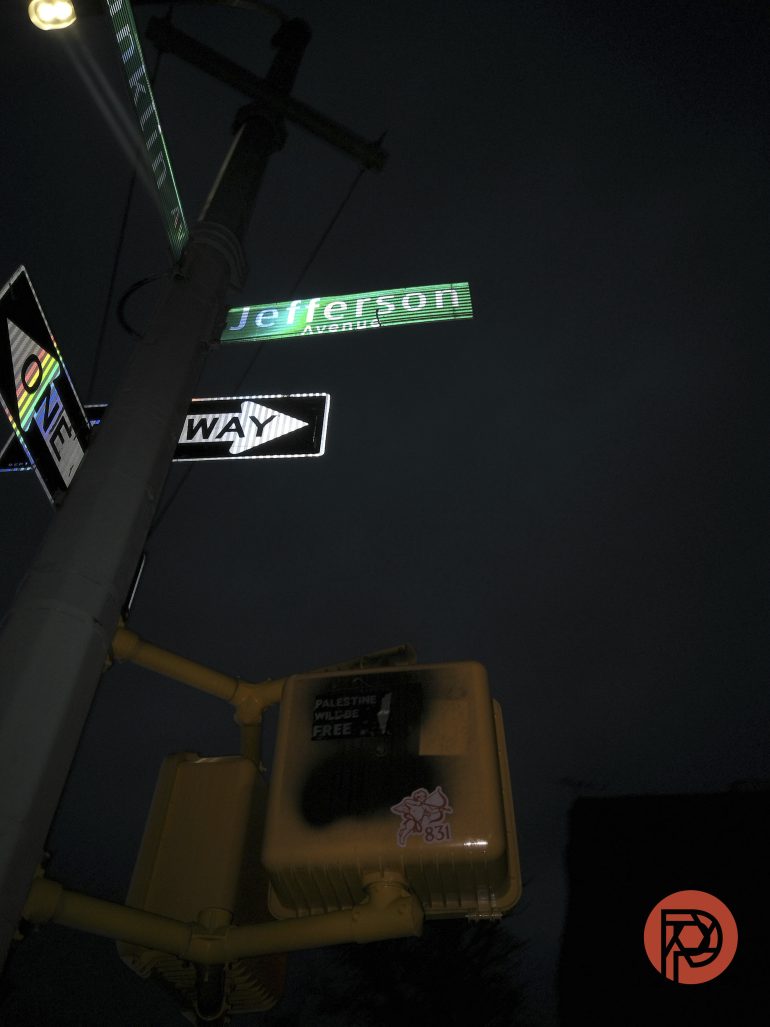
Camp Shades is one of the more popular Pro Filter companies for the Camp Snap line of cameras, and it’s no wonder – they meticulously create presets that have an extremely organic feel and truly make the Camp Snap Pro a pocket-sized marvel. While the Kino preset has been available for free for some time, Camp Shades recently updated their recipe to include three new gradations to the original: Flat, Gentle, and Medium (High is also included in the pack, but this is just the “original” version of Kino). During my testing, I found that Kino is a go-to preset for shooting in daylight, where the lighting offers the most natural contrast. Clear skies and midday sun can be very harsh with this preset, but once the angle of light becomes more pronounced, the images start to sing. This preset is great for most applications, and once you’ve figured out your ideal “strength” of the filter (flat, gentle, medium, or high), it can easily become your “standard” preset.
One of the difficulties of assessing the Kino preset has been working with the generally dark, drab, mid-winter weather in New York City. Because this preset stands out with contrasty light, gray skies, and dark indoor situations, it just doesn’t do this filter justice. Additionally, the Flat and Gentle profiles don’t play well with the Camp Snap Pro’s flash – even at lower power. I found that the resulting images are largely washed out and don’t render colors as beautifully as in daylight.
Something else to keep in mind is that the brand has started to charge for some of the presets too.
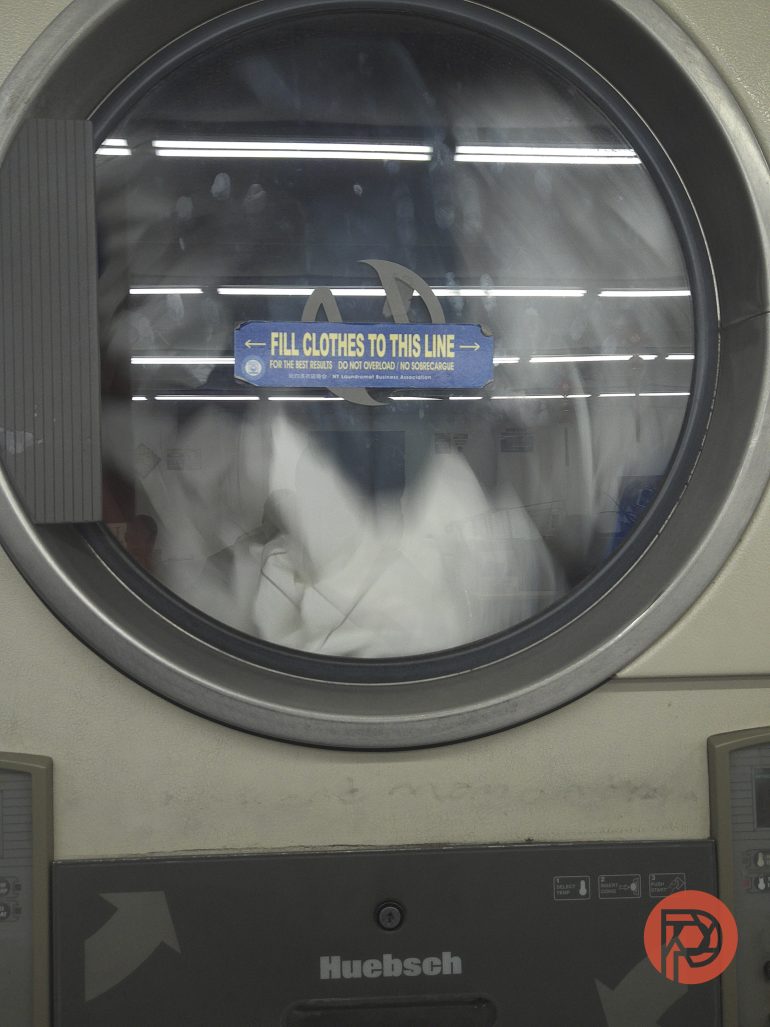
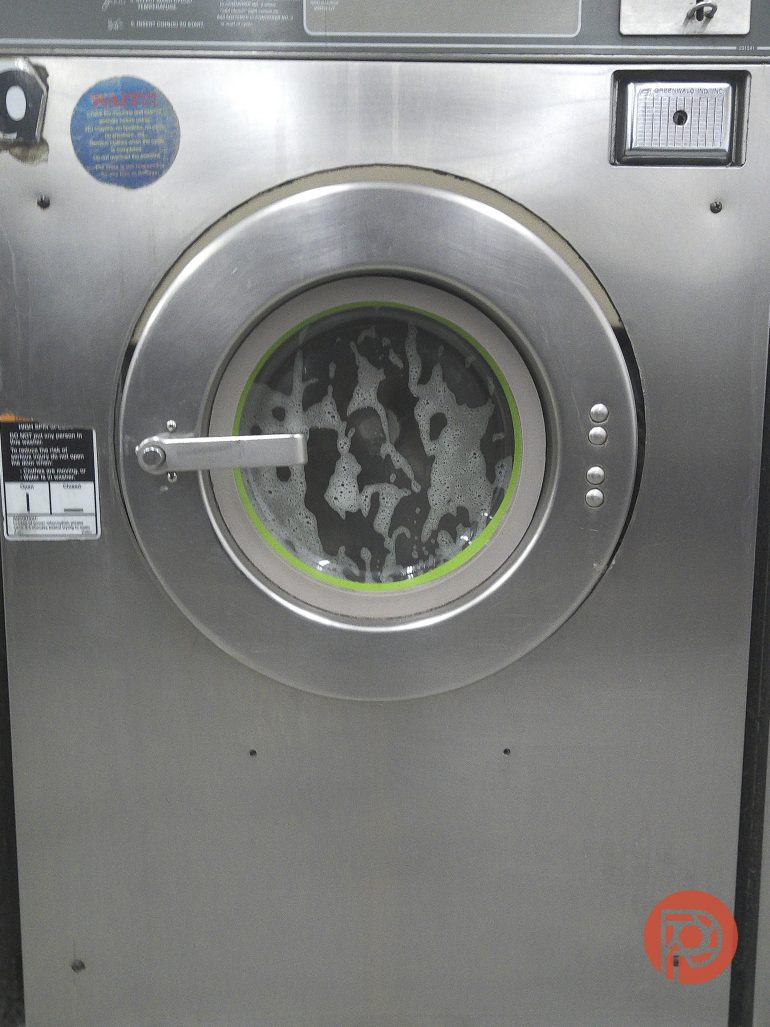
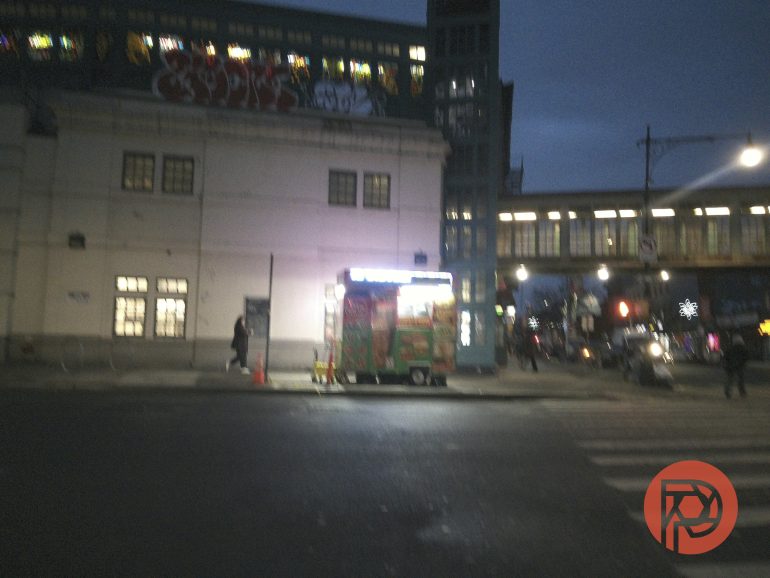
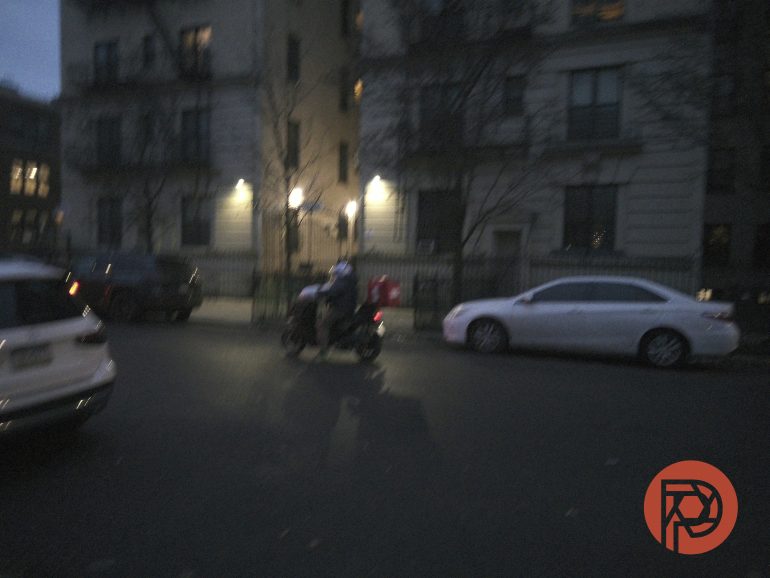
Below are some shots taken with the Camp Snap Pro and Kino Control:

Getting Experimental with CodesThings Lab Archive Volume 1
Dear reader, I won’t lie to you, I’m a sucker for a great film emulsion. It’s one of the biggest factors that kept me shooting Fujifilm cameras for nearly a decade, and one of the things that I spend an ungodly amount of time researching for ways of bringing it over to in-camera customizations for other manufacturers – sometimes through manufacturer-approved LUTs, sometimes by “hacking” available color profile settings. While not impossible on most modern cameras, getting great film emulsions in-camera shouldn’t require this much effort, and that’s where Camp Snap really shines. CodesThings took this idea one step further, compiling a series of 23 “film-inspired” presets compatible with the Camp Snap Pro. While there are plenty of options to choose from, the following are some of my favorites:
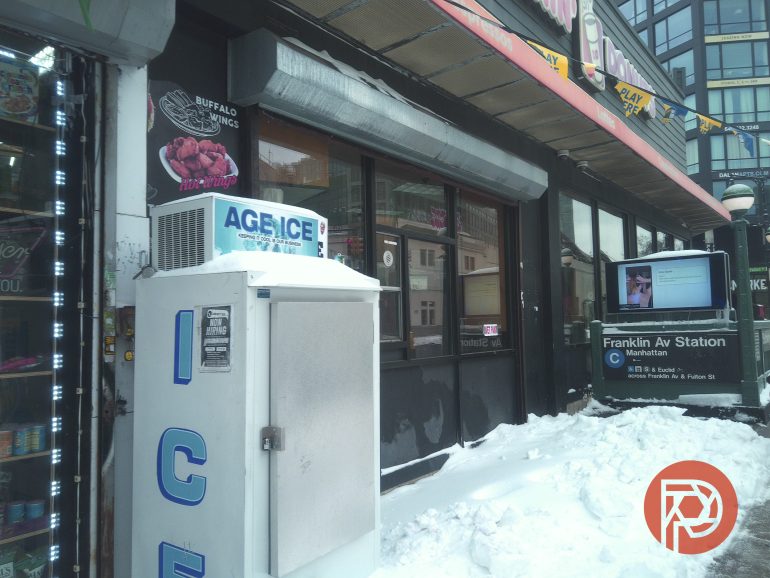
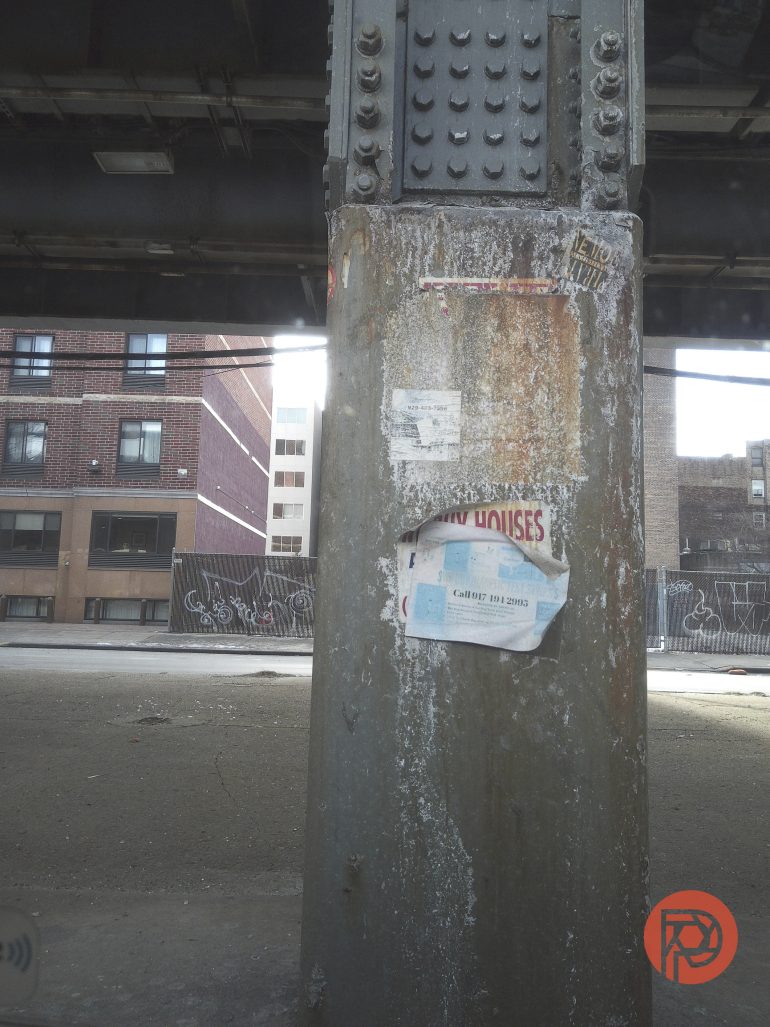
No. 11 – Drugstore Green: If you’re a fan of the Fujifilm 400 emulsion that was super-popular among drugstore, disposable cameras of the mid-90s, then this is the emulsion for you. As the name implies, there’s a green cast to the images that can feel nostalgic and lends itself well to contrasty scenes. Blues will shift green, and shadows can get muddy, so keep this in mind when shooting.
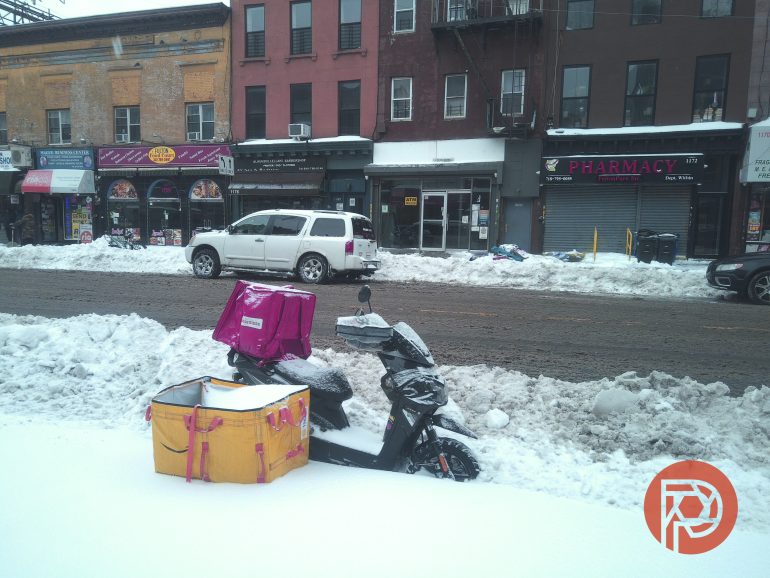

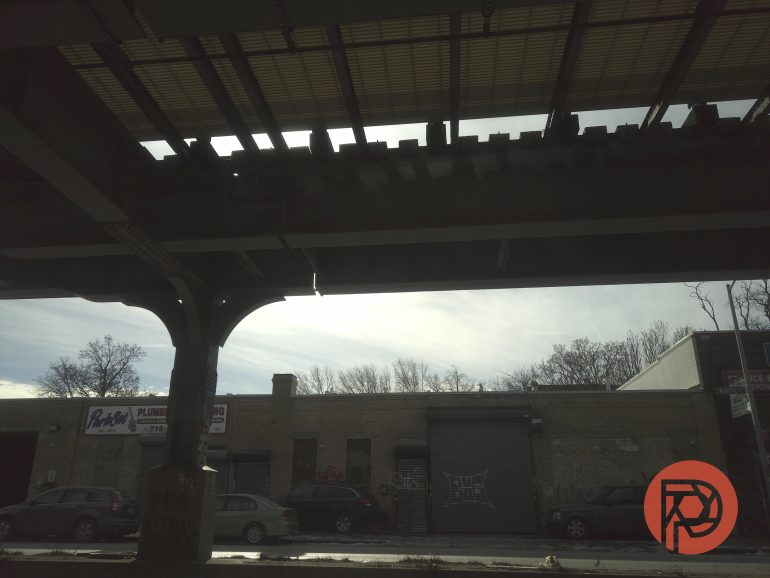
No. 09 – Pastel Shoulder: Built around Portra 400, this is the classic Kodak look that many a YouTube career was built on. While Portra 400 isn’t my favorite film stock, I did find CodesThings’ interpretation of it to work well with the Camp Snap Pro. One of the biggest downsides to this emulsion is how it falls apart when using the camera’s flash within 3 feet of your subject. When this emulsion blows out highlights, there’s no coming back from it.
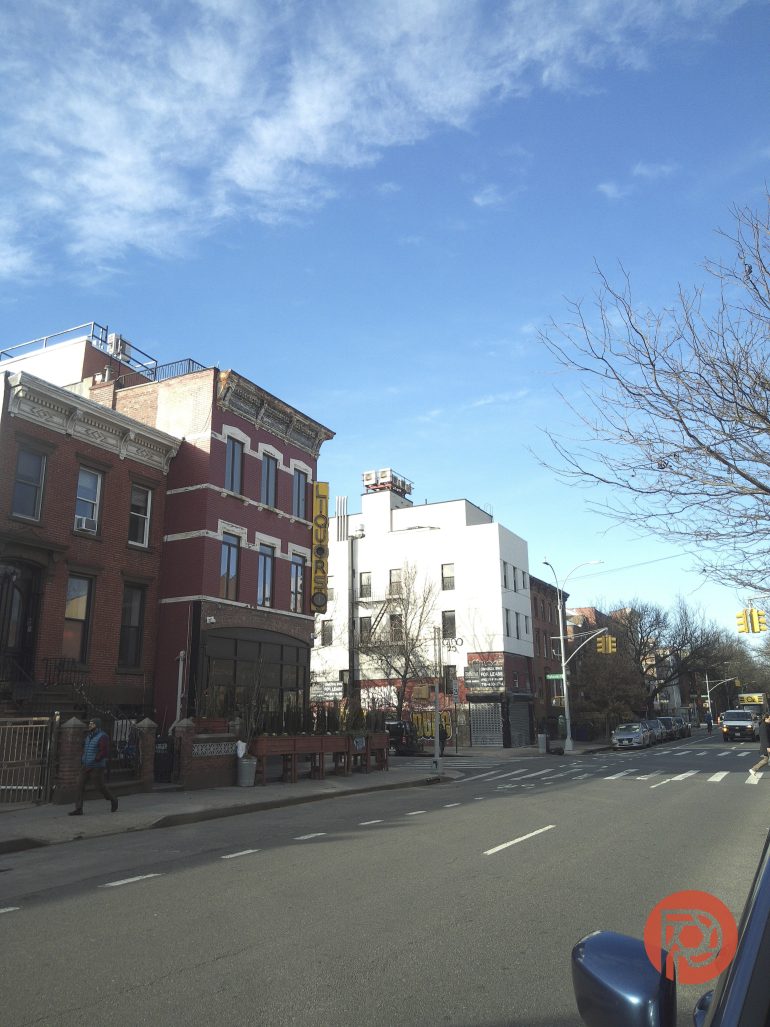
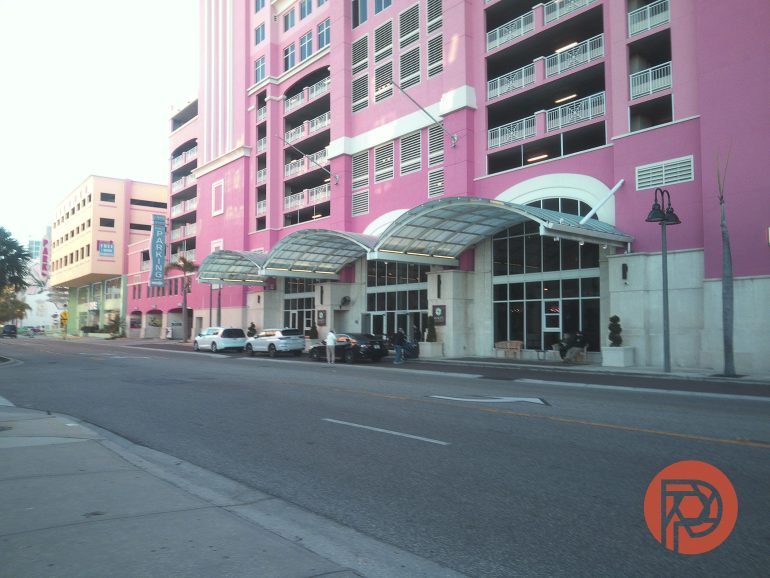
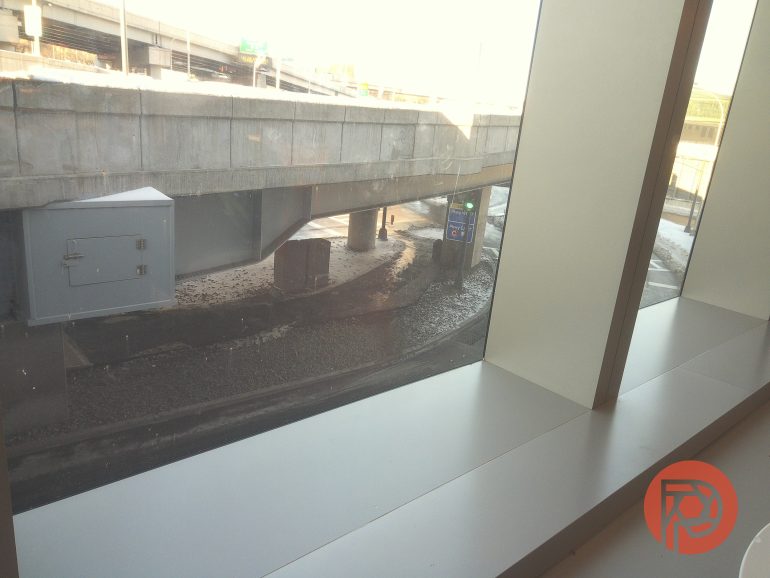
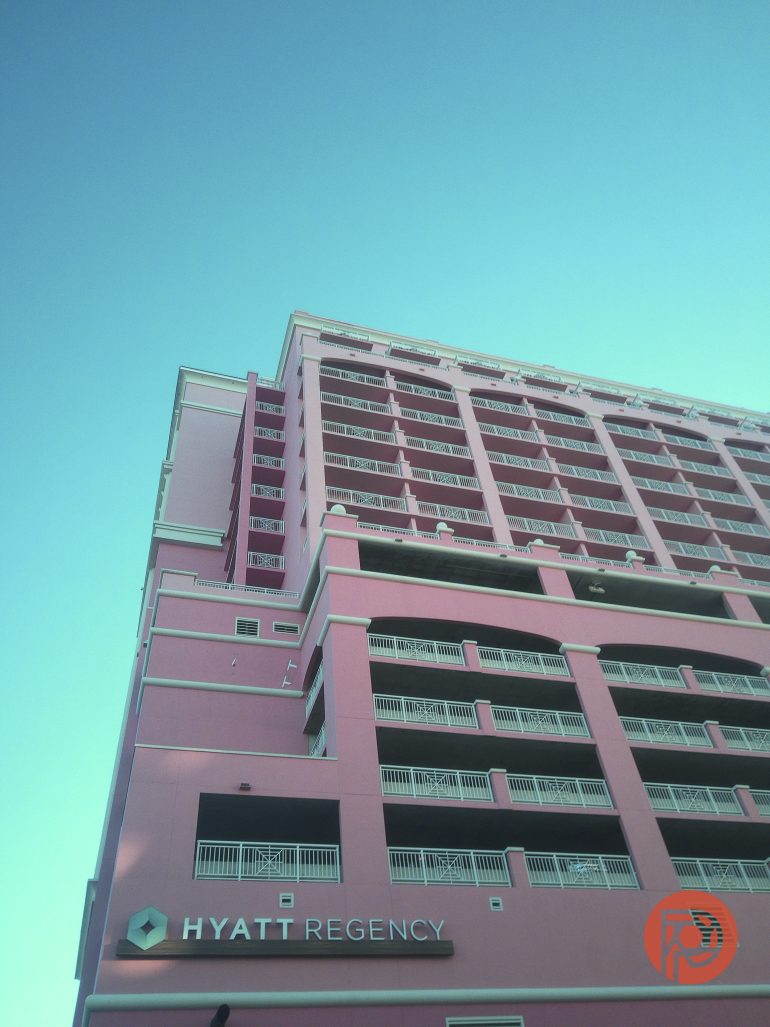
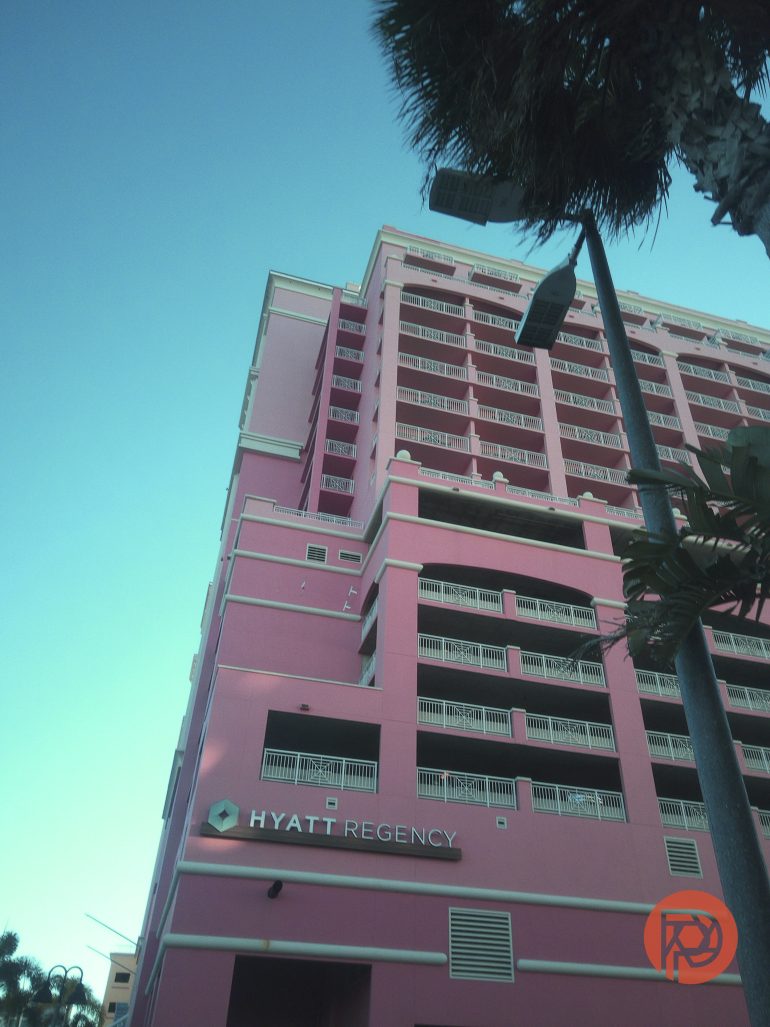
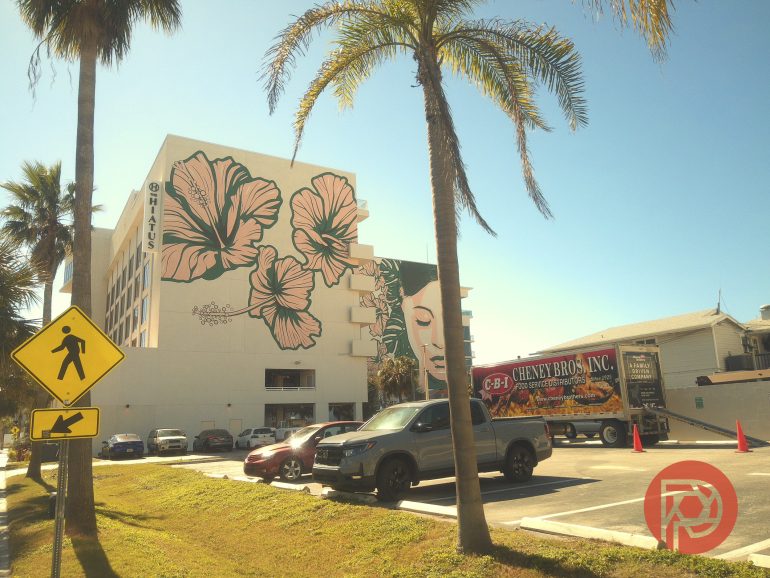
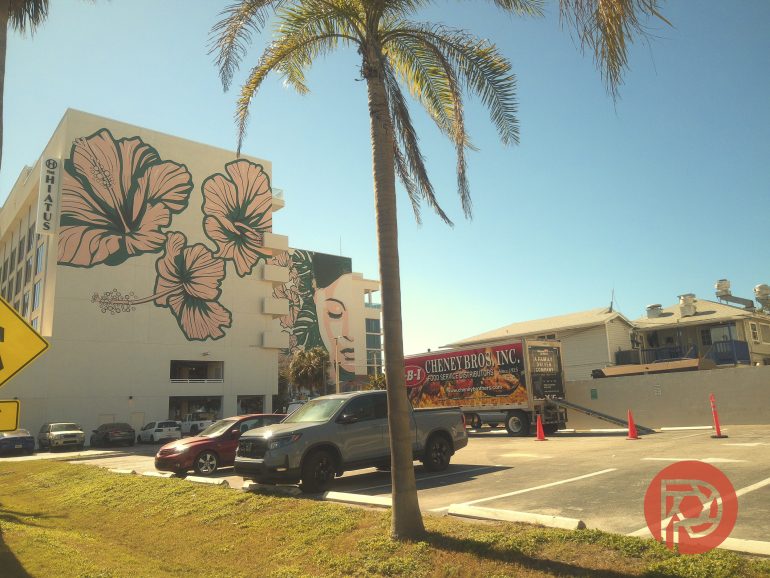
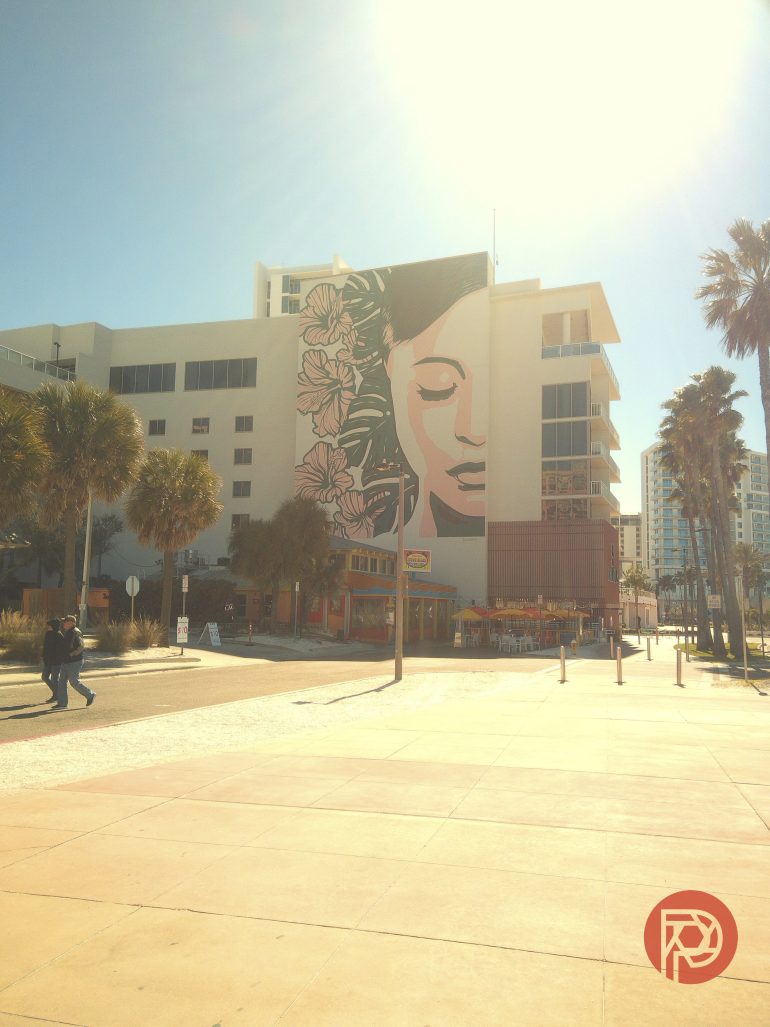
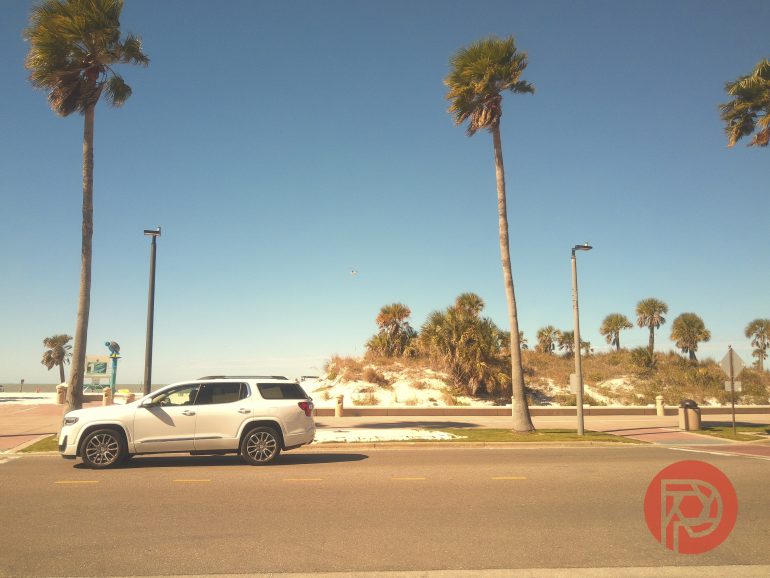
No. 20 – Moody Black & White: This one was inspired by Ilford’s FP4 Plush and is intended to push the camera’s image latitude to work just as well in bright sunlight and in the shade. As the name implies, this is one of those emulsions that leans on opposite ends of the image curve with deep blacks and bright whites. I was able to shoot with it on a recent trip to Florida and found that it was very forgiving, even in bright sunlight.
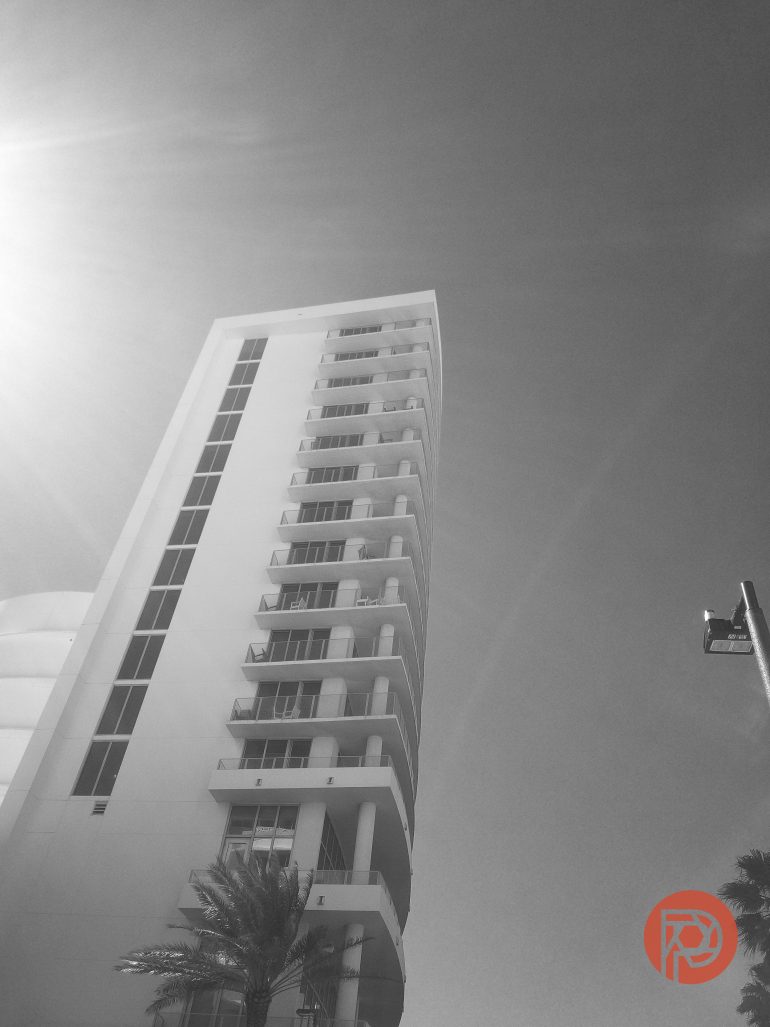
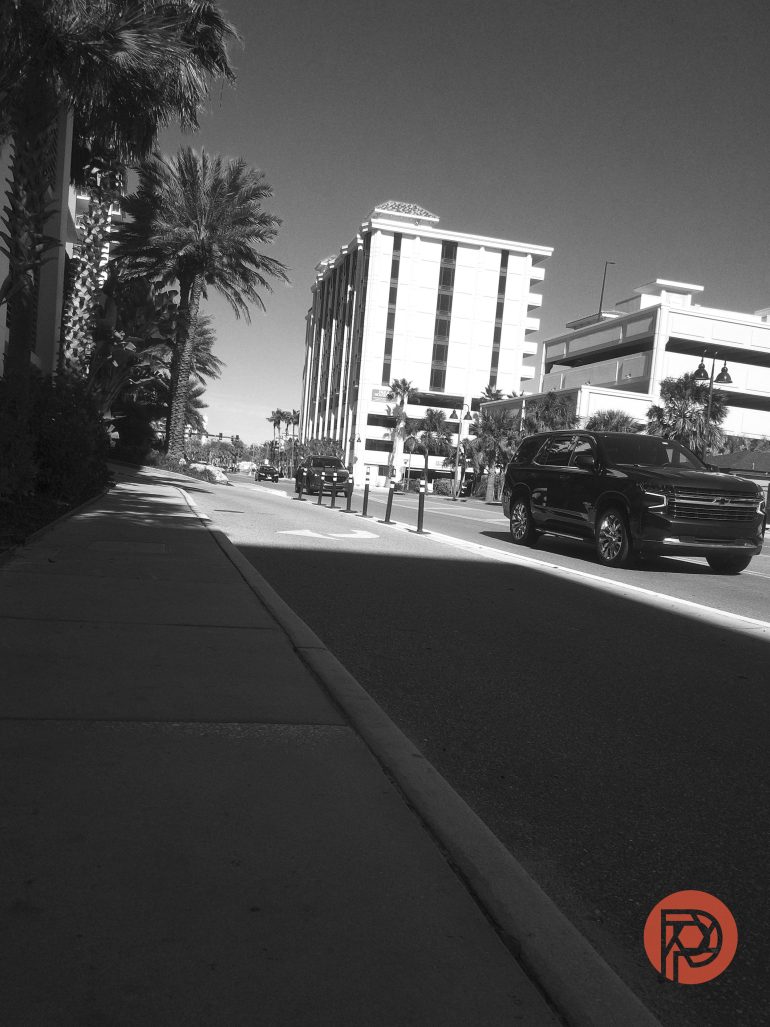
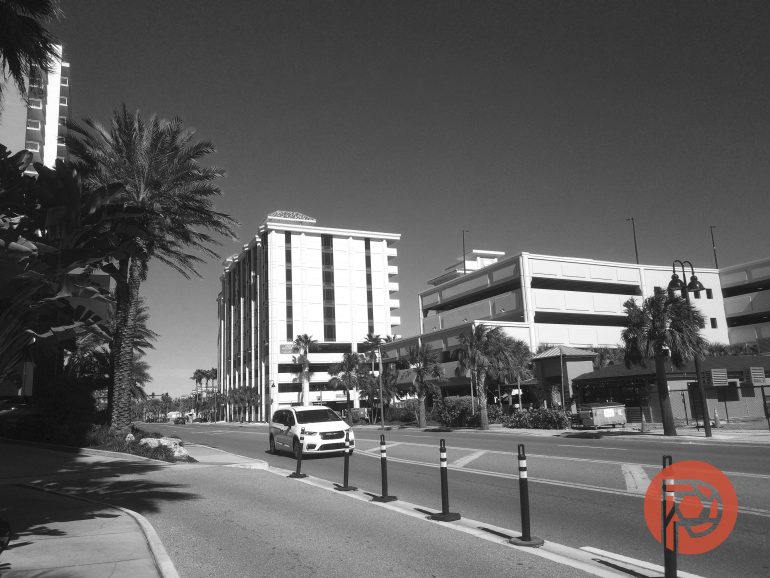

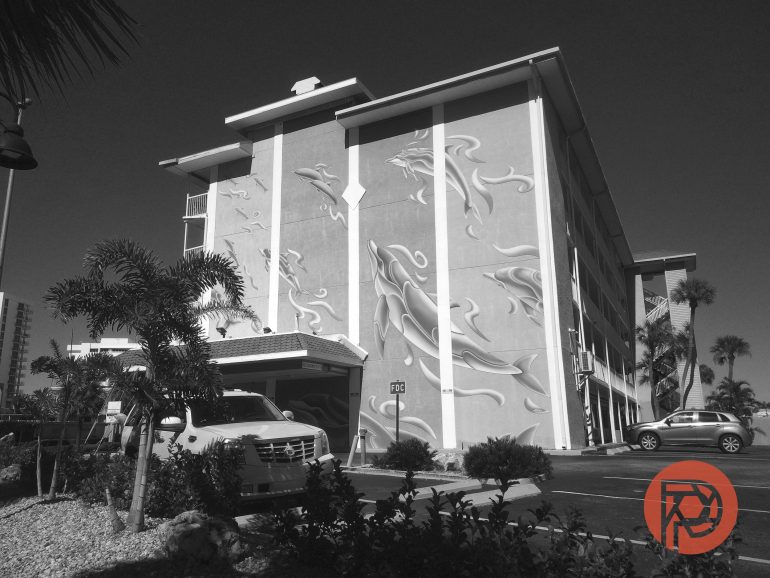
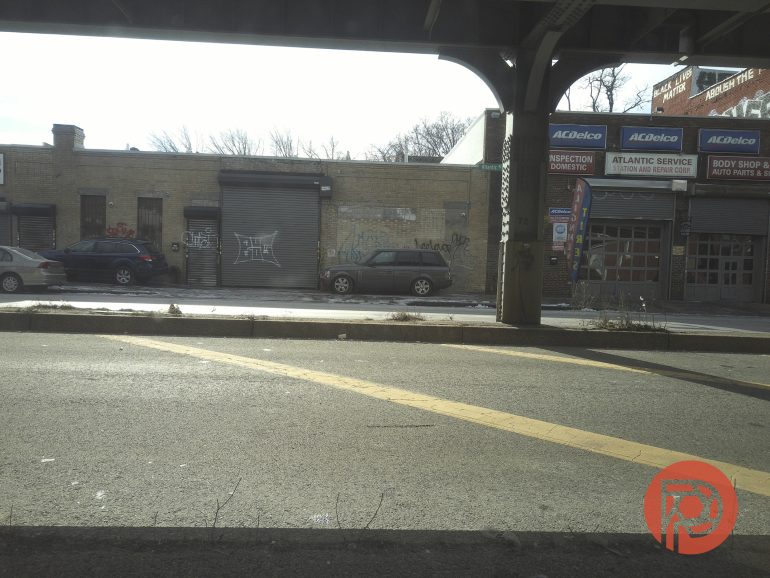
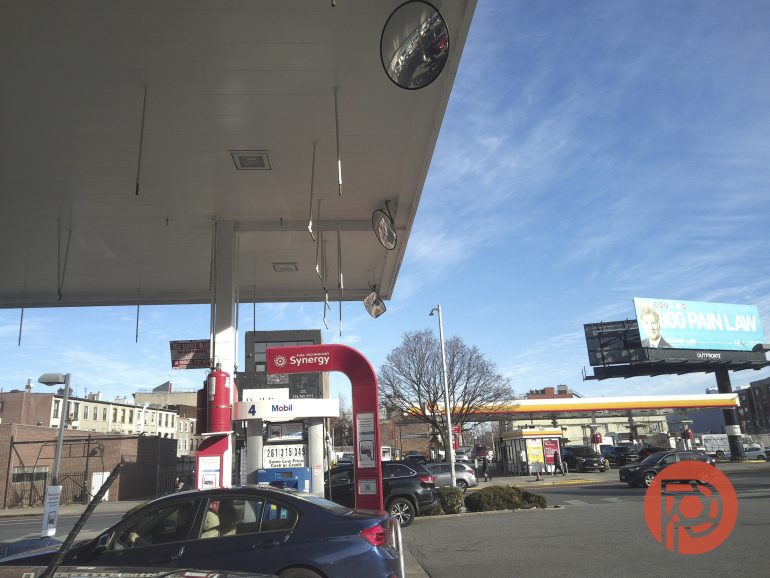
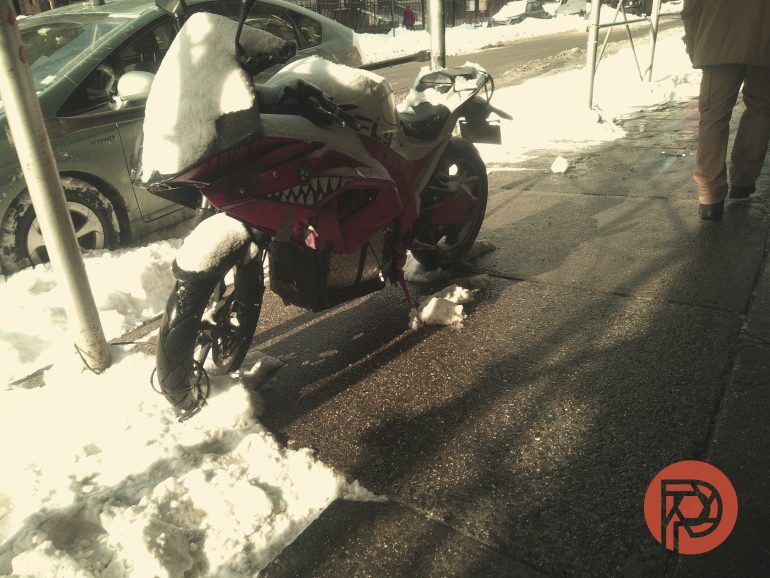
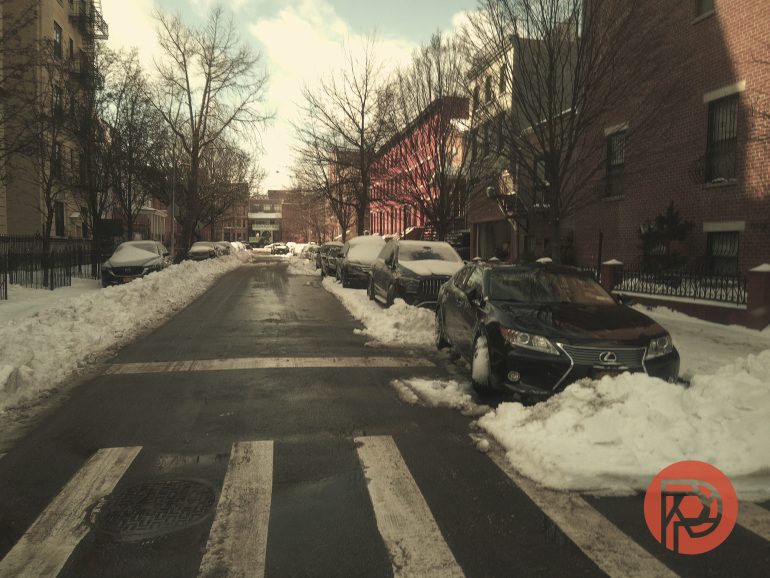
No. 06 – Crimson Dusk: The Camp Snap Pro’s VTG2 is my favorite of the default color profiles on this camera – it tends to render a bit warm, which I like, and makes red tones pop! No surprise then that CodesThings’ Crimson Dusk was nearly instantly my favorite of the emulsions. Built around Velvia 100 (yes, another Fujifilm emulsion), Crimson Dusk gives your images a controlled “red” hue while keeping it from turning whites into orange soup. This emulsion yielded some of my favorite shots during testing – adding the right amount of character and emotion, even to simple snapshots of slush.
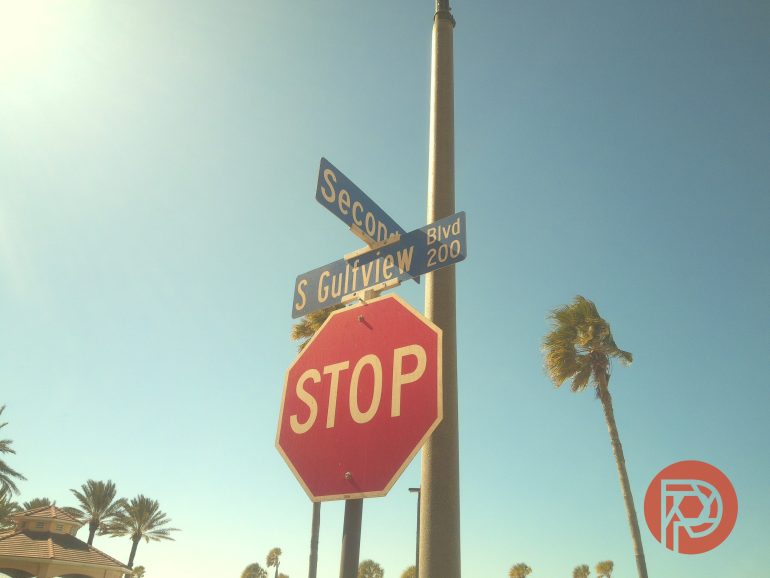
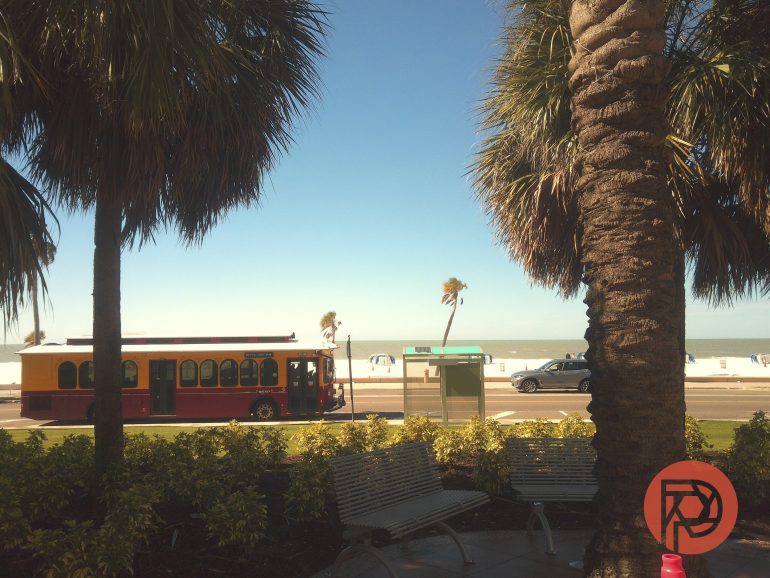
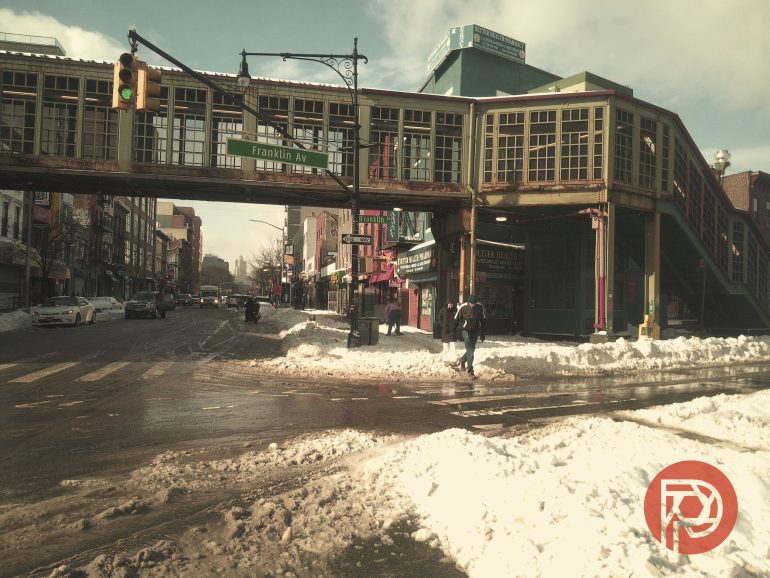
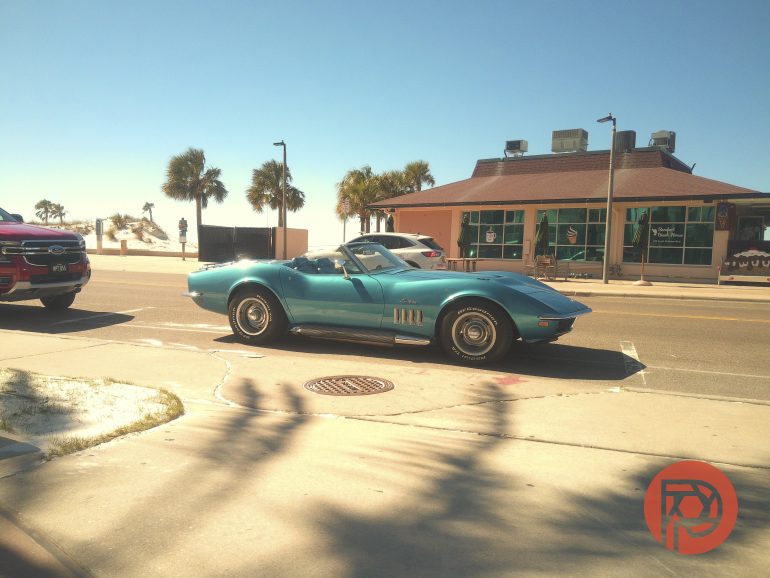
The DIY Option
While the above is completely subjective and more reflective of my personal tastes and what I hope to capture when taking a photograph, Camp Snap’s superpower lies in the openness of its camera’s color profile. Camp Snap’s Build Your Own Filter page has also been updated to allow anyone to create a color profile that aligns with their creative intent with the camera. While I personally have thoroughly enjoyed using both Camp Shade’s and CodesThings’ preset options, you can go even deeper by building your own look – and that is where creativity truly lies. Happy experimenting.
Get rid of the ads!
Did you enjoy reading this article as much as we enjoyed writing it? There's a way to support us and our reporting, getting ad-free navigation and more as a bonus. Subscribe to us for less than a coffee per month —just $3.99— or take advantage of our yearly subscription with a hefty discount for only $25.- An ad-free experience
- All the books in our store
- 20% discount on Capture One
- 30% discount on Imalume Photo Theft Protection
- 20% off Herbs and Kettle Tea Company.