

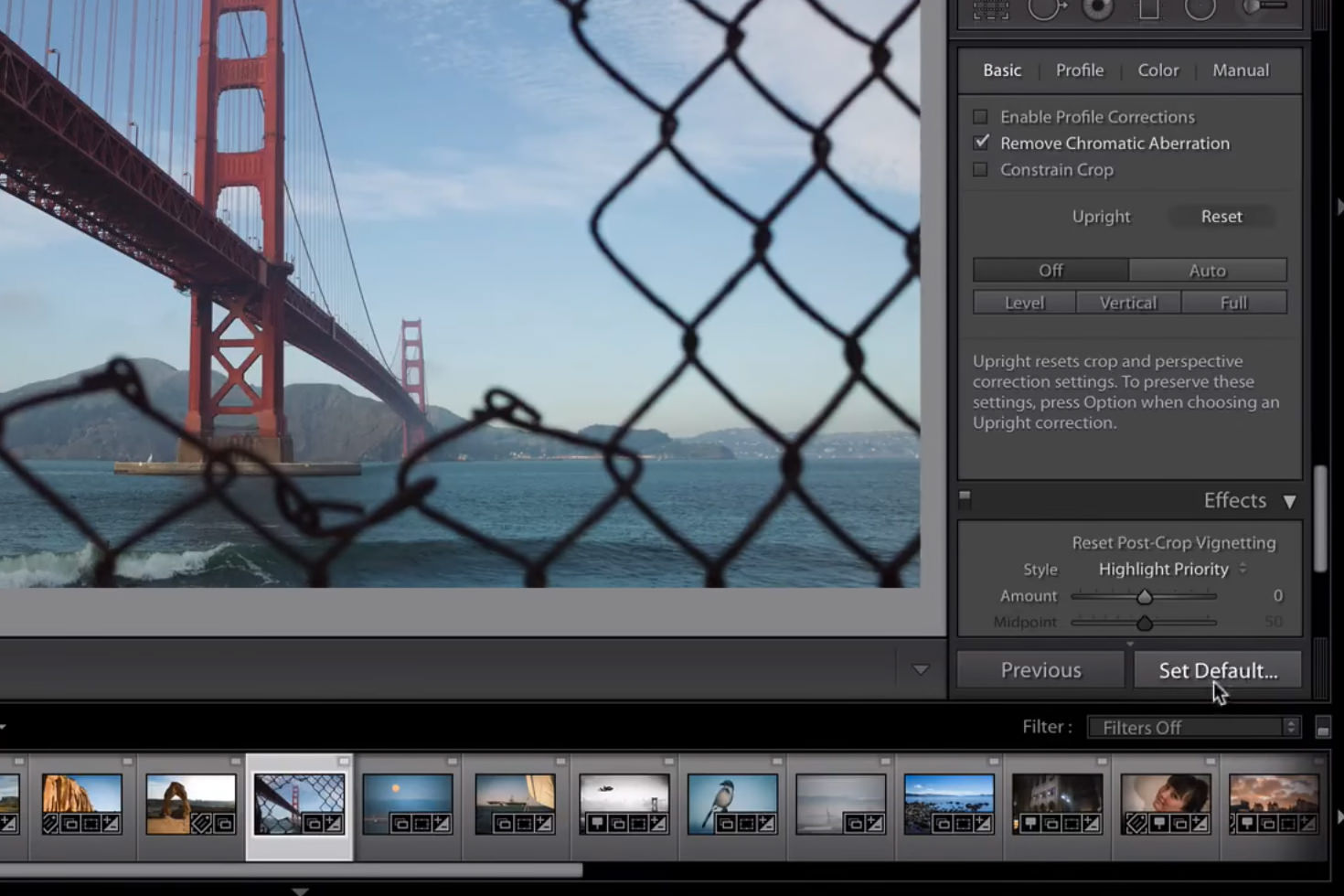
With as much time we are all spending in front of Lightroom as photographers, I think it is safe to say we are all looking for ways to help processing go faster without sacrificing quality. This is one reason why creating your own presets is so helpful, it allows you to quickly and easily get the look and feel you are going for on a series of images with just a few clicks and tweaks.
But what about before it is time to start applying presets? Are there settings that you always apply to each of your images that you would just assume Lightroom automatically apply on import? Well, guess what? No more need to waste your time by applying these one by one anymore. You can set default settings in Lightroom for your camera and the system will automatically apply these on import for you without you having to do anything.
How to achieve this is shown in this Lightroom Coffee Break video, the process is incredibly simple. Take a look for yourself:
See? If you didn’t know about this already it can be a huge time saver to set your defaults so that you don’t have to waste time applying them individually and waiting for previews to render correctly again on everything.
This is so helpful in making sure your images are actually ready to cull/process right after import, rather than needing to make a ton of tweaks beforehand.
Get rid of the ads!
Did you enjoy reading this article as much as we enjoyed writing it? There's a way to support us and our reporting, getting ad-free navigation and more as a bonus. Subscribe to us for less than a coffee per month —just $3.99— or take advantage of our yearly subscription with a hefty discount for only $25.- An ad-free experience
- A free mystery box for Lightroom or Capture One
- All the books in our store
- 20% discount on Capture One
- 30% discount on Imalume Photo Theft Protection
- 20% off Herbs and Kettle Tea Company.
- 20% off your order from MPIX printing services.
- 5% off Viltrox Products via their eCommerce store.
- 10% off all film developing, printing and scanning services from Blue Moon Camera and Machine
- 15% off 7Artisans products: The lens and accessory maker is offering a sweet discount for Phoblographer's readers.