


Imagine being on a very big shoot (like a wedding) and accidentally formatting your memory card. Though most of us are more careful than that, it could accidentally happen. Or, you could erase images that you didn’t want to but did without pay attention. So how would you be able to recover them?
Situation 1
I was Facebook messaged by a girl I met for coffee recently asking me for a photo that I had shot of her. I told her that I didn’t really like it at all and that I deleted. In fact, I really did; and it was a total bummer. But I also realized that I had deleted images off the card that I actually could perhaps add to my portfolio. So I went on a quest looking for software to do it for me. I had known about some free software that did it, but I had decided that it was about time that I go further.
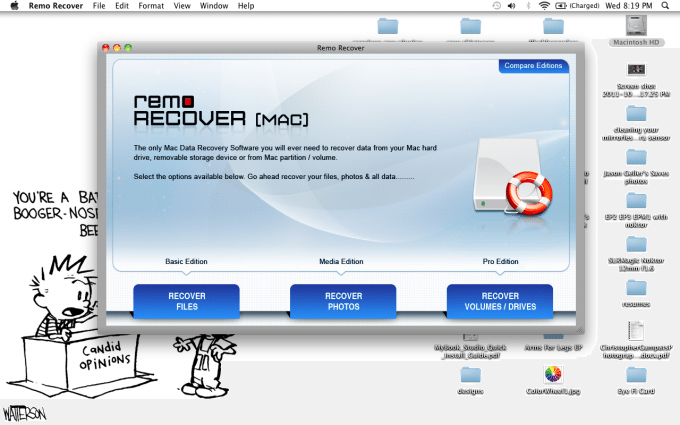
After some research and reading online, I stumbled across Remo Software, who has an excellent Photo Recovery product for an affordable price.
So in order to get it working, I needed a card reader. The reason why is because the software didn’t detect my Canon 5D Mk II when I plugged it in due to EOS Utility taking over. After borrowing a friend’s reader and going through the recovery process, I was pleasantly surprised.
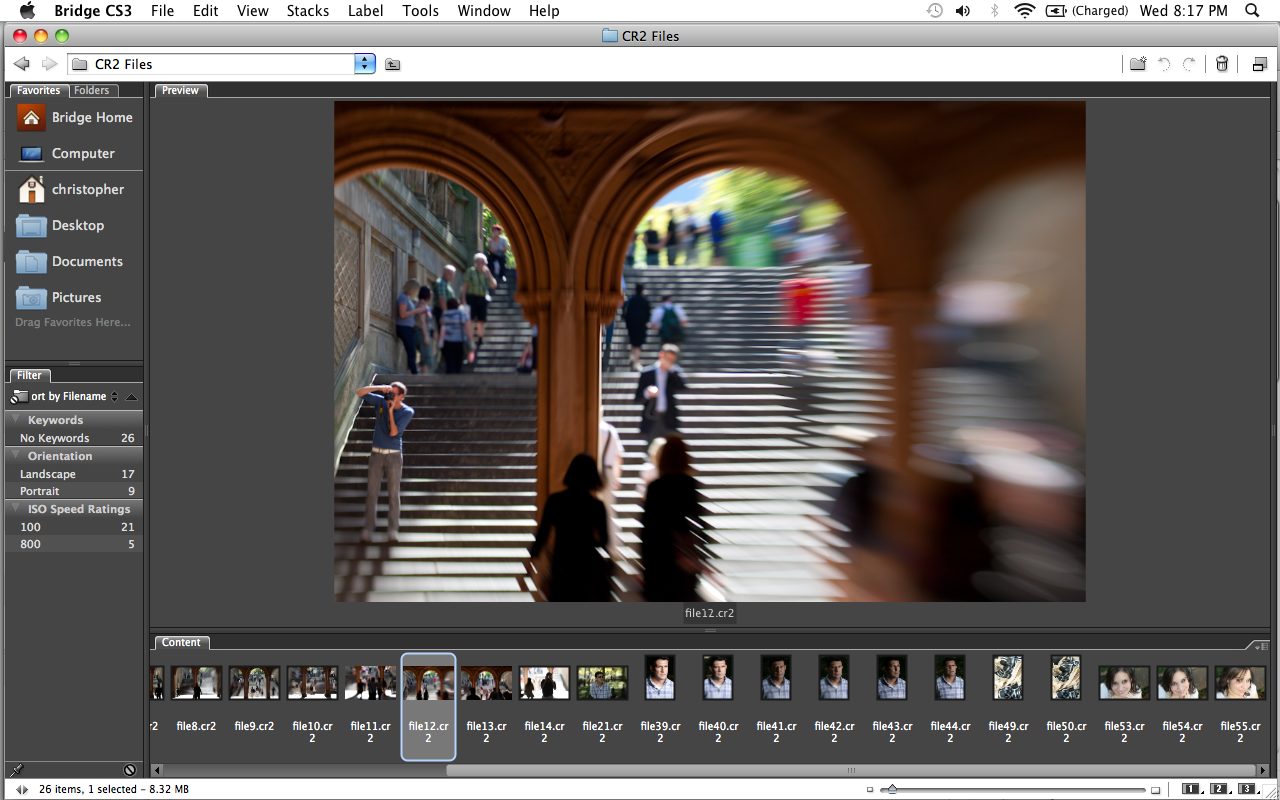
Not only was I able to recover my RAW images at nearly their full size, but I was also able to recover images as far back as three months back. Suddenly, I started seeing image that I had shot around my grandfather’s passing. It was like nostalgia had just hit me as I scrolled through an album of older images that I had shot.
In the end though, I ended up finding the images and giving them to the girl.
What amazed me more though is the fact that I format my CF cards at least twice a week. So that means:
3 months = approximately 12 weeks.
12 weeks x 2 formats = 24 different card formats
Despite constant formatting of my CF card, the software was still able to recover my images.
Situation 2
This situation is much more serious. A co-worker was shooting an event in Central Park and had encountered problem with his CF card. For some odd reason, his Macbook stop recognizing it. He tried many different options, and it seems as if the only thing that saved him was to format the card. In formatting the card, he lost all the work that he did and that he needed.
Being a good friend, I took the card from him and in under a half hour I was able to recover months of images for him.
Using Remo
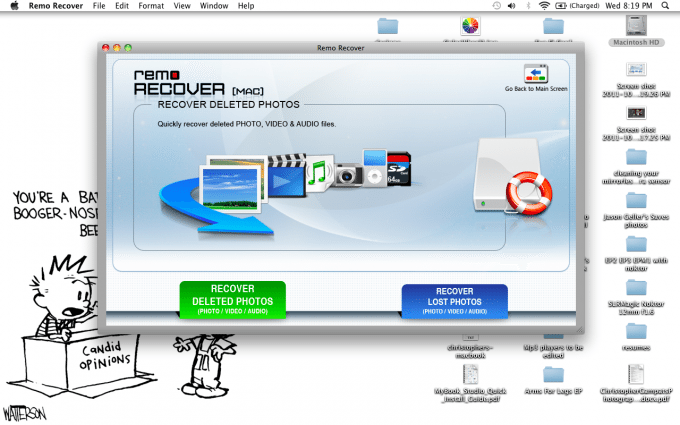
Using Remo Recover is surprisingly simple; but there are features that I haven’t even used or needed to use for my needs. Mostly, I’ve just needed to recover images off of a card.
The software is extremely straight forward if you read the directions when they are prompted. You can recover deleted photos, lost photos, etc. The software will scan your card and then later on ask you what file types you want to recover. In my case, they are CR2 files. The program is smart enough to recognize most RAW file types, and therefore can save you in a situation like this.
Depending on how much information you want to recover, it can take anywhere from 30 minutes to two hours in my experience. The scanning and recovery time varies based on the size of your card and the types of files you want to recover. That means that in practice, if you want to recover HD video and RAW files off of your card, prepare to go make yourself a sandwich or two and sit back while waiting for the software to recover your lost media.
Is it For Everyone?
To be honest, the software is not for everyone. It’s for those that need to recover images and it’s a great tool for professionals to have as extra insurance. Many manufacturers such as SanDisk have their own data recovery software on their websites that are free to use. Free software have their limitations though and may not necessarily be anywhere as powerful as paid software such as Remo.
Please Support The Phoblographer
We love to bring you guys the latest and greatest news and gear related stuff. However, we can’t keep doing that unless we have your continued support. If you would like to purchase any of the items mentioned, please do so by clicking our links first and then purchasing the items as we then get a small portion of the sale to help run the website.
Get rid of the ads!
Did you enjoy reading this article as much as we enjoyed writing it? There's a way to support us and our reporting, getting ad-free navigation and more as a bonus. Subscribe to us for less than a coffee per month —just $3.99— or take advantage of our yearly subscription with a hefty discount for only $25.- An ad-free experience
- A free mystery box for Lightroom or Capture One
- All the books in our store
- 20% discount on Capture One
- 30% discount on Imalume Photo Theft Protection
- 20% off Herbs and Kettle Tea Company.