

Last Updated on 07/30/2011 by Chris Gampat
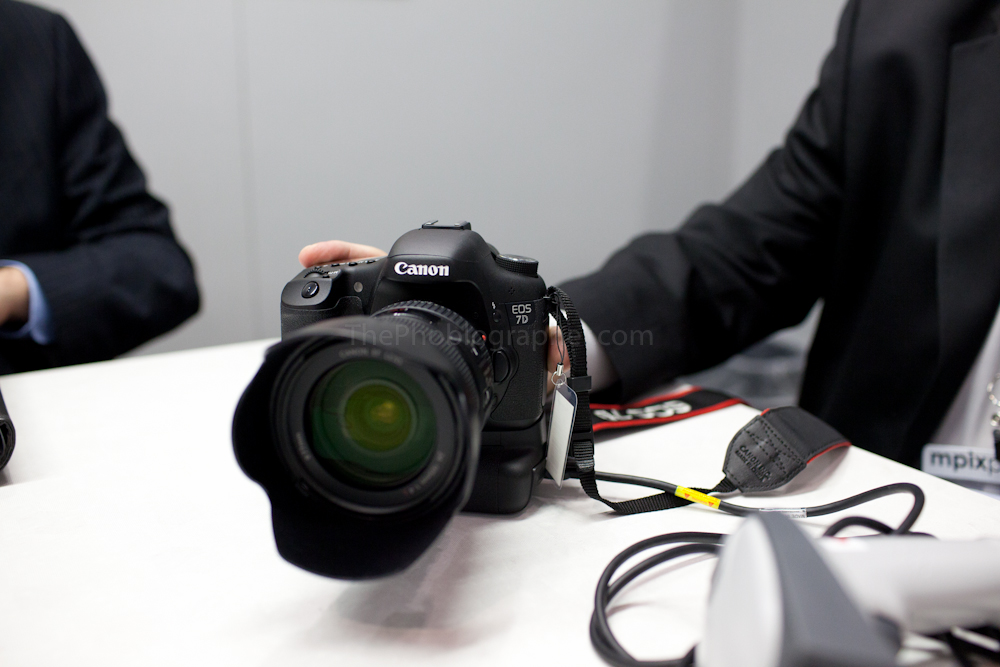
When Canon finally came out and announced the 7D SV, photographers with special niche needs looked at it with interest. We were able to get photos of the menu shortly after that and here at Photo Plus Expo 2010 we got personal fondling time with the camera. Chuck Westfall and other PR reps gave me a quick tour.
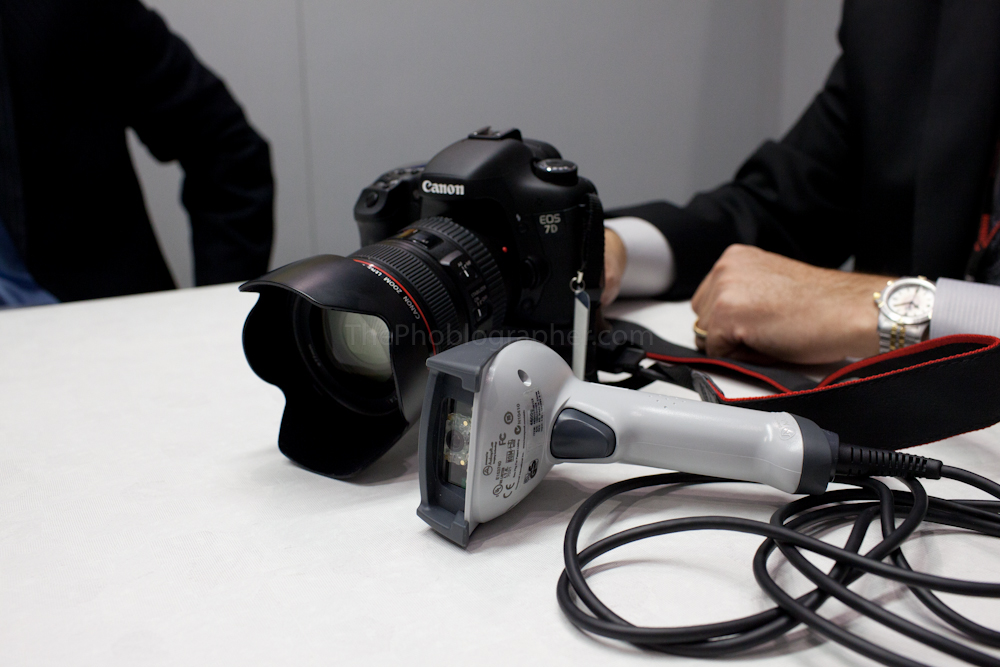
The 7D SV can connect to essentially any type of Honeywell bar code scanners. This can be done via USB or Bluetooth through the attached transmitter.
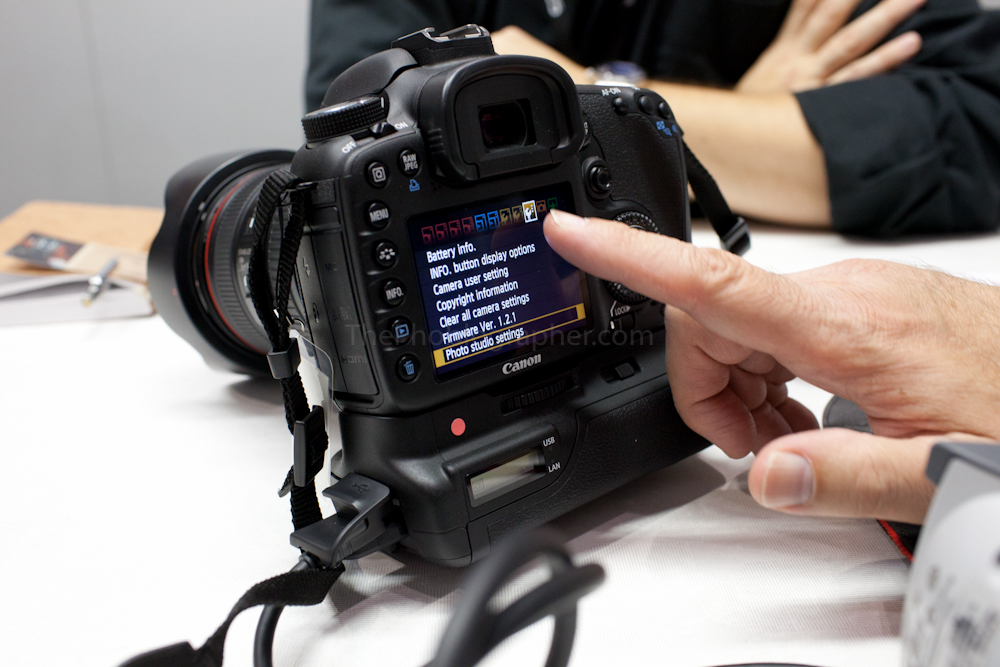
When one goes into the initial menu of the 7D, they’ll notice a brand new Photo Studio settings section.

Under the photo studio settings section are three different modes: restricted mode, release lock, system administration.

The restriction mode is password protected and allows the user to lock out certain features of the camera. These features are both hardware and software related. For example, if you want to allow the camera to only shoot one frame per second vs the eight, that can be done.
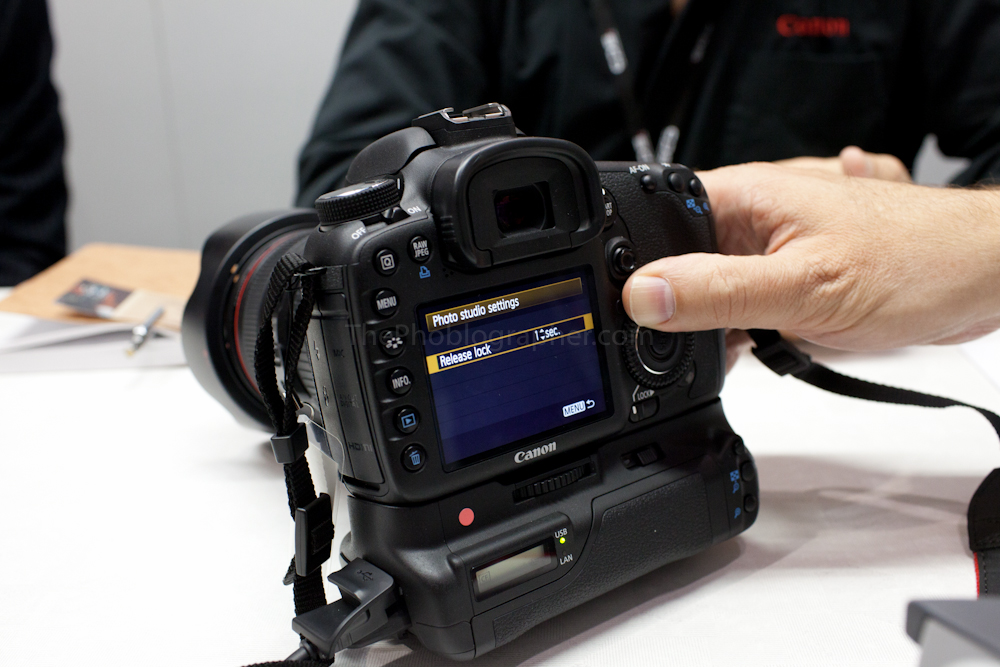
The release lock is a really special feature of the camera. Here’s an example: let’s say you’ve got strobes that recycle only ever two seconds. You can set the camera to only be able to shoot a frame every two seconds. The maximum length of time is 99 seconds.
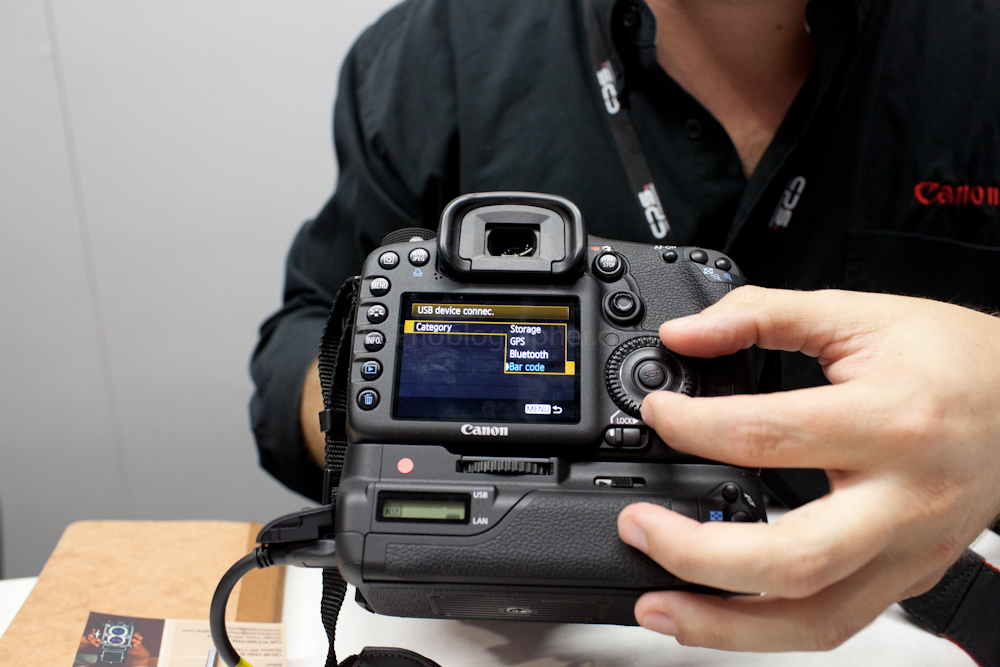
In the system admin menu, there are even more settings that allow the user to connect via difference devices or using features of the grip.
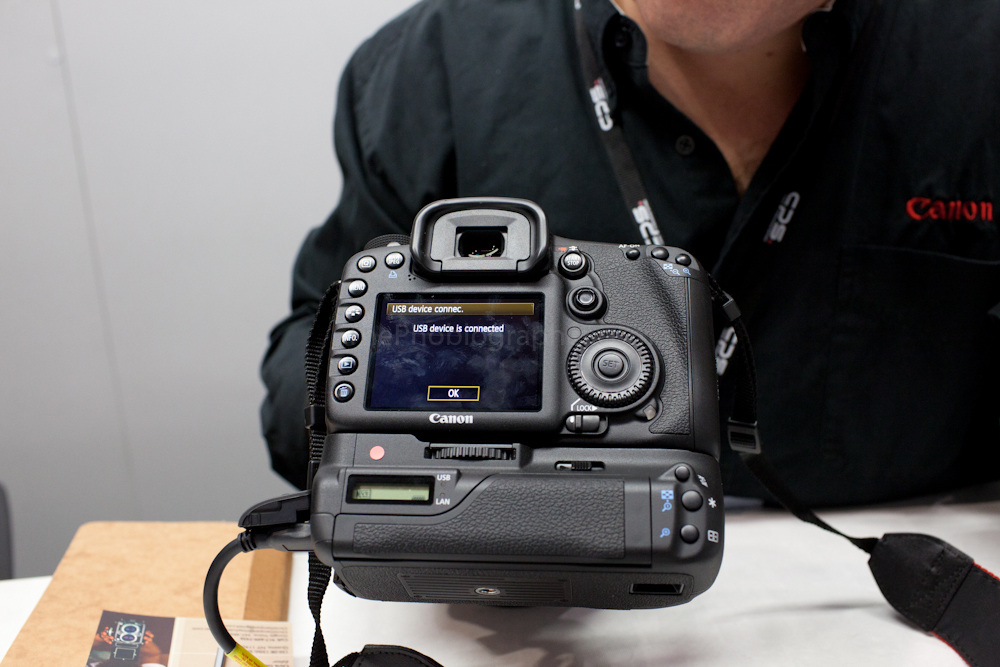
When you connect the device or enable a feature, it is also confirmed on the screen.
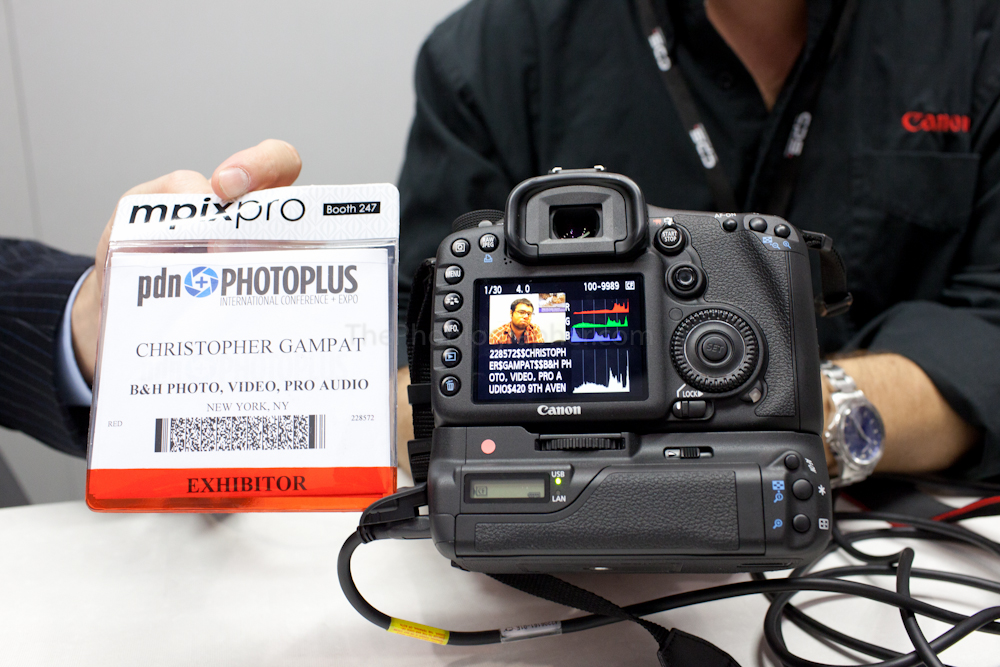
To use the bar code feature, what the rep did was scanned my badge then shot two photos of me. After shooting, the information from the badge is displayed and associated with the particular photograph.
I’ll be getting a more in depth hands on experience later on in the show. But the 7D SV left me very impressed.