

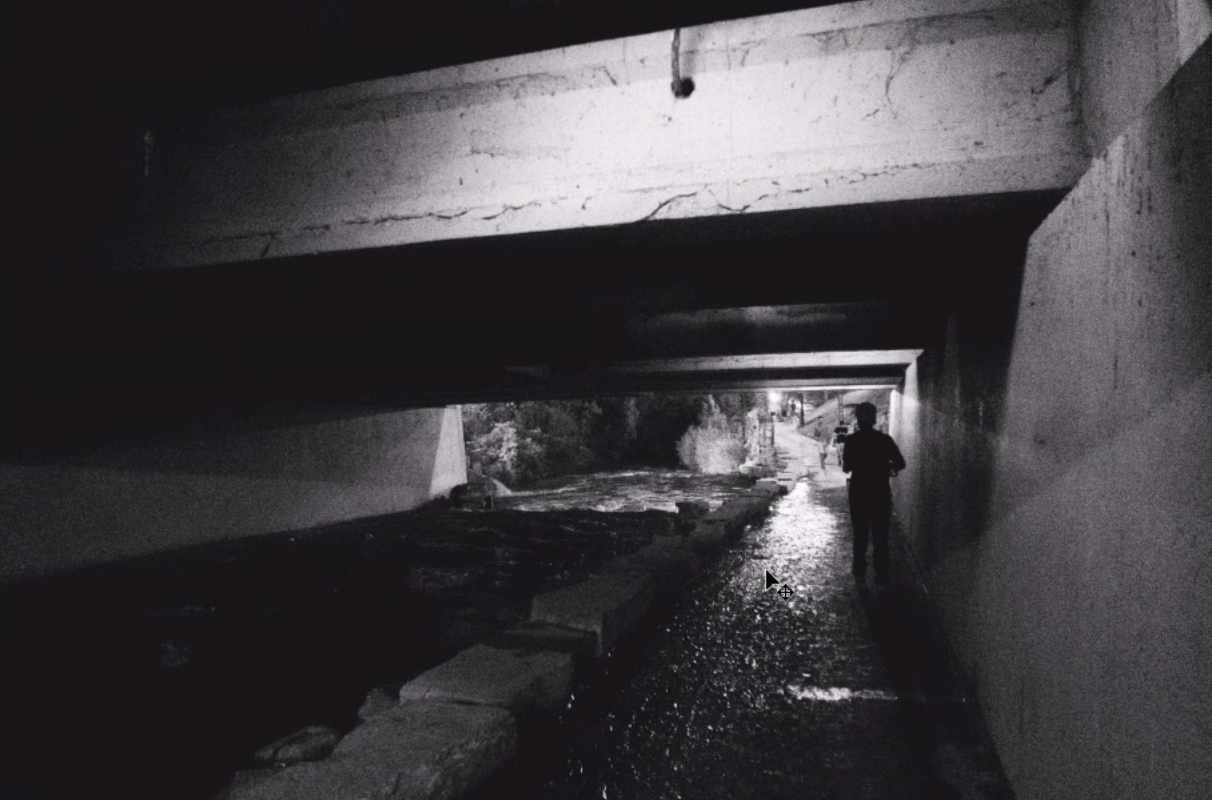
VSCO, Mastin, and other preset brands have been making a killing bringing the film look to photographers who use Lightroom for years now, but what about those who don’t have Lightroom or prefer to do their processing in Photoshop? What is the simplest, most straight-forward way to get that black and white film look in Photoshop?
Youtuber Justin Odisho has put together this great tutorial utilizing Photoshop CC explaining the quick process to achieving a basic black and white film-esq look using only Photoshop and taking only a few minutes.
As noted in the intro, this effect and ones similar to it are done incredibly simply and fast in Lightroom with what are essentially one click presets. In Photoshop CC, as you can see, the process is a bit more involved, but in reality it is still a pretty quick process to get that initial basic look. Though, as any good post-processor can attest to, achieving the basic look is just the beginning of the process – it’s the tweaking and fine tuning that can really take an image from good to great.
You can find more fun Photoshop tutorials from Justin over on his Youtube channel, here.
Get rid of the ads!
Did you enjoy reading this article as much as we enjoyed writing it? There's a way to support us and our reporting, getting ad-free navigation and more as a bonus. Subscribe to us for less than a coffee per month —just $3.99— or take advantage of our yearly subscription with a hefty discount for only $25.- An ad-free experience
- A free mystery box for Lightroom or Capture One
- All the books in our store
- 20% discount on Capture One
- 30% discount on Imalume Photo Theft Protection
- 20% off Herbs and Kettle Tea Company.
- 20% off your order from MPIX printing services.
- 5% off Viltrox Products via their eCommerce store.
- 10% off all film developing, printing and scanning services from Blue Moon Camera and Machine
- 15% off 7Artisans products: The lens and accessory maker is offering a sweet discount for Phoblographer's readers.