


Recently, I’ve been fed a litany of “worst cameras of x” video recommendations on my YouTube feed, and I was curious to see one camera pop up quite frequently – the Fujifilm X-Half. Ironically (or maybe not so ironically), this all happened as I began my review update of the Fujifilm X-Half, which begs the question, were they right? Hell no! And here’s why.
The following text is an update to our full review. You can find the full review here at this link.
Fujifilm X-Half Version 1.3 – Quality of Life Changes and Necessary Improvements

The following firmware update details were taken from the Fujifilm X-Half support site and have been edited for brevity and clarity.
- You can make prints from instax™ to connect the instax™ Evo and instax™ LiPlay series.
- When [AF MODE] is set to [AREA], you can move the focus frame on the LCD monitor using a swipe gesture.
- You can pull the [Frame Advance Lever] to prepare for the next shot even while recording images with [FILM CAMERA MODE].
- Looks & feels of the screen is redesigned to improve the operation for pairing to smartphones.
- The [Direct Print] icon is added to the single-frame playback screen.
When connecting to the instax™ printer, you can print directly through the playback screen just by tapping this icon.
- The operation flow is changed so that if you exit [Film Camera] mode without taking a single photo, you cannot develop the film in the X half app.
- Firmware bug fixes
Among the biggest bug fixes include an annoying issue when setting up your X-Half for the first time without it being paired from a smartphone – specifically the Geographical Area and Time Zone will differ from your paired smartphone on the next power on cycle, and an issue with screen flicker when previewing an image. This latest update also fixes an issue where enlarging/previewing a 2-in-1 image get “stuck” when trying to swipe left and right.
Did Fujifilm Nail the QoL Changes in the X-Half?
There are several quality-of-life changes in the X Half. The biggest of the lot are the improvements to the camera’s autofocusing and cutting down on the “ready” time between frames when using the camera in “Film Mode.” One of the biggest complaints about the X-Half have been around how finicky it is to navigate the camera’s menus and functions with such a small screen, to Fujifilm’s credit they’ve made significant improvements to the UI by adding some much-needed functionality.
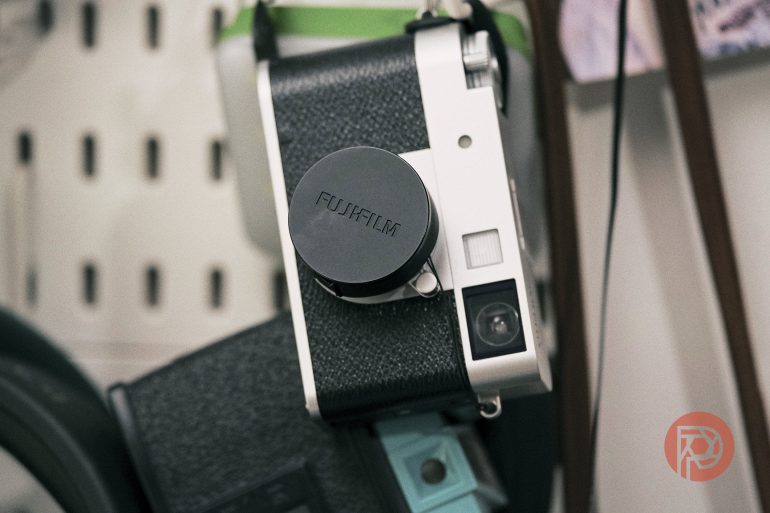
For one, the redesigned screen layout keeps many of the necessary features in each camera mode at the forefront. From being able to quickly access your camera controls (Shutter Speed, Aperture, or ISO) to adjusting the AF point (when set to AF Mode – Area) to sending your images to an instax Printer, everything about the updated UI feels like it was intended to make using the X-Half more intuitive.
Demo of the AF-Area Mode update
A common complaint with the X-Half has been its slow write speeds. That hasn’t changed, especially in Film Mode, but a simple update in the latest firmware update makes this negligible, especially if you’re just out having a good time with this camera. Fujifilm’s latest update allows you to “pre-wind” the film lever between shots, essentially priming the camera for the next frame. It’s a small tweak but one the improves the perceived speed of shooting multiple frames.
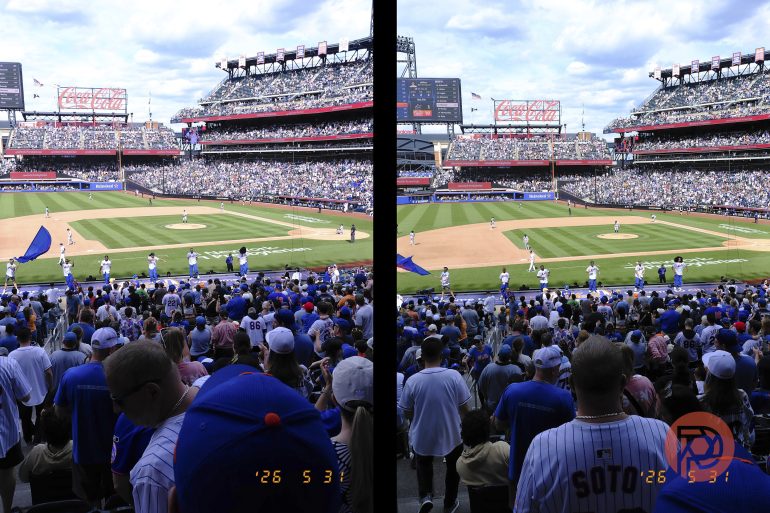
Image Preview and Sharing have been made far more reliable thanks to this update. Gone is the 2-in-1 preview glitch and the addition of a Print icon to the preview image frame makes previewing and sharing printed frames simpler. The added combability with instax EVO and LiPlay cameras also expands your options beyond the instax Link line of printers. At a recent Mets game, I was able to snap shots of the game and my family, then come home and send everyone with a souvenir in the form of a printed picture.
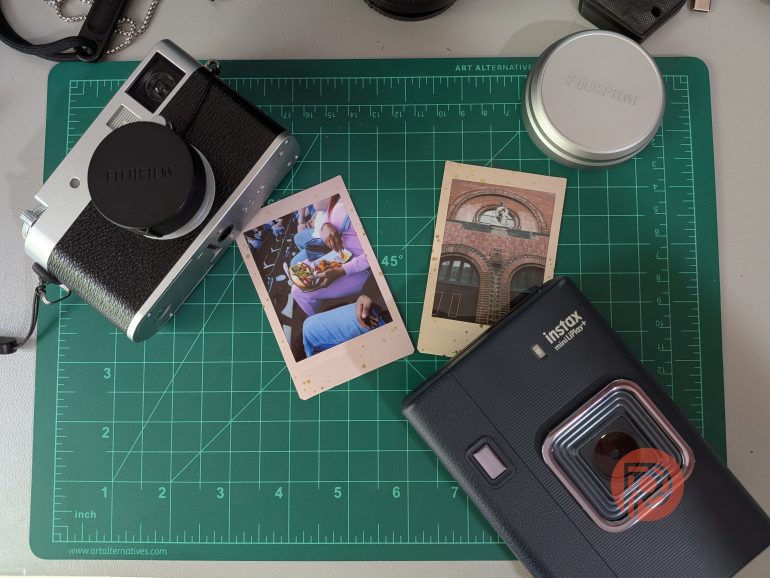
I’m glad to see the emphasis placed on this aspect of the X-Half experience, the social experience of photography with the X Half, in my opinion, is the whole reason this camera exists. To that end, anything that makes sharing easier, whether to your phone’s camera roll or to an instax Printer, is a big win in my book.
The following images were all taken directly from the X-Half – no editing was done on any of these images:


Price is no Longer the X Half’s Downfall
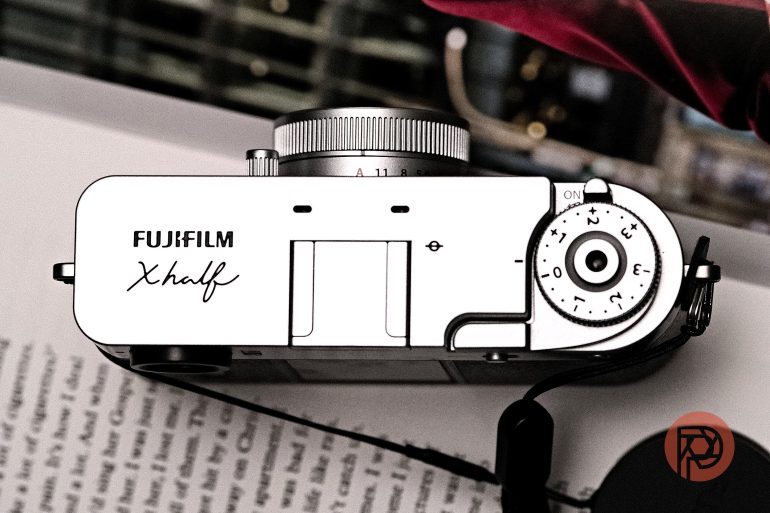
If I’m being honest, everything that’s changed about the X-Half with this latest firmware update just adds to what makes the X-Half an interesting and fun camera to use. It’s MSRP of $850-ish is still something that holds this camera back from a five out of five rating. But, if you find yourself reading this update in the summer of 2026, there are lots of deals to be had, including a price drop to about $550. This camera probably should’ve launched at this price to begin with. Maybe Fujifilm realized the folly in their pricing. Maybe this is a temporary drop, but at under $600, the Fujifilm X Half is the perfect companion for whatever you decide you want to get into this summer. Just make sure you plan on having fun.
Get rid of the ads!
Did you enjoy reading this article as much as we enjoyed writing it? There's a way to support us and our reporting, getting ad-free navigation and more as a bonus. Subscribe to us for less than a coffee per month —just $3.99— or take advantage of our yearly subscription with a hefty discount for only $25.- An ad-free experience
- A free mystery box for Lightroom or Capture One
- All the books in our store
- 20% discount on Capture One
- 30% discount on Imalume Photo Theft Protection
- 20% off Herbs and Kettle Tea Company.
- 20% off your order from MPIX printing services.
- 5% off Viltrox Products via their eCommerce store.
- 10% off all film developing, printing and scanning services from Blue Moon Camera and Machine
- 15% off 7Artisans products: The lens and accessory maker is offering a sweet discount for Phoblographer's readers.