

Ever since the last version of Capture One, I’ve been observing a noticable increase in the export times for files. This isn’t just when dealing with large batches of images; I can say the same even when a handful of files needs to be exported for quick use. I thought the latest update to Capture One might address this, but it doesn’t seem to be the case. And I don’t think I’m the only one facing this now.
There’s a new update from Capture One – v 16.7.7 to be precise. While it doesn’t bring any majorly new features to the software, there are some bug fixes and a couple of benefits. The latter is primarily targeted at those who use Affinity, providing you with the capability to seamlessly send your images from Capture One into there, and back. In addition to this, there’s support for the Zeiss Otus ML 1.4/35 lens profiles for the Nikon Z, Canon RF, and Sony E mounts. If you observed parametric masks issues when using Capture One on your Mac, those have been sorted out now. But this article is less about what’s new, and more about what hasn’t been fixed for a few months now.
I’ve got a unique kind of frustration with Capture One for a couple of months now, and it has nothing to do with how it’s still lacking in terms of some features when compared to Adobe Lightroom Classic. Don’t get me wrong – C1 is still my primary tool for photo editing, having replaced Adobe Lightroom on my desktop completely for the last 3 years. Importing, culling, basic editing, even tethering are all as fast as I’d expect them to be. And it’s working great for me, until the final step required in C1 to get my images out to the world.
For the last two versions, I’ve noticed something that’s become hard to ignore – the export times are becoming significantly longer. I haven’t been using any new export recipes, nor am I using any new cameras. Even exporting older, previously exported files from cameras I’ve had for a handful of years seems to be slow. My workflow in Capture One is the same, and I’m not overly editing any of my images lately. Yet something in there seems to be causing the export feature to slow things down. It doesn’t matter whether it’s just a handful of images or a hundred, the overall time taken in each of those scenarios is clearly slower than it used to be before. I tried out a few scenarios to see if it was because of Content Credentials, watermarks, plugins etc, but neither of them showed any significant variance. I first started noticing this in Capture One 16.7.6 which is a few weeks old, and I was really hoping that it would have been fixed with the most recent one that was launched a fortnight ago. But it seems like it hasn’t.
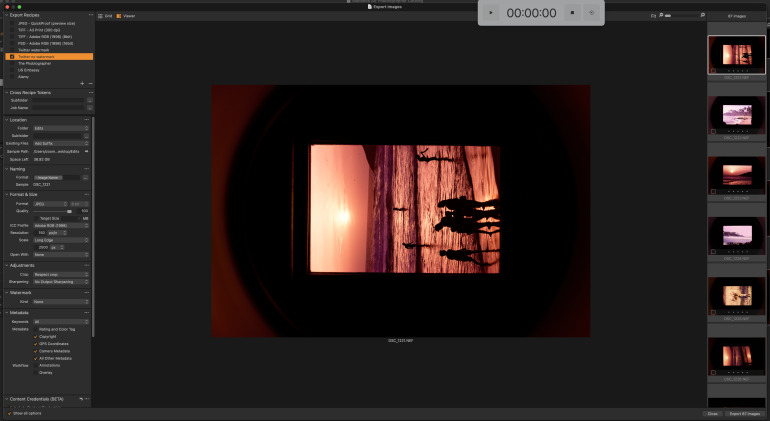
I had a timer app that I’d downloaded a few years ago, and I decided to use it to test out a few scenarios. I selected 87 images from a folder of Z8 NEF files and first chose an export recipe that would output those images at 2500px on the long side in 150 dpi, without any watermarks. At this point, I didn’t close any other apps that were open on my M1 Mac Mini.
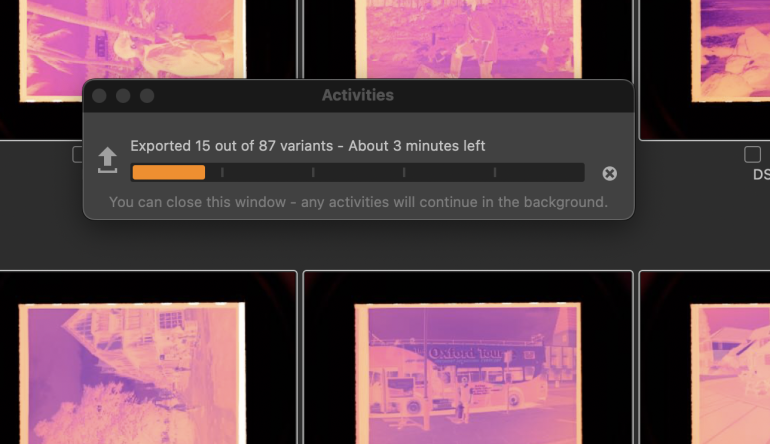
Right off the mark, it showed me an expected time of 5 minutes, which quickly dropped to 3 minutes after 15 files were exported. That was clearly slower than the usual time of under 2 minutes that such a set of files would take. Okay, so initial estimates could be wrong and maybe the export would speed up towards the end I thought.
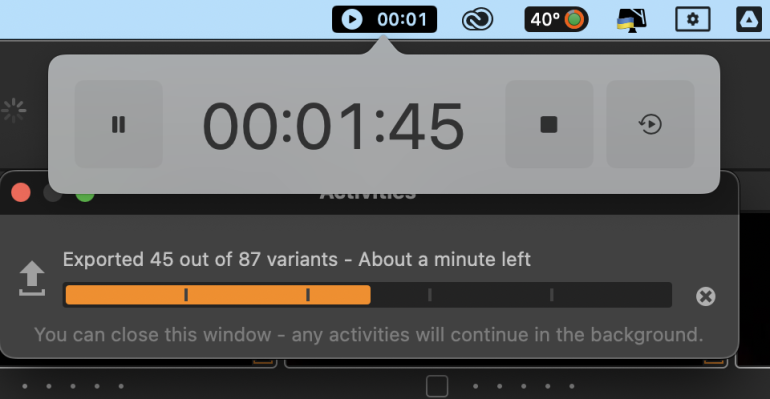
I’d approached the halfway mark of the export bar in the Activities window of Capture One, and was almost at 2 minutes. There was clearly something wrong and the hastening of the last half didn’t happen at the pace I was expecting, if at all. I continued to watch without doing anything else in the background.
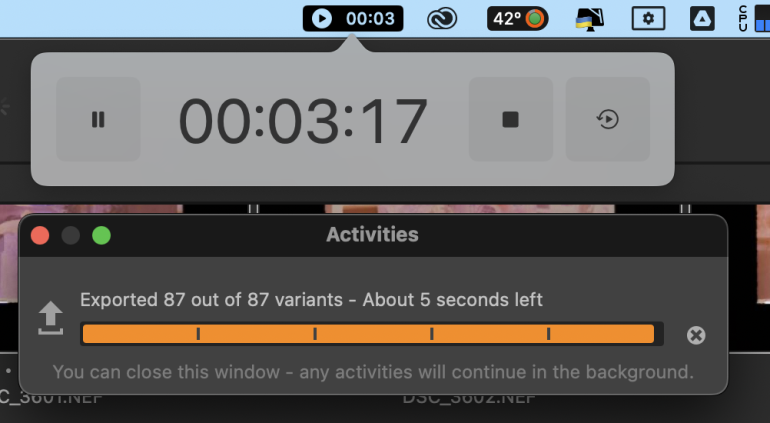
Finally, at nearly 3 minutes and 20 seconds, the export was completed. 87 files took around 200 seconds; not something I had seen in previous versions of Capture One. I was fully aware of the fact that I had other apps running – Firefox, my mail client and a couple of others. So for the next test, I decided to terminate them all and run the same export again.
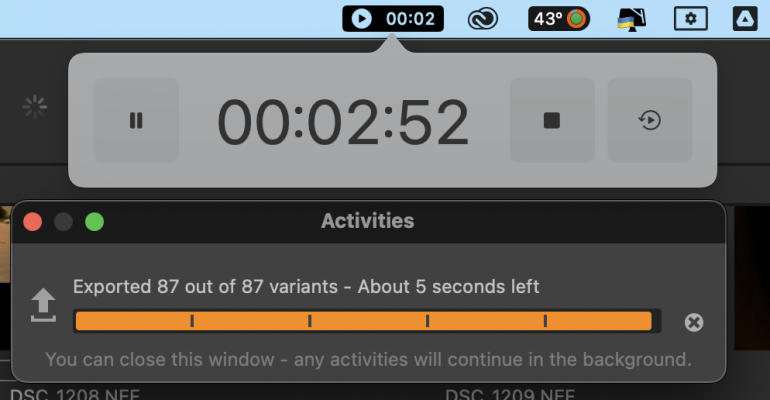
I was able to shave off about 25 seconds from the entire export time this round, but it still was about a minute longer than it usually took. I’ve exported Z8 NEF files into full size jpeg images at 300 dpi, and C1 on my mac has been able to do this effortlessly before.
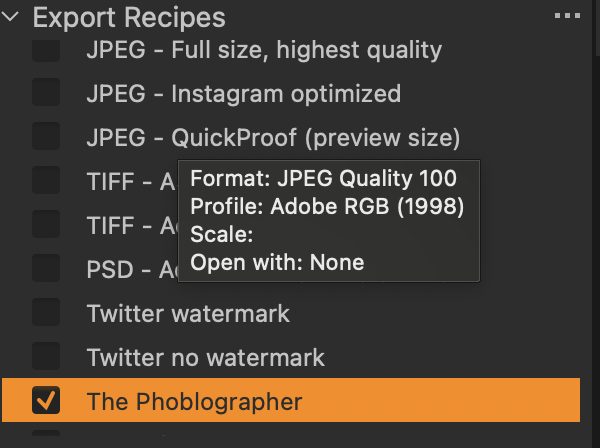
Maybe it was the recipe? I thought I’d try another one this time, the one that I use for all our articles on our site. The image long edge remained the same at 2560px, but there was a png watermark, Content Credentials had to be added, and on top of that, the images would run through Jpegmini to reduce their size. Technically, this should have taken longer than the previous export.
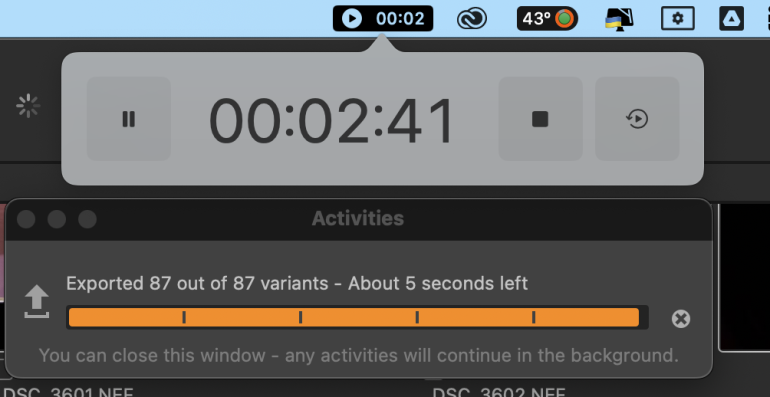
It didn’t. It shaved off about 14 seconds as compared to the earlier export and closed off at around 2 minutes and 45 seconds. But it was still slower than before. I’ve exported this amount of images in much faster times before on Capture One.
I wasn’t the only one in our team who experienced this. Chris and Alberto both reported that even they had noticed something very wrong with the export times in the last few weeks. And this has become very worrying for me, because when I’m on site at sporting events, I cannot wait this long to file images. Doing so could mean I’m missing out on image sales.
The issue seems to have arrived with version 16.7.6. Prior to that update, exports were running at the speeds I had come to rely on. After 16.7.6, that changed noticeably, but until last week I thought it was only an issue on my system. The most recent release, 16.7.7, hasn’t addressed this. Typically, a minor incremental release following a performance regression is exactly the kind of scenario where a patch would have appeared. So two consecutive versions carrying the same issue, suggests that the root cause hasn’t yet been identified internally, which isn’t particularly reassuring for me now.
I’ve seen reports on Reddit by other photographers who seem to have it far worse than I do. I certainly hope this will get resolved in the next release. Capture One needs to take a look at this on priority. It is arguably the most powerful photo editing and asset management solution available to professional photographers today and I hope they continue to earn that title with a quick fix for this issue
Get rid of the ads!
Did you enjoy reading this article as much as we enjoyed writing it? There's a way to support us and our reporting, getting ad-free navigation and more as a bonus. Subscribe to us for less than a coffee per month —just $3.99— or take advantage of our yearly subscription with a hefty discount for only $25.- An ad-free experience
- A free mystery box for Lightroom or Capture One
- All the books in our store
- 20% discount on Capture One
- 30% discount on Imalume Photo Theft Protection
- 20% off Herbs and Kettle Tea Company.
- 20% off your order from MPIX printing services.
- 5% off Viltrox Products via their eCommerce store.
- 10% off all film developing, printing and scanning services from Blue Moon Camera and Machine
- 15% off 7Artisans products: The lens and accessory maker is offering a sweet discount for Phoblographer's readers.
- 15% off a VSCO One subscription: Get a bunch of great tools with their all-in-one package.