


There’s something about tools that can help you get the image you’ve envisioned in your mind right, and without having to spend hours editing it. PolarPro recently released a Center-Split filter that works similarly to a split diopter filter – creating unique bokeh effects while keeping the center of your frame sharp. If you’re looking for tools to help expand your creative potential, let’s take a minute to familiarize ourselves with the PolarPro Center-Split Filter.
The Big Picture: Split the Frame and Your Time Between Editing and Your Next Shoot
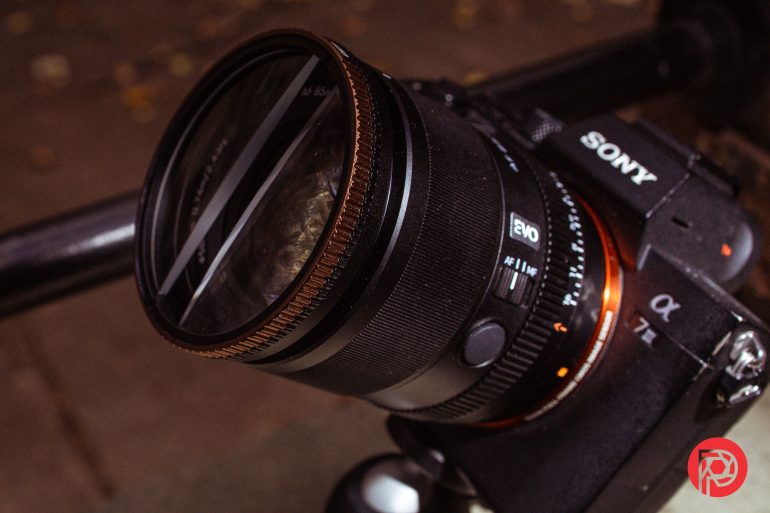
Shooting with the PolarPro Center-Split Filter has been equal parts enjoyable and frustrating, depending on the lens used. In hindsight, I should’ve reviewed the 77mm filter, as it would’ve allowed me to use it with better lenses than those available to me that could fit or adapt to a 67mm filter. Still, it’s extremely simple to slap onto your lens and get right to work. In our testing, the Center-Split Filter stayed in position reliably and required an intentional twist to change the angle of the final effect. While typically intended for portraits, I found it a joy to use for street photography. The PolarPro Center-Split filter is not the cheapest option by far, but I enjoyed the quality of the construction of the filter and that adds a certain level of confidence that I won’t be replacing it anytime soon.
We’re giving the PolarPro Center-Split Filter three out of five stars. Want to try one for yourself? Check it out on xxx with pricing starting at $79.
- Pro: Solid construction, with an all-metal frame and high-quality glass.
- Pro: Facilitates creativity across all photo genres.
- Pro: Compatible with the Helix Lock system if you’re already within the PolarPro system.
- Con: Pricey compared to the competition.
- Con: One-trick pony, no matter how cool the trick is.
Experience
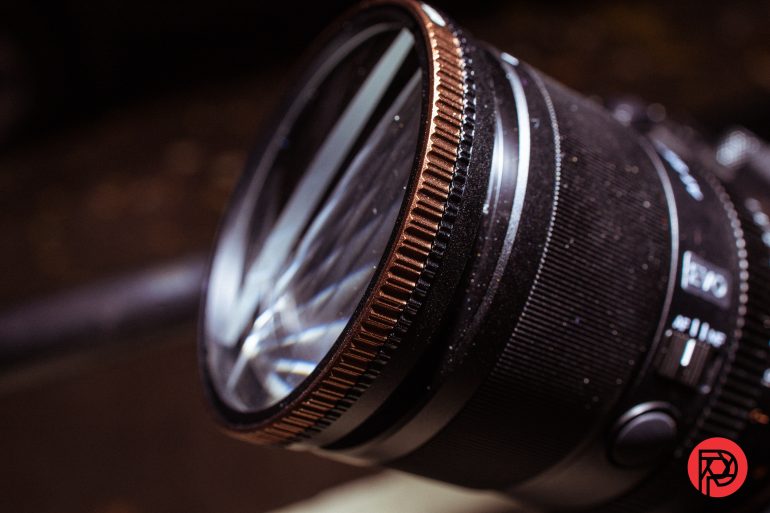
Working with lens filters is a pretty straightforward affair; screw it on and get ready to shoot. That being said, there are some notes about the PolarPro Circular-Split Lens filter that really stood out to me. For starters, the Center-Split filter features an attractive bronze-colored control element. It’s a very eye-catching design, and while it won’t make your photos better, it does add a little flair to the otherwise plain look of similar lens filters. The grooves on the control ring are adequately sized, and I can even see this being easy to use with thinner gloves in the winter. That said, thick gloves or mitts will likely need to be removed to work with this lens filter accurately.
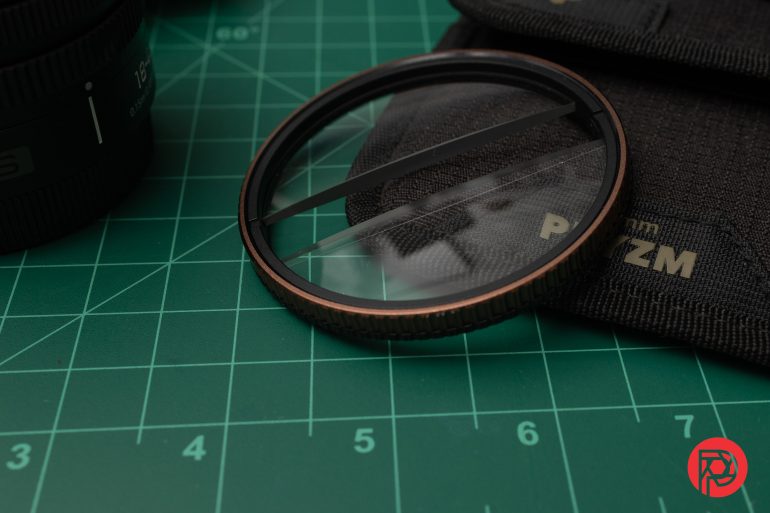
Another thing to note is that you will most likely end up not being able to use the camera’s lens cap and in some instances your lens hood. A good example of this was when I used the Center-Split Lens Filter with my Tamron 17-80mm F2.8 for Fujifilm. I didn’t expect to be able to use my lens cap with the filter on, but I didn’t expect the lens hood to no longer fit over the combination of the filter and the lens. This gave me a newfound appreciation for the little window in the Nikon Z 24-70mm F2.8 S II’s hood – hopefully an innovation that other lens manufacturers will consider.
For day-to-day use, PolarPro recommends using the filter with lenses of focal lengths 35mm and above, and apertures of 2.8 and above. Having tested the filter on various lenses, including a LUMIX S 35mm F2.8, Viltrox 85mm F2 EVO, the Canon 16-28 F2.8 IS STM, and the Tamron 17-80mm F2.8 Di III-A VC RXD, I’m inclined to agree with the recommendation and go one step further – try to use this on a lens with maximum aperture of 1.8 and larger.
Image Quality

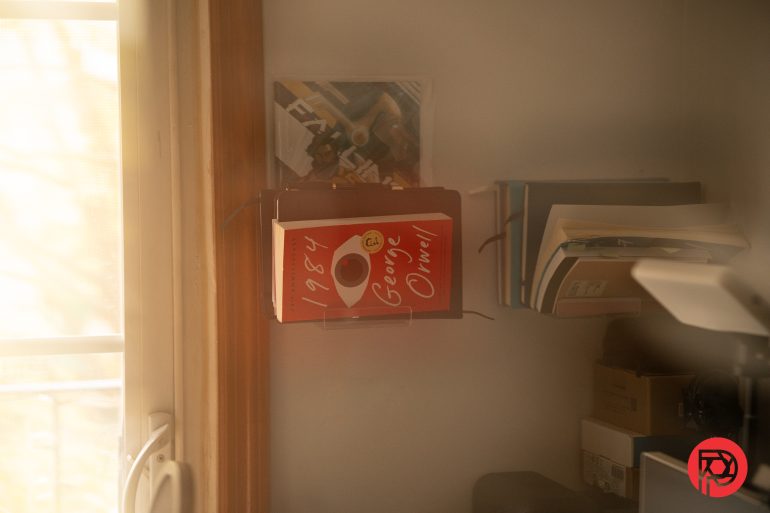
As mentioned earlier in this review, this lens aims to provide a unique perspective on otherwise “boring” subject matter. The beauty of this lens filter is that it will create a dual blur around an otherwise sharp subject. For photographers, this can help you create unique ways of telling stories or simply create a different mood in your images. I found that the PolarPro Center-Split lens filter helped me amplify the environment during a soggy parade or create images that highlighted a subject within a composition where it might not have otherwise stood out.

The shot above from the Panamanian Heritage Day Parade is a great example. While it was a gloomy day which allowed some of the costumes’ colors to pop, the Center-Split lens added an additional layer of character to what would’ve been just another parade photo.

In portraiture, you can create dreamy images with a simple flash and the Center-split Filter. The image above was made by bouncing some off-camera flash straight up to a white ceiling and shooting at f2.8. While my teenage nephew was uninterested in sitting with me for this, he was very pleased with the final image, which he referred to as “an album cover” photo.
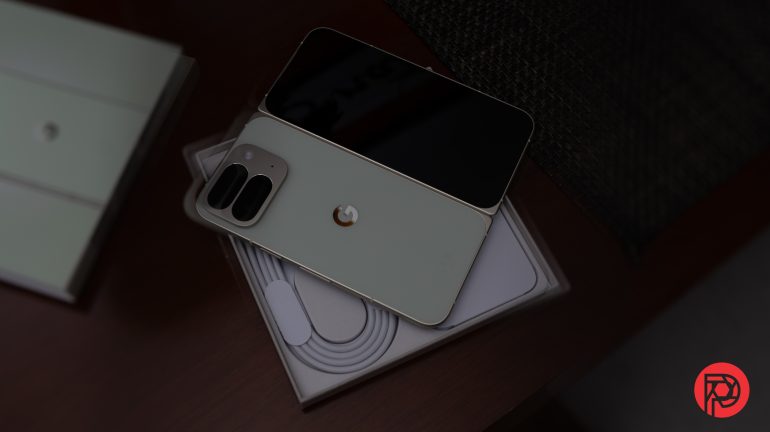
Below are some additional edited images taken with the PolarPro Center-Split filter:




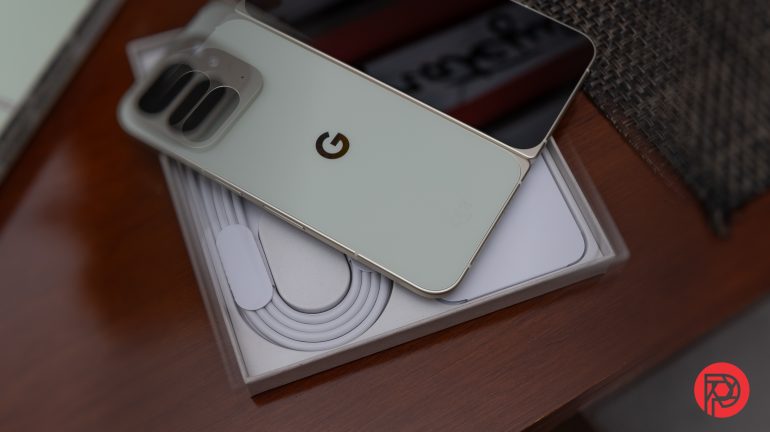
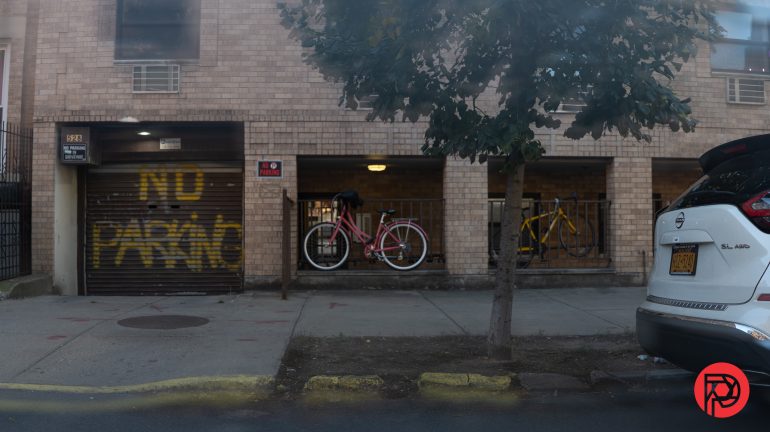
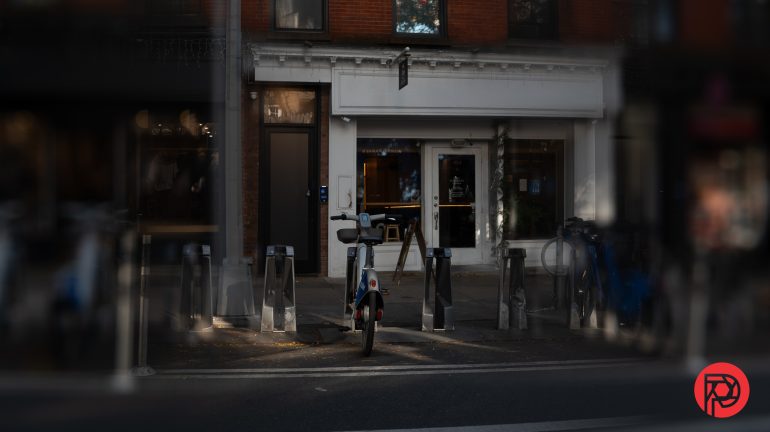
Below are some unedited photos also taken with the PolarPro Center Split Lens Filter:





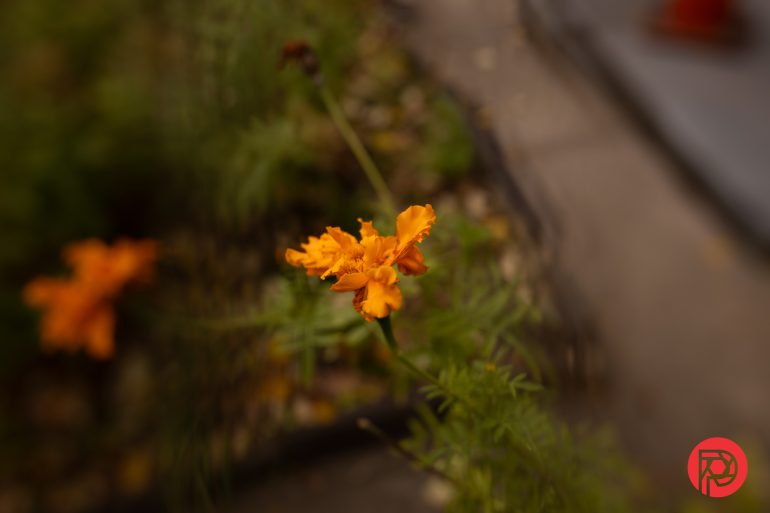
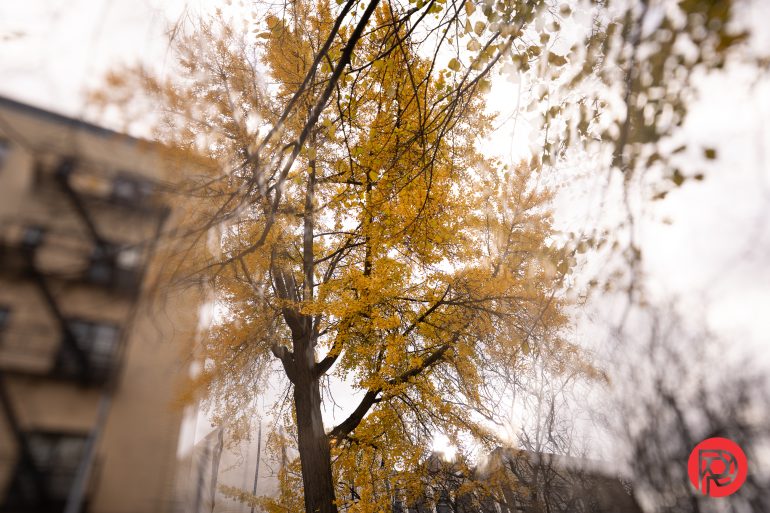








Will This Improve Your Photography?
At the end of the day, we’re always looking for tools that can help us speed up our workflows or help us achieve a specific look. I’m a big proponent of getting it done in-camera – sitting around editing isn’t my cup of tea. For those of you who are like me, you’ll appreciate the PolarPro Center-Split Filter and how it will help you push your creativity without having to relearn Photoshop.
Key Features via PolarPro.com
- Split-Field Effect – Keeps the subject sharp in the middle while diffusing above and below.
- Creative Edge – Adds a dreamlike, music-video style look you can’t replicate in post.
- Cinema Series Glass – Premium build with anti-scratch and anti-reflective coatings.
- Field Ready – Rugged housing, reliable mount, compact size.
- Specialty Tool – A unique filter for stand-out creative sequences.
Declaration of Journalistic Intent
The Phoblographer is one of the last standing dedicated photography publications that speaks to both art and tech in our articles. We put declarations up front in our reviews to adhere to journalistic standards that several publications abide by. These help you understand a lot more about what we do:
- At the time of publishing this review, PolarPro ISN’T running direct-sold advertising with the Phoblographer. This doesn’t affect our reviews anyway and it never has in our 15 years of publishing our articles. This article is in no way sponsored.
- Note that this isn’t necessarily our final review of the unit. It will be updated, and it’s more of an in-progress review than anything. In fact, almost all our reviews are like this.
- None of the reviews on the Phoblographer are sponsored. That’s against FTC laws and we adhere to them just the same way that newspapers, magazines, and corporate publications do.
- POLARPRO sent us the unit and accessories to the Phoblographer for keeps. There was no money exchange between us or their 3rd party partners and the Phoblographer for this to happen. Manufacturers trust the Phoblographer’s reviews, as they are incredibly blunt.
- POLARPRO knows that it cannot influence the site’s reviews. If we don’t like something or if we have issues with it, we’ll let our readers know.
- The Phoblographer’s standards for reviewing products have become much stricter. After having the world’s largest database of real-world lens reviews, we choose not to review anything we don’t find innovative or unique, and in many cases, products that lack weather resistance. Unless something is very unique, we probably won’t touch it.
- In recent years, brands have withheld NDA information from us or stopped working with us because they feel they cannot control our coverage. These days, many brands will not give products to the press unless they get favorable coverage. In other situations, we’ve stopped working with several brands for ethical issues. Either way, we report as honestly and rawly as humanity allows.
- At the time of publishing, the Phoblographer is the only photography publication that is a member of Adobe’s Content Authenticity Initiative. We champion human-made art and are frank with our audience. We are also the only photography publication that labels when an image is edited or not.
More can be found on our Disclaimers page.
Get rid of the ads!
Did you enjoy reading this article as much as we enjoyed writing it? There's a way to support us and our reporting, getting ad-free navigation and more as a bonus. Subscribe to us for less than a coffee per month —just $3.99— or take advantage of our yearly subscription with a hefty discount for only $25.- An ad-free experience
- A free mystery box for Lightroom or Capture One
- All the books in our store
- 20% discount on Capture One
- 30% discount on Imalume Photo Theft Protection
- 20% off Herbs and Kettle Tea Company.
- 20% off your order from MPIX printing services.
- 5% off Viltrox Products via their eCommerce store.
- 10% off all film developing, printing and scanning services from Blue Moon Camera and Machine
- 15% off 7Artisans products: The lens and accessory maker is offering a sweet discount for Phoblographer's readers.