


Some firmware updates really transform your camera into a whole new beast, almost like a new camera itself. The Nikon Zf firmware version 2.02 isn’t one of them. It’s more cosmetic in nature than anything else, and it doesn’t improve image quality. We haven’t seen anything break as a result of this upgrade, so you can go ahead and do this on a lazy Sunday.
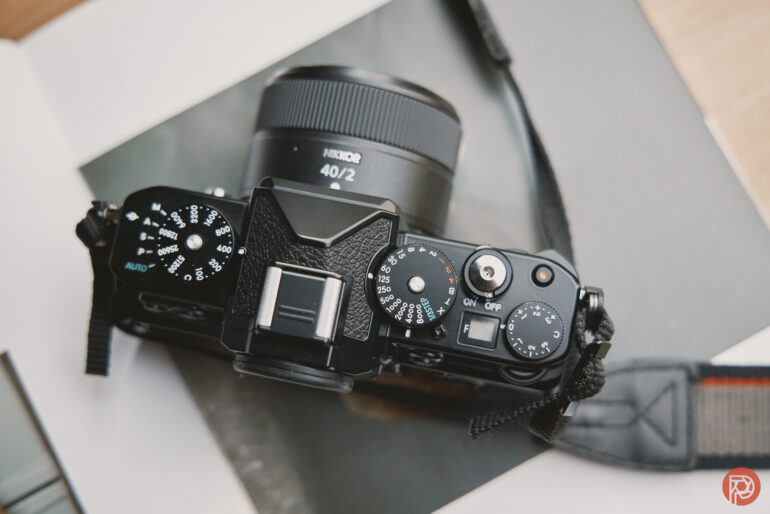
Our entire Nikon Zf review can be found here at this link. But if you want to read just the new update, please see it below. Want one? Check them out on Amazon.
Ease of Use Update Jul 2025
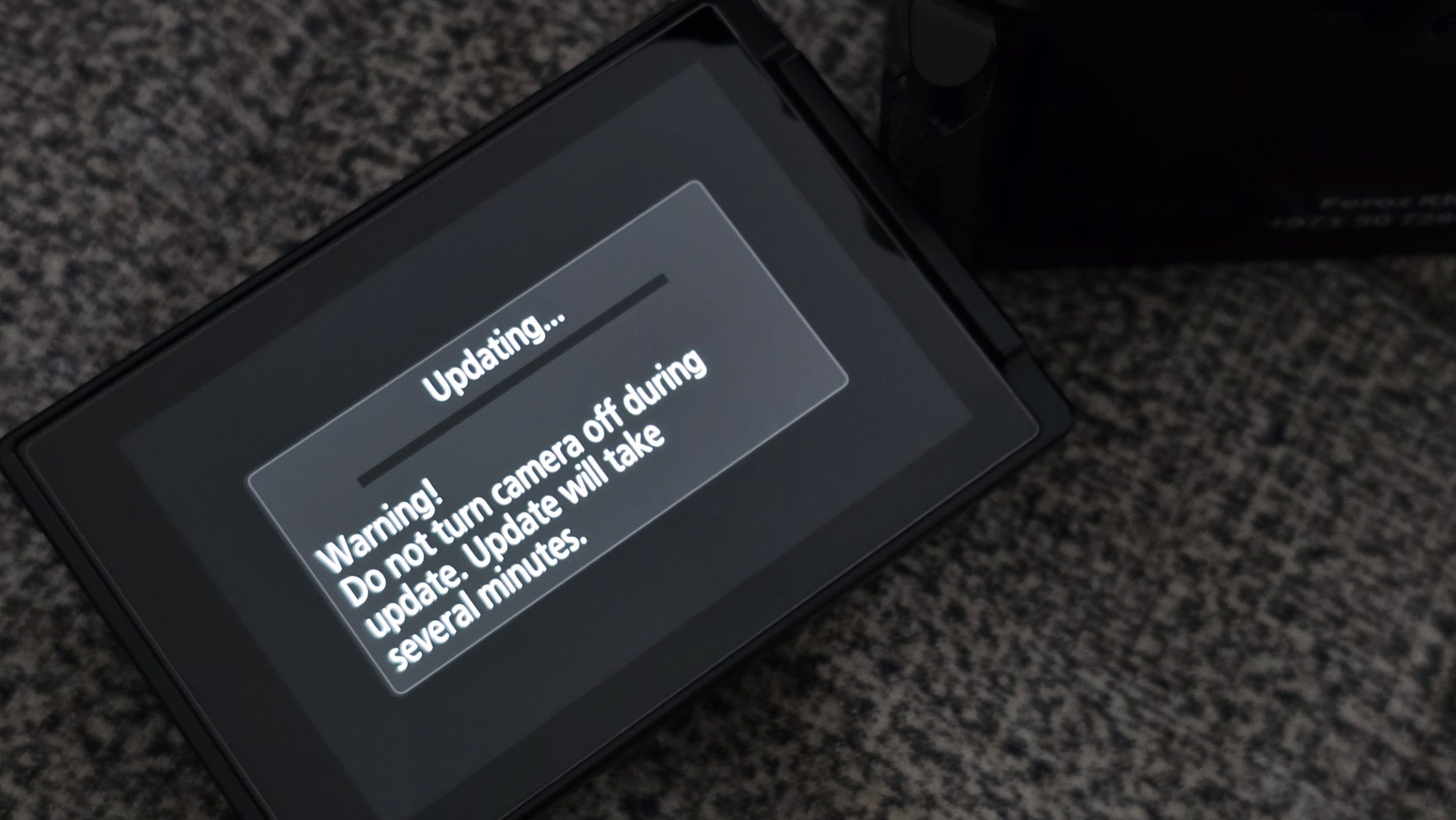
The new firmware update to the Nikon Zf isn’t going to blow your socks off. There’s no powerful new AF mode. No increase in the imaging recipe count from 10. No extra monochrome simulation modes for your black-and-white switch. Just one main thing – better instructions when connecting to Nikon Imaging Cloud.
Now, I personally feel that the way you currently download imaging recipes from Nikon’s Imaging Cloud is convoluted on many counts. It needs you to “save” some recipes on their site, then have your Zf connect to the cloud via Wifi before waiting a handful of minutes for the camera to show you that you can now sync the new recipes to it. Sometimes it’s a little more than a few minutes, as you find that the Zf isn’t able to connect to the cloud for unexplained reasons. It’s borderline irritating, so much so that I have pretty much sidelined this site, and I’m now downloading recipes from a Facebook group instead and transferring them to the Zf via the SD card. I’ve found loads of interesting film stock-like recipes from this group, and I would recommend you take a look at them.
Unfortunately, this firmware update doesn’t do much to address my connectivity concerns. According to Nikon’s changelog, the update “Improved the guidance displayed when connecting to Nikon Imaging Cloud.” There are no deep menu revamps, no feature creep, just… more helpful words on-screen. One of the good things is that you don’t need a desktop to do this firmware update. Just open up the Snapbridge app on your phone (with Bluetooth turned on), and if your camera is already paired to the app from before, you’ll see a prompt for a firmware upgrade. The app itself can push the necessary upgrade files to your camera, following which it will then hand over the upgrade task to the camera, with the details appearing on your LCD.
Firmware 2.02 does the following:
- Updated some guidance texts displayed on the camera when connecting to the Nikon Imaging Cloud service (the connection procedure itself remains unchanged).
If your Nikon Zf is on firmware version 1.21 or earlier, please note that updating to this firmware version will delete the camera’s IPTC presets. Apparently, this is “an intended consequence of improvements to IPTC presets.”
So Far All Is Good

I did a portrait shoot after upgrading my Zf’s firmware to 2.02, and everything seemed normal with nothing untoward in its performance jumping out at me. I believe this is the 4th update to the Zf this year, and it’s nice to see Nikon continue to address bugs and also give us a lot of performance improvements. What I’d like to see coming next are features and enhancements that I wrote about nearly a year ago, some of which appear to have been addressed based on feedback I directly gave Nikon in 2024. Automatically zooming into detected eyes when using the manual focus ring on a lens would be an excellent feature to get via a firmware update. I also couldn’t really discover what guidance texts were updated, as nothing really stood out to me as a change. However, this piece is more to let you know that it seems to be safe for now to update your Zf to the latest version
Get rid of the ads!
Did you enjoy reading this article as much as we enjoyed writing it? There's a way to support us and our reporting, getting ad-free navigation and more as a bonus. Subscribe to us for less than a coffee per month —just $3.99— or take advantage of our yearly subscription with a hefty discount for only $25.- An ad-free experience
- A free mystery box for Lightroom or Capture One
- All the books in our store
- 20% discount on Capture One
- 30% discount on Imalume Photo Theft Protection
- 20% off Herbs and Kettle Tea Company.
- 20% off your order from MPIX printing services.
- 5% off Viltrox Products via their eCommerce store.
- 10% off all film developing, printing and scanning services from Blue Moon Camera and Machine
- 15% off 7Artisans products: The lens and accessory maker is offering a sweet discount for Phoblographer's readers.
- 15% off a VSCO One subscription: Get a bunch of great tools with their all-in-one package.