

Last Updated on 01/27/2019 by Mark Beckenbach
Itching to try darkroom printing for your photos? With The Mobile Darkroom, you won’t need any negatives and enlargers to get started.
While Spanish-American photographer Adrian Otero was feeling under the weather for a week, he had plenty of time to come up with a little project. He ended up putting together something he calls The Mobile Darkroom. If you’re interested in darkroom printing your own photos — whether film or digital — his bright idea might be something you’d like to try yourself.
Otero was faced with a problem: he wanted some prints of his film photos but he didn’t want to buy a dedicated enlarger or high-end printer. While he now gets his prints done by a professional lab, he also had some problem with printers in the past. That’s how he got to thinking about trying darkroom printing for some quick prints or copies of his photos. But he also didn’t have the space for a dedicated darkroom with enlargers or even an office for a printer.
His inspiration came in the idea of doing contact prints with digital negatives, with some tweaks here and there. So, he decided to try it out using his iPad. He designed an app that lets him expose the digital negative on photographic paper then develop as usual in the darkroom. Somewhere along the way, he ran into a major problem; the external glass between the pixels (the actual screen of his iPad) and the photographic paper produced a blurry print. While thin, it was enough to produce a noticeable blur. So, he had to think of a way to remedy it without an enlarger.
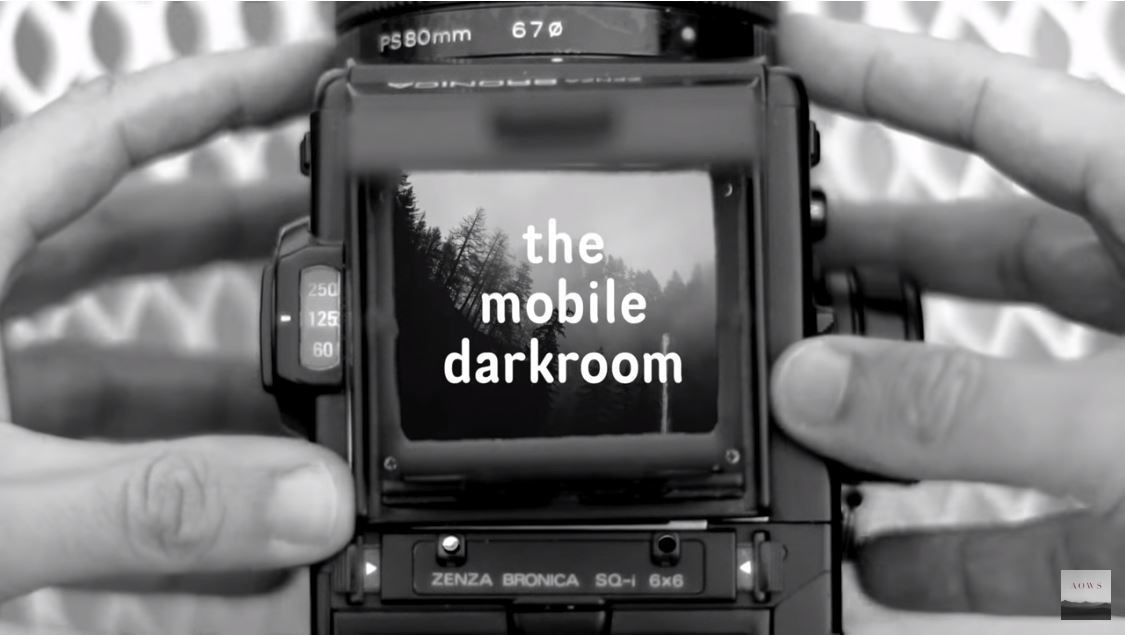
Turns out that the solution he needed was something he already had; his Bronica MF made a perfect enlarger, Intrepid 4×5 Camera style! All he needed to do was to take out the film back, put his iPhone (installed with the app he designed) in place of it as a digital negative and light source in one, and focus the projected image using the lens. The best part? It works for both digital and film photos.
Watch his video to find out more about the entire “Mobile Darkroom” process and results:
Visit Adrian Otero’s website for more of his photography, and his YouTube channel for more of his photography videos.
Screenshot image from the video by Adrian Otero
Get rid of the ads!
Did you enjoy reading this article as much as we enjoyed writing it? There's a way to support us and our reporting, getting ad-free navigation and more as a bonus. Subscribe to us for less than a coffee per month —just $3.99— or take advantage of our yearly subscription with a hefty discount for only $25.- An ad-free experience
- A free mystery box for Lightroom or Capture One
- All the books in our store
- 20% discount on Capture One
- 30% discount on Imalume Photo Theft Protection
- 20% off Herbs and Kettle Tea Company.
- 20% off your order from MPIX printing services.
- 5% off Viltrox Products via their eCommerce store.
- 10% off all film developing, printing and scanning services from Blue Moon Camera and Machine
- 15% off 7Artisans products: The lens and accessory maker is offering a sweet discount for Phoblographer's readers.