

Capture One has been one of the few editing platforms that is truly becoming a better version of itself. The company has introduced multiple changes over the years, some which have only made editing a truly impressive medium. As part of their latest series of updates, Capture One has released version 16.7.7, which brings together headline features that photographers have been waiting for. Have a look.
Affinity Round-Trip Workflow
For those using Affinity Photo and Capture One together, they are aware of how moving images between the two portals is a task. One has to export TIFF files from Capture One, which are then edited in Affinity, and the re-importing requires a manual workaround. The 16.7.7 update changes this. The company has added a new native import and export feature for Affinity’s .af files. In other words, you can send your photos from Capture One to Affinity with metadata, guides, overlays, annotations, watermarks, and masks preserved as alpha channels. The finished files can be bought back into Capture One to export alongside the rest of your images.
One can make this work through the Export panel and the Edit With / Open With command. Photographers, thus, now have the flexibility to work as they deem fit. The company also notes that on the return trip, Capture One supports both 8-bit and 16-bit .af files.
However, every good thing comes with a caveat. For Affinity’s .af files, it is that the feature is exclusive to macOS devices running Apple Silicon (M-series chips) users. Intel Mac and Windows users will have to wait for the roll-out, including Affinity 3.2 or later updates required from the other side to make this work.
Export Recipe Folders (Studio Only)
Capture One Studio users can now find peace in this update. The recipe library can grow when you are working with different output specs for multiple clients and projects. Until now, these recipes sat on unorganized lists, but version 16.7.7 changes that. One can now export recipes into folders, and structure them however your workflow demands. This includes by client, by delivery type, by project, or anything else that you have in mind. You can also sync folders via Cloud Settings, which means this organization will now carry over across every machine in your setup automatically.
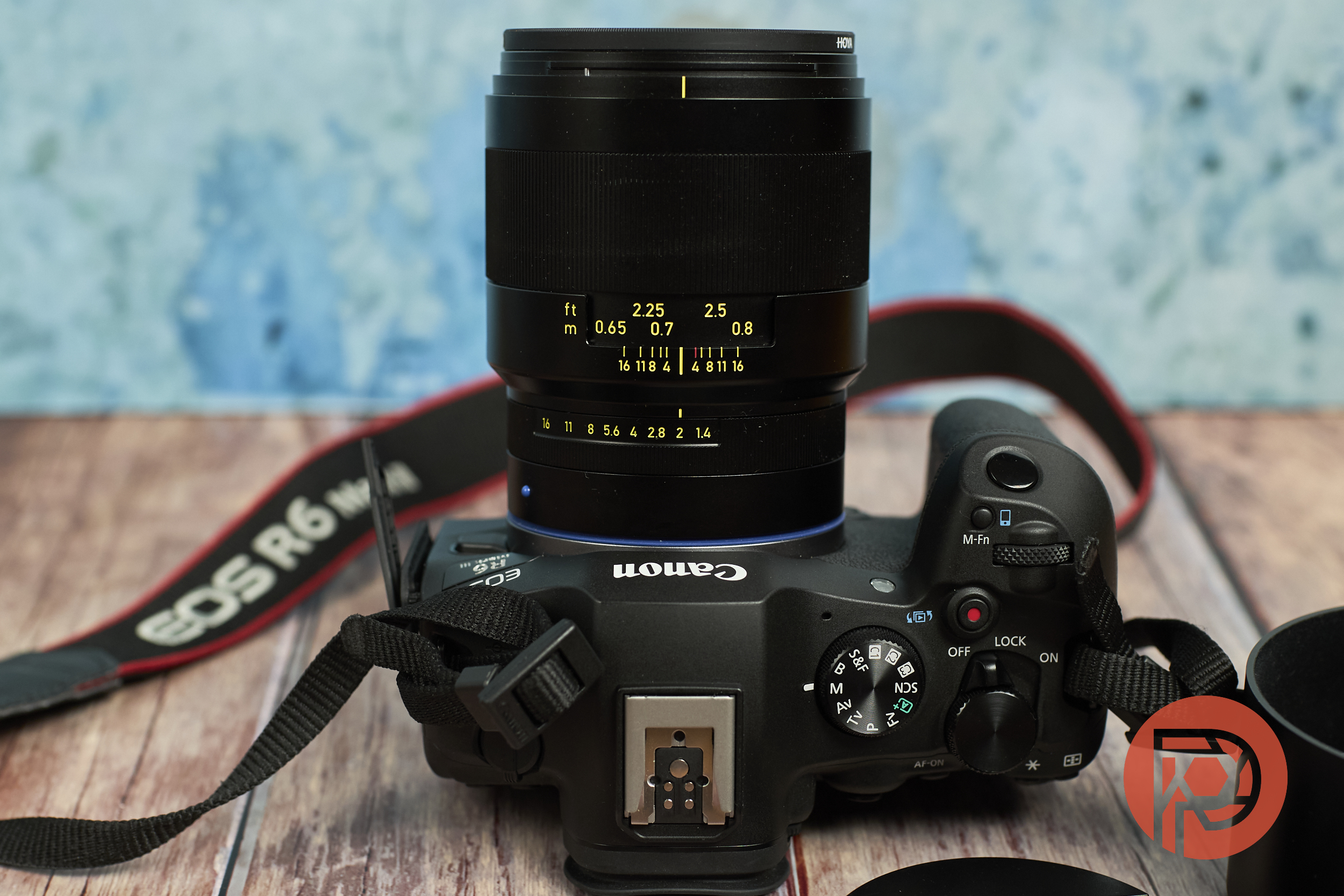
Zeiss Otus ML 35mm f1.4 Support
Next up is the most awaited feature. Zeiss Otus ML 35mm, a modern manual focus lens, now has a dedicated lens profile in Capture One. This update is built from correction data provided directly by Zeiss. This means that Nikon, Canon and Sony photographers can easily choose the lens profile for editing alongside all other lens profiles in the library.
In addition to the three updates, Capture One also fixes two bugs. One includes the vignette issue affecting the Canon RF 85mm f1.2, and the other being parametric masks on macOS, both of which have now been resolved.
Capture One 16.7.7 is compatible with Session and Catalogs from the previous releases. Furthermore, both parameters must be updated before one accesses them. However, once they are updated, they can’t be reopened in older versions by restoring the versions from a backup. To download the firmware, head to Capture One’s website.
Get rid of the ads!
Did you enjoy reading this article as much as we enjoyed writing it? There's a way to support us and our reporting, getting ad-free navigation and more as a bonus. Subscribe to us for less than a coffee per month —just $3.99— or take advantage of our yearly subscription with a hefty discount for only $25.- An ad-free experience
- A free mystery box for Lightroom or Capture One
- All the books in our store
- 20% discount on Capture One
- 30% discount on Imalume Photo Theft Protection
- 20% off Herbs and Kettle Tea Company.
- 20% off your order from MPIX printing services.
- 5% off Viltrox Products via their eCommerce store.
- 10% off all film developing, printing and scanning services from Blue Moon Camera and Machine
- 15% off 7Artisans products: The lens and accessory maker is offering a sweet discount for Phoblographer's readers.