mac

preview-overexp-2

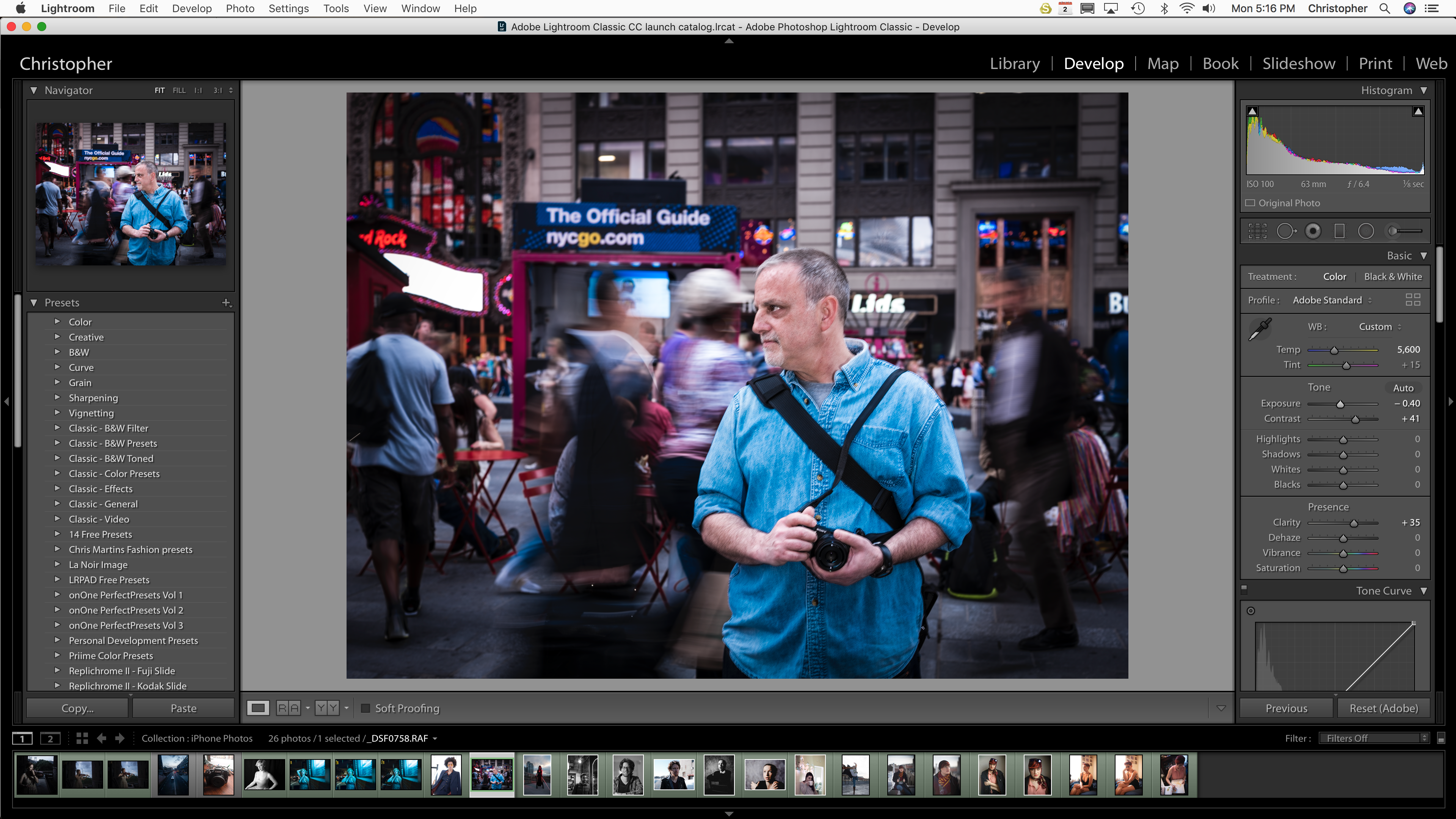
Previously we saw the Nikon tether loving folks get some love with DigiCam Control. However that was freeware and for Windows. Canon DSLR owners though can spring for Kuuvik Capture, a brand new software meant for tethering and that looks a lot like Lightroom. First off, this isn’t freeware, but you can get the software for a 30 day trial if you wish. Now if that hasn’t deterred you, the software offers loads of features to help with composition, focusing and the evaluation of proper exposure (e.g. split screen live view zoomed in to multiple image areas, focus peaking, RAW histogram, and unitary white balance). The software is Mac-only, and currently supports newer Canon DSLRs from the 5D Mk II and on.

Depending in which package you go for, it can run you $79.99 or $99.99. For the money though, we still support Lightroom–which is going for a price smack dab in between these two right now.

{ 1 comment }

Have you ever found yourself sweating with fear over the possibility that Facebook’s server park may be attacked by mutated zombie kittens and that all your Facebook galleries and/or Flickr collections might be lost? Well, sweat no more, since here comes relief: Seagate’s new Backup Plus HDDs come with a specialized backup software that automatically backs up your Facebook galleries. No kiddin’.

The cloud is the Seagate Dashboard software, which backs up all your socially networked content with one click. Also with a single click, Seagate Dashboard can share your backed up content on Facebook and Flickr again.

Seagate’s new Backup Plus HDDs come as postrable as well as desktop versions in sizes from 500 GB to 4 TB. They’re compatible with Mac and Windows computers and can be used simultaneously with both systems. Prices range from US-$ 119.99 to 139.99 for the portable 2.5″ version and US-$ 129.99 to 249.99 for the desktop version.

{ 4 comments }

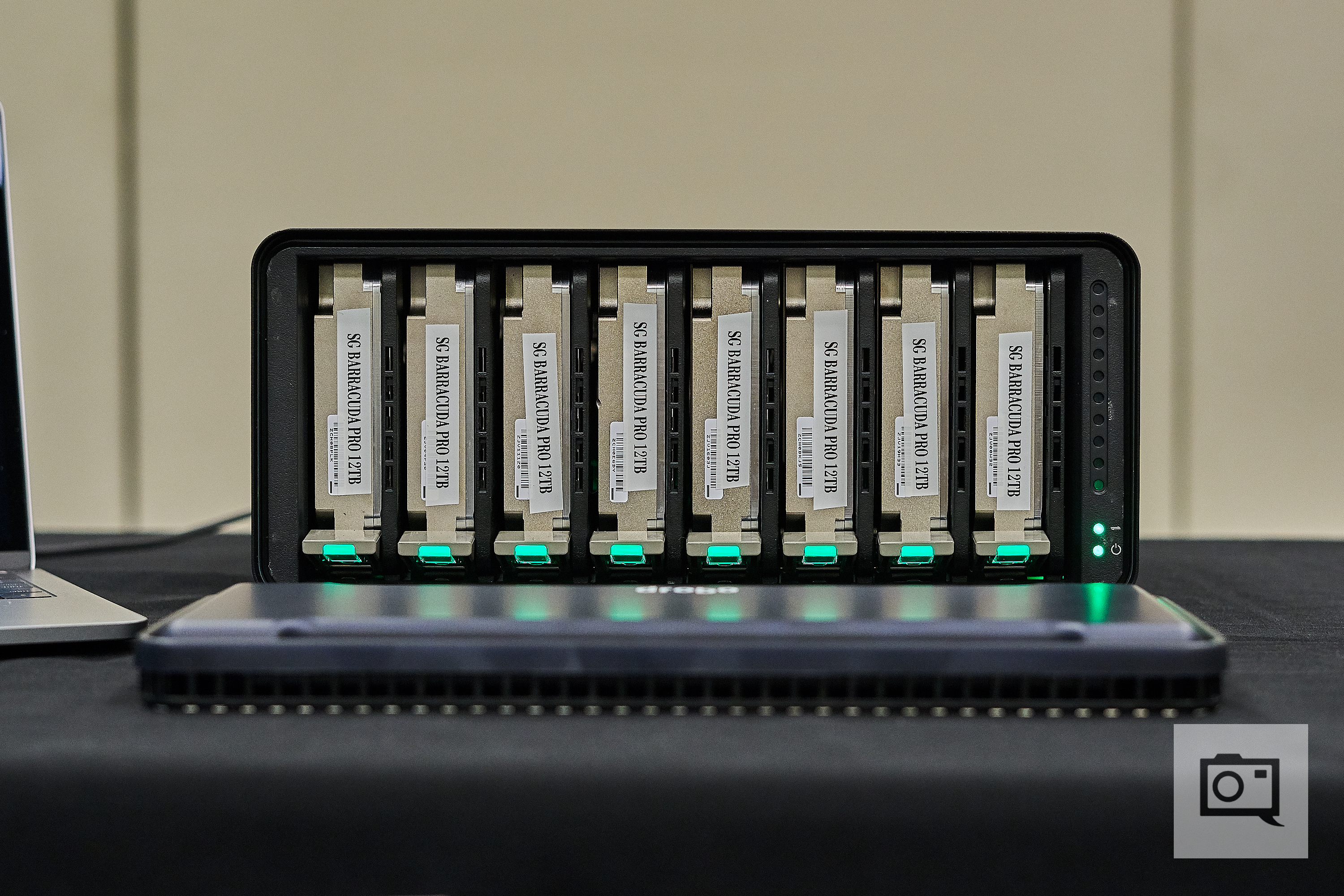
Western Digital, well-known creator of computer hard drives such as the Caviar and Raptor series, has just announced two new external HDDs that have been designed with photographers and videographers in mind, offering highest-possible data rates as well as high storage capacity and data security. Also be sure to check out our recent review of the Thunderbolt Duo.


[click to continue…]

{ 2 comments }


In the world of hard drives and data rates, every few years or so a new standard of fast comes out. When I started out with with Macs and had a grasp on what external drives were, Firewire was a very expensive option for your Mac computer. But anyone who was working in media, or graphics/video were using Firewire drives. You can thank Apple for pushing this interface that never quite caught on with the mainstream PC market. It’s been the standard for a while–hard drives, audio I/O devices, even a generation of the iPod used Firewire-400!

Now, Apple teams up with Intel to make Light Peak. We all know it today as Thunderbolt. Apple/Intel’s new interface for use for high-speed data access when you need it. That’s where the opportunity for  new high-speed drives comes into play.

Western Digital let me have a go with it’s My Book Thunderbolt Drive. I’ve had some time to make some video work with it, run renders as well as transfer files on this drive. Fast is the word that comes to mind. More below.


[click to continue…]

{ 5 comments }


If you are a Mac user, there’s a new program available for photographers that does a fairly decent job of removing objects from photographs you don’t want in the image. While this has been a feature in many photo processing programs like Photoshop, this may be the only example of a stand-alone program to accomplish this for just $15 (and 60% off for a limited time). Granted, it’s not Photoshop and has some limitations, for the price, it’s a pretty cool product. Take a look at these examples and judge for yourself!

[click to continue…]

{ 5 comments }

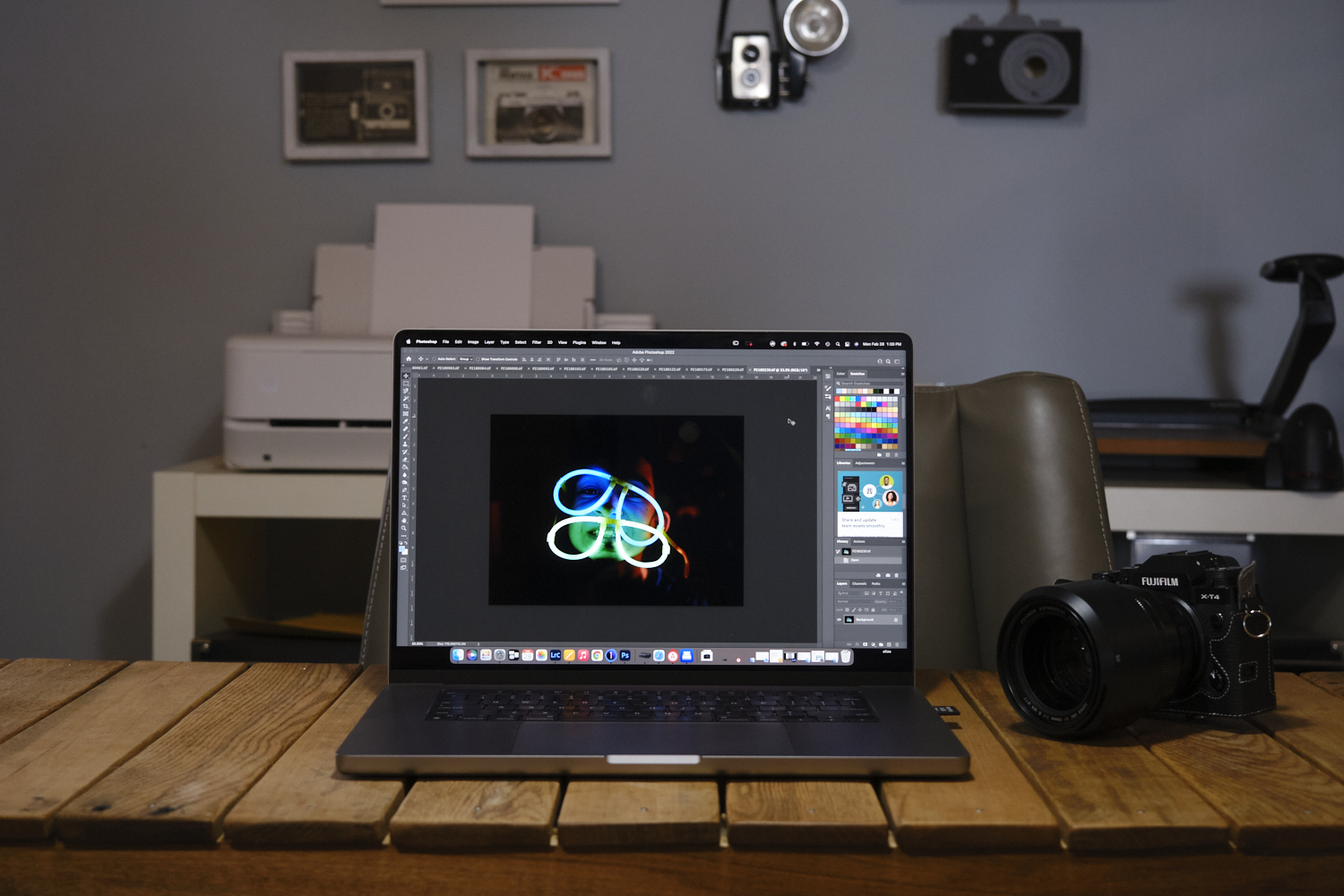
Mac users enjoy a level of virus free stability Windows users can only dream of. A poorly written app might crash but it’s unlikely to shut your whole computer down. However, demanding creative professionals (like us photographers) will often complain their Mac is too slow. Here are a few tips on how to get the most out of your Macintosh computer if you’re not ready to shop for a new one. Sorry PC guys, I have no idea if any of these tips work for Windows or not, I’ve been using Macs since my first computer in 1994. If you use Windows and want to but haven’t moved yet, I’m sorry, let’s try again.

[click to continue…]

{ 9 comments }