

Last Updated on 05/15/2011 by Sander-Martijn
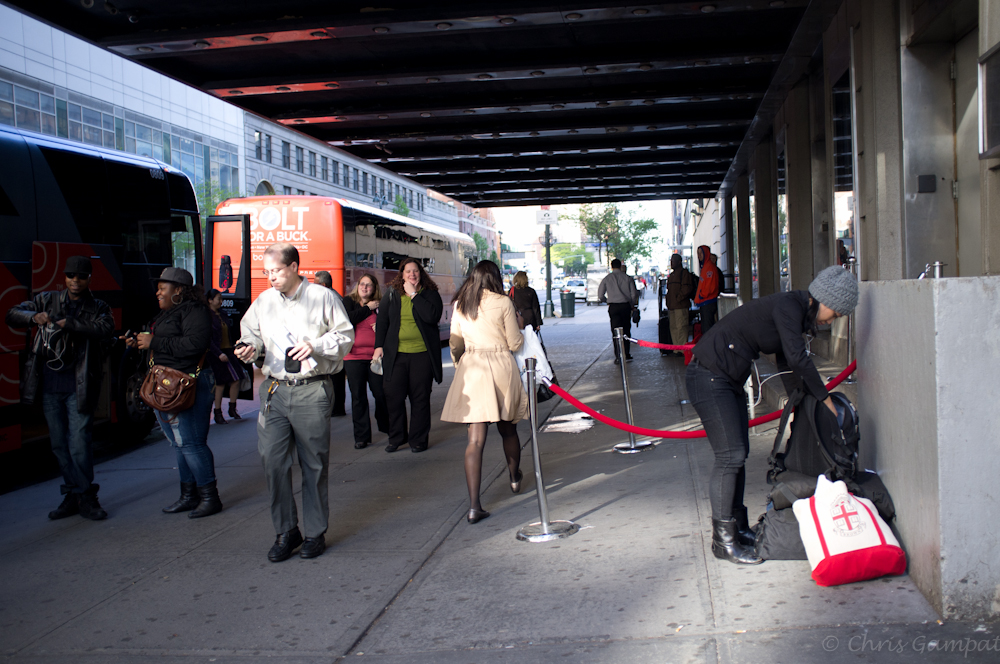
After just getting a feel for the camera in Day 1 and comparing the image quality with the EP-2, I’ve taken the Fujifilm X100 to work. Today, it spent the entire day by my side through a variety of situations: while on the streets, portraits, tracking moving cars, and shooting flowers. And I’m sad to say that I’m not totally pleased.
Quirks
At first I thought that it was just me that had problems with this camera and when I read other previous reviews, I thought to myself, “Wow, that couldn’t happen!” So here are my problems:
– When the camera goes to sleep, it’s impossible to wake it up.
– When you shoot a photo, it doesn’t display it on the LCD screen, only in the viewfinder. Except if you’re shooting with the LCD, then you’re fine. This went through 10 other people besides myself: all of them being very good photographers.
– Metering: oh man is this an issue. I’ll get to it soon.
– Focusing is weird, if you’re up close and personal with someone (like this camera was designed for) you need to switch to macro focusing. And Macro focusing switches itself off. Yes, this is extremely annoying.
– I couldn’t find an area in the menu to see where the firmware update is.
– When the camera shoots three images at once, it will display one image and then all three of them in this small window in the bottom right of the LCD screen that looks like a small movie.
Literally, it’s the weirdest thing I’ve ever seen in a camera.
With this said though, the image quality is stellar.
Image Quality
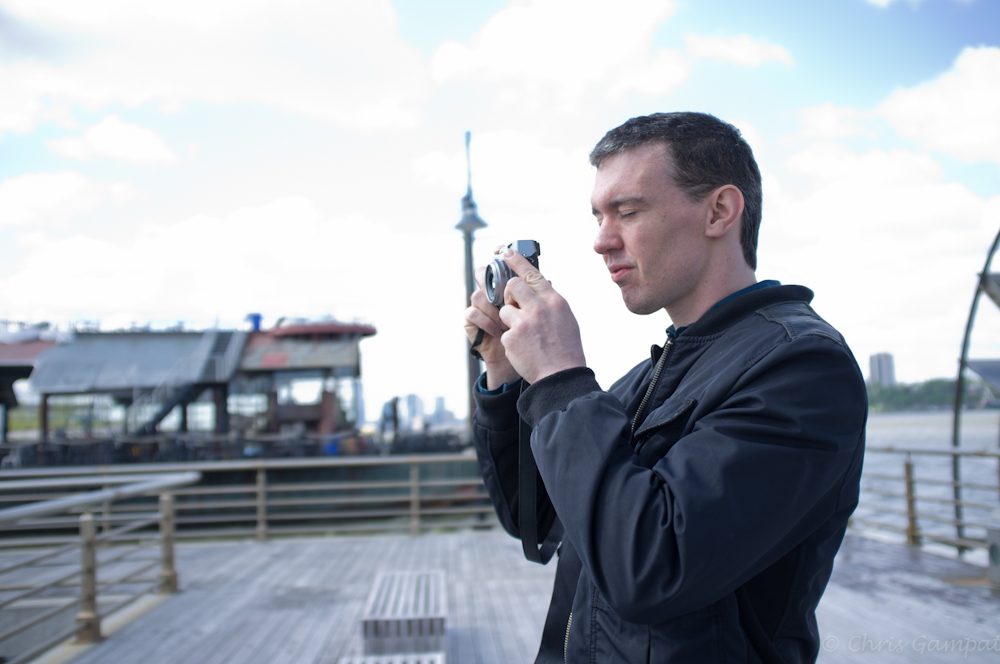
Today, my company went out onto the docks on the west side of NYC for us to film a podcast with famed wedding photographer Ryan Brenizer, who I’ve been a fan of for some time now and meeting him in person was totally humbling. I’ve been his editor for BHInsights. Man, is he a nice guy.
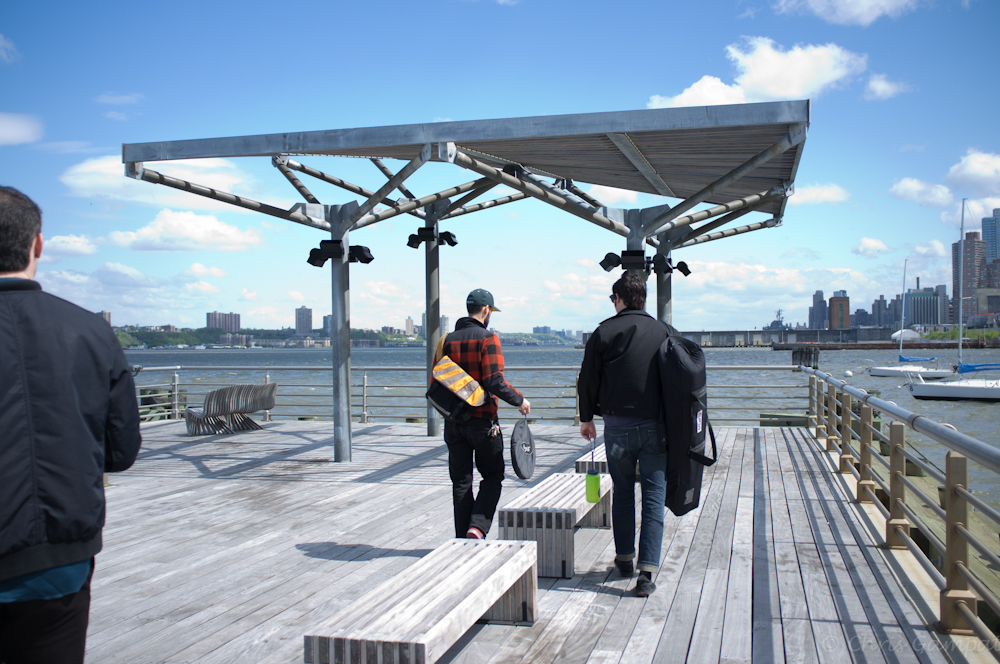
The image quality once again is very good. And the sensor retains quite a bit of detail in the images despite the lens not being so super-sharp. This exposure in this image was lowered a bit in post-production which really made it look better than the original. More on that later with the metering problems.
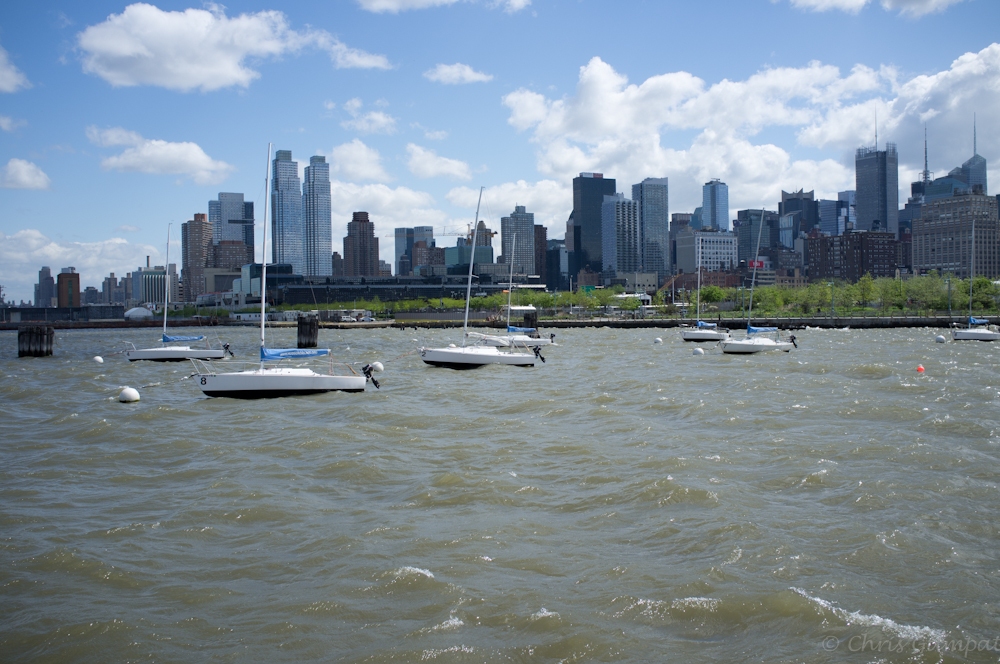
Shooting the river was super tough. As it is, shooting rivers is always tough because of the extra sunlight reflecting off of them. This took me around 7 shots to get correct, or near to it.
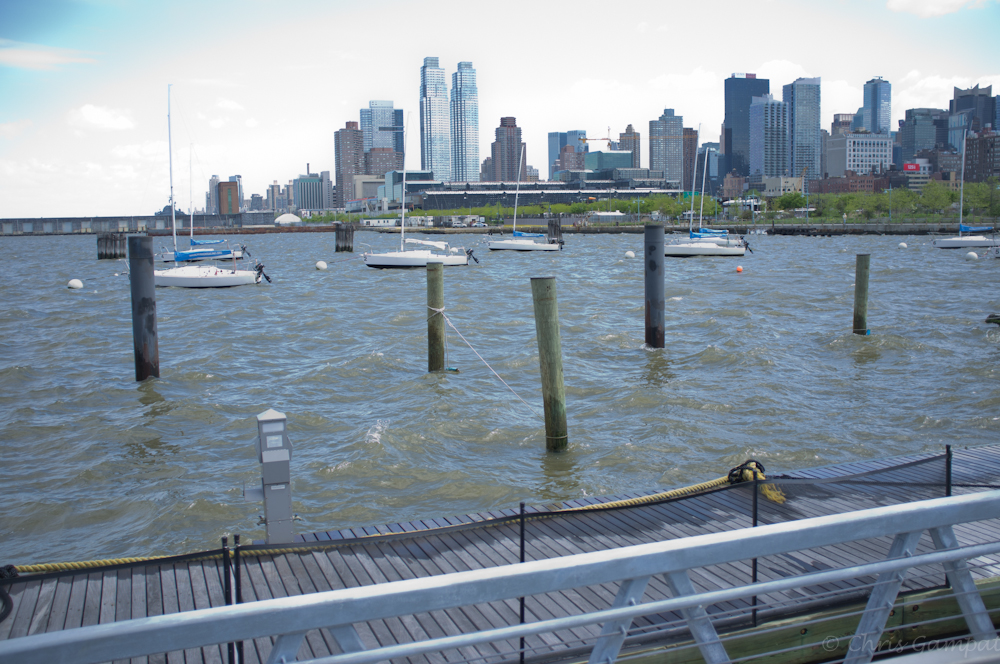
These images were shot in the Provia film mode, which is the standard mode on the camera.
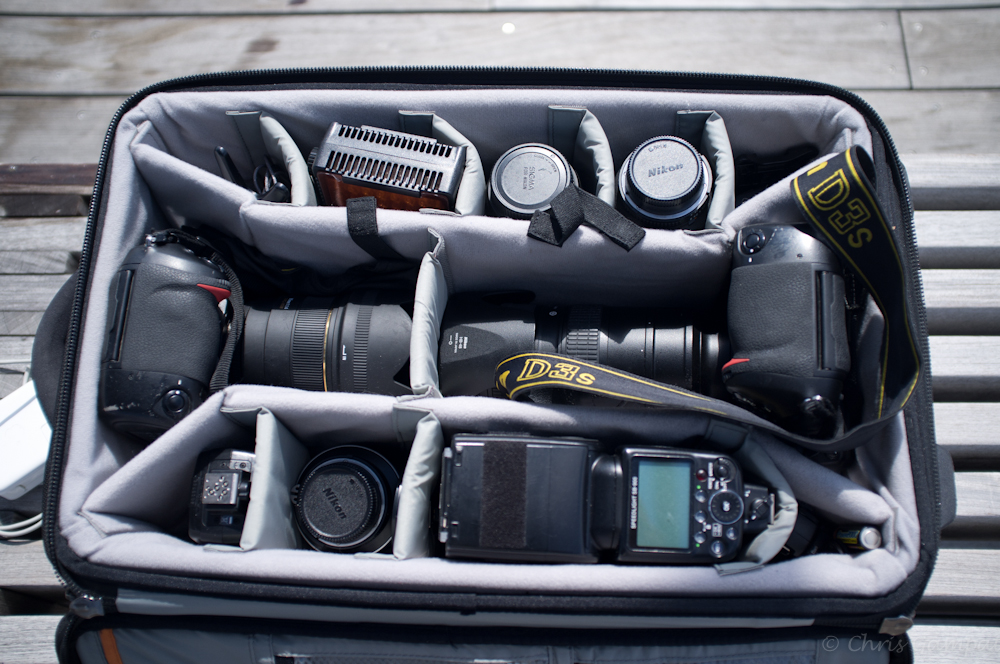
The image above was shot in Velvia, which Fujifilm recommends for landscapes and for vivid colors. Indeed, this is perhaps my favorite mode. It really is nice and the colors are very punch, deep, rich, and pleasing.
In fact, I believe they’re more true to life.

Once again, if you over expose just a bit and then bring it back down in post-production, you get some really wonderful colors. Especially in Velvia mode.
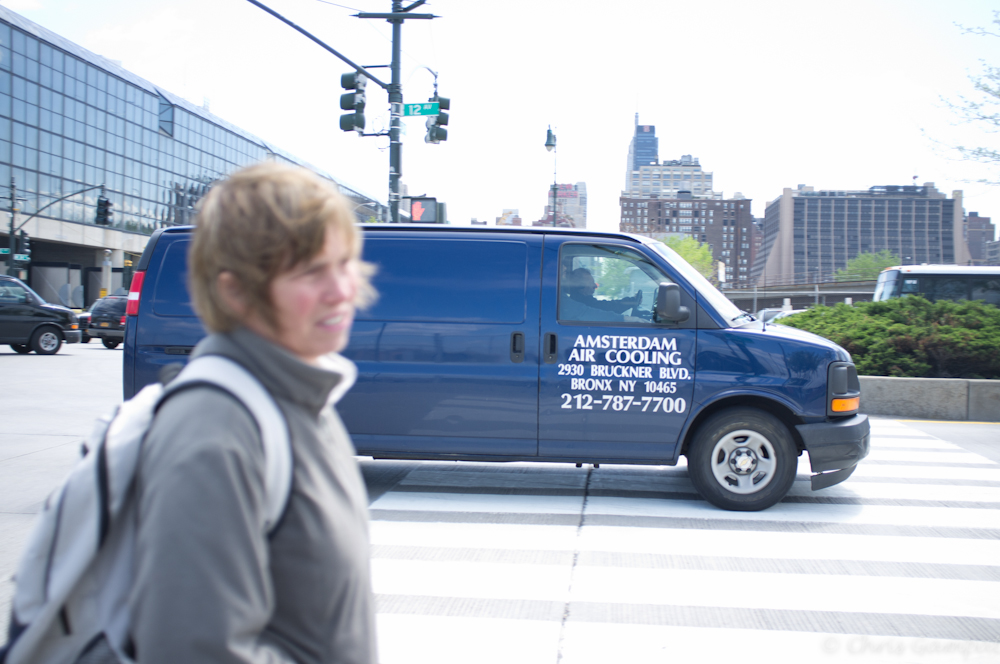
Before we go on, continuous autofocus on this camera can be very good from what I’ve tested so far. This car was moving very, very fast but I got it.
Metering
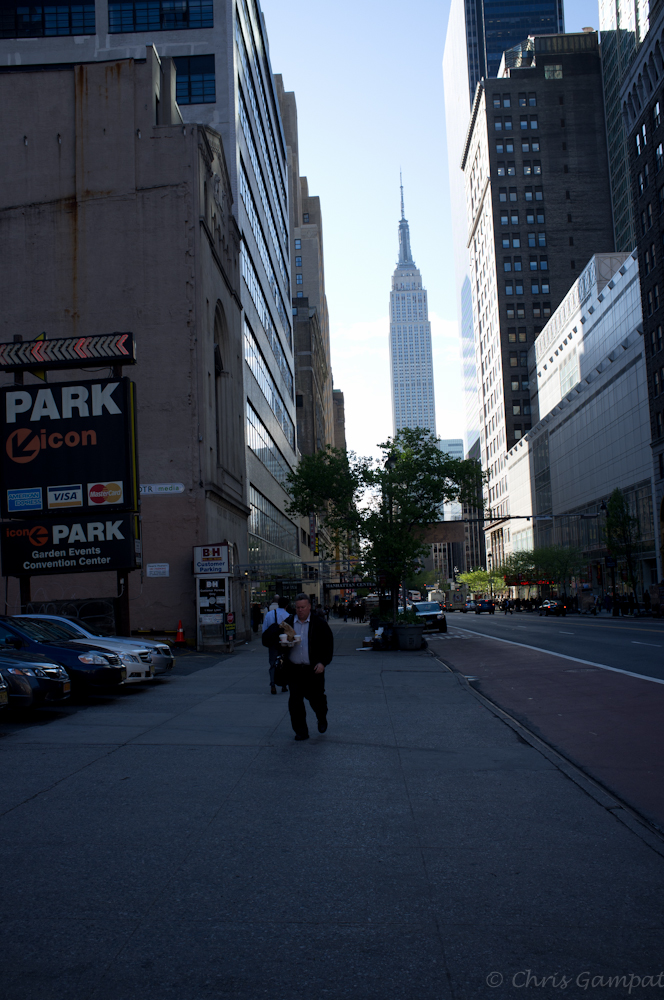
Dear Fujifilm, we’ve got a big problem here. The metering on this camera is almost deplorable. What doesn’t help is that one’s finger can easily hit the exposure compensation dial and throw off the entire metering system. The camera has spot, evaluative and average metering. After talking this over with a co-worker, we concluded that Fujifilm threw out center-weighted because they figured that most photographers would use the center focusing point and recompose.
And they’ve be damned right, this is the camera do do that with.
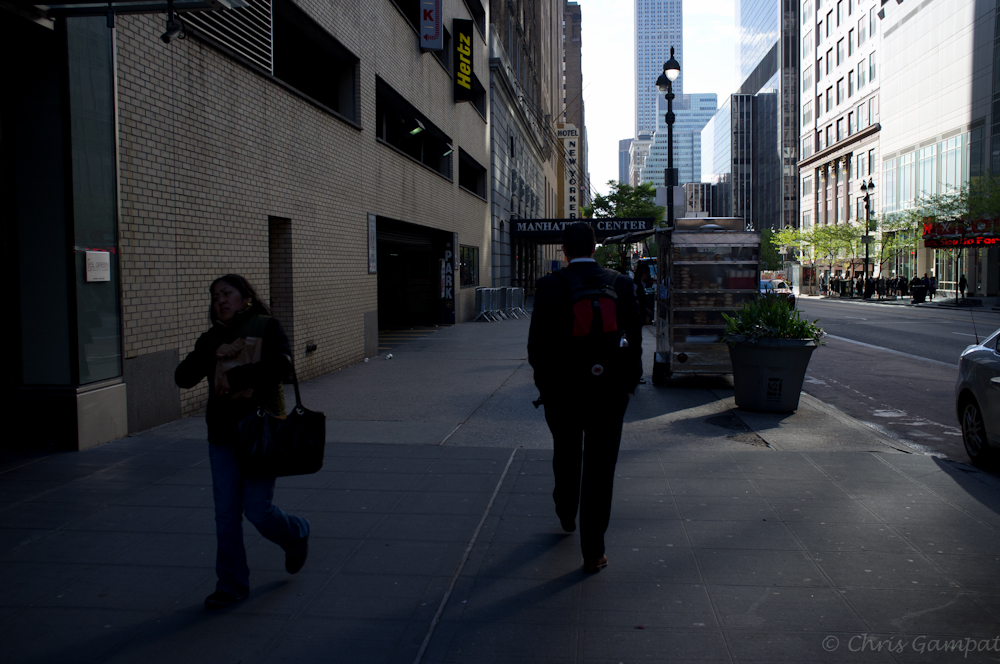
With this said, I often found myself overexposing my images a full 1 and 1/3 stop or underexposing a 1/4 stop. To be honest, though it pains me to say it, this is worst metering I’ve ever seen on a camera. And I almost did not want to type that because of just how amazing the image quality is when you nail it correctly.
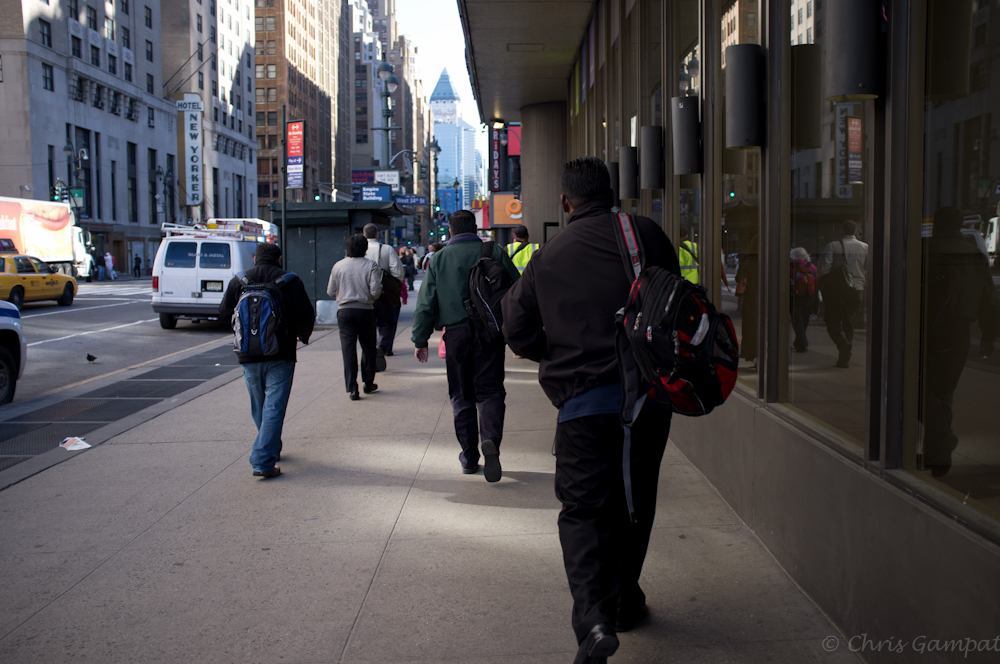
In the above photo, I nailed the exposure very well. Indeed, this is a camera that needs to manually metered. With that in mind, the metering dial would have been better placed on the back of the camera instead of on the top. Further, integrating dials in like the Canon G12 would have been smarter. By that, I mean that we needed a large ISO dial and a smaller exposure compensation dial on top of that.
It would have just made sense.
Macro Mode

What better to shoot with a macro mode then flowers? And what better way to notice that I was slightly out of focus than by blowing this image up on a computer screen?!
On the LCD screen, this image looked super sharp even when zoomed in. Man, was I disappointed when I saw this on my computer.
Portraits
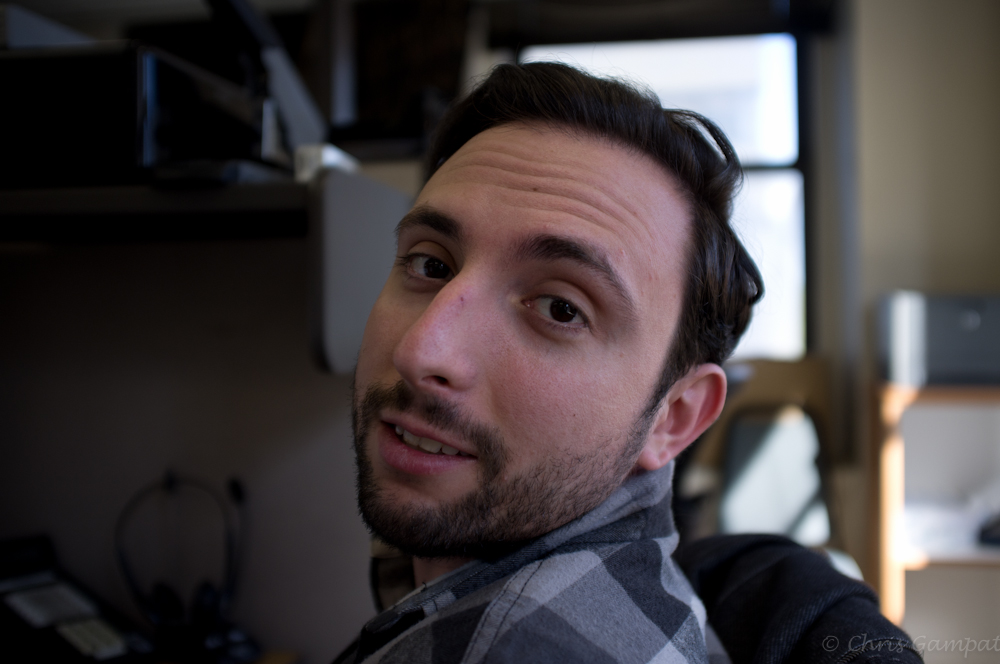
These portraits were shot in macro mode and in aperture priority. And I have to say that they’re damned good.

These images were shot in the Astia film mode and they really good come out looking great for portraits.

Here’s Ryan again, the dude looks great in Astia. Being a portrait photographer, wedding photographer and photojournalist he knows how to pose.
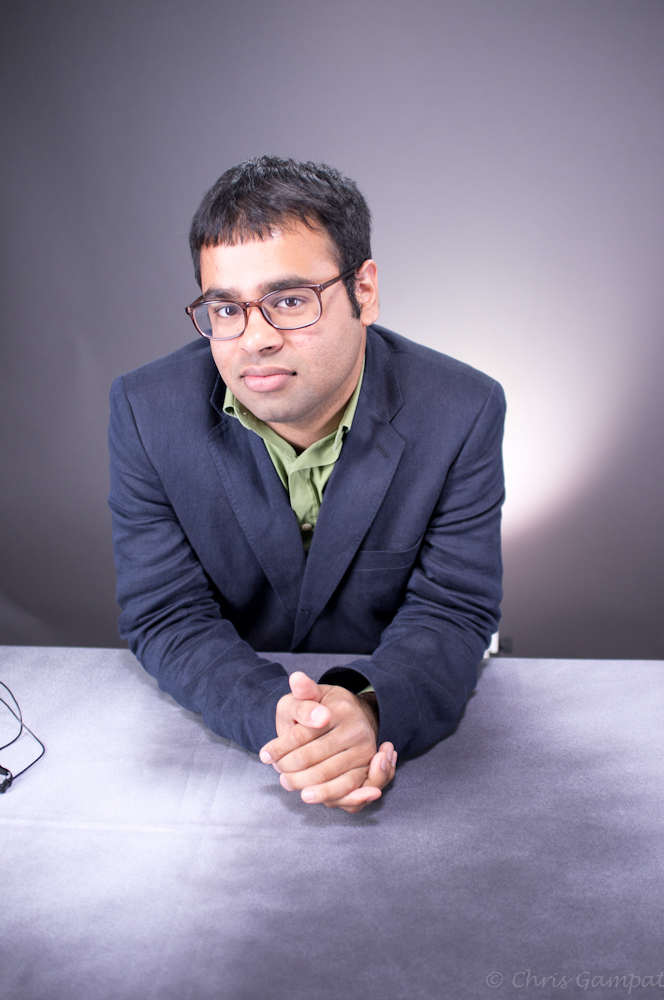
And me? I’m just learning how to pose myself. But you’re always your biggest critic. As it is though, the Fujifilm X100 renders colors like I haven’t seen before. I’m quite impressed with it actually.
You can purchase the Fujifilm X100 from B&H Photo.
Please Support The Phoblographer
We love to bring you guys the latest and greatest news and gear related stuff. However, we can’t keep doing that unless we have your continued support. If you would like to purchase any of the items mentioned, please do so by clicking our links first and then purchasing the items as we then get a small portion of the sale to help run the website.