


The Nikon D7000, like most modern DSLRs, has a fun little palate of built in filers for creative effect and RAW processing. To really jump into creative filtering and RAW processing, though, photographers have been drawn for years to Adobe Photoshop Lightroom (currently available as version 3.3).
In this post, we’ll take a look at a few interesting creative presets applied to recent captures with the D7000. These were all shot as NEF RAW files, imported to Lightroom and adjusted with un-altered presets. The program offers many more options and a tremendous degree of adjustment, but these are interesting starting places that hint at the program’s sophistication.
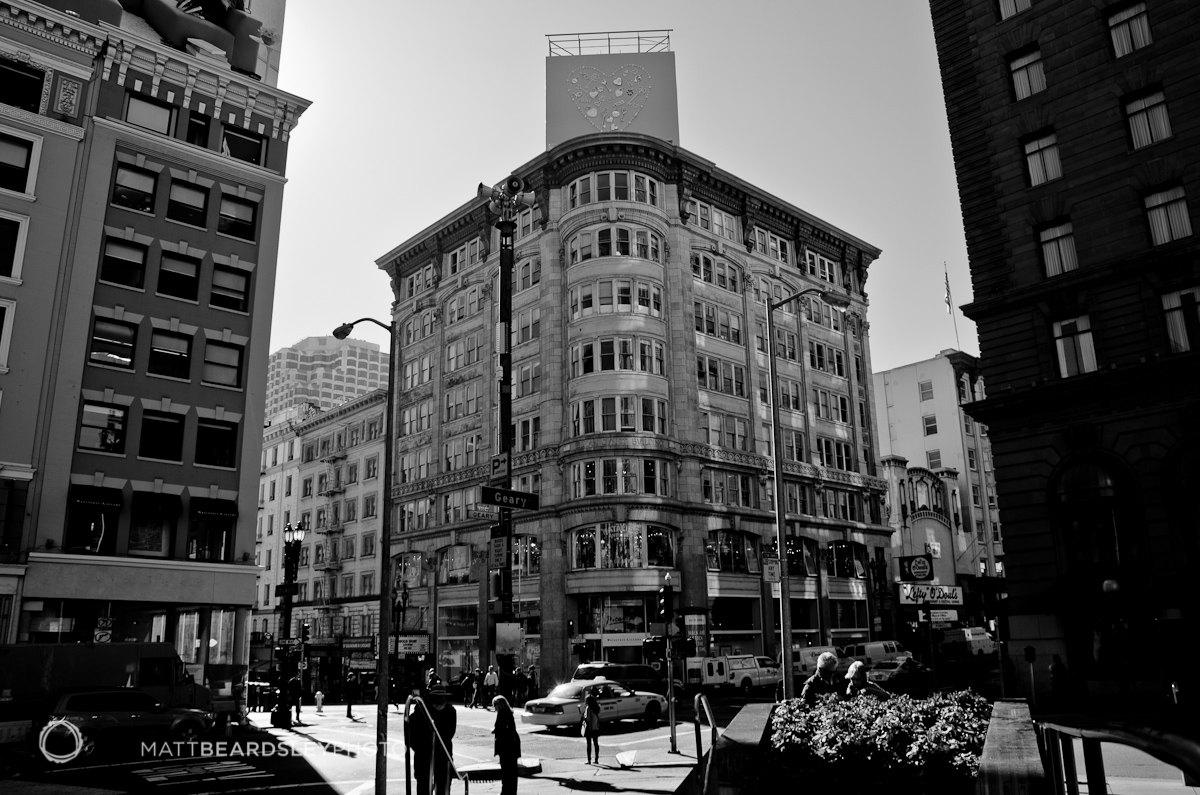
I chose files and filters that work well with the D7000’s contrasty and wide exposure range capture. A major advantage of using computer-based filters and not in-camera filters is the ability to fine tune the look on a respectable size screen.
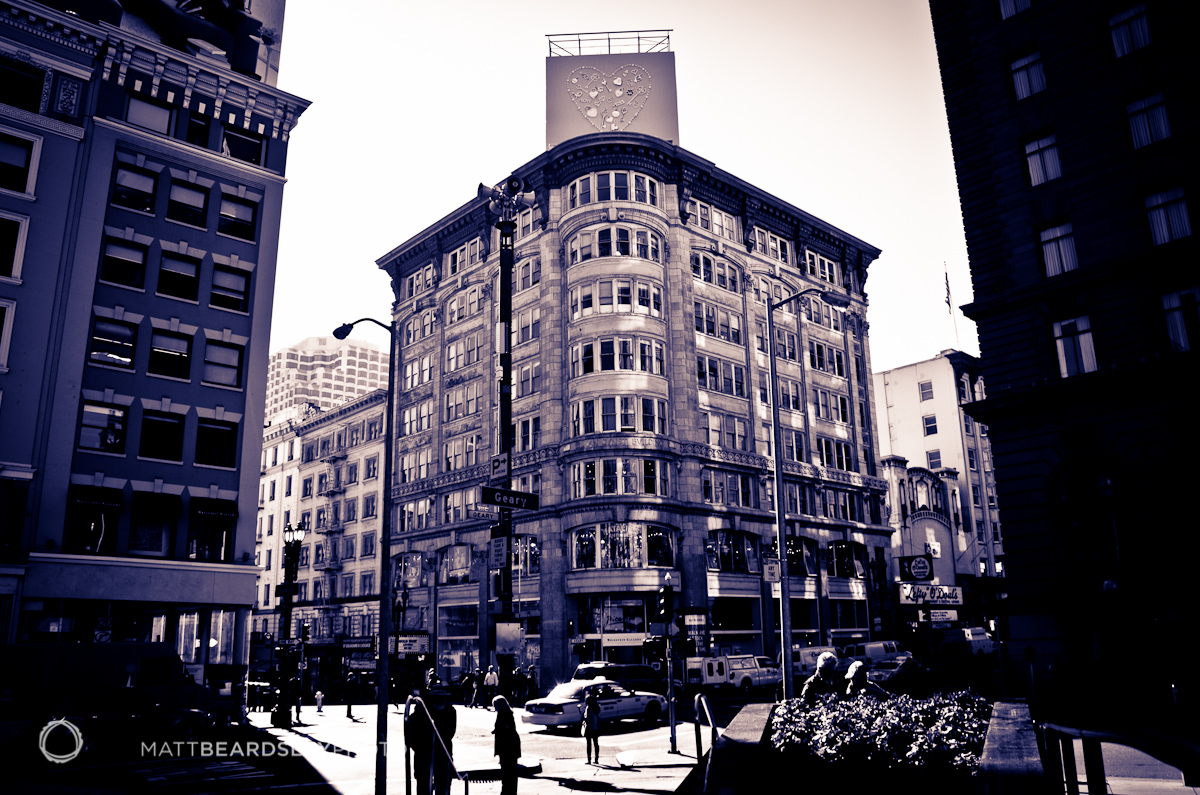
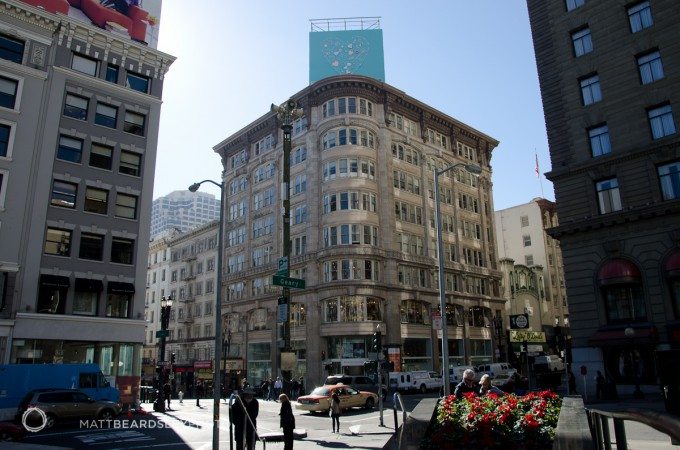
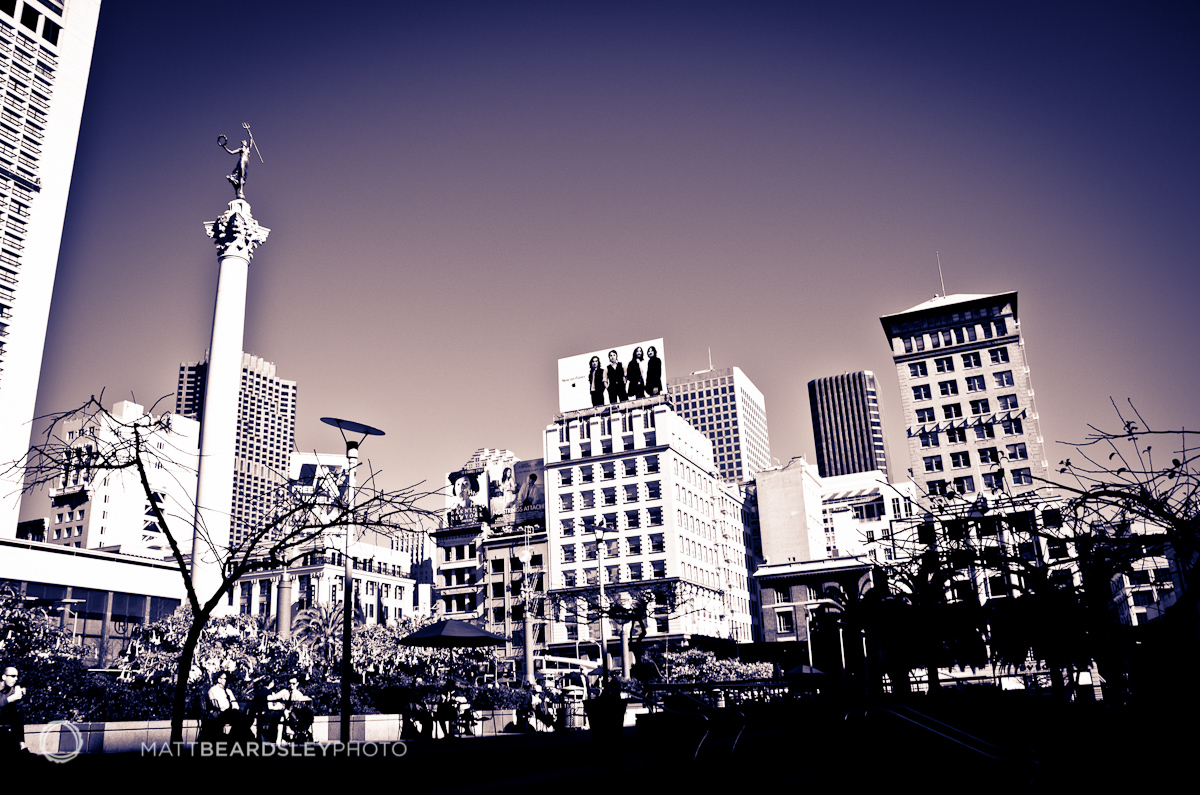
San Francisco’s Union Square is a place that mixes the modern and the classic. It’s interesting that simple filters applied to photos of the area can lend a distinct period feel, or, as above, something totally different.

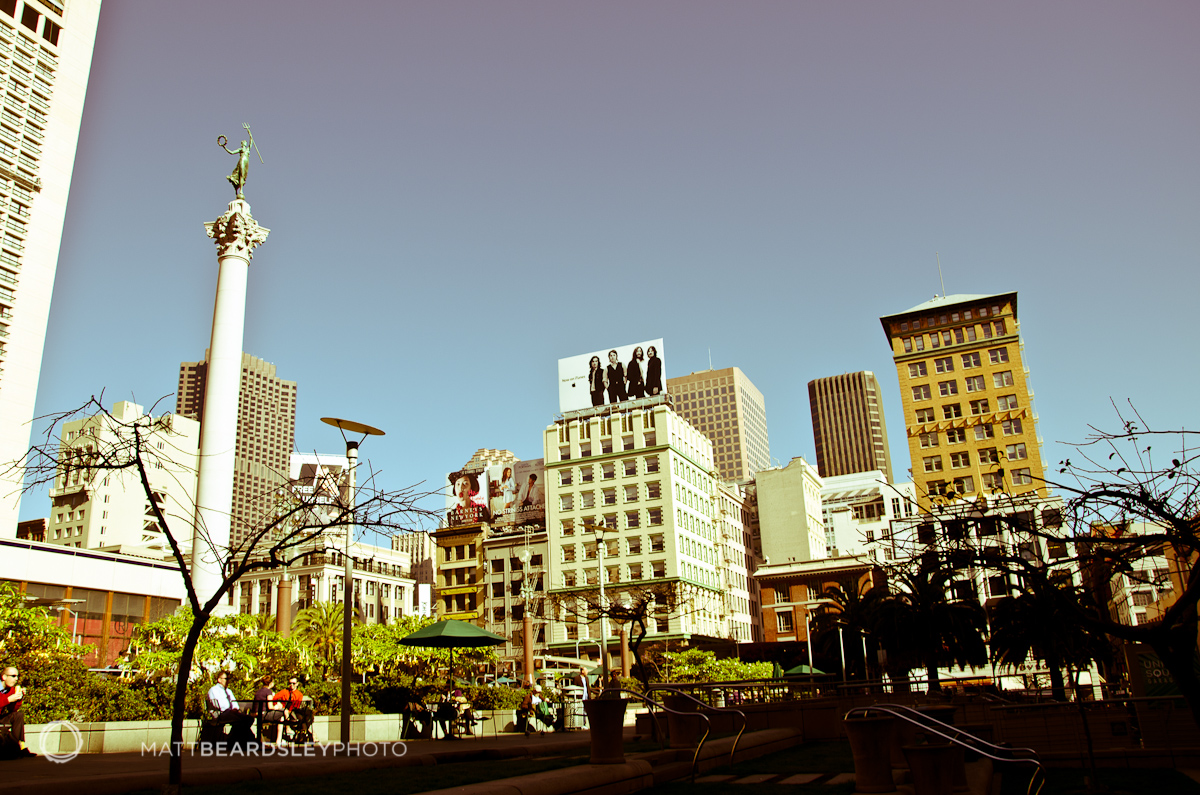
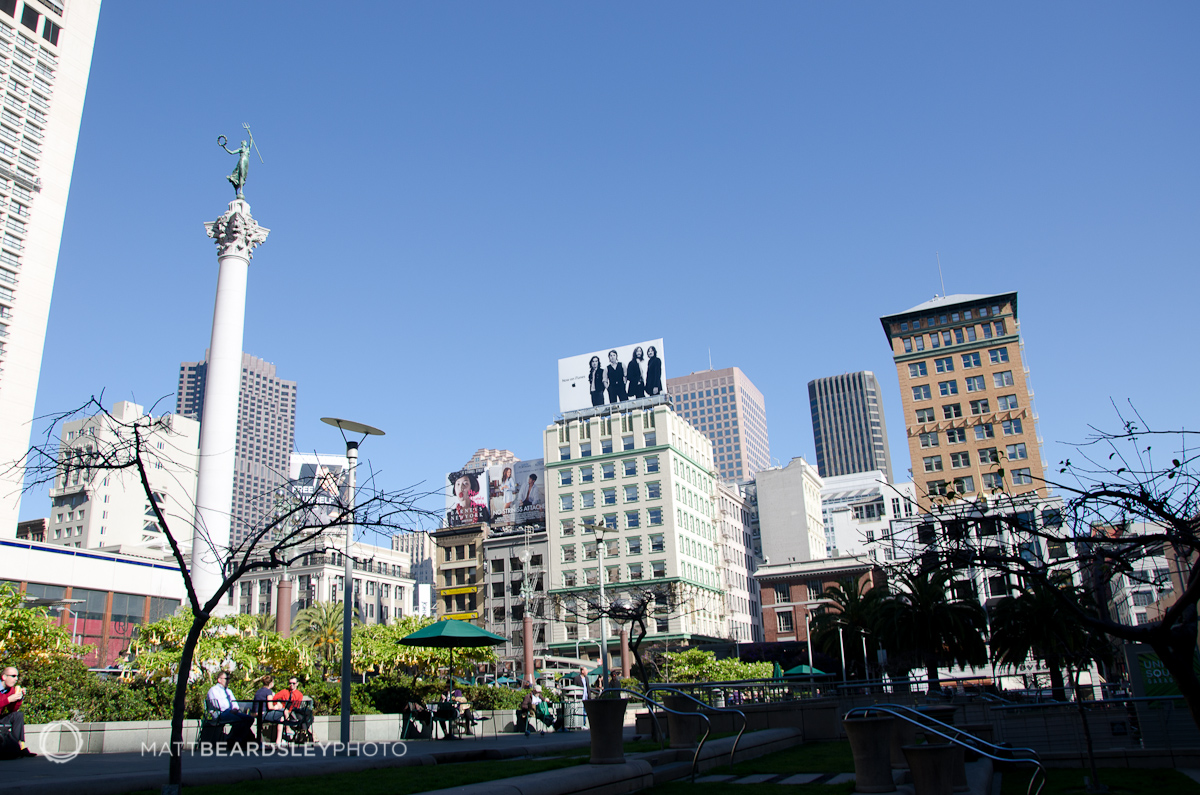
In our digital photography age, it’s fun to explore the options for processing and treatment looks available. Certainly programs like Lightroom can provide a significant tool to expand the creative options available to us. Lightroom is available from Adobe as a free 30-day trial or from B&H here.
Please Support The Phoblographer
We love to bring you guys the latest and greatest news and gear related stuff. However, we can’t keep doing that unless we have your continued support. If you would like to purchase any of the items mentioned, please do so by clicking our links first and then purchasing the items as we then get a small portion of the sale to help run the website.