

Last Updated on 07/30/2011 by Chris Gampat
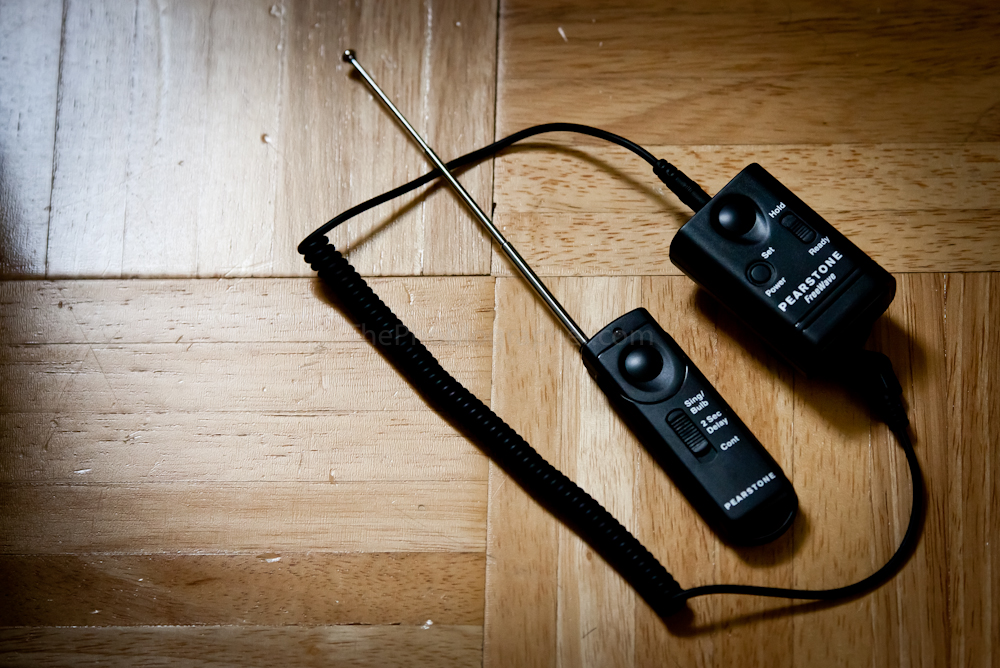
Wireless remote triggers are something that can be a major convenience to most photographers. Landscape shooters, wedding photographers in tricky situations, and portrait photographers going for a different angle may all want to make great use of these items. The Pearstone RW-C2 Freewaves are an affordable solution to most other brands and will appeal to all photographers looking for similar units. This review tests the units for Canon.
Tech Specs
– Allows you to shoot up to 320 feet away
– 16,000,000 possible frequency channels
– Dual-Function release button for pre-focusing the lens by pressing it halfway before the the actual exposure
– 2-second Delay Release
– Multiple Exposures
– Long Exposures
– Dual LEDs to confirm AF and the actual exposure
– The remote receiver can be used with other camera systems by simply changing the connector cord (optional, and sold separately).
– The remote can fire multiple units.
Ergonomics
Editor’s note: these photos were shot with my new My Touch Slide to test the camera feature some more. Yes I am aware of the flaws. But for the purpose, they work and it is the beginning of a later piece where I will be exploring a camera phone’s usage in the case of absolute necessity.
Transmitter

The top of the transmitter features a fire selection switch with the options of a single/bulb shooting mode, 2 second delay and continuous shooting. To select any of them, one needs to simply slide the main switch. Above the switch is a recessed area for your thumb or finger and the firing button placed in the middle of the area. Above this is the antenna that goes up and down like an old school radio.
The transmitter is designed in such a way that it is comfortable to use with either your left or right hand.
When the button is depressed, the light above is glows red or green. The light glows green when the button is half-way depressed to confirm autofocusing. When fully depressed it glows red.
Trigger
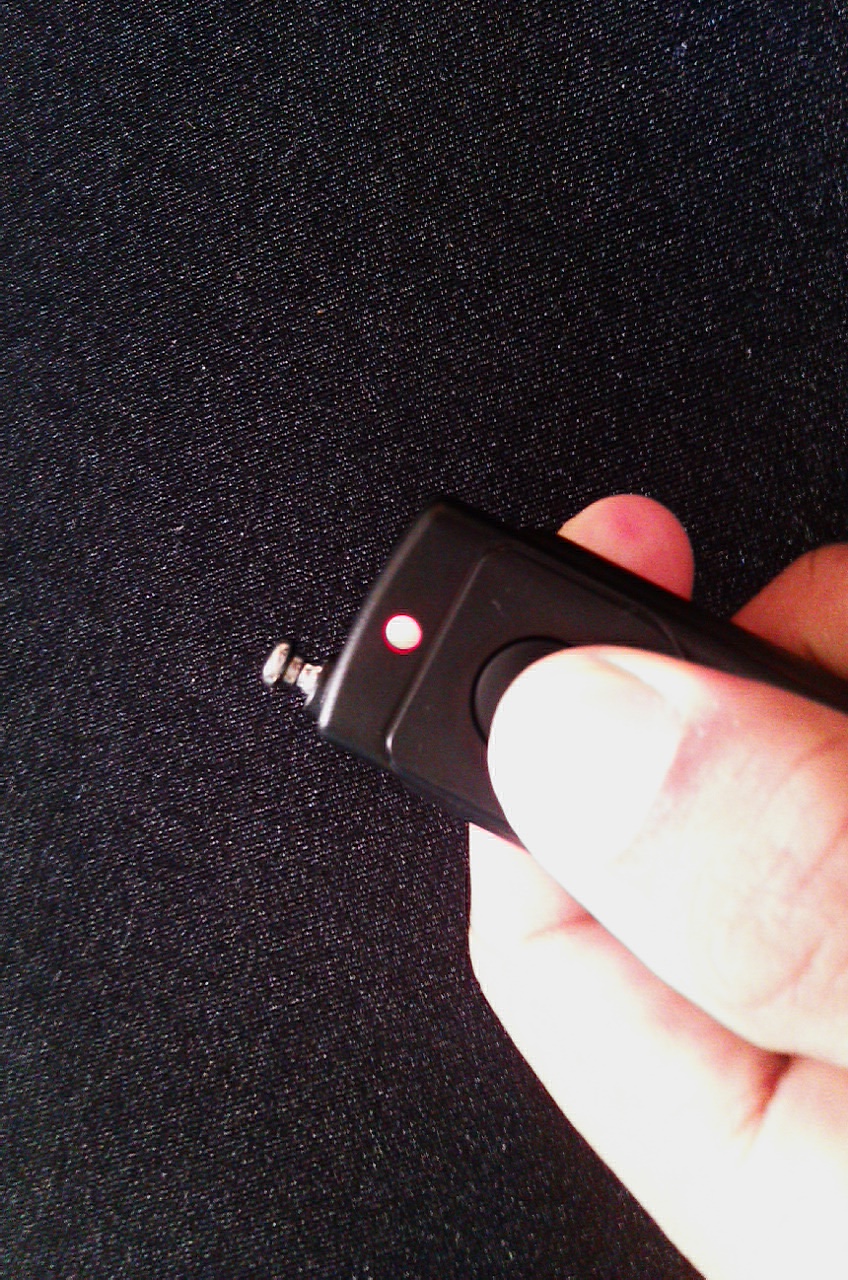
The trigger is a bit more complicated. There are two buttons on the front panel: power, set and hold/ready switch. To power on the unit, you’ll need to hold down the power button for a little while; more on this later on. The ready and hold switch allow the user to enable or disable firing of the camera. Lastly, the set button may be held down to set the frequency. When holding this button down with the trigger’s button, the two sync up.
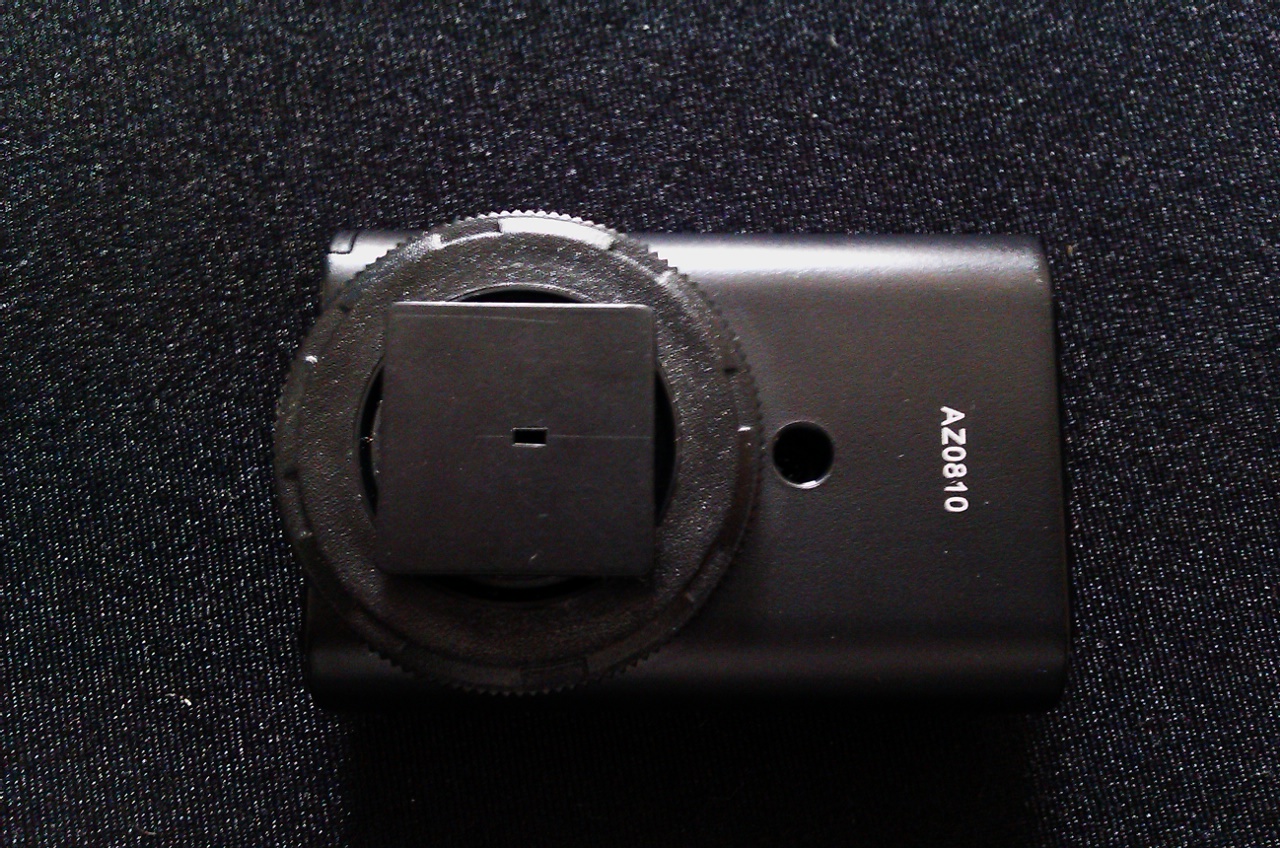
On the bottom of the the trigger is a cold foot for it to be placed into the camera’s hot shoe.
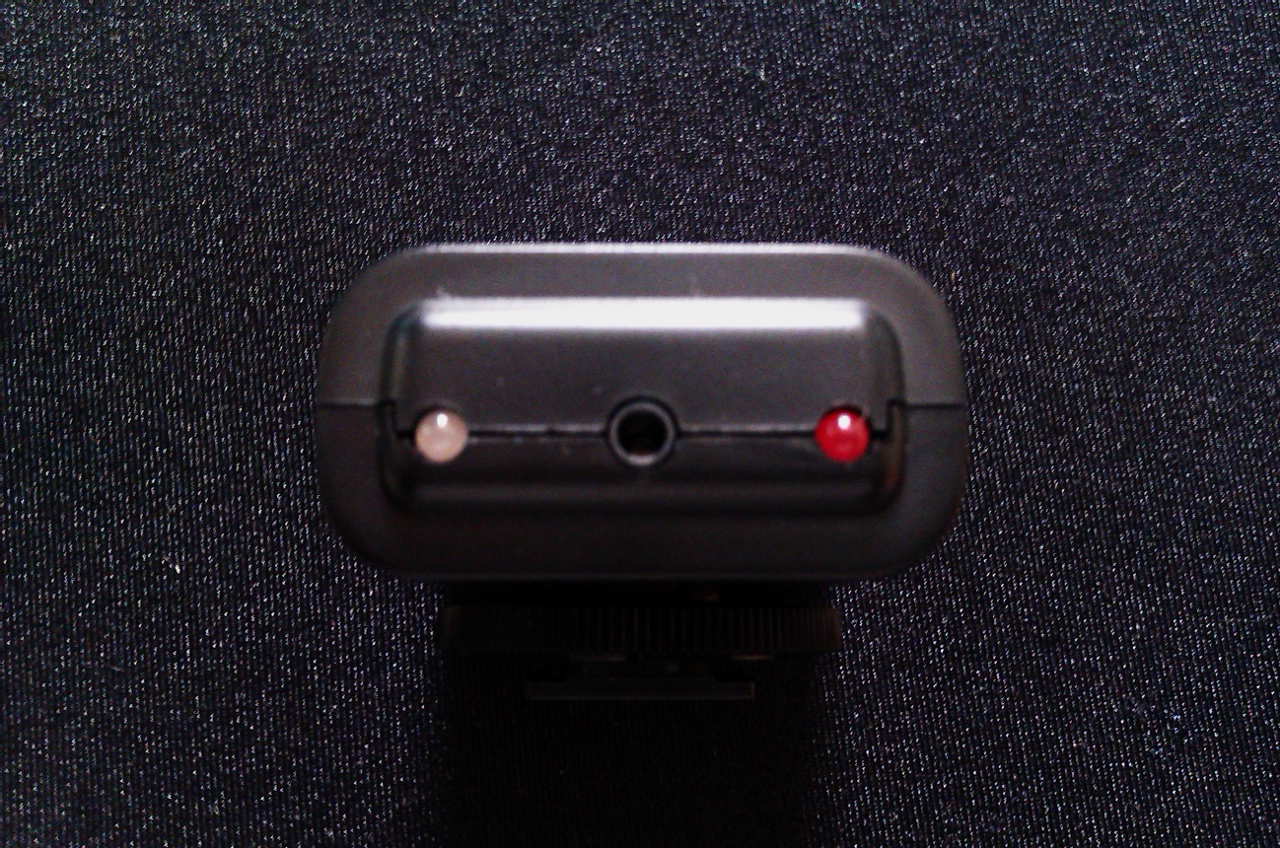
On the top of the unit is the slot of the short release cable that goes into the camera three-pin slot on the right.
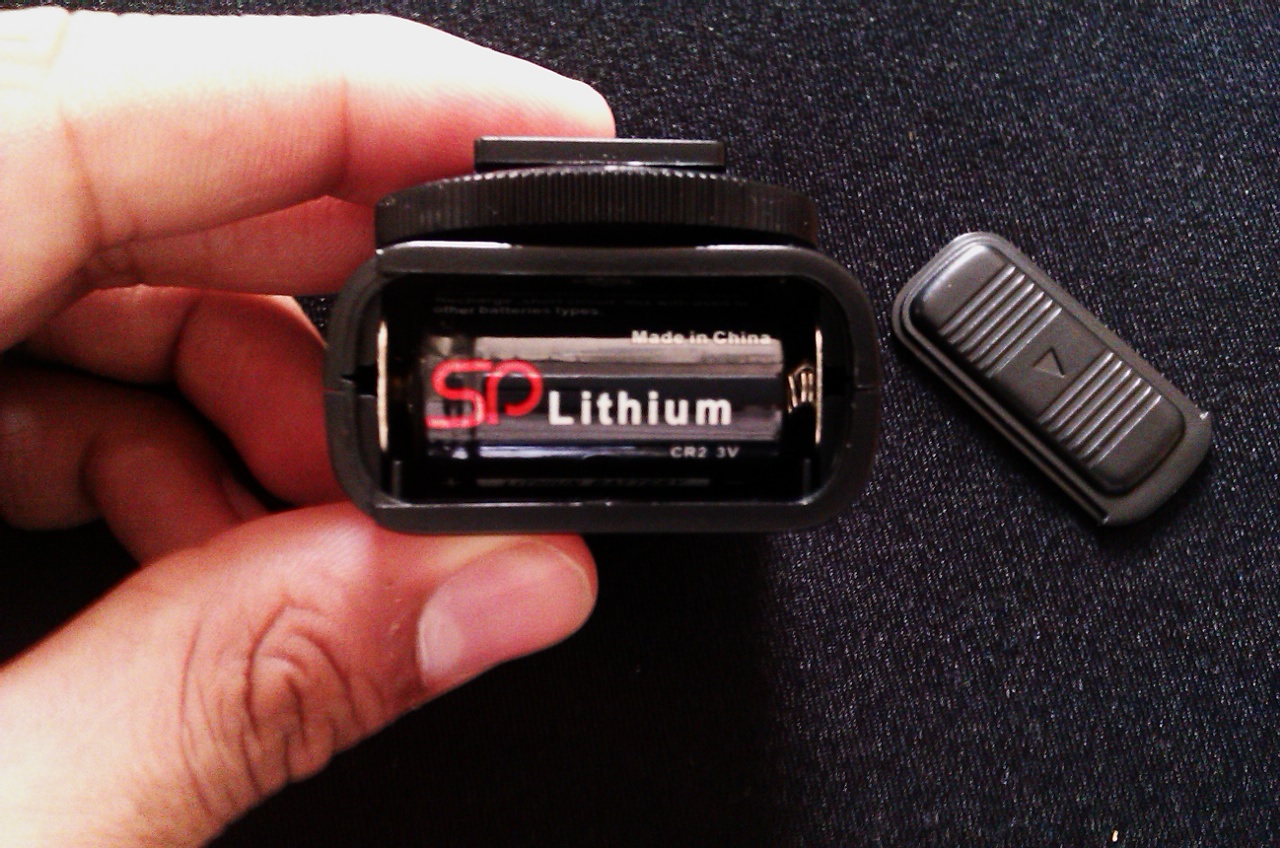
The rear features the battery component slot.
Build Quality
The units are very solid with not many moving parts and nothing shaking inside of them. They feel very tough, like they’d be able to endure being dropped from around four feet or so. There is no word on drop-testing though. They are made out of a hard plastic shell and when you give them a squeeze, they feel many times more solid than your standard cable remote control and even more solid than other camera remotes.
For what it is, the trigger actually seems a bit heavy. Overall though, it’s still a very light and small unit.
Both units together could easily fit into the smallest slot of your camera bag. Because of this, it is ideal for photographers on a budget, wedding photographers, studio photographers, beginners that may perhaps drop them, etc.
The only thing that I may be afraid of is the antenna on the transmitter breaking at one point or another, but it collapses down into the transmitter for protection anyway.
Reliability
In my testings, I only encountered one issue: which was the units not syncing up at one point. After giving them a little bit of extra time, they were fine and started to work again without a problem.
In Use

I’ve tested the units on my Canon 5D Mk II in the office and around my house. The claim of 320 feet as the range: it’s quite probably true. I have a four floor house: basement, main, second, and attic. I placed my camera in my attic an went all the way down to the basement of my house, hit the trigger and it fired. This proves the claim of not needing to be directly in the line of sight.
There also seemed to be no lag at all. When shooting, I tested the transmitter at various ranges and as soon as I depressed the button the camera’s shutter went off. If you’re wondering how I was able to tell, I’ve grown accustomed to the shutter sound of my 5D Mk II and have been able to point it out if needed. Additionally, the pictures and timestamps in the EXIF data all matched up.
Something that I’d really use the Pearstones on are self-portrait sessions. The great thing about them is that the receiver can go into the camera’s hot shoe, but it doesn’t need to. If needed, I can stick Pocket Wizards or something else on there to trigger ring flashes or strobes wirelessly. If I’m using the 7D, then all this will be irrelevant because of the wireless flash control abilities. When shooting with the time delay, you’ll actually see the receiver blinking for the countdown until it makes the camera snap the photo.
I must say, being able to control the camera through a wireless remote is much more convenient than hitting the shutter button and running to the location while trying to set yourself back up into the exact position again. If you’re in your bedroom and have the camera’s Live View mode enabled, it can help you in composition if the back of the camera is to a mirror of some sort.
Overall, if you’re in the market for wireless shutter releases, the new Pearstones are the AK-47 of the bunch: cheap, reliable, powerful and accomplishing what it needs to. It’s got quite a range to them to boot.
Please Support The Phoblographer
We love to bring you guys the latest and greatest news and gear related stuff. However, we can’t keep doing that unless we have your continued support. If you would like to purchase any of the items mentioned, please do so by clicking our links first and then purchasing the items as we then get a small portion of the sale to help run the website.