


After some exploring and digging around on the CD provided with the Sony NEX 5, installation on my Macbook was finally successful. At the time of writing this posting, the camera still does not work with Lightroom 3. Editor’s note: it works in 3.2. Once again, this posting was written before 3.2 and is being kept this way to show what I went through to try to edit the photos. Because of this, I am able to show off loads of photos taken and provide commentary on top of talking about the workflow.
Workflow
If you’re going to purchase the NEX 5, be prepared for a bit of an interesting and longer workflow until Adobe updates the Camera RAW plug-in. First off, load the images onto your computer into a folder. Afterward, open up Image Data Lightbox SR, one of the programs offered with the Sony software. If you’re happy with the way the images came out, highlight all the images by clicking and dragging (shift + A and control/command + A don’t work) the mouse cursor around all of them. Then click the output button and set the according folder that you’d like to output the images to.
Now that the images are output, you can choose to either import them into Adobe Photoshop Lightroom 3
Images
Warning: A lot of these are very casual snapshots. Massive image dump is commencing…now.
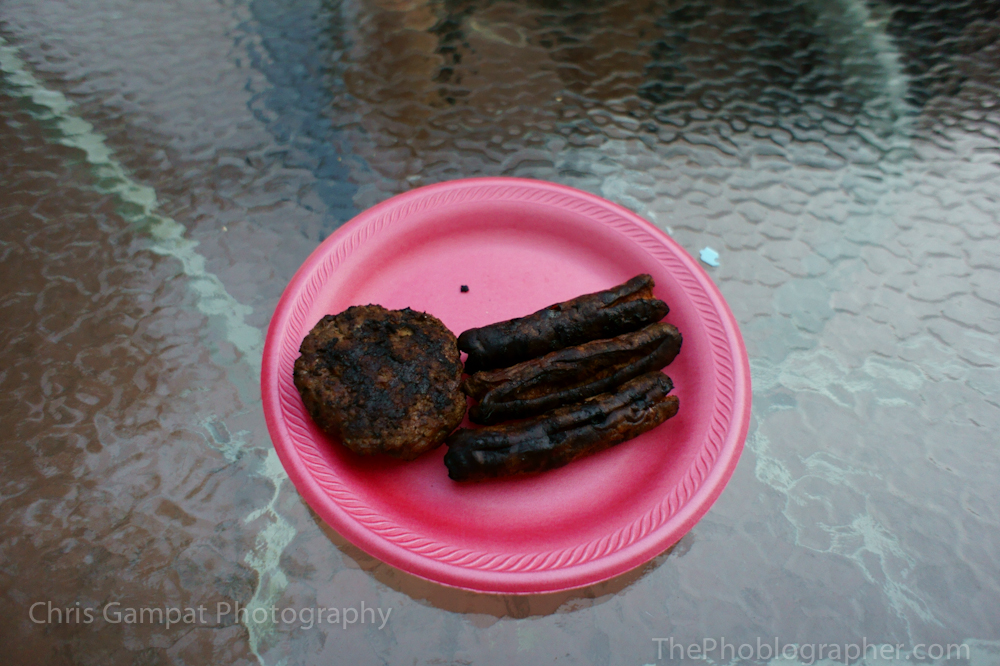
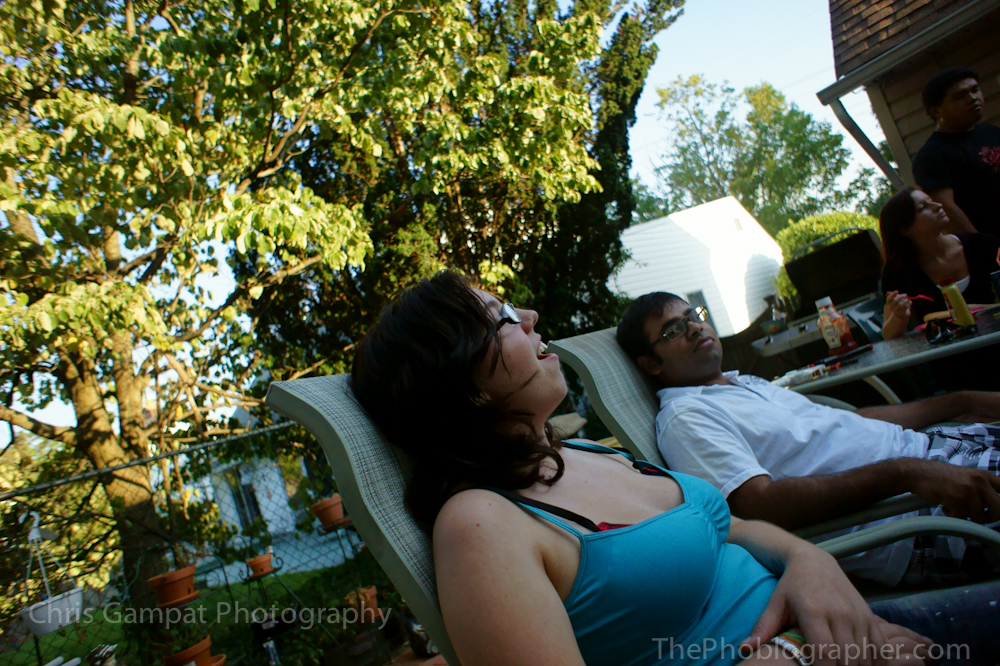
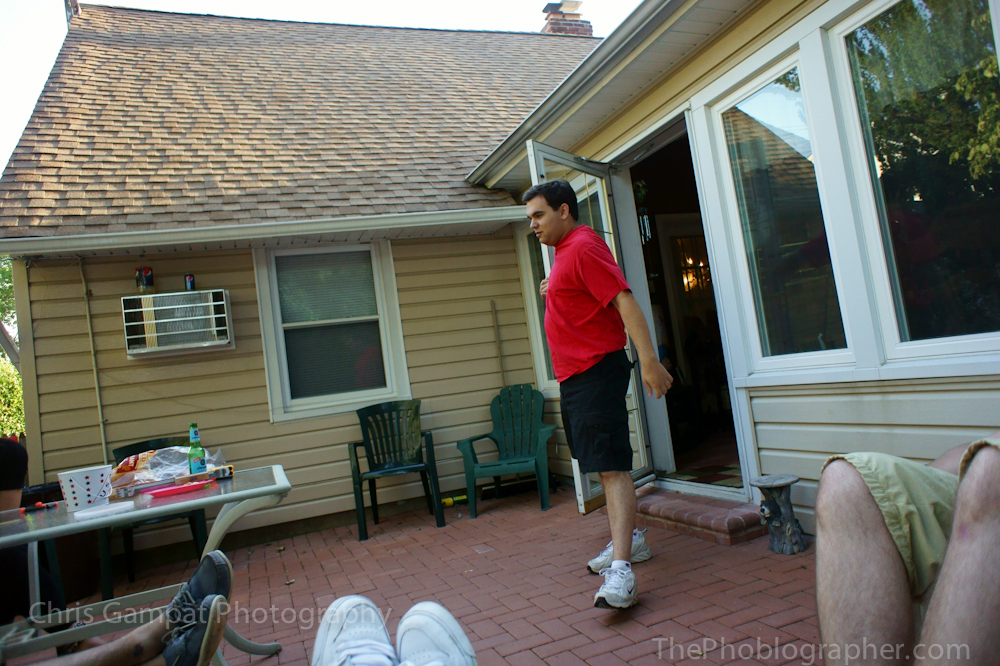
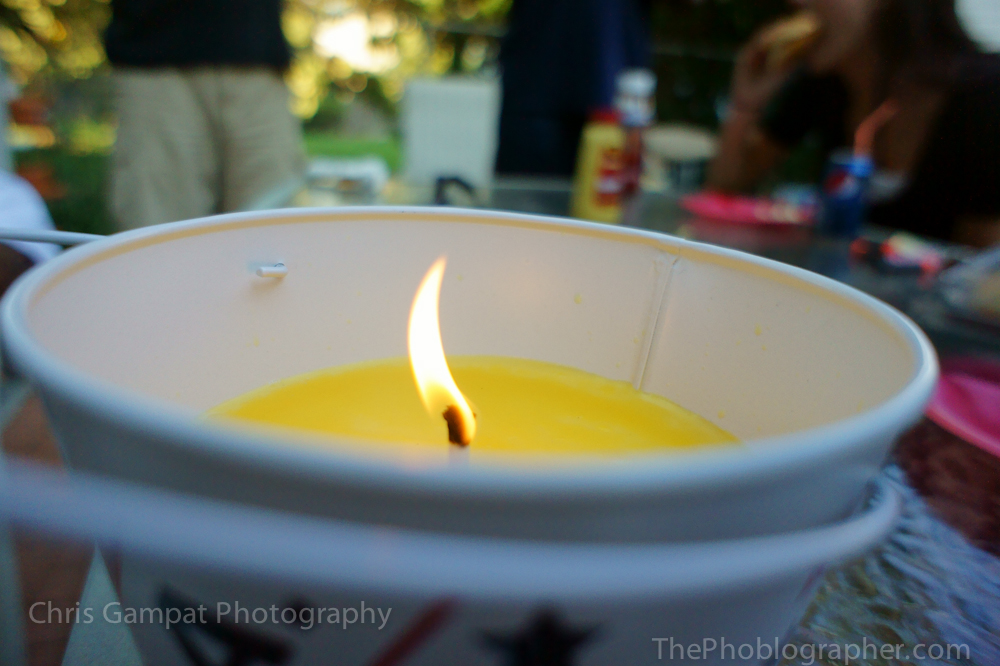
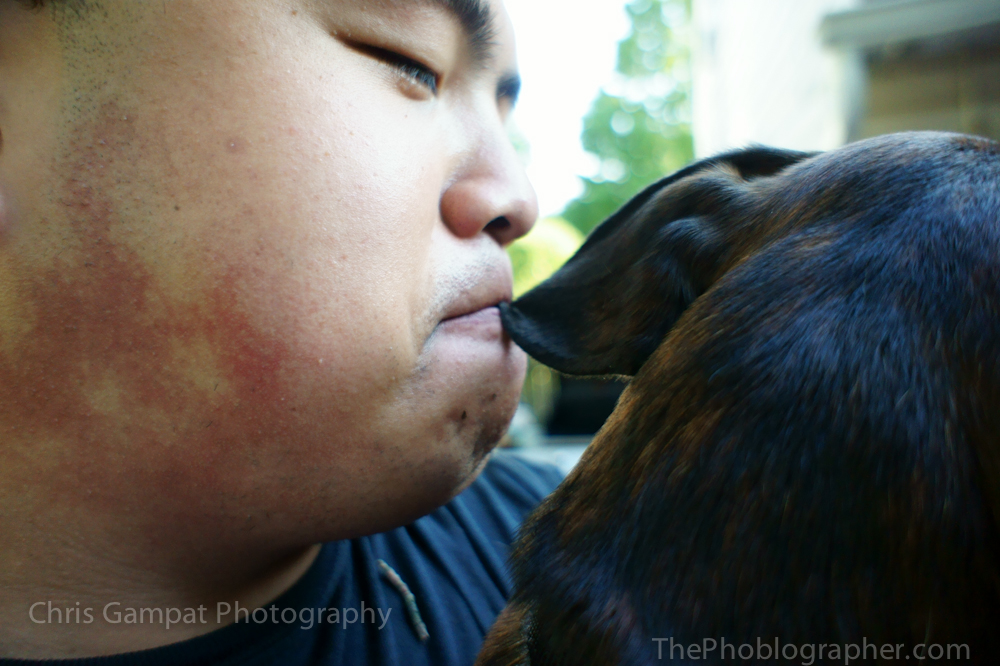
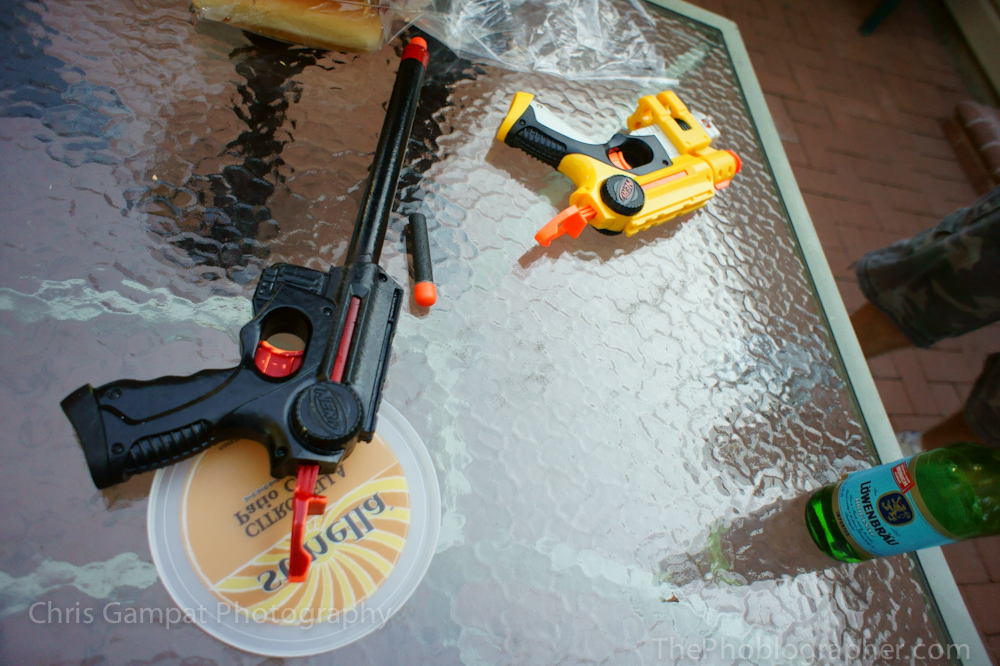
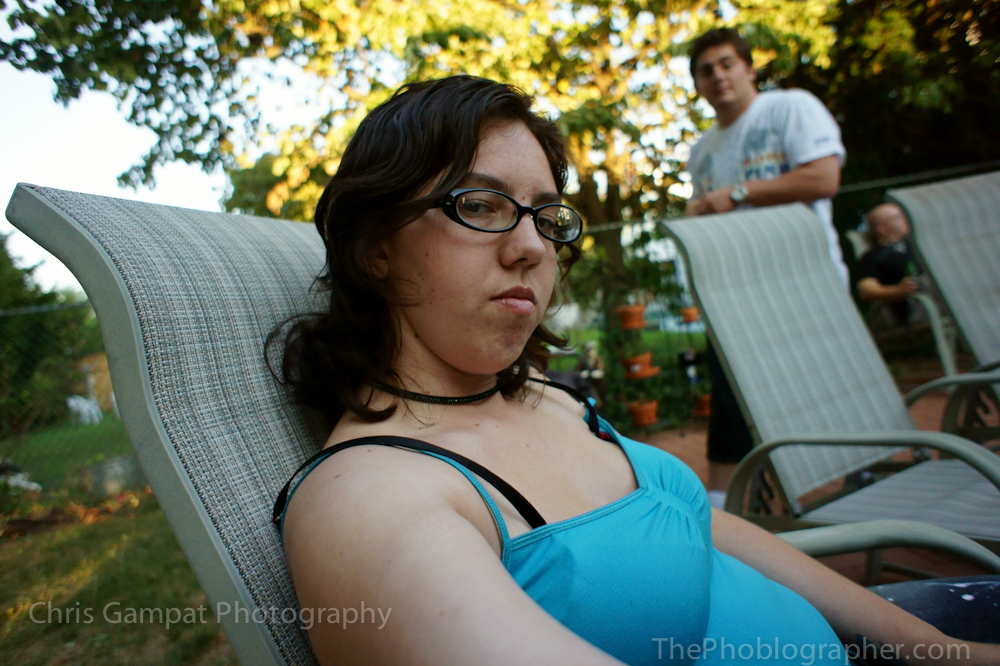
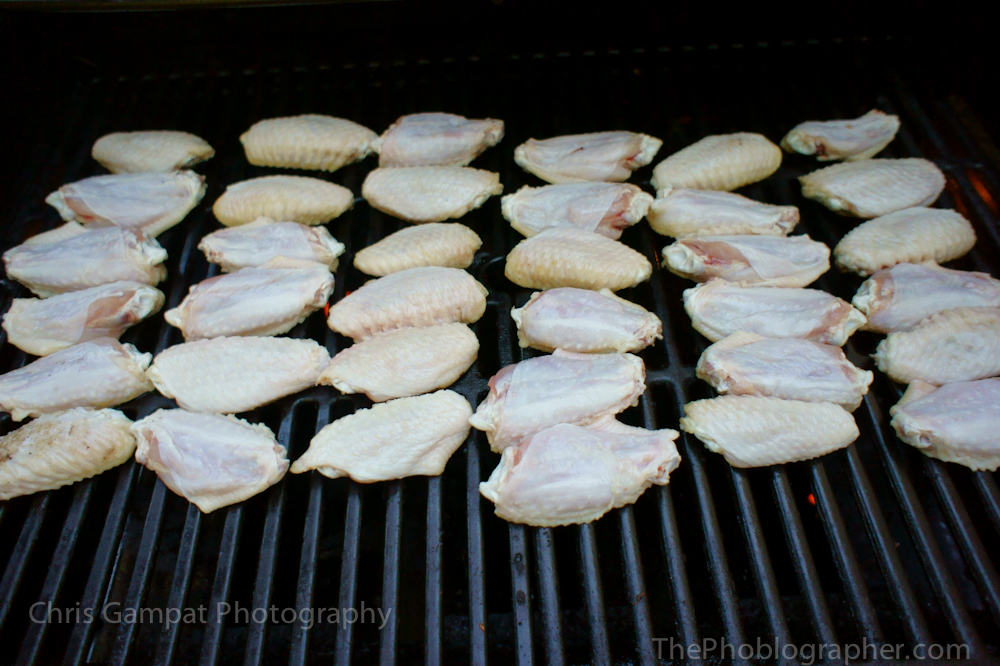
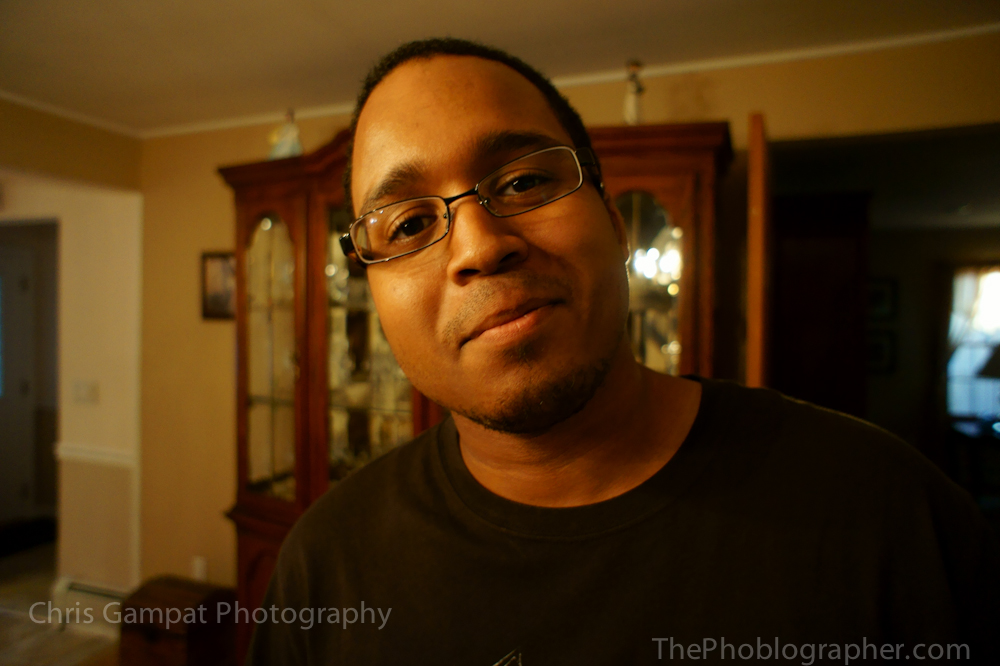

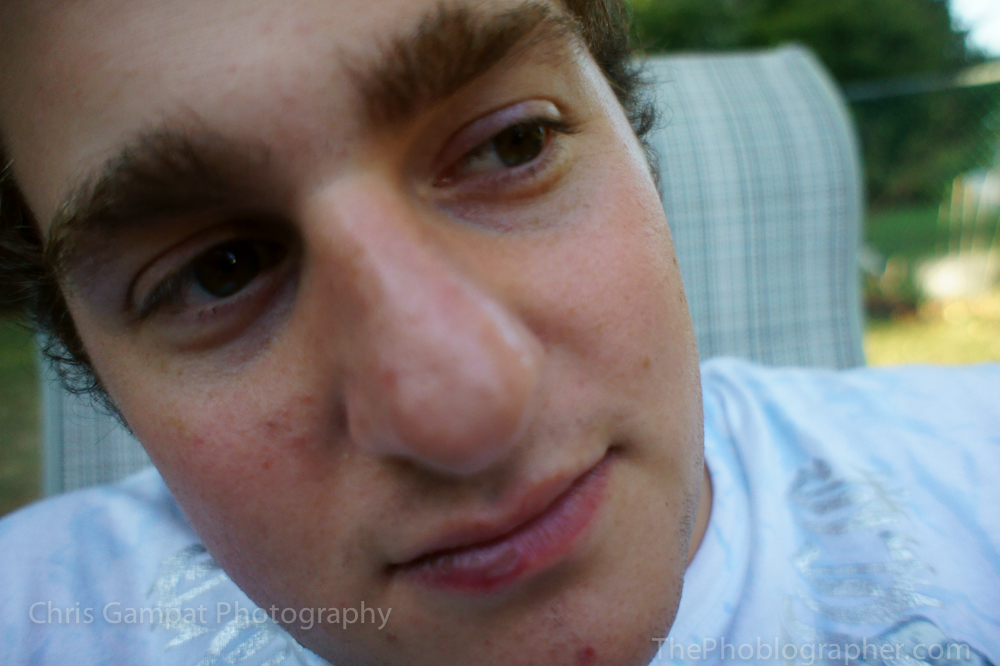

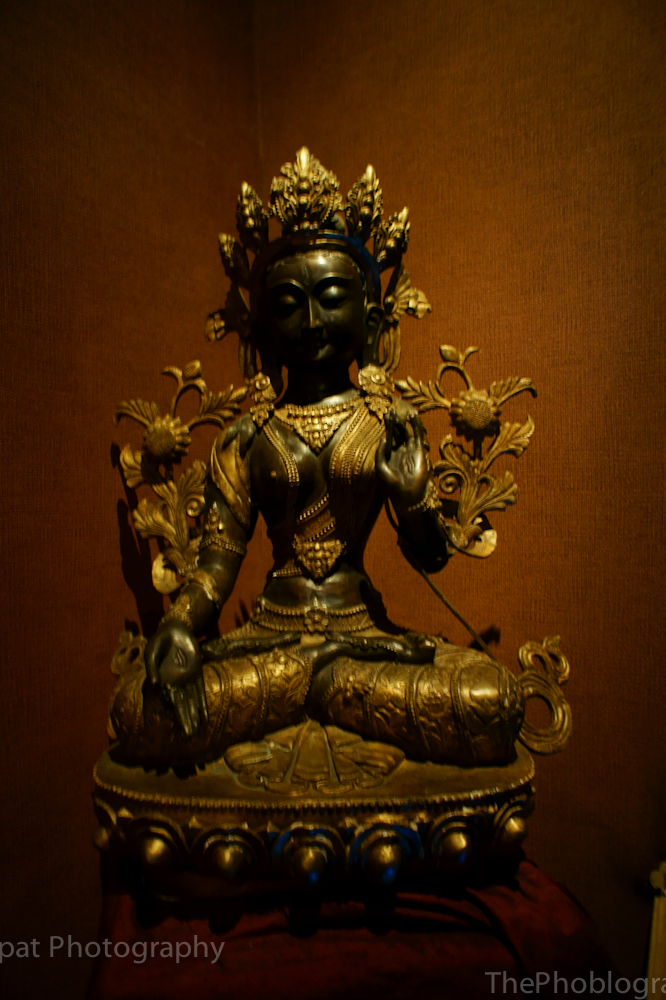


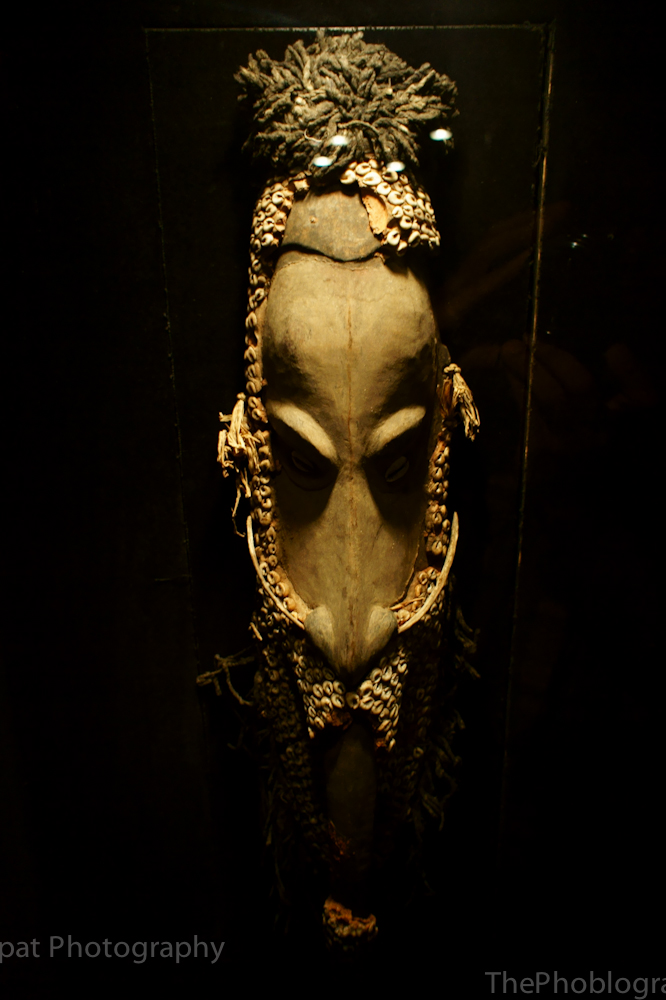
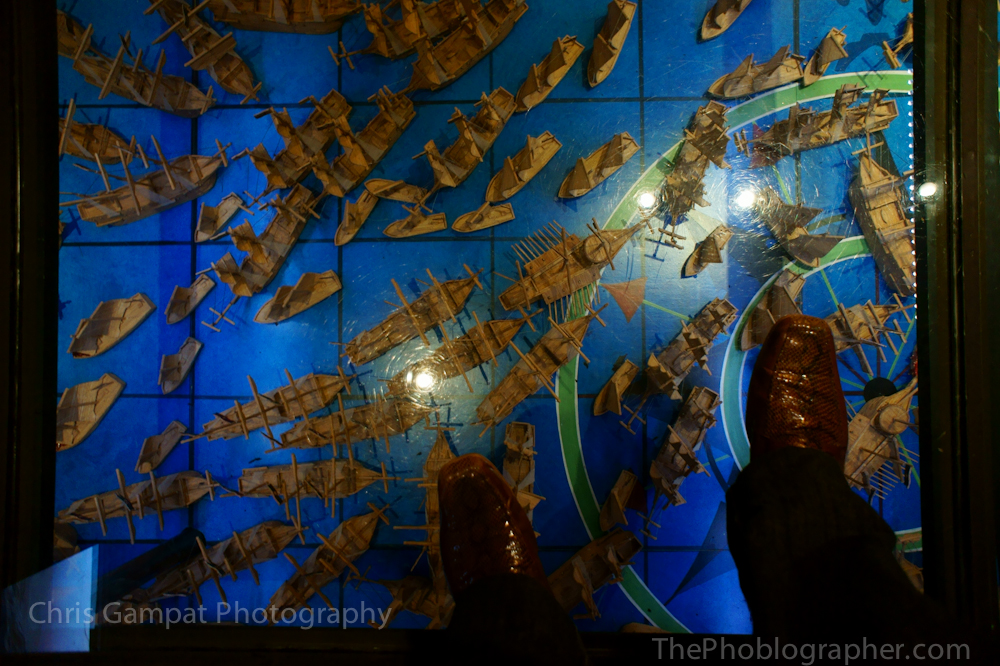

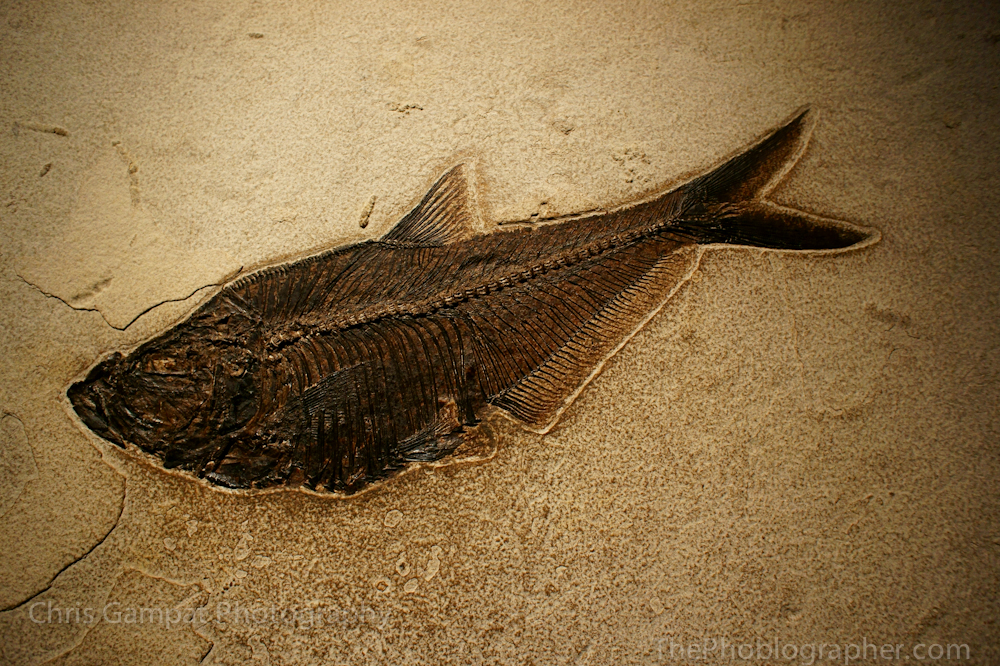
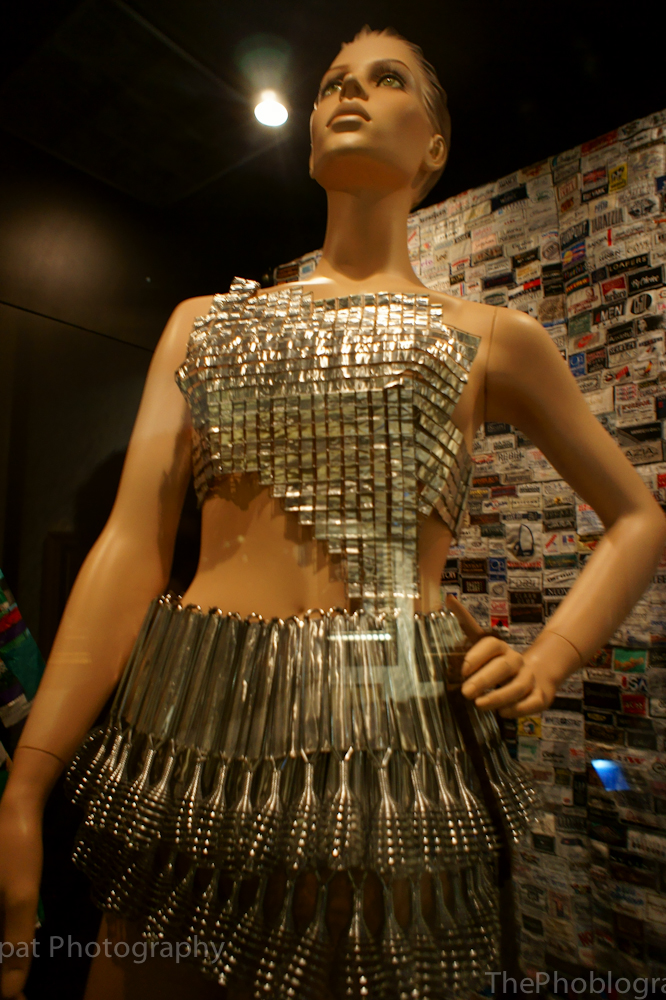
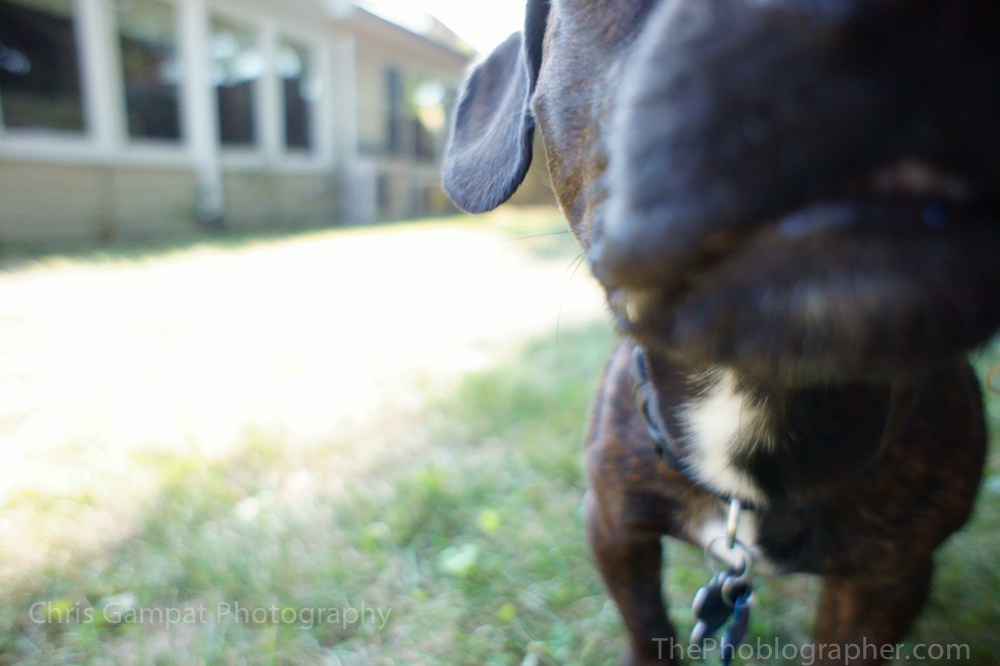
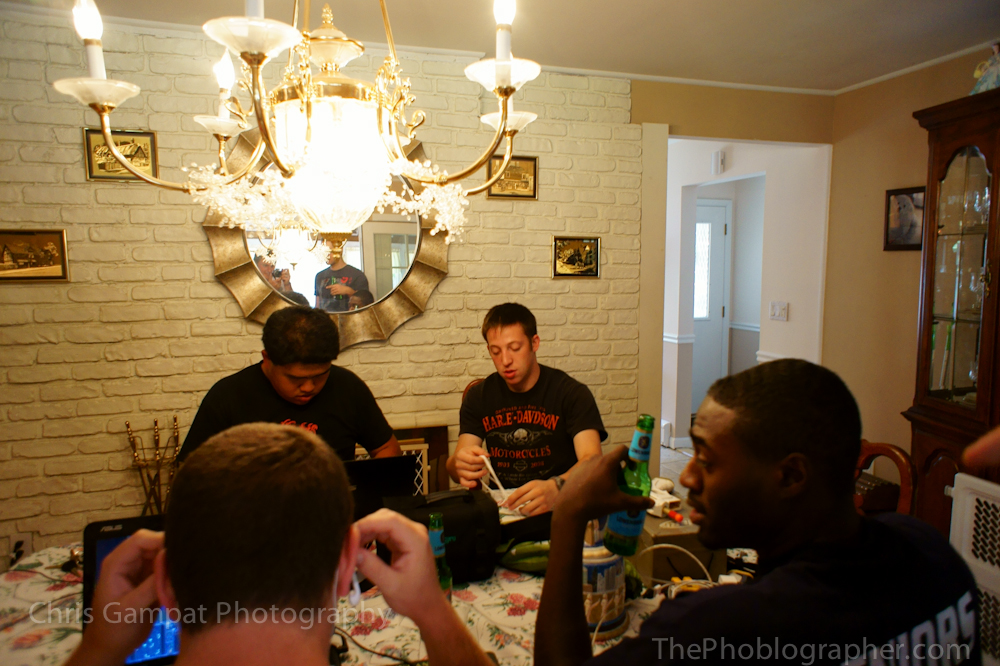
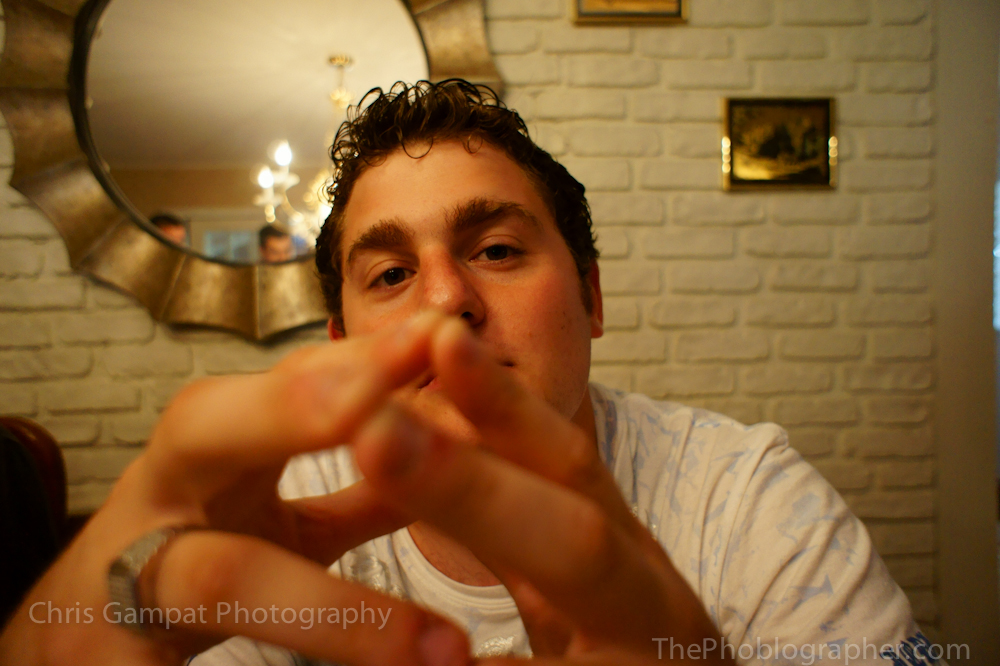

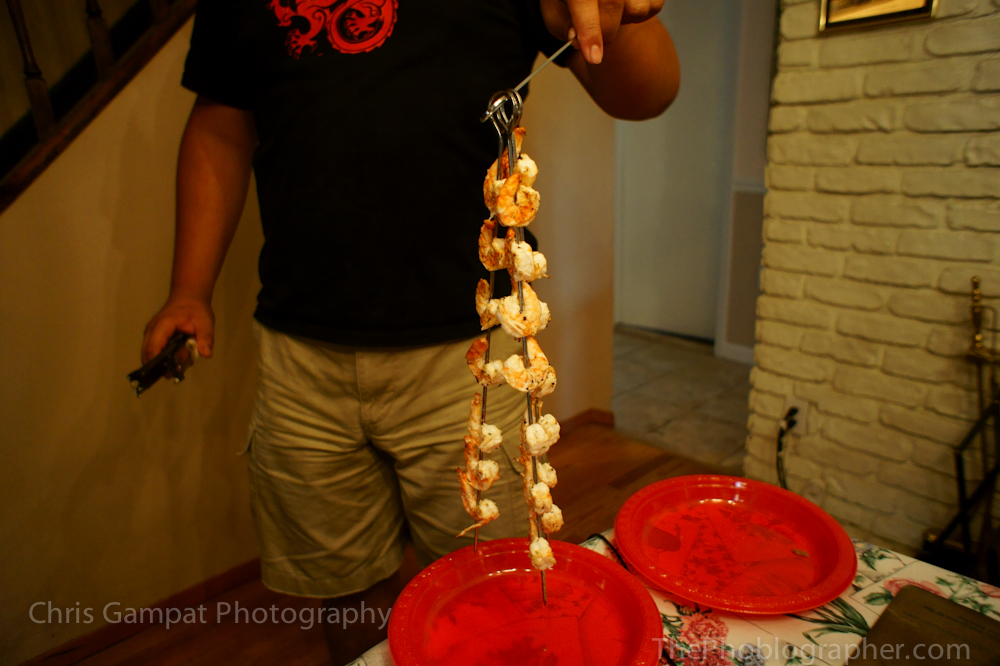
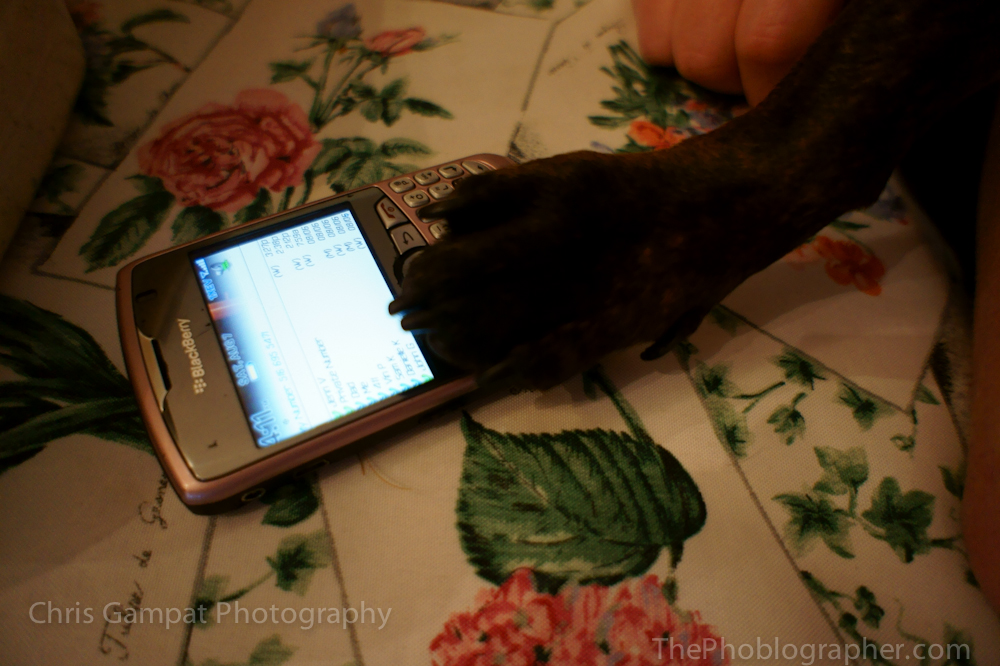

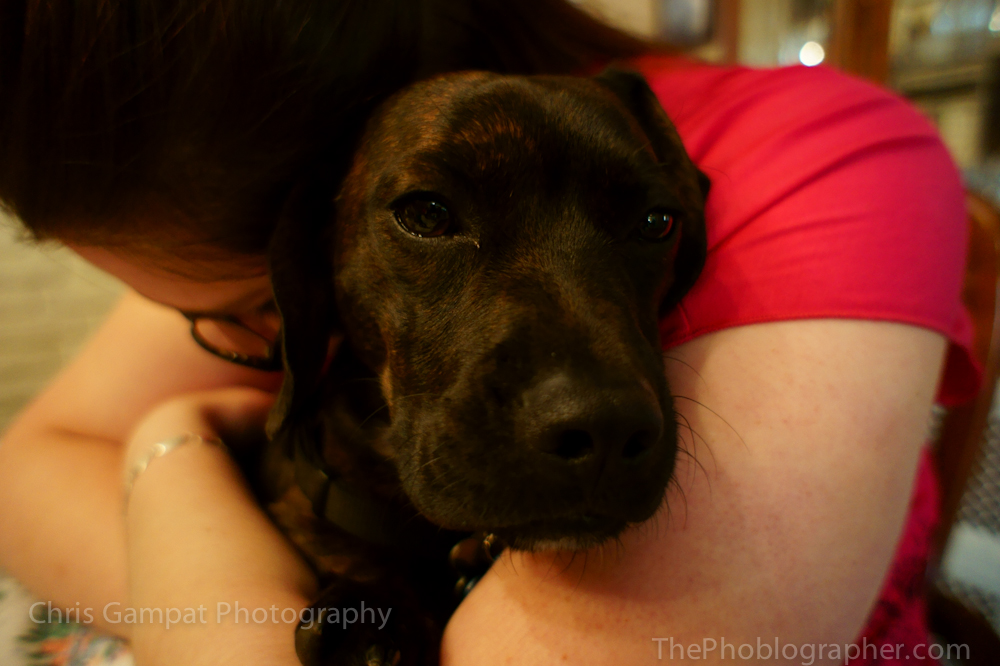
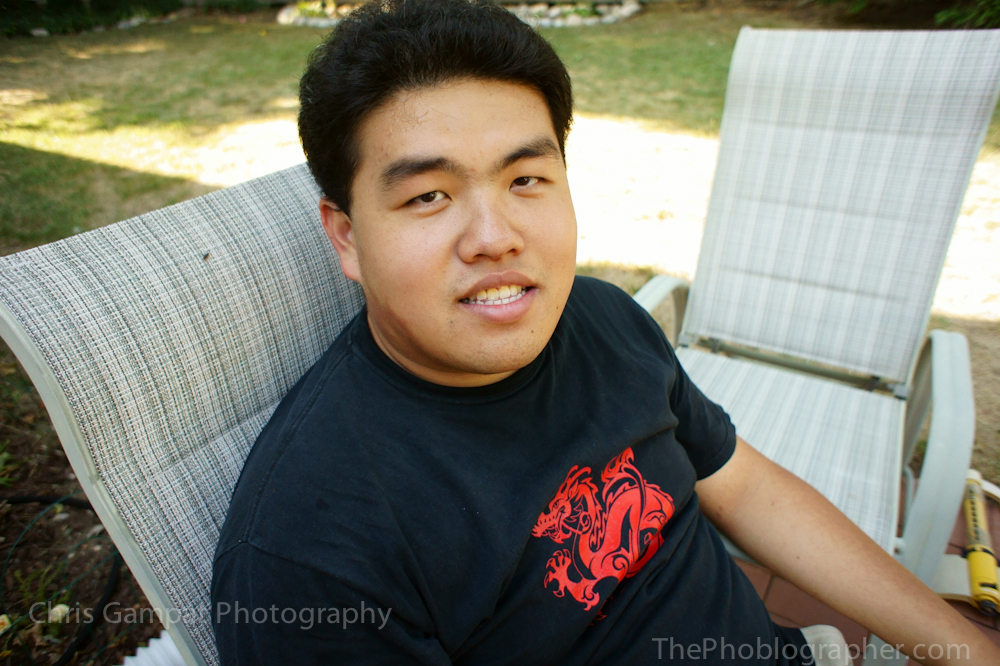
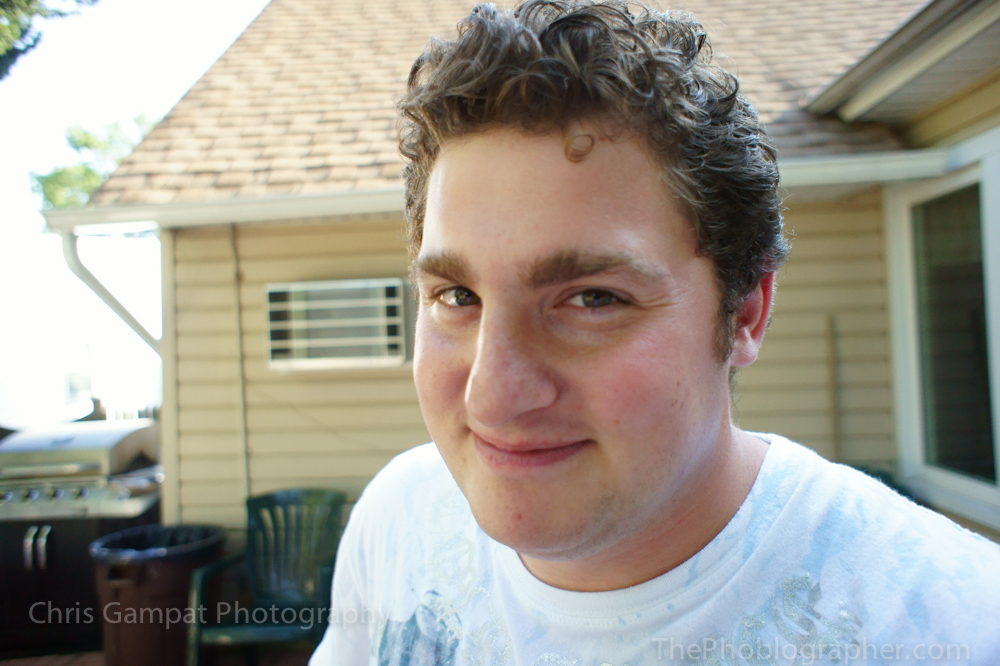

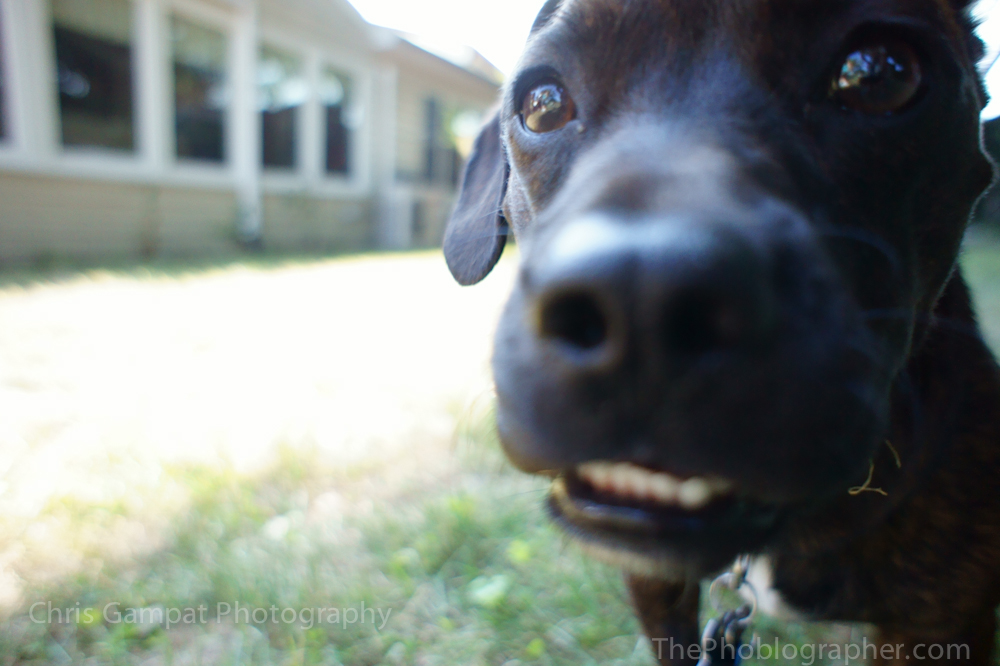

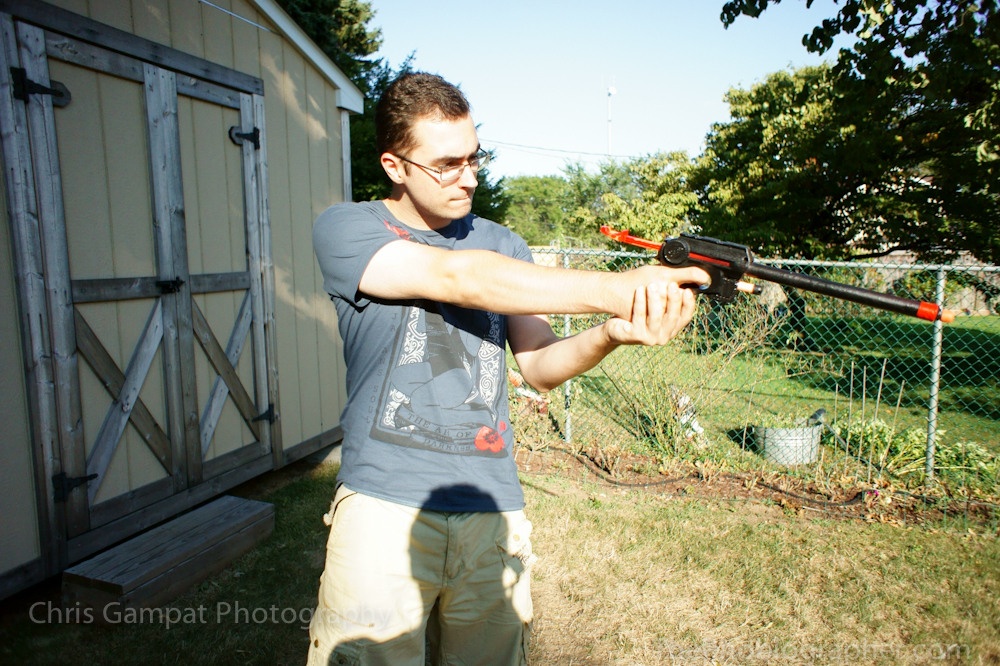
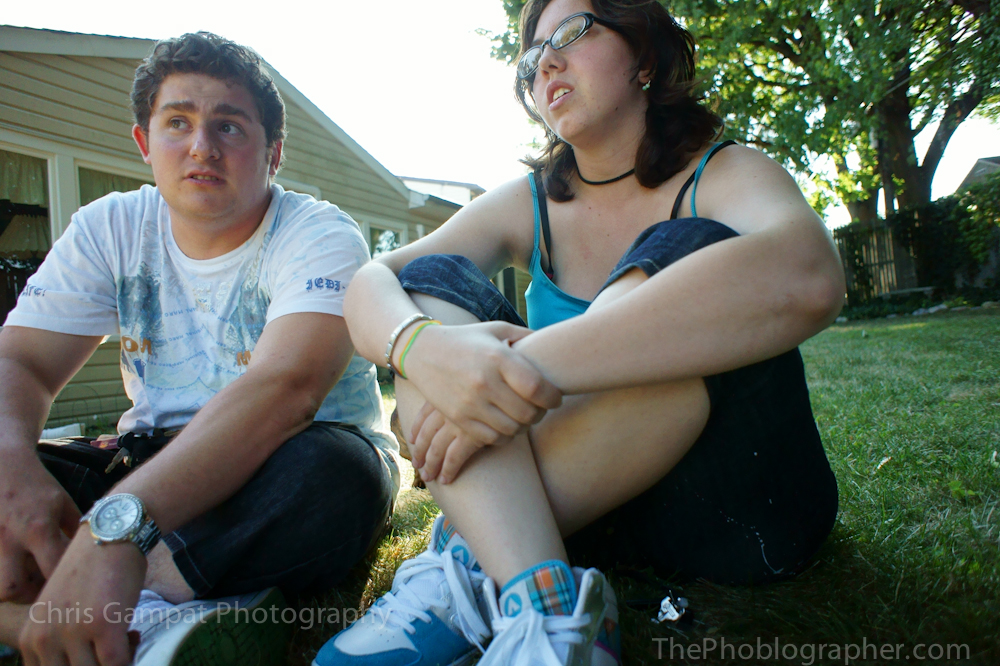
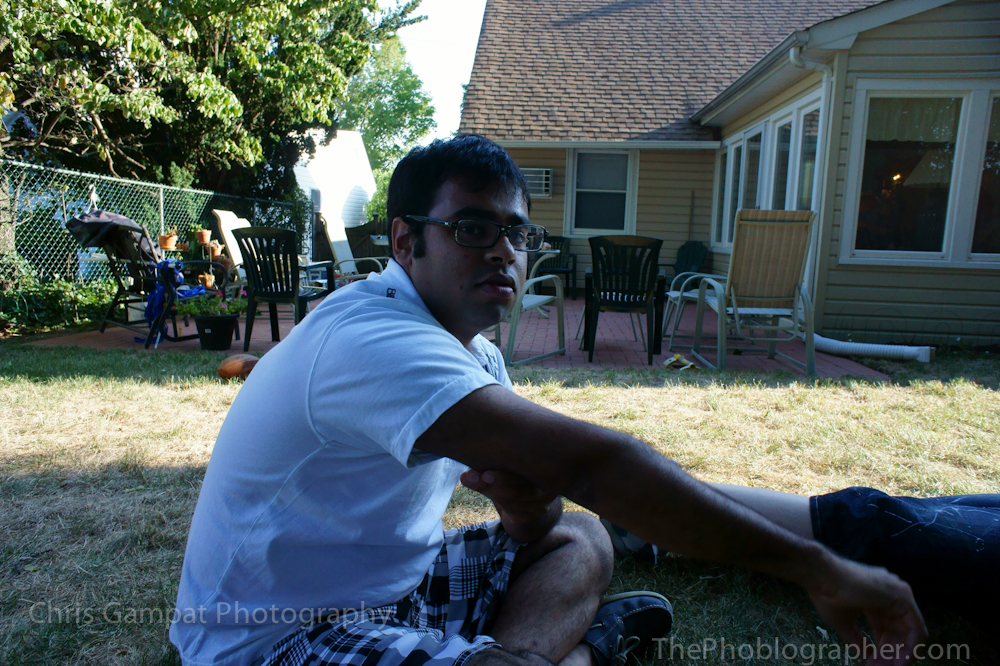
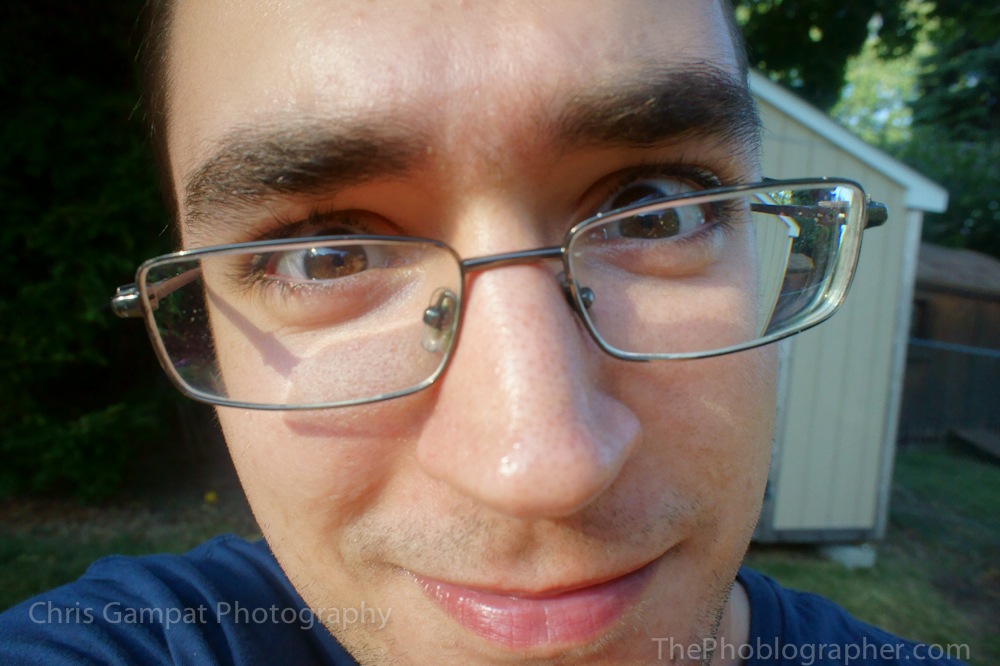
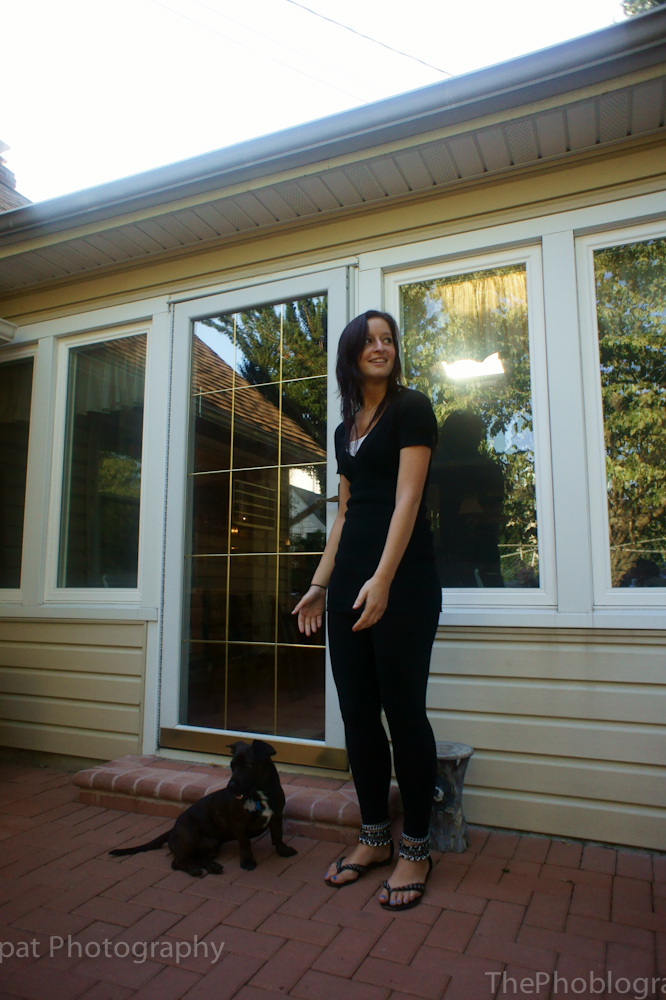

Sony has changed their image processing algorithms since last year. I say this because at last year’s Photo Plus, I did a hands-on posting with the Sony Alpha A850


Outside, the coloring was a lot more accurate although somewhat muted despite being in the Vivid color mode. The blues and reds are really quite lovely and accurate though and the dynamic range of them is better than I expected. The output results will be more than adequate for the intended target audience. To be fair, these results were all at lower ISOs—800 and below to be exact. As the NEX system is not meant to be a professional system, nothing that a professional would perhaps shoot was tested so far.
The 16mm F2.8 lens does deliver some beautiful and gorgeous detail though. It needs to be tested to see where it reaches its optimum sharpness.
More color testing and high ISO testing will be done.
Please Support the Phoblographer
We love to bring you guys the latest and greatest news and gear related stuff. However, we can’t keep doing that unless we have your continued support. If you would like to purchase any of the items mentioned, please do so by clicking our links first and then purchasing the items as we then get a small portion of the sale to help run the website.